2extract
Create and manage residential and mobile proxies from your AI agent: geo targeting down to city, ZIP or carrier, traffic and spend limits, usage and cost reports
Hosted MCP Server
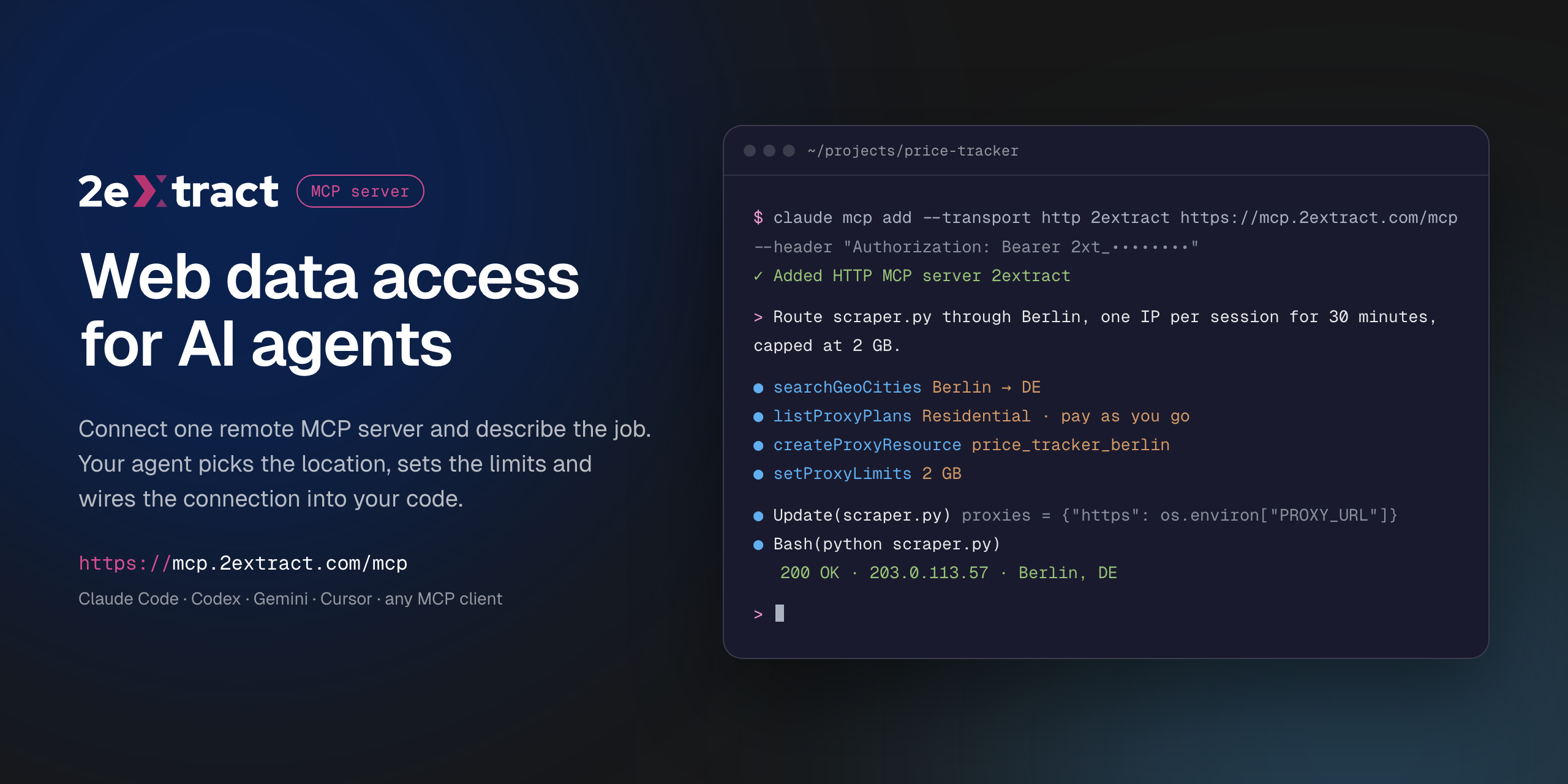
npx add-mcp 'https://mcp.2extract.com/mcp'Installs into Claude Code, Codex, Cursor and more
Documentation
2extract MCP Server



VS Code asks for the API key on install and does not store it in the config. Cursor installs with a placeholder: replace 2xt_your_api_key in mcp.json with your key.
Remote Model Context Protocol server for 2extract. It lets an AI agent create and manage residential and mobile proxies, pick geo targeting down to city, ZIP or carrier, set traffic and spend limits, and report on usage and cost.
This is a hosted server. There is nothing to install or run locally: your MCP client connects to the URL below with your 2extract API key.
| Endpoint | https://mcp.2extract.com/mcp |
| Transport | Streamable HTTP |
| Auth | Authorization: Bearer 2xt_... (2extract API key) |
Get an API key
- Sign up or log in to 2extract.
- Open API keys and create a key.
- Grant the scopes the agent needs:
proxies:read,proxies:write,balance:read,stats:read,geo:read. Write scopes do not include read access, so most workflows need bothproxies:readandproxies:write.
A read-only key (no proxies:write) is enough for reporting and lookups.
Connect
Claude Code
claude mcp add --transport http 2extract https://mcp.2extract.com/mcp \
  --header "Authorization: Bearer 2xt_your_api_key"
Codex CLI
The key is read from the EXTRACT_API_KEY environment variable; Codex adds Bearer itself:
export EXTRACT_API_KEY=2xt_your_api_key
codex mcp add 2extract --url https://mcp.2extract.com/mcp --bearer-token-env-var EXTRACT_API_KEY
Or edit ~/.codex/config.toml (or .codex/config.toml in a trusted project):
[mcp_servers.2extract]
url = "https://mcp.2extract.com/mcp"
bearer_token_env_var = "EXTRACT_API_KEY"
Gemini CLI
gemini mcp add -s user --transport http \
  --header "Authorization: Bearer 2xt_your_api_key" \
  2extract https://mcp.2extract.com/mcp
Or edit ~/.gemini/settings.json (or .gemini/settings.json in a project):
{
  "mcpServers": {
    "2extract": {
      "httpUrl": "https://mcp.2extract.com/mcp",
      "headers": { "Authorization": "Bearer 2xt_your_api_key" }
    }
  }
}
OpenCode
opencode.json in your project (or ~/.config/opencode/opencode.json). The key is read from the EXTRACT_API_KEY environment variable:
{
  "$schema": "https://opencode.ai/config.json",
  "mcp": {
    "2extract": {
      "type": "remote",
      "url": "https://mcp.2extract.com/mcp",
      "enabled": true,
      "headers": { "Authorization": "Bearer {env:EXTRACT_API_KEY}" }
    }
  }
}
Claude Desktop
claude_desktop_config.json:
{
  "mcpServers": {
    "2extract": {
      "type": "http",
      "url": "https://mcp.2extract.com/mcp",
      "headers": { "Authorization": "Bearer 2xt_your_api_key" }
    }
  }
}
Cursor
~/.cursor/mcp.json or .cursor/mcp.json:
{
  "mcpServers": {
    "2extract": {
      "url": "https://mcp.2extract.com/mcp",
      "headers": { "Authorization": "Bearer 2xt_your_api_key" }
    }
  }
}
VS Code
.vscode/mcp.json (the key is requested on first use and not stored in the file):
{
  "inputs": [
    {
      "type": "promptString",
      "id": "2extract-api-key",
      "description": "2extract API key",
      "password": true
    }
  ],
  "servers": {
    "2extract": {
      "type": "http",
      "url": "https://mcp.2extract.com/mcp",
      "headers": { "Authorization": "Bearer ${input:2extract-api-key}" }
    }
  }
}
Cline
Open the Cline panel, click MCP Servers, then Configure MCP Servers, and add to cline_mcp_settings.json:
{
  "mcpServers": {
    "2extract": {
      "type": "streamableHttp",
      "url": "https://mcp.2extract.com/mcp",
      "headers": { "Authorization": "Bearer 2xt_your_api_key" },
      "disabled": false
    }
  }
}
Keep "type": "streamableHttp": without it Cline falls back to the older SSE transport.
Other clients
Any client that supports remote MCP servers works. Give it the endpoint URL, the Streamable HTTP transport and the Authorization header.
Tools
Account
| Tool | What it does | Scope |
|---|---|---|
getAccountBalance | Available funds, whether a new proxy can be created, and the proxy username prefix | balance:read |
getAccountTrafficUsage | Traffic and spend over a period, for the account or one proxy | stats:read |
listAccountBalanceHistory | Deposits and charges over a period | stats:read |
Geo targeting
| Tool | What it does | Scope |
|---|---|---|
listGeoCountries | Countries available for targeting | geo:read |
searchGeoRegions | Regions and states within a country | geo:read |
searchGeoCities | Cities within a country or region | geo:read |
searchGeoZips | ZIP and postal codes within a country | geo:read |
searchGeoISP | Mobile carriers for ISP targeting | geo:read |
Plans
| Tool | What it does | Scope |
|---|---|---|
listProxyPlans | Available plans and their prices | proxies:read |
Proxies
| Tool | What it does | Scope |
|---|---|---|
listProxyResources | Every proxy on the account, with traffic and spend | proxies:read |
getProxyResource | Full detail for one proxy | proxies:read |
createProxyResource | Create a proxy (billable) | proxies:write |
updateProxyResource | Change description, status, geo, whitelist or limits | proxies:write |
deactivateProxyResource | Stop traffic without deleting the proxy | proxies:write |
deleteProxyResource | Permanently remove a proxy (asks for confirmation) | proxies:write |
regenerateProxyPassword | Issue a new password (asks for confirmation) | proxies:write |
setProxyLimits | Cap traffic or spend per day or month | proxies:write |
setProxyIpWhitelist | Restrict which IP addresses can use the proxy | proxies:write |
setProxyTargetHosts | Restrict which domains the proxy can reach (wildcards like *.example.com) | proxies:write |
buildConnectionString | Ready-to-use username and connection string with geo, carrier and sticky-session parameters | proxies:read, balance:read |
Confirmation for destructive tools happens in your client. If the client does not ask, any key with proxies:write can run them, so scope keys accordingly.
Prompts
| Prompt | Arguments | What it does |
|---|---|---|
create-proxy-resource | purpose, proxy_type?, country? | Creates a proxy for a stated job and returns a connection string |
build-connection-string | proxy_id?, purpose? | Builds a connection string for an existing proxy |
monthly-cost-report | period | Traffic and spend per proxy for a period, with outliers flagged. Read-only |
cleanup-unused-proxies | none | Finds proxies with no traffic in 30 days and deactivates them after you confirm. Never deletes |
Example requests
- "Create a residential proxy in Germany, Berlin, for price monitoring, capped at 5 GB a month."
- "Give me a sticky-session connection string for my
serp_usproxy." - "How much did I spend on traffic last month, per proxy?"
- "Which proxies had no traffic in the last 30 days? Deactivate them."
- "Find mobile carriers in the US I can target."
Documentation
Support
- Email: support@2extract.com
- Issues with this listing: open an issue in this repository
Legal
The server source code is not published. This repository holds the public listing, client configuration examples and the registry manifest (server.json).