Revit MCP
Взаимодействие с Autodesk Revit через протокол MCP. Этот сервер предоставляет инструменты ИИ и требует соответствующий плагин Revit для работы.
Документация
revit-mcp
English | 简体中文
Description
revit-mcp allows you to interact with Revit using the MCP protocol through MCP-supported clients (such as Claude, Cline, etc.).
This project is the server side (providing Tools to AI), and you need to use revit-mcp-plugin (driving Revit) in conjunction.
Features
- Allow AI to get data from the Revit project
- Allow AI to drive Revit to create, modify, and delete elements
- Send AI-generated code to Revit to execute (may not be successful, successful rate is higher in some simple scenarios with clear requirements)
Requirements
- nodejs 18+
Complete installation environment still needs to consider the needs of revit-mcp-plugin, please refer to revit-mcp-plugin
Installation
1. Build local MCP service
Install dependencies
npm install
Build
npm run build
2. Client configuration
Claude client
Claude client -> Settings > Developer > Edit Config > claude_desktop_config.json
{
    "mcpServers": {
        "revit-mcp": {
            "command": "node",
            "args": ["<path to the built file>\\build\\index.js"]
        }
    }
}
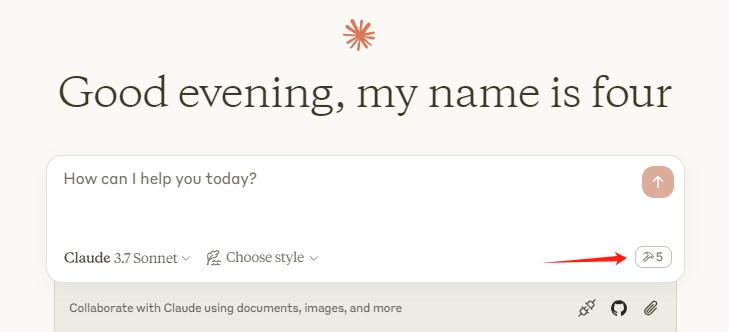
Restart the Claude client. When you see the hammer icon, it means the connection to the MCP service is normal.
Framework
flowchart LR
	CladueDesktop --> revit-mcp --> SocketService--commandName-->CommandlSet--command-->CommandExecute
	CommandManager --> CommandlSet
	CommandExecute --executeResult--> SocketService
	CommandProject1 --> CommandManager
	CommandProject2 --> CommandManager
	CommandProject... --> CommandManager
	subgraph ide1 [MCPClient]
	CladueDesktop
	end
	subgraph ide2 [MCPServer]
	revit-mcp
	end
	subgraph ide3 [Revit]
			subgraph ide3.1 [revit-mcp-plugin]
				SocketService
				CommandlSet
				CommandManager
				CommandExecute
			end
	end
Supported Tools
| Name | Description |
|---|---|
| get_current_view_info | Get current view info |
| get_current_view_elements | Get current view elements |
| get_available_family_types | Get available family types in current project |
| get_selected_elements | Get selected elements |
| create_point_based_element | Create point based element (door, window, furniture) |
| create_line_based_element | Create line based element (wall, beam, pipe) |
| create_surface_based_element | Create surface based element (floor, ceiling) |
| delete_elements | Delete elements |
| reset_model | Reset model (delete process model when executing continuous dialog) |
| modify_element | Modify element's properties (instance parameters) |
| search_modules | Search for available modules |
| use_module | Use module |
| send_code_to_revit | Send code to Revit to execute |
| color_splash | Color elements based on a parameter value |
| tag_walls | Tag all walls in view |