Image Tools MCP
Получает размеры изображений и сжимает изображения из URL-адресов или локальных файлов с помощью Tinify и Figma API.
GitHub
8
Попробовать этот MCPСпонсированоДокументация
Image Tools MCP
A Model Context Protocol (MCP) service for retrieving image dimensions and compressing images, supporting both URL and local file sources.
Features
- Retrieve image dimensions from URLs
- Get image dimensions from local files
- Compress images from URLs using TinyPNG API
- Compress local images using TinyPNG API
- Convert images to different formats (webp, jpeg/jpg, png)
- Returns width, height, type, MIME type, and compression information
Example Results
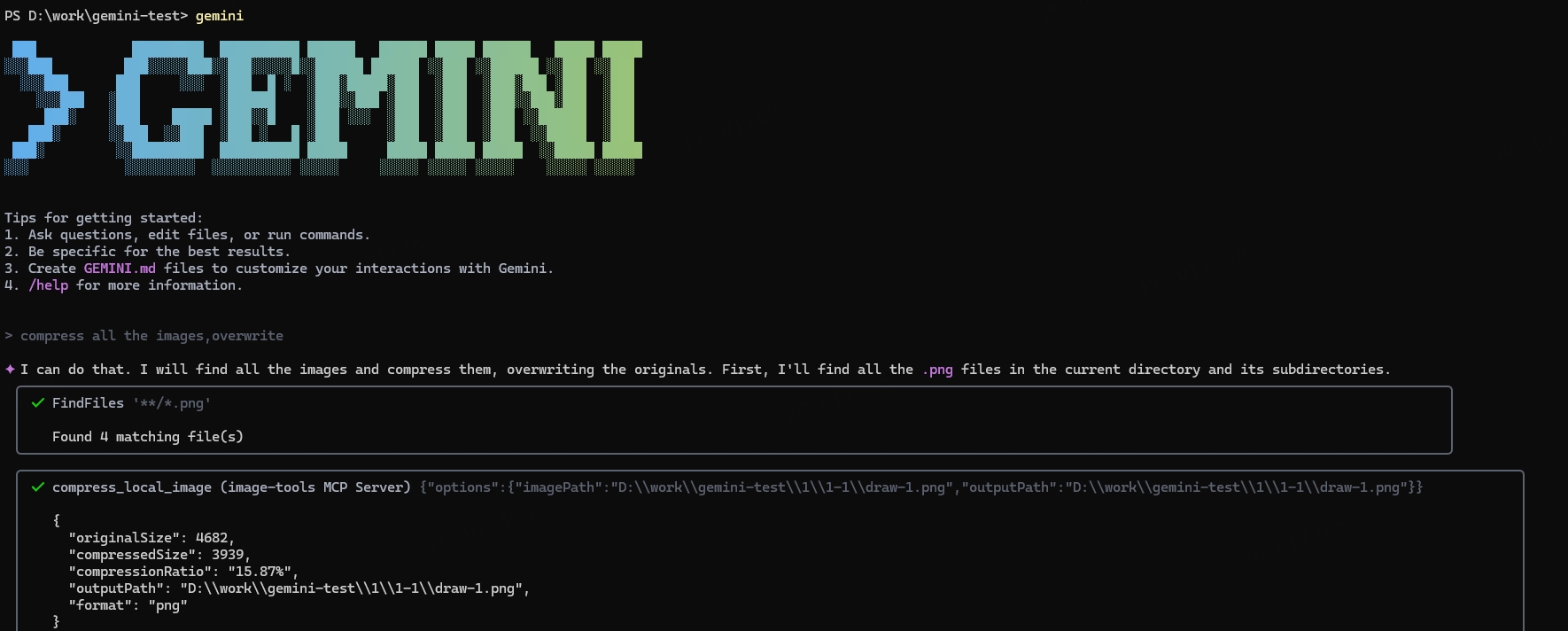
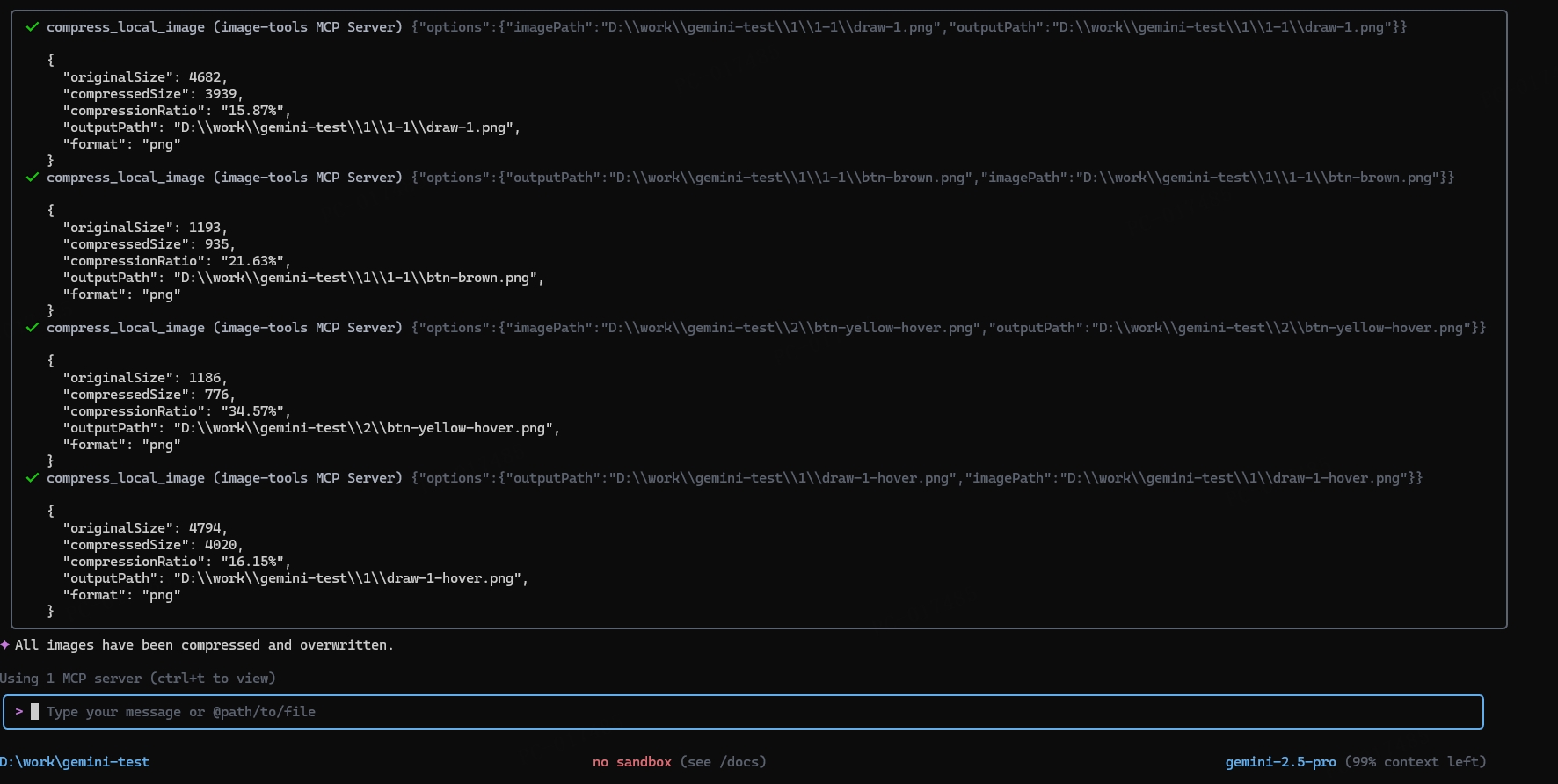
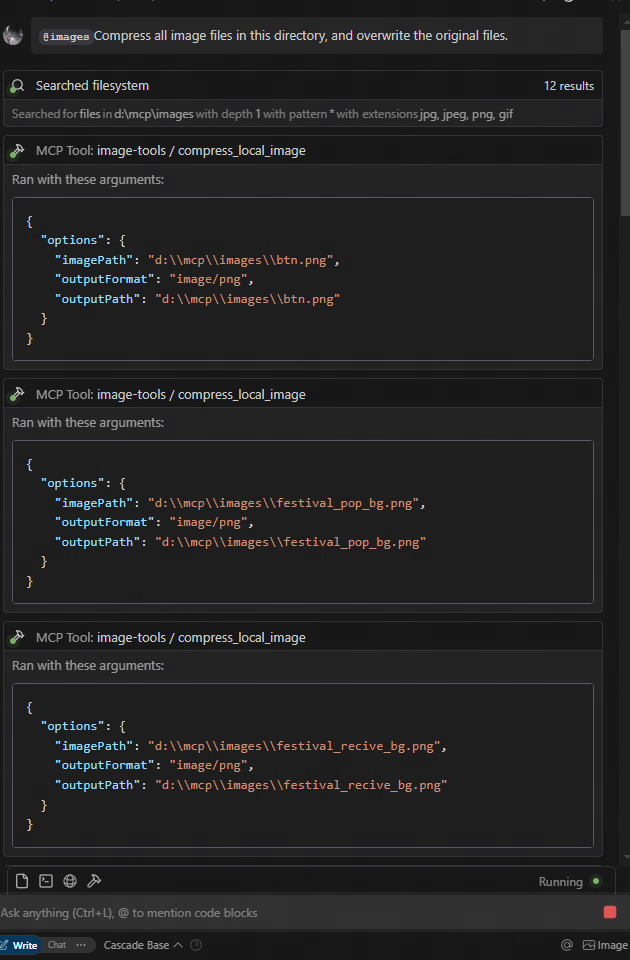
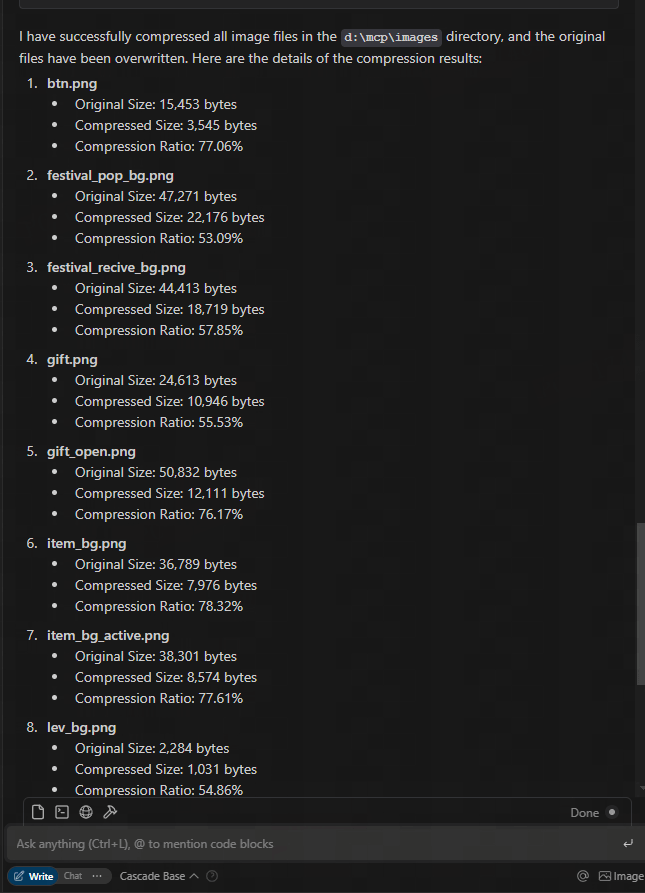
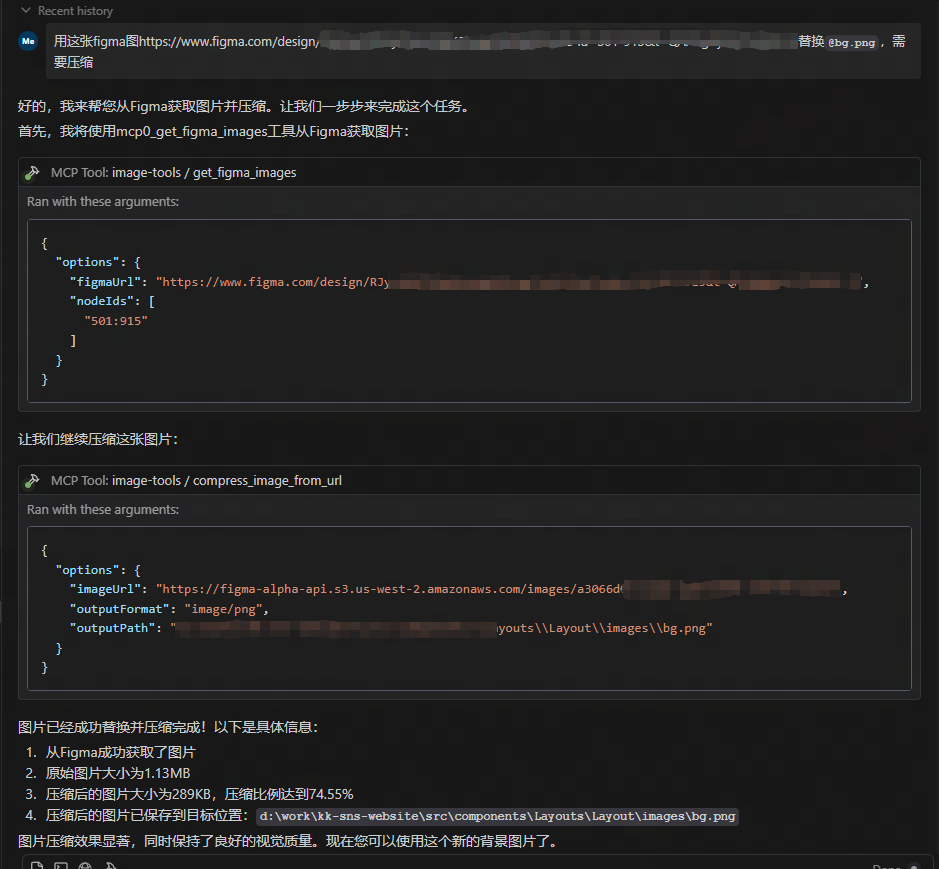
download from figma url and compress
Usage
Using as an MCP Service
This service provides five tool functions:
get_image_size- Get dimensions of remote imagesget_local_image_size- Get dimensions of local imagescompress_image_from_url- Compress remote images using TinyPNG APIcompress_local_image- Compress local images using TinyPNG APIfigma- Fetch image links from Figma API and compress them using TinyPNG API
Client Integration
To use this MCP service, you need to connect to it from an MCP client. Here are examples of how to integrate with different clients:
Usage
{
  "mcpServers": {
    "image-tools": {
      "command": "npx",
      "args": ["image-tools-mcp"],
      "env": {
        "TINIFY_API_KEY": "<YOUR_TINIFY_API_KEY>",
        "FIGMA_API_TOKEN": "<YOUR_FIGMA_API_TOKEN>"
      }
    }
  }
}
Using with MCP Client Library
import { McpClient } from "@modelcontextprotocol/client";

// Initialize the client
const client = new McpClient({
  transport: "stdio" // or other transport options
});

// Connect to the server
await client.connect();

// Get image dimensions from URL
const urlResult = await client.callTool("get_image_size", {
  options: {
    imageUrl: "https://example.com/image.jpg"
  }
});
console.log(JSON.parse(urlResult.content[0].text));
// Output: { width: 800, height: 600, type: "jpg", mime: "image/jpeg" }

// Get image dimensions from local file
const localResult = await client.callTool("get_local_image_size", {
  options: {
    imagePath: "D:/path/to/image.png"
  }
});
console.log(JSON.parse(localResult.content[0].text));
// Output: { width: 1024, height: 768, type: "png", mime: "image/png", path: "D:/path/to/image.png" }

// Compress image from URL
const compressUrlResult = await client.callTool("compress_image_from_url", {
  options: {
    imageUrl: "https://example.com/image.jpg",
    outputFormat: "webp" // Optional: convert to webp, jpeg/jpg, or png
  }
});
console.log(JSON.parse(compressUrlResult.content[0].text));
// Output: { originalSize: 102400, compressedSize: 51200, compressionRatio: "50.00%", tempFilePath: "/tmp/compressed_1615456789.webp", format: "webp" }

// Compress local image
const compressLocalResult = await client.callTool("compress_local_image", {
  options: {
    imagePath: "D:/path/to/image.png",
    outputPath: "D:/path/to/compressed.webp", // Optional
    outputFormat: "image/webp" // Optional: convert to image/webp, image/jpeg, or image/png
  }
});
console.log(JSON.parse(compressLocalResult.content[0].text));
// Output: { originalSize: 102400, compressedSize: 51200, compressionRatio: "50.00%", outputPath: "D:/path/to/compressed.webp", format: "webp" }

// Fetch image links from Figma API

const figmaResult = await client.callTool("figma", {
  options: {
    figmaUrl: "https://www.figma.com/file/XXXXXXX"
  }
});
console.log(JSON.parse(figmaResult.content[0].text));
// Output: { imageLinks: ["https://example.com/image1.jpg", "https://example.com/image2.jpg"] }

### Tool Schemas

#### get_image_size

```typescript
{
  options: {
    imageUrl: string // URL of the image to retrieve dimensions for
  }
}
get_local_image_size
{
  options: {
    imagePath: string; // Absolute path to the local image file
  }
}
compress_image_from_url
{
  options: {
    imageUrl: string // URL of the image to compress
    outputFormat?: "image/webp" | "image/jpeg" | "image/jpg" | "image/png" // Optional output format
  }
}
compress_local_image
{
  options: {
    imagePath: string // Absolute path to the local image file
    outputPath?: string // Optional absolute path for the compressed output image
    outputFormat?: "image/webp" | "image/jpeg" | "image/jpg" | "image/png" // Optional output format
  }
}
figma
{
  options: {
    figmaUrl: string; // URL of the Figma file to fetch image links from
  }
}
Changelog
- 2025-05-12: Updated Figma API to support additional parameters, including 2x image scaling.
Technical Implementation
This project is built on the following libraries:
- probe-image-size - For image dimension detection
- tinify - For image compression via the TinyPNG API
- figma-api - For fetching image links from Figma API
Environment Variables
TINIFY_API_KEY- Required for image compression functionality. Get your API key from TinyPNG- When not provided, the compression tools (
compress_image_from_urlandcompress_local_image) will not be registered
- When not provided, the compression tools (
FIGMA_API_TOKEN- Required for fetching image links from Figma API. Get your API token from Figma- When not provided, the Figma tool (
figma) will not be registered
- When not provided, the Figma tool (
Note: The basic image dimension tools (get_image_size and get_local_image_size) are always available regardless of API keys.
License
MIT