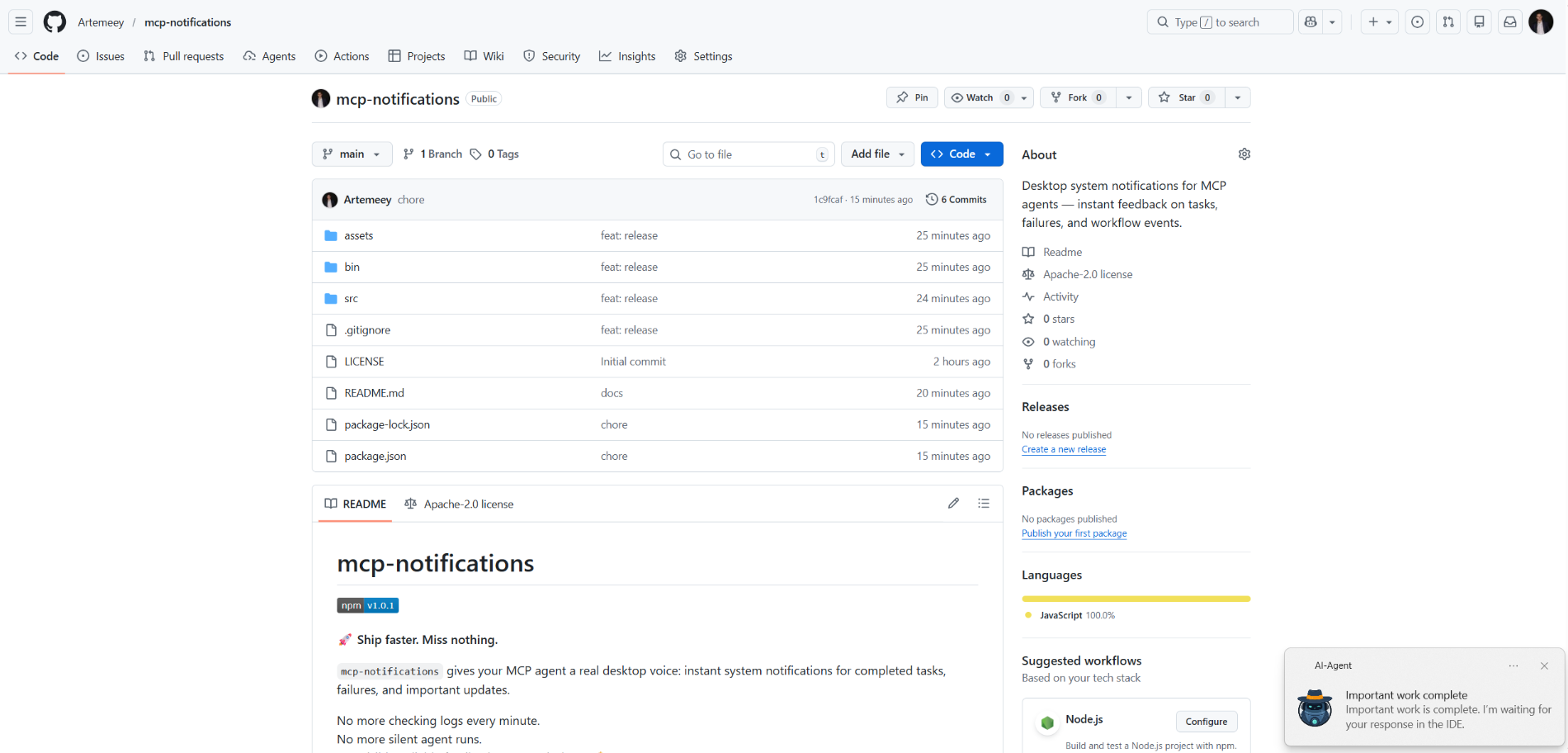
mcp-notifications
официальныйСистемные уведомления рабочего стола для MCP-агентов — мгновенная обратная связь о задачах, сбоях и событиях рабочего процесса.
Что можно делать с Notifications MCP?
- Отправить уведомление на рабочий стол — Попросите агента вызвать
send_notificationс пользовательским заголовком и сообщением, когда задача завершится. - Включить звуковой сигнал — Установите
play_sound: true, чтобы уведомление воспроизводило системный звук при доставке. - Настроить источник уведомления в Windows — Передайте
app_id, чтобы управлять именем приложения, отображаемым в всплывающем уведомлении, или задайте его глобально через переменную окруженияMCP_NOTIFICATIONS_APP_ID. - Использовать пользовательскую иконку — Укажите путь к
icon, чтобы заменить изображение по умолчанию в уведомлении.
Документация
mcp-notifications

🚀 Разрабатывайте быстрее. Ничего не упускайте.
mcp-notifications позволяет вашему MCP-агенту отправлять уведомления на рабочий стол о завершённых задачах, сбоях и важных обновлениях.
Это особенно полезно для консольных AI-агентов, поскольку обычно у них по умолчанию нет встроенных уведомлений.
Больше не нужно проверять чаты каждую минуту.
Больше никаких беззвучных ответов агента.
Только видимая, надёжная обратная связь на вашем рабочем столе. 🔔
Какую распространённую проблему это решает
Вы даёте задачи нескольким AI-агентам, затем ждёте и постоянно проверяете, кто уже ответил.
С mcp-notifications это становится проще: агент может уведомить вас на рабочем столе, когда ему понадобится ваш ввод или когда работа будет завершена.
Почему команды это устанавливают
- ⚡ Мгновенная обратная связь от ваших MCP-процессов.
- 🧠 Лучшая концентрация: позвольте агенту работать, пока вы заняты основной задачей.
- 🖥️ Нативные уведомления ОС через
node-notifier. - 🧵 Неблокирующее поведение: отправка уведомлений ставится в фоновую очередь.
Глобальная установка
Требования:
- Node.js
>=20 - npm
>=10
npm i -g @topvisor/mcp-notifications
Имя исполняемого файла (используйте его в конфигурации MCP):
mcp-notifications
mcp-notifications — это точка входа MCP-сервера (stdio), а не одноразовая команда уведомления.
Настройка: Codex
Добавьте это в ~/.codex/config.toml:
[mcp_servers.notifications]
enabled = true
command = "mcp-notifications"
args = []
Перезапустите Codex после обновления конфигурации.
Настройка: Claude Agent
Добавьте конфигурацию MCP-сервера в файл конфигурации клиента Claude:
{
  "mcpServers": {
    "notifications": {
      "command": "mcp-notifications",
      "args": []
    }
  }
}
Затем перезапустите клиент Claude.
Инструкции по уведомлениям AI-агента
Существует два подхода к уведомлениям: ручной и автоматический.
Выберите тот, который лучше подходит для вашего рабочего процесса.
Ручной
В задаче, где вы хотите получить уведомление, явно попросите агента. Пример:
Count files in the project; after the task is fully complete, notify me with sound.
Вы также можете определить звук, тему и правила частоты внутри конкретного чата. Пример:
Notify me about your replies without sound, include the reply text, and use title: "Large Refactoring"
Автоматический
Автоматические уведомления можно настроить глобально или для каждого проекта.
Пример инструкции для включения автоматических уведомлений при ответах агента:
Send `send_notification` after your replies (actual task time >5 seconds or many steps); `play_sound: false`; `app_id: '{put your chat name here}'`
Время является приблизительным порогом и зависит от поведения модели, поэтому адаптируйте эту инструкцию под свои предпочтения.
В навыках
Вы также можете включить уведомления в конкретных навыках. Пример для навыка Review:
After the review, run `send_notification` with a short summary; `play_sound: true`; `app_id: 'Reviewer {put task id here}'`
Инструмент
send_notification
Входные данные:
titlestring(обязательно)messagestring(обязательно)play_soundboolean(необязательно, по умолчанию:false)iconstring(необязательно, абсолютный или относительный путь к файлу изображения)app_idstring(необязательно, идентификатор модели пользователя приложения Windows для источника всплывающего уведомления)
Пример:
{
  "title": "Codex",
  "message": "Deployment completed successfully",
  "play_sound": true,
  "icon": "/opt/mcp-notifications/icons/custom.png",
  "app_id": "Topvisor.Codex"
}
app_id (Windows)
app_idуправляет источником, отображаемым во всплывающих уведомлениях Windows.- Если
app_idне задан, Windows может показыватьSnoreToastв качестве источника. - Вы можете передавать
app_idпри каждом вызове инструмента или установитьMCP_NOTIFICATIONS_APP_IDв качестве переменной окружения для сервера.
Выбор бэкенда
Вы можете выбрать транспорт уведомлений через переменную окружения MCP_NOTIFICATIONS_BACKEND:
auto(по умолчанию): используетpowershellв WSL, если доступно, иначеnode-notifierpowershell: принудительно использовать транспорт всплывающих уведомленийpowershell.exeWindows (рекомендуется для WSL)node-notifier: принудительно использовать пакетnode-notifier
Промпты для чата для тестирования в Codex
Используйте эти сообщения непосредственно в чате:
Check send_notification
Send a notification without sound: title "Test", message "Check"
Send a notification with sound: title "Test", message "Check"
Send a notification with app_id "Topvisor.Codex": title "Test", message "Check"
Send 3 test notifications in a row without sound
Ожидаемый результат инструмента в логах/ответе:
Notification queued
Поведение
- ✅ Использует стандартные системные каналы уведомлений.
- 🔊 Использует стандартный системный звук уведомления, когда
play_sound: true. - 🤖 Использует встроенное изображение робота Topvisor в качестве значка уведомления по умолчанию.
- 🧰 Быстро возвращает управление, пока уведомления доставляются в фоновой очереди.
Пример
AI-агент ожидает вас: