MiniMax MCP
Interaja com as APIs poderosas da MiniMax para conversão de texto em fala, clonagem de voz e geração de vídeo/imagem.
Documentação









Servidor oficial do MiniMax Model Context Protocol (MCP) que permite interação com poderosas APIs de Texto para Fala e geração de vídeo/imagem. Este servidor permite que clientes MCP como Claude Desktop, Cursor, Windsurf, OpenAI Agents e outros gerem fala, clonem vozes, gerem vídeo, gerem imagem e muito mais.
Documentação
- Documentação em Chinês
- MiniMax-MCP-JS - Implementação oficial em JavaScript do MiniMax MCP
Início rápido com o Cliente MCP
- Obtenha sua chave de API em MiniMax.
- Instale o
uv(gerenciador de pacotes Python), instale comcurl -LsSf https://astral.sh/uv/install.sh | shou veja ouvrepositório para métodos de instalação adicionais.
Claude Desktop
Vá para Claude > Settings > Developer > Edit Config > claude_desktop_config.json para incluir o seguinte:
{
  "mcpServers": {
    "MiniMax": {
      "command": "uvx",
      "args": [
        "minimax-mcp"
      ],
      "env": {
        "MINIMAX_API_KEY": "<insert-your-api-key-here>",
        "MINIMAX_MCP_BASE_PATH": "<local-output-dir-path>",
        "MINIMAX_API_HOST": "https://api.minimaxi.chat",
        "MINIMAX_API_RESOURCE_MODE": "<optional, [url|local], url is default, audio/image/video are downloaded locally or provided in URL format>"
      }
    }
  }
}
⚠️ Aviso: A chave de API precisa corresponder ao host. Se ocorrer um erro "API Error: invalid api key", verifique seu host de API:
- Host Global:
https://api.minimaxi.chat(observe o "i" extra) - Host da China Continental:
https://api.minimax.chat
Se você estiver usando Windows, precisará ativar o "Modo de Desenvolvedor" no Claude Desktop para usar o servidor MCP. Clique em "Ajuda" no menu hambúrguer no canto superior esquerdo e selecione "Ativar Modo de Desenvolvedor".
Cursor
Vá para Cursor -> Preferences -> Cursor Settings -> MCP -> Add new global MCP Server para adicionar a configuração acima.
É isso. Seu cliente MCP agora pode interagir com o MiniMax por meio destas ferramentas:
Transporte
Suportamos dois tipos de transporte: stdio e sse.
| stdio | SSE |
|---|---|
| Executar localmente | Pode ser implantado localmente ou na nuvem |
Comunicação por meio de stdout | Comunicação por meio de network |
Entrada: Suporta processamento de recursos local files ou URL válidos | Entrada: Quando implantado na nuvem, é recomendado usar URL para entrada |
Ferramentas Disponíveis
| ferramenta | descrição |
|---|---|
text_to_audio | Converter texto em áudio com uma voz específica |
list_voices | Listar todas as vozes disponíveis |
voice_clone | Clonar uma voz usando arquivos de áudio fornecidos |
generate_video | Gerar um vídeo a partir de um prompt |
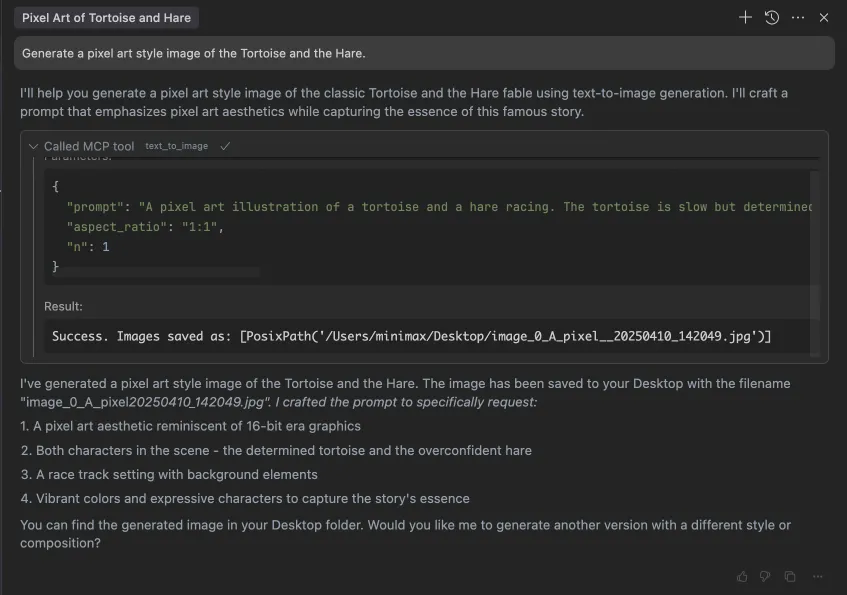
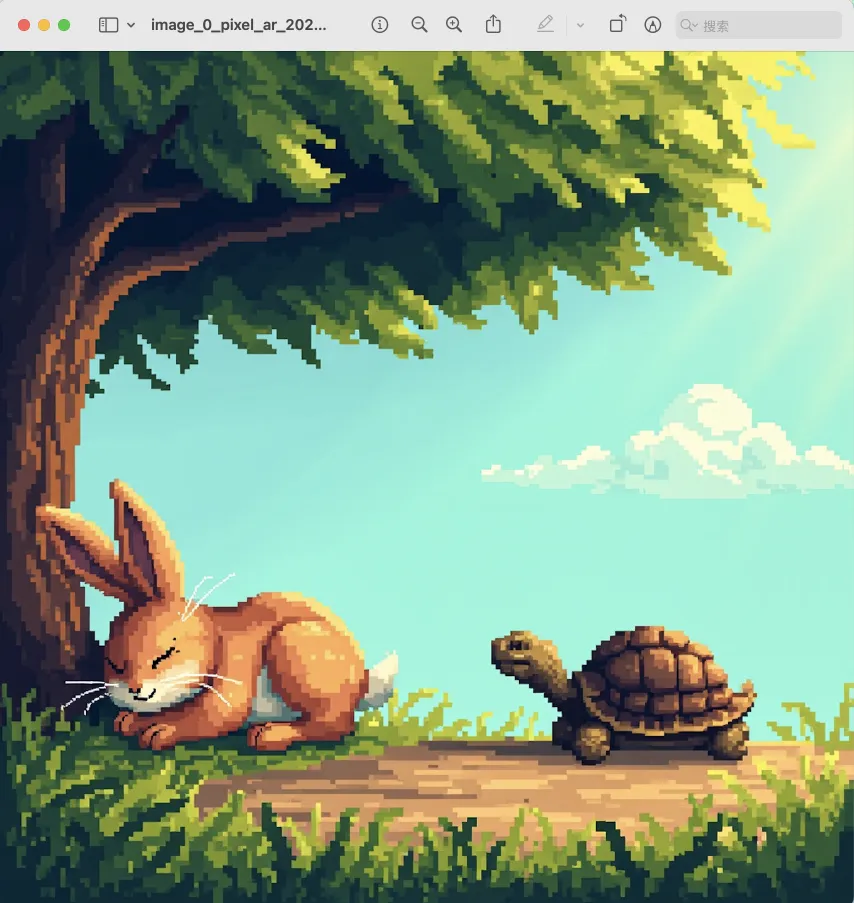
text_to_image | Gerar uma imagem a partir de um prompt |
Exemplo de uso
⚠️ Aviso: O uso dessas ferramentas pode gerar custos.
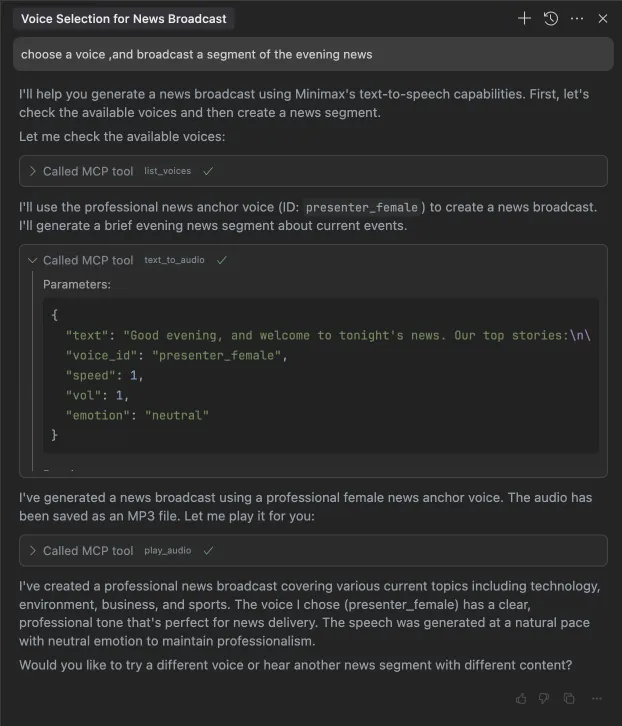
1. transmitir um segmento do noticiário noturno
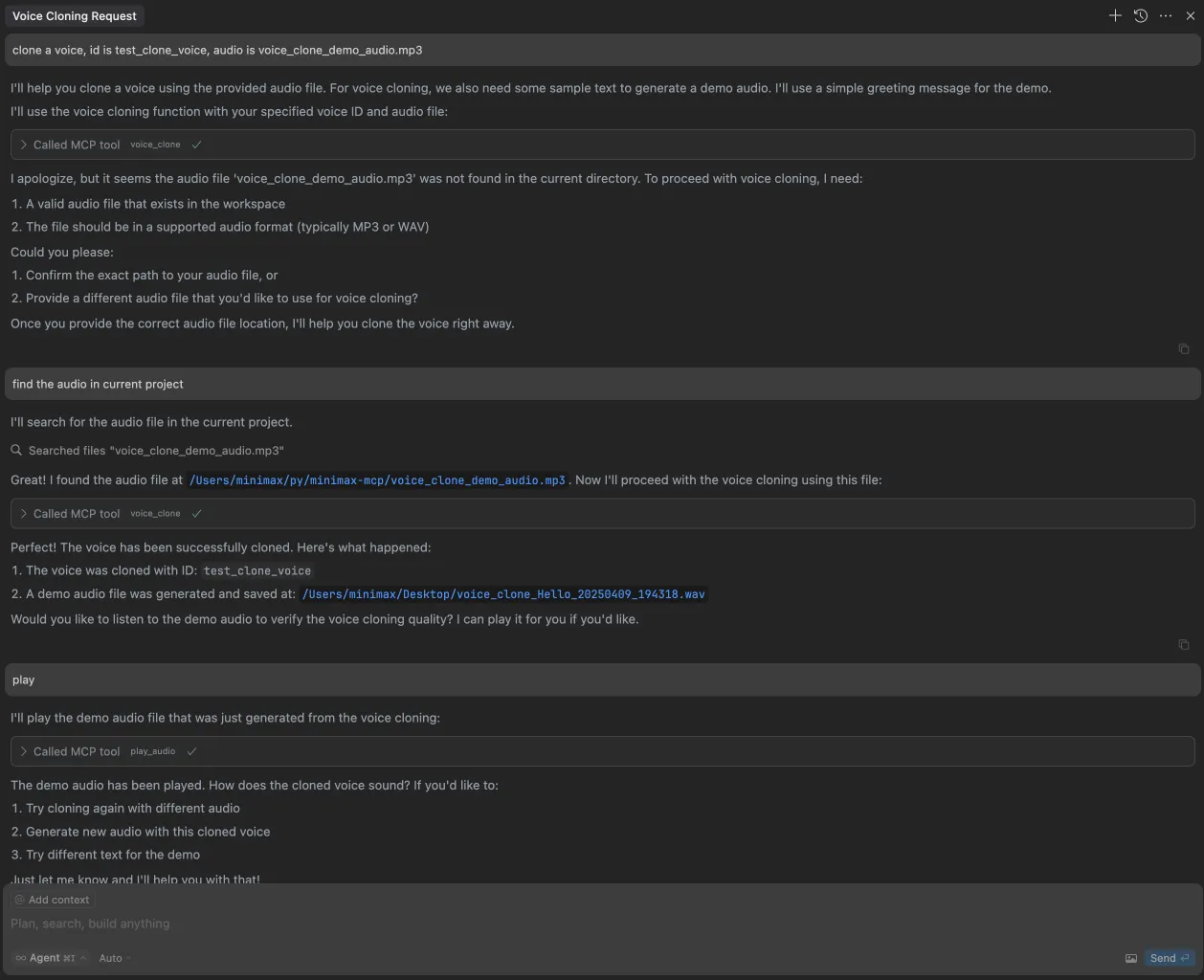
2. clonar uma voz
3. gerar um vídeo
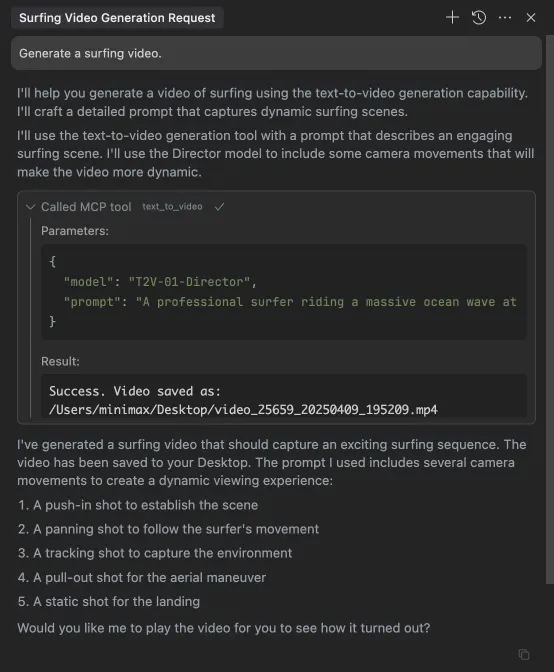
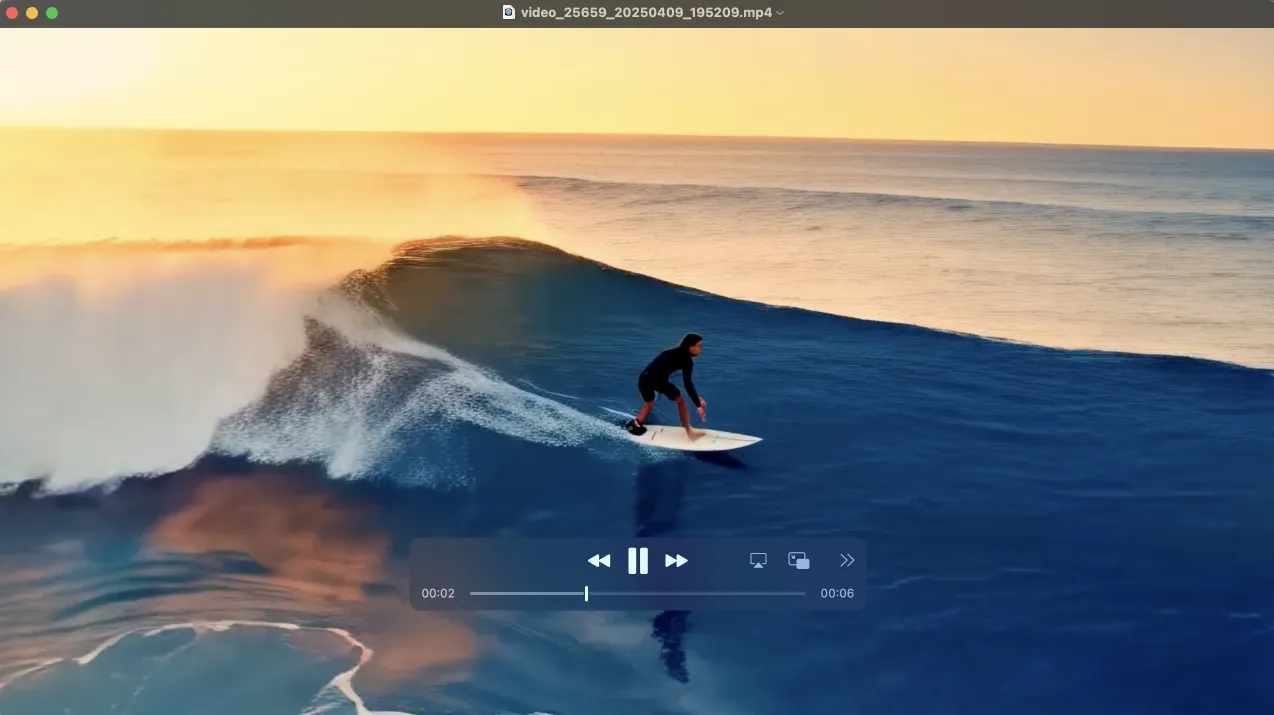
4. gerar imagens