Commands
Um servidor MCP para executar comandos arbitrários na máquina local.
Documentação
Ferramenta runProcess
A ferramenta runProcess executa processos na máquina host. Existem duas maneiras mutuamente exclusivas de invocá-la:
command_line(string) — Executada via o shell padrão do sistema (assim como digitar nobash/fish/pwsh/etc). Recursos do shell como pipes, redirecionamentos e expansão de variáveis funcionam.argv(array de strings) — Invocação direta do executável.argv[0]é o executável, o restante são argumentos. Sem interpretação de shell.
Você não pode passar ambos. A ferramenta infere se deve usar um shell a partir de qual parâmetro você fornece.
Se você quiser que seu modelo use shell(s) específico(s) em um sistema, eu os listaria no seu prompt de sistema. Ou, talvez, nas instruções da ferramenta, embora os modelos tendam a prestar mais atenção a exemplos em um prompt de sistema.
Avise-me se encontrar problemas!
Ferramentas
Ferramentas são para LLMs solicitarem. Claude Sonnet 3.5 usa run_process de forma inteligente. E, testes iniciais mostram resultados promissores com Groq Desktop with MCP e modelos llama4.
Atualmente, apenas um comando para governar todos!
run_process- executa um comando, ou seja,hostnameouls -alouecho "hello world"etc- Retorna
STDOUTeSTDERRcomo texto - O parâmetro opcional
stdinsignifica que seu LLM pode- passar scripts via
STDINpara comandos comofish,bash,zsh,python - criar arquivos com
cat >> foo/bar.txta partir do texto emstdin
- passar scripts via
- Retorna
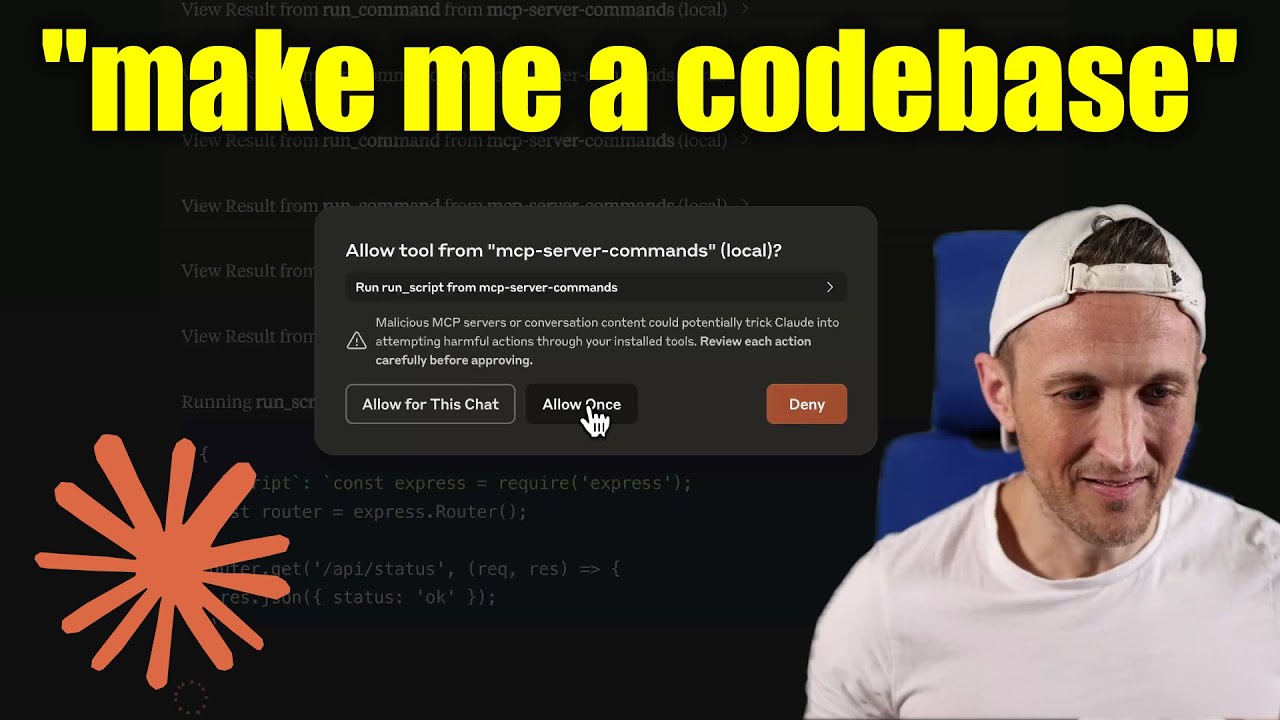
[!WARNING] Tenha cuidado com o que você pede para este servidor executar! No aplicativo Claude Desktop, use
Approve Once(nãoAllow for This Chat) para que você possa revisar cada comando, useDenyse você não confiar no comando. As permissões são determinadas pelo usuário que executa o servidor. NÃO execute comsudo.
Vídeo de demonstração
Prompts
Prompts são para usuários incluírem no histórico do chat, ou seja, via comandos de barra do Zed (no painel de AI Chat)
run_process- gera uma mensagem de prompt com a saída do comando
- FYI, isso foi principalmente um exercício de aprendizado... Eu vejo isso como uma chamada de ferramenta solicitada pelo usuário. Essa é uma maneira elegante de dizer que é um modelo para executar um comando e passar as saídas para o modelo!
Desenvolvimento
Instale as dependências:
npm install
Compile o servidor:
npm run build
Para desenvolvimento com recompilação automática:
npm run watch
Instalação
Para usar com Claude Desktop, adicione a configuração do servidor:
No MacOS: ~/Library/Application Support/Claude/claude_desktop_config.json
No Windows: %APPDATA%/Claude/claude_desktop_config.json
Groq Desktop (beta, macOS) usa ~/Library/Application Support/groq-desktop-app/settings.json
Use o pacote npm publicado
Publicado no npm como mcp-server-commands usando este workflow
{
  "mcpServers": {
    "mcp-server-commands": {
      "command": "npx",
      "args": ["mcp-server-commands"]
    }
  }
}
Use uma compilação local (checkout do repositório)
Certifique-se de executar npm run build
{
  "mcpServers": {
    "mcp-server-commands": {
      // works b/c of shebang in index.js
      "command": "/path/to/mcp-server-commands/build/index.js"
    }
  }
}
Modelos Locais
- A maioria dos modelos é treinada de forma que eles não acham que podem executar comandos para você.
- Às vezes, eles usam ferramentas sem hesitação... outras vezes, tenho que persuadi-los.
- Use um prompt de sistema ou modelo de prompt para instruir que eles devem seguir as solicitações do usuário. Incluindo usar
run_processssem verificar novamente.
- Ollama é uma ótima maneira de executar um modelo localmente (com Open-WebUI)
# NOTE: make sure to review variants and sizes, so the model fits in your VRAM to perform well!

# Probably the best so far is [OpenHands LM](https://www.all-hands.dev/blog/introducing-openhands-lm-32b----a-strong-open-coding-agent-model)
ollama pull https://huggingface.co/lmstudio-community/openhands-lm-32b-v0.1-GGUF

# https://ollama.com/library/devstral
ollama pull devstral

# Qwen2.5-Coder has tool use but you have to coax it
ollama pull qwen2.5-coder
HTTP / OpenAPI
O servidor é implementado com o transporte STDIO.
Para HTTP, use mcpo para uma interface de servidor web compatível com OpenAPI.
Isso funciona com Open-WebUI
uvx mcpo --port 3010 --api-key "supersecret" -- npx mcp-server-commands

# uvx runs mcpo => mcpo run npx => npx runs mcp-server-commands
# then, mcpo bridges STDIO <=> HTTP
[!WARNING] Eu usei brevemente
mcpocomopen-webui, certifique-se de avaliá-lo quanto a preocupações de segurança.
Registro de logs
O aplicativo Claude Desktop escreve logs em ~/Library/Logs/Claude/mcp-server-mcp-server-commands.log
Por padrão, apenas mensagens importantes são registradas (ou seja, erros).
Se você quiser ver mais mensagens, adicione --verbose ao args ao configurar o servidor.
A propósito, os logs são escritos em STDERR porque é isso que o Claude Desktop roteia para os arquivos de log.
No futuro, espero que mensagens de log bem formatadas sejam escritas sobre o transporte STDIO para o cliente MCP (nota: não o aplicativo Claude Desktop).
Depuração
Como os servidores MCP se comunicam via stdio, a depuração pode ser desafiadora. Recomendamos usar o MCP Inspector, que está disponível como um script de pacote:
npm run inspector
O Inspector fornecerá uma URL para acessar as ferramentas de depuração no seu navegador.