Obsidian
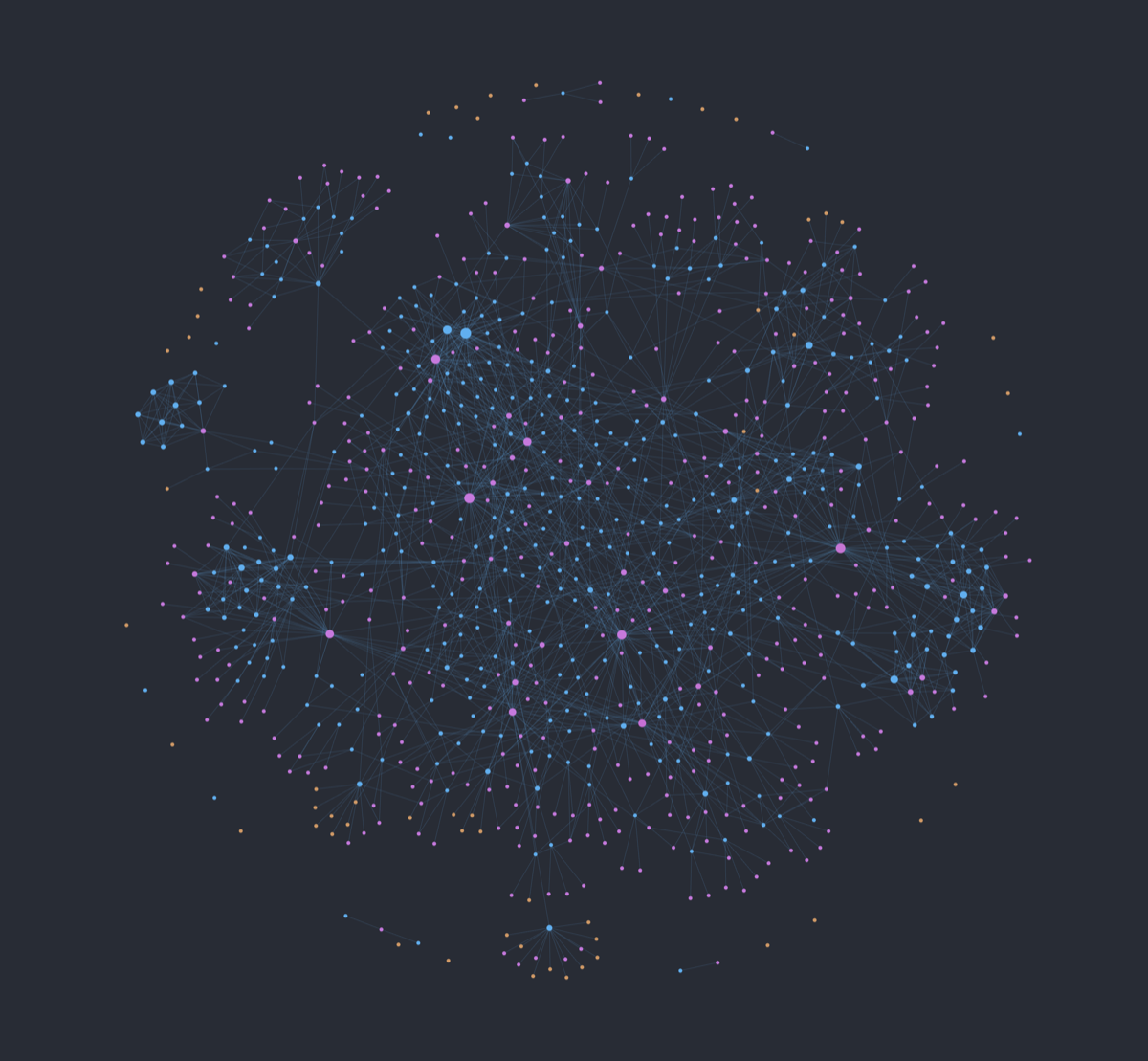
Interaja com seu cofre Obsidian diretamente do seu IDE ou do Claude Desktop.
Documentação
Obsidian MCP Server







Um servidor MCP (Model Context Protocol) que permite que agentes de IA trabalhem dentro de um cofre Obsidian: ler notas, pesquisar contexto, inspecionar links, seguir regras específicas do cofre e, opcionalmente, criar ou editar notas com segurança.
Ele é projetado para clientes e ferramentas como Codex, Claude Code, Hermes e Claude Desktop. O núcleo permanece reutilizável; cada cofre pode adicionar seus próprios perfis, regras, habilidades e conjuntos de ferramentas opcionais por cima.
As ferramentas são genéricas. O comportamento vem do cofre.
flowchart LR
    Clients["Codex, Claude Code, Hermes, Claude Desktop"] --> MCP["Obsidian MCP Server"]
    MCP --> Core["Core tools: read, search, inspect, route"]
    MCP --> Optional["Optional tool sets: write, graph, canvas, ObsidianRAG"]
    Core --> Vault["Obsidian vault"]
    Optional --> Vault
    Vault --> Profile[".agents/vault.yaml, rules, skills, standards"]
    Profile --> MCP
Recursos
Núcleo Público
O conjunto de ferramentas principal está sempre disponível e permanece independente do cofre:
- Diagnóstico do cofre, roteamento de tarefas e inspeção da raiz do cliente MCP.
- Listagem de notas, leitura, inspeção de metadados e pesquisa.
- Recursos de contexto do cofre para perfis, habilidades, padrões e documentação local.
- Prompts principais para notas estruturadas, uso de modelos e exploração de contexto.
Conjuntos de Ferramentas Opcionais
Pacotes opcionais são habilitados explicitamente a partir de .agents/vault.yaml ou OBSIDIAN_MCP_TOOL_SETS:
notes_write: Criar, modificar, mover e excluir notas.vault_analysis: Estatísticas do cofre, tags, links, backlinks e ferramentas de grafo.agents_admin: Criação de habilidades, validação e gerenciamento de cache.youtube: Extração de transcrições.obsidianrag: Pesquisa semântica por meio do serviço externo ObsidianRAG.canvas/kanvas: Auxiliares de canvas e fluxo de trabalho.- Pacotes de perfil: Fluxos de trabalho pessoais somente quando um perfil do cofre optar por eles.
Princípios de Design
- Núcleo público, perfis pessoais: O repositório permanece reutilizável; fluxos de trabalho locais vivem na configuração e nos recursos do cofre.
- Superfície técnica em inglês: Nomes de ferramentas, nomes de prompts, documentação e identificadores de código estão em inglês.
- Seguro por padrão: Ferramentas de escrita são opcionais, caminhos protegidos são bloqueados e leituras grandes são limitadas.
- RAG externo por integração: A pesquisa semântica avançada delega ao ObsidianRAG em vez de duplicar uma pilha RAG dentro do servidor MCP.
Início Rápido
Pré-requisitos
- uv
- Um caminho de cofre Obsidian com o qual você se sinta confortável em expor a um cliente MCP
Instalação beta a partir do Git
Até que o pacote seja publicado no PyPI, instale diretamente do GitHub com uvx:
uvx --from git+https://github.com/Vasallo94/obsidian-mcp-server.git obsidian-mcp-server
Para Codex, adicione isto a ~/.codex/config.toml:
[mcp_servers.obsidian]
command = "uvx"
args = [
  "--from",
  "git+https://github.com/Vasallo94/obsidian-mcp-server.git",
  "obsidian-mcp-server",
]
startup_timeout_sec = 30
tool_timeout_sec = 120

[mcp_servers.obsidian.env]
OBSIDIAN_VAULT_PATH = "/absolute/path/to/your/vault"
Para configuração do Claude Code, Hermes, Claude Desktop e MCPB, consulte Instalação.
Desenvolvimento local
git clone https://github.com/Vasallo94/obsidian-mcp-server.git
cd obsidian-mcp-server
make install
cp .env.example .env
# Set OBSIDIAN_VAULT_PATH to the absolute path to your Obsidian vault
uv run obsidian-mcp-server
Quando o pacote for publicado no PyPI, as configurações do cliente poderão usar:
uvx obsidian-mcp-server
Uso
Conjuntos de Ferramentas Opcionais
Habilite ferramentas opcionais a partir do ambiente do cliente:
{
  "env": {
    "OBSIDIAN_VAULT_PATH": "/Absolute/Path/To/Your/Vault",
    "OBSIDIAN_MCP_TOOL_SETS": "notes_write,vault_analysis,obsidianrag"
  }
}
Ou declare-as no perfil do seu cofre:
profile:
  name: "my_profile"
  prompt_sets:
    - "mermaid"
  tool_sets:
    - "notes_write"
    - "vault_analysis"
  standards:
    media: "Standards/Media.md"
  local_docs:
    index: "README.md"
Integração com ObsidianRAG
Para pesquisa semântica no cofre, habilite o conjunto de ferramentas obsidianrag e declare a integração:
profile:
  tool_sets:
    - "obsidianrag"
  integrations:
    obsidianrag:
      project_path: "/path/to/ObsidianRAG"
      api_url: "http://127.0.0.1:8000"
      env:
        OBSIDIANRAG_LLM_MODEL: "gemma3"
        OBSIDIANRAG_OLLAMA_EMBEDDING_MODEL: "embeddinggemma"
Em seguida, leia obsidian://integrations/obsidianrag/setup ou chame rag.setup_status. Os agentes devem mostrar comandos de configuração antes de instalar dependências, iniciar serviços, baixar modelos ou reconstruir o índice.
Documentação Técnica
Para se aprofundar em como o servidor funciona e como personalizá-lo, consulte nossos guias detalhados localizados na pasta docs/:
- Início da Documentação: Mapa no estilo wiki da documentação do projeto.
- Instalação: Configuração para Codex, Claude Code, Hermes, Claude Desktop e MCPB.
- Arquitetura: Arquitetura de runtime, conjuntos de ferramentas, recursos, prompts e modelo de segurança.
- Referência de Ferramentas: Lista completa das ferramentas MCP públicas.
- Configuração do Servidor: Variáveis de ambiente, perfis de cofre, conjuntos de ferramentas e integrações.
- Configuração do Agente: Como organizar seu cofre (
.agents/) com habilidades e regras contextuais. - Pesquisa Semântica: Integração com ObsidianRAG e notas de migração do RAG legado.
- Feedback do Agente: Como os agentes podem relatar atritos com MCP usando AFP fora de banda.
- Roteiro Futuro: Melhorias planejadas e próximos passos para o servidor.
Para o processo de contribuição, lançamento e segurança, consulte CONTRIBUTING.md, SECURITY.md e Checklist de Lançamento.
Desenvolvimento e Qualidade
| Comando | Descrição |
|---|---|
make test | Executar a suíte de testes (pytest) |
make lint | Executar verificações estáticas (Ruff + Pyright) |
make format | Formatar código automaticamente |
make dev | Executar o servidor MCP localmente |
Licença
Este projeto é licenciado sob a Licença MIT.