Weather Alerts
미국 주별로 National Weather Service API를 사용하여 실시간 기상 경보를 제공합니다.
문서
MCP Server Beginner example
Project Overview
It is a Python application that provides real-time weather alerts for US states using the National Weather Service (NWS) API. It leverages the mcp framework (with FastMCP) and is designed for modern async Python workflows. The project is fully managed with uv for dependency management and task running.
Features
- Weather Alerts Tool: Fetches and formats active weather alerts for any US state.
- Echo Resource: Simple echo endpoint for testing.
- Async & Modern: Uses Python 3.12+ and async/await patterns.
- MCP Inspector: Visual tool to inspect and test your MCP tools and resources.
Project Structure
.
├── main.py                # Simple entry point (prints a message)
├── pyproject.toml         # Project metadata and dependencies
├── uv.lock                # Locked dependencies for reproducible installs
├── server/
│   └── weather.py         # Main server logic and weather tool/resource
├── .venv/                 # (optional) Virtual environment
├── .python-version        # Python version pin (3.12)
├── .gitignore             # Standard Python ignores
└── README.md              # Project documentation
Prerequisites
- Python 3.12+
- uv (install with
pip install uvif not already installed)
Setup & Installation
-
Clone the repository:
git clone <your-repo-url> cd mcpproject -
Install dependencies using uv:
uv pip install -r uv.lockOr, if you want to install from
pyproject.toml:uv pip install
Running the Project
1. Run the Main Script
To run the basic entry point:
uv run python main.py
2. Develop & Test the Weather Tool
To start the MCP development server for the weather tool:
uv run mcp dev server/weather.py
This will also open MCP Inspector in your browser—a visual tool to explore and test your MCP tools and resources interactively.
3. Install the Weather Tool
To install the weather tool for use as an MCP tool:
uv run mcp install server/weather.py
Usage Example
With the dev server running, you can use the MCP Inspector or an MCP-compatible client to call the get_alerts tool:
- Tool name:
get_alerts - Argument: Two-letter US state code (e.g.,
CA,NY)
Example (from CLI):
mcp call get_alerts --state=CA
Using with Claude Desktop
You can also use the weather alerts tool in Claude Desktop, as shown below:
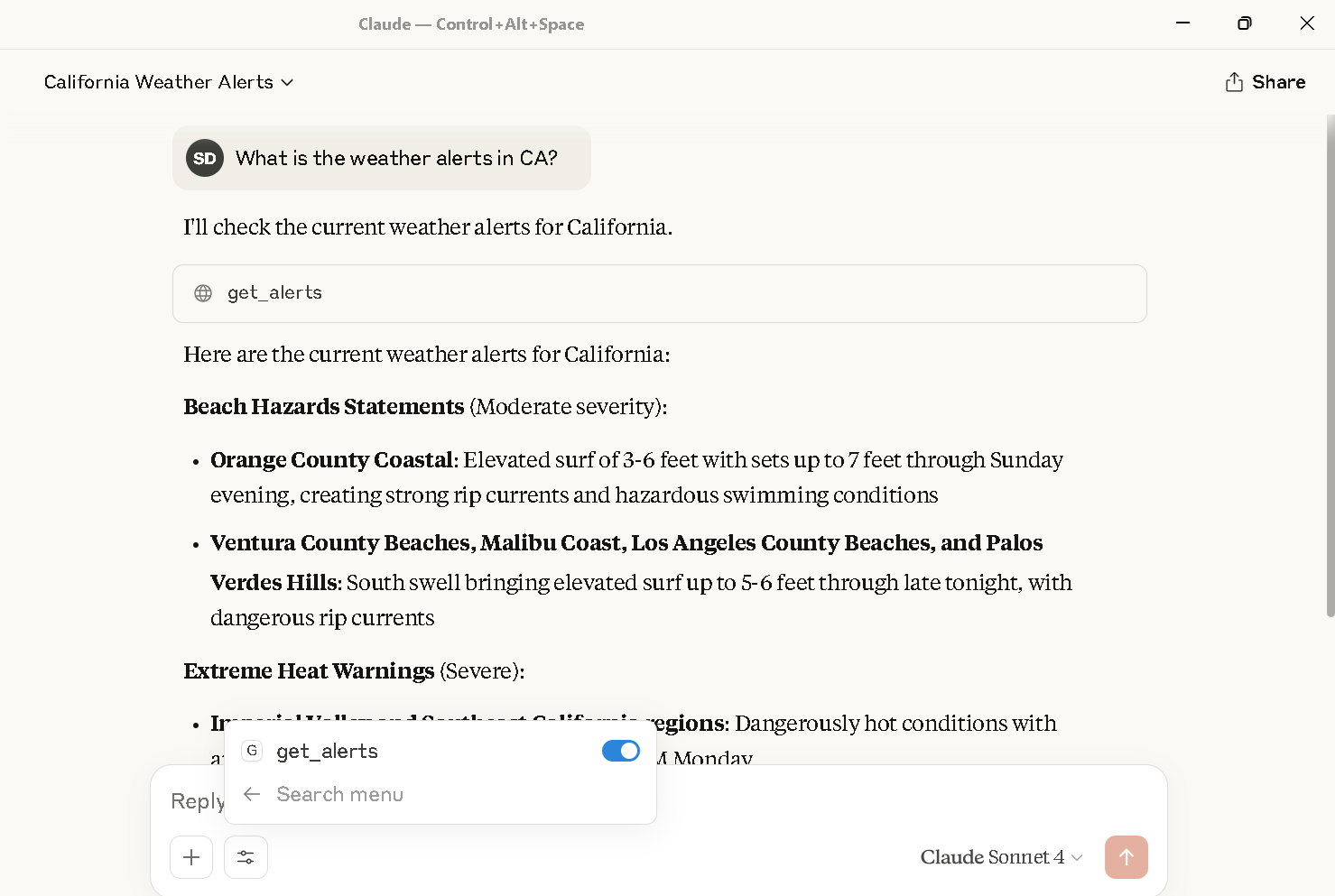
Weather alerts for California displayed in Claude Desktop using the get_alerts tool.
Claude Desktop Configuration
To call this MCP server from Claude Desktop, you need to update your claude_desktop_config.json file to include the server
For example:
{
  {
  "mcpServers": {
    "weather": {
      "command": "C:\\Users\\shubhechhadey\\.local\\bin\\uv.EXE",
      "args": [
        "run",
        "--with",
        "mcp[cli]",
        "mcp",
        "run",
        "C:\\Users\\shubhechhadey\\projects\\mcpproject\\server\\weather.py"
      ]
    }
  }
}
}
Attached is the screenshot: 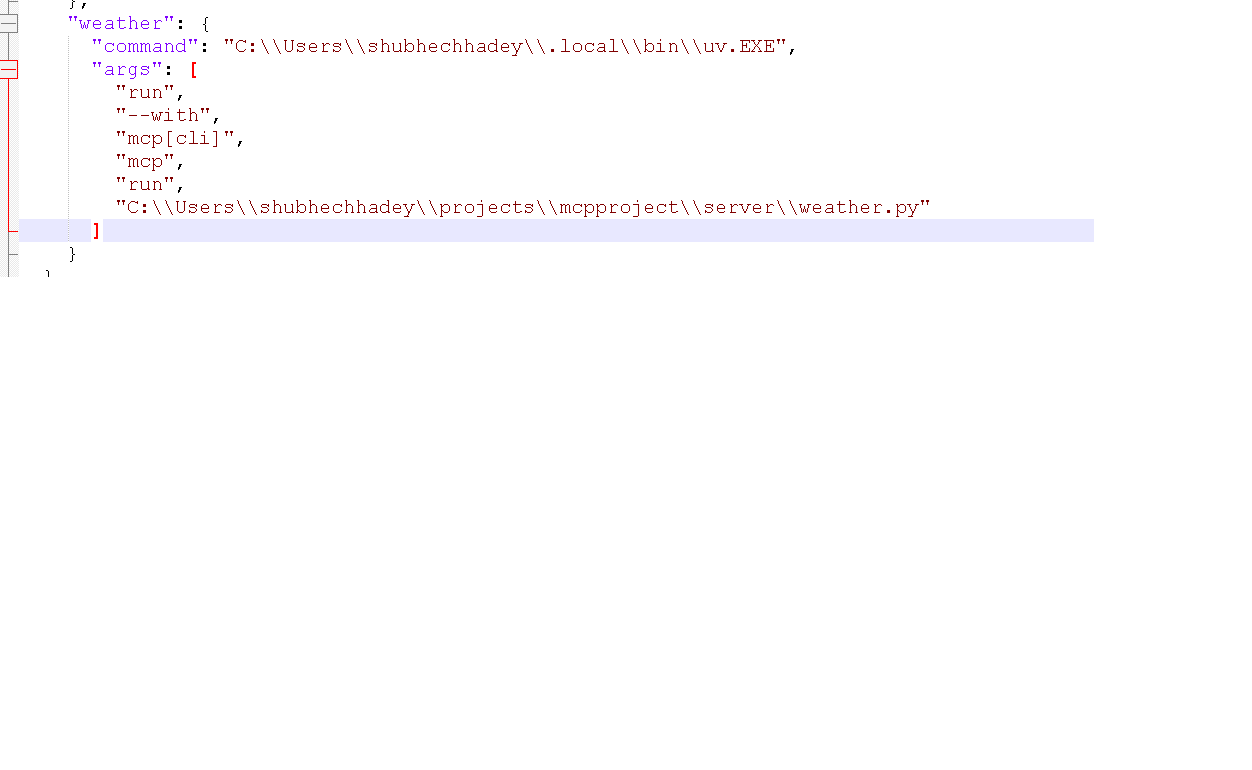
Notes
- All commands use
uv