Imagera
AI 어시스턴트에서 이미지, 동영상, 음성 및 음악을 생성하고 편집하는 원격 MCP 서버(OAuth 로그인, API 키 불필요)로, 무료 estimate_cost 도구와 37개의 미디어 스킬을 제공합니다.
호스팅형 MCP 서버
npx add-mcp 'https://mcp.imagera.ai/mcp'Claude Code, Codex, Cursor 등에 설치됩니다
문서
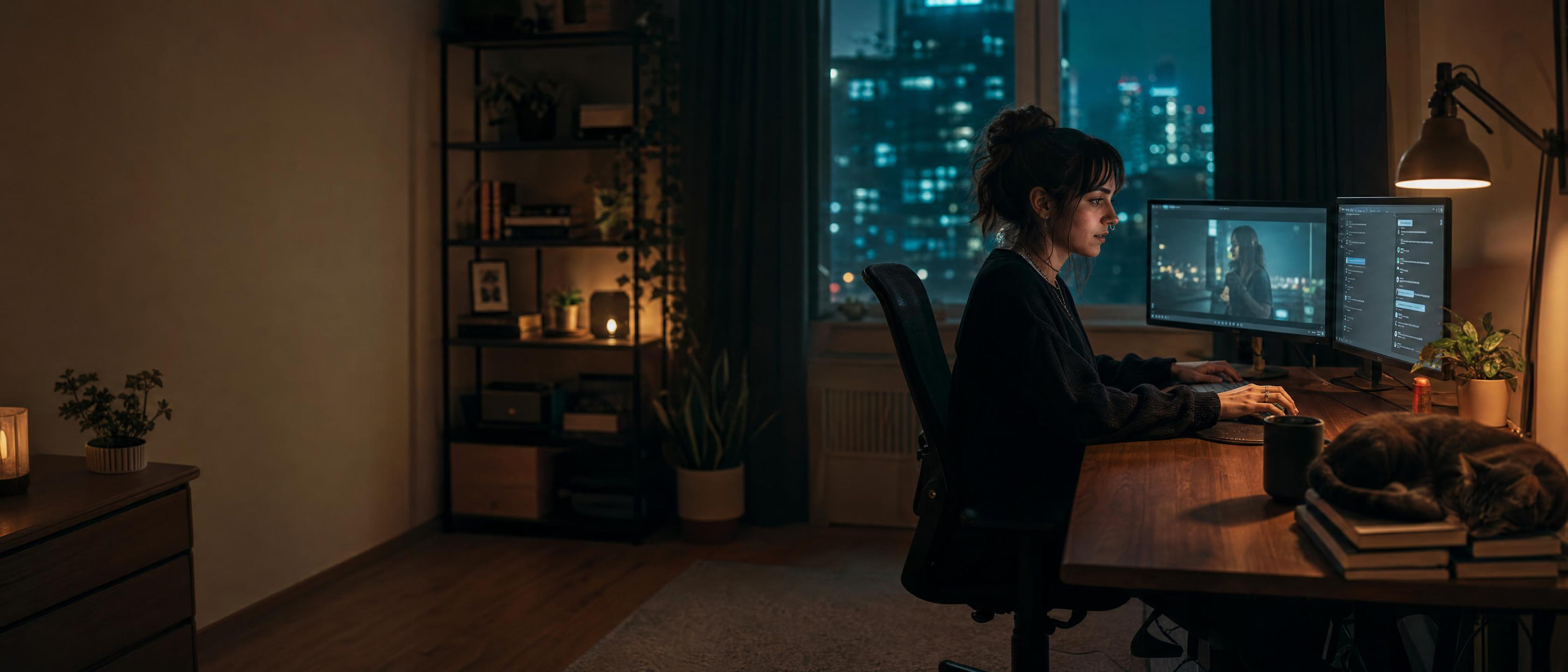
A developer asking an AI assistant to make video from her editor
Ready
Add Imagera to Claude
One click opens Claude with Imagera filled in. Claude asks you to confirm a connector suggested by a link — check it says mcp.imagera.ai.
https://mcp.imagera.ai/mcp
Or Add It by Hand
In the Claude app or on claude.ai, open Customize → Connectors → Add → Add custom connector, and paste the URL above.
Connect and Allow Access
Click Connect and sign in to Imagera. Set permissions to Always Allow. Then ask Claude to generate images or videos using Imagera.
On Team and Enterprise plans an Owner adds it once under Organization settings → Connectors → Add → Custom → Web; everyone else then just clicks Connect.
Using Imagera inside an AI assistant is part of the Pro plan.
Four steps, then you just ask
The same connection works in Claude, ChatGPT, Cursor, Claude Code, and any client that speaks Streamable HTTP.
-
Copy the URL
One address. Streamable HTTP. Nothing secret in the string. -
Add it to your agent
Claude Connectors, ChatGPT Plugins, or mcp.json in Cursor. -
Sign in once
OAuth opens Imagera in the browser. No API key to paste or rotate. -
Ask in plain language
Generate, edit, animate, or check credits. Results save to your library.
Built by Claude Fable 5.2 through Imagera MCP
Six projects one agent made from a single request each. It chose the tools, ran them in order and wrote the code around the results. Made on November 10, 2026. The prompts and tools are the ones used, and the credits are what each tool reported.
A product launch kit
One invented kettle, taken from a first picture to listing photos, feed ads and a short film.
Launch a pour-over kettle called KILN: a hero shot, marketplace listing photos, four feed ads with the headline "Slow pour. Better cup." and a short film.
4 tool calls, 270 credits
A picture book with one character
A character sheet first, then six pages where the girl keeps her face, coat and lantern.
Make a six-page picture book about Mira, a girl with a lantern who follows a light into the forest. Keep her identical on every page.
2 tool calls, 135 credits
A playable browser game
The agent drew the backdrop and sprites through the tools, keyed out the green, then wrote the game around them.
Build a one-button browser game starring this robot: it flies through a workshop, collects gears and dodges sparks. Make the art yourself.
3 tool calls, 45 credits
A 3D model from one picture
A picture of a toy robot became a textured model, and the agent wrote a turntable viewer to show it.
Design a palm-sized retro toy robot, turn it into a 3D model I can use in a game engine, and build a turntable page for it.
2 tool calls, 170 credits
A product site with a film opening
One skill call wrote the copy, shot the pictures and the opening film, and assembled the page.
Build a landing page for KILN from this product photo: an opening film, what makes the pour precise, the materials, and a pre-order button.
1 tool call, 465 credits
A week of posts and a carousel
Five posts for an invented bakery that share one light and palette, and four slides with every word spelled right.
Make a week of Instagram posts for a neighbourhood bakery called Marrow & Rye in one consistent look, plus a four-slide carousel: "3 signs your sourdough starter is ready".
2 tool calls, 135 credits
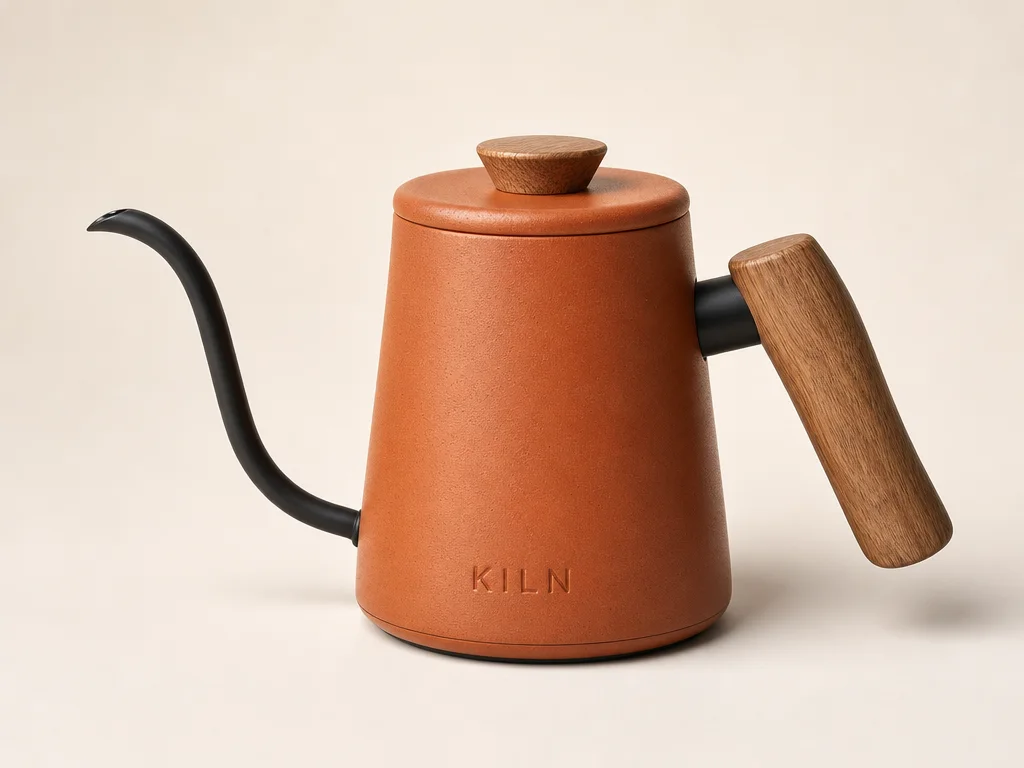
A terracotta enamel pour-over kettle with a black gooseneck spout and an oak handle on an off-white backdrop



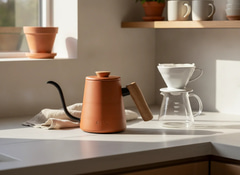
What the agent called, in order
generate_imagegpt-image-2The hero shot15 creditsrun_skillproduct-listing-setA white-background hero and lifestyle photos110 creditsrun_skillstatic-ad-packFour feed ads with the headline, offer and button80 creditsanimate_imageimagera-warlord-pro-from-imageAn 8-second film65 credits Open this prompt in Claude
Try a skill in one click
38 ready-made jobs your agent can run. Open one in Claude with the request typed in, or copy it into any connected client. The price is quoted before anything runs.
Commerce
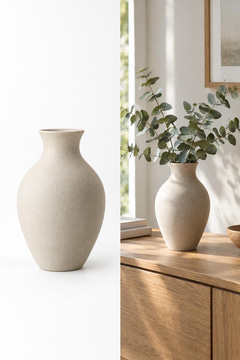 Illustration: One product, a catalogue hero and a lifestyle shot.
Product listing photos
I have one photo of my product and my listing looks amateurMy Shopify listing photos look amateur, can you fix them?Open in Claude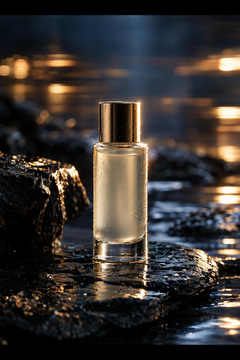 Illustration: A product shot with a deliberate camera move.
Product ad video
I need a short video ad for my product and I have no footageMake a video ad for my skincare serum from this photoOpen in Claude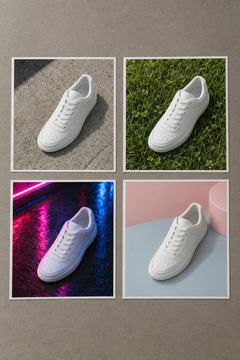 Illustration: The same product, four genuinely different executions.
Ad variations to test
I need several versions of the same ad so I can see which one worksGive me four ad variations I can A/B testOpen in Claude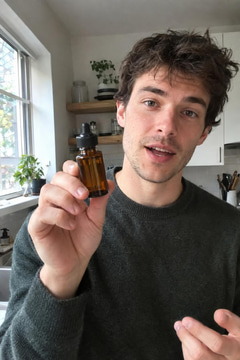 Illustration: A creator-style review, filmed on a phone.
Talking product review
I want a creator talking about my product, filmed like a phone reviewMake a UGC review video of someone holding my serumOpen in Claude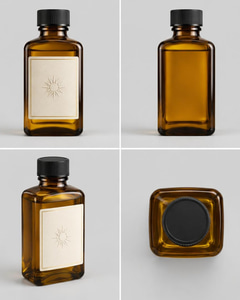 Illustration: Object ID — one sheet, every shot.
Object ID
I need the same object in every shotMake a object sheet from these photosOpen in Claude Illustration: Marketing Brand Studio — illustrations of finished ads.
Marketing Brand Studio
I need a batch of finished, on-brand static ads for my product to testMake ads for my candle brand from this photoOpen in Claude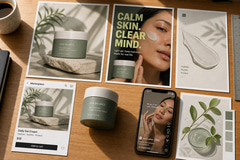 Illustration: Marketing Studio — illustrations of product visuals.
Marketing Studio
I need a marketing visual of my product — a product shot, ad, poster or listing imageStudio white shot of this bottleOpen in Claude Illustration: A podcast-style clip, your product on the desk.
Podcast clip ad
I want a podcast-style ad for my productMake a podcast-style ad for my headphonesOpen in Claude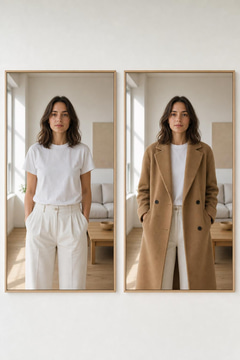 Illustration: One person, one garment, worn.
Virtual try-on
I want to see someone in my garmentShow me wearing this jacketOpen in Claude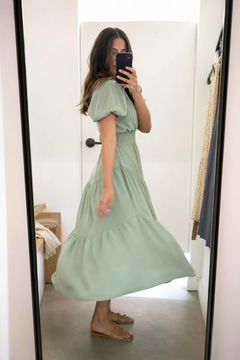 Illustration: A mirror try-on, filmed like a phone video.
Mirror try-on video
A mirror try-on video of my garmentMake a mirror try-on video of this dressOpen in Claude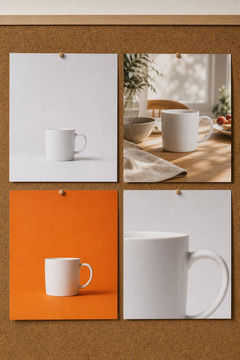 Illustration: Four feed ads, one product, your words.
Static ad pack
Feed ads for my product, text spelled rightMake 4 Facebook ads for my candle with the text 20% OFF THIS WEEKOpen in Claude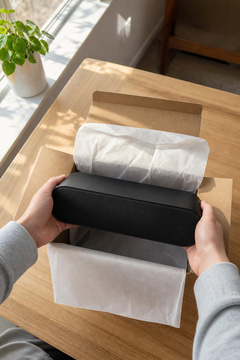 Illustration: Hands, a box, your product, the sound of paper.
Unboxing video
A POV unboxing clip of my productMake an unboxing video of my perfumeOpen in Claude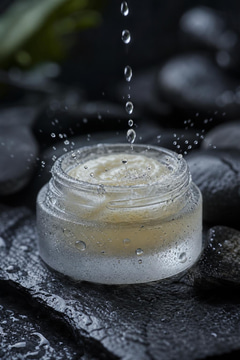 Illustration: A slow macro shot with crisp, close sound.
Product ASMR clip
An ASMR clip of my productMake an ASMR video of my lipstickOpen in Claude
Social video
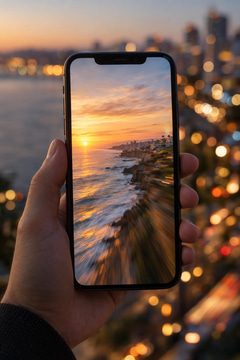 Illustration: A still that moves, cut for vertical.
Reel from a photo
I have a good photo and I want it to move for socialTurn this photo into a reel for InstagramOpen in Claude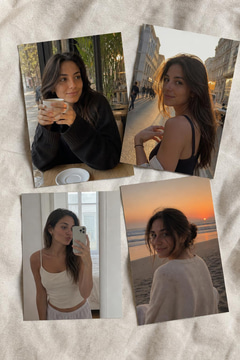 Illustration: Four casual phone photos, one person.
Photo dump
I want casual photos of my characterMake a photo dump of my AI influencerOpen in Claude Illustration: Your product as a handmade clay character.
Claymation explainer
A claymation clip about my productMake a claymation ad for my vitamin bottleOpen in Claude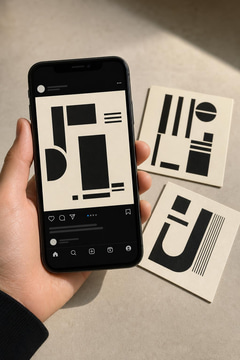 Illustration: Four slides, one look, your words.
Carousel post
Carousel slides with my wordsMake an Instagram carousel about 3 tips for better sleepOpen in Claude
Film
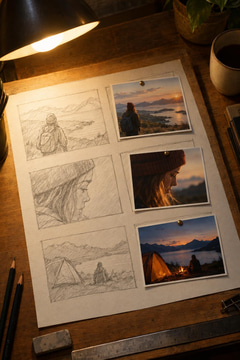 Illustration: Sketch each shot first, render it second.
Storyboard to shots
I have an idea for a scene and I need to see it before I commitStoryboard a scene where a detective finds a letter in the rainOpen in Claude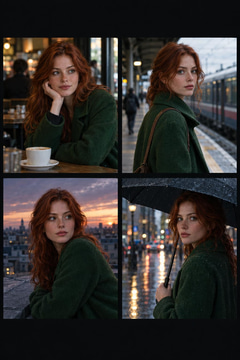 Illustration: One face, held across every shot.
The same character in every shot
My character looks like a different person in every imageKeep the same character across three different scenesOpen in Claude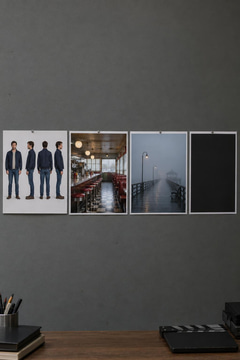 Illustration: Turnarounds, plates and a title card, set up once.
Set your show up once
I am making a series and I need everything to match from episode oneI'm starting a series and need a show bible for my leadsOpen in Claude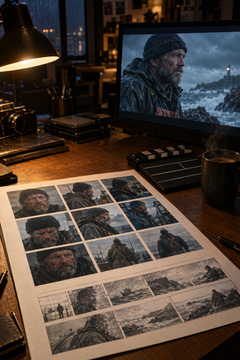 Illustration: A story becomes a sheet, then a film.
AI Director
I have a story and want a character sheet and a finished film from itAI director: turn my short story into a filmOpen in Claude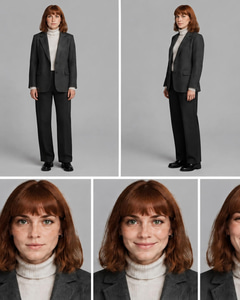 Illustration: Character ID — one sheet, every shot.
Character ID
I need the same character in every shotMake a character sheet from these photosOpen in Claude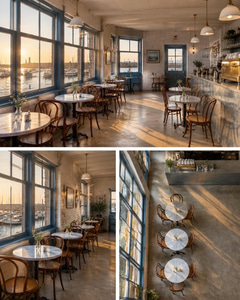 Illustration: Location ID — one sheet, every shot.
Location ID
I need the same location in every shotMake a location sheet from these photosOpen in Claude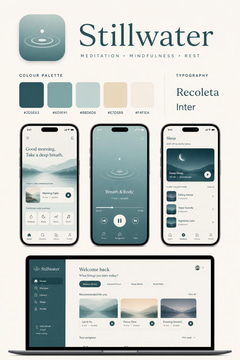 Illustration: Digital product ID — one sheet, every shot.
Digital product ID
I need the same digital product in every shotMake a digital product sheet from these photosOpen in Claude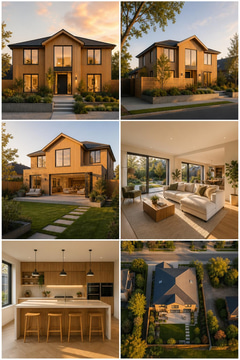 Illustration: Property ID — one sheet, every shot.
Property ID
I need the same property in every shotMake a property sheet from these photosOpen in Claude Illustration: Influencer Studio — inspiration. Design a person once. Use them in every photo and video.
Influencer Studio
I want to build an AI influencer from 31 kinds of choices, or start from a photoInfluencer StudioOpen in Claude
Websites
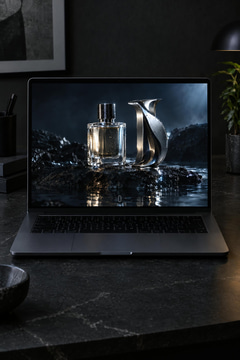 Illustration: A brief becomes a website that plays as you scroll.
Cinematic Website
I need a website that opens on a cinematic film my visitors scroll throughbuild me a landing page for my coffee brandOpen in Claude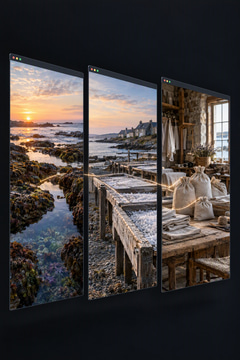 Illustration: Three places, one continuous flight, one website.
Journey Website
I need a website that travels through several places as my visitors scrolla website that travels from our vineyard to the cellar to the tableOpen in Claude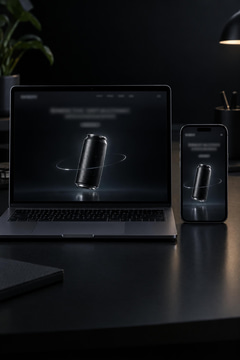 Illustration: The product turns as you scroll.
Product Film Website
I need a product website where the product turns as visitors scrolla product page where my perfume bottle rotates as you scrollOpen in Claude
Brand design
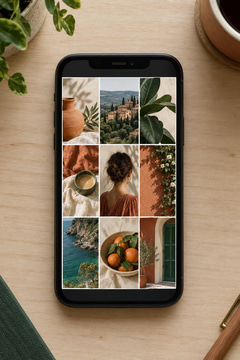 Illustration: A week of posts that read as one set.
A week of posts, one look
I need a batch of posts that look like they belong togetherMake a week of posts for my bakery in one lookOpen in Claude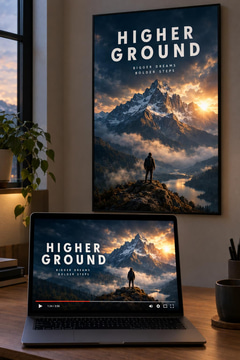 Illustration: A thumbnail and a poster with clean lettering.
Thumbnail and poster
I need a thumbnail and a poster with my title spelled rightMake a YouTube thumbnail with my title spelled rightOpen in Claude Illustration: A poster whose lettering is spelled right.
A poster whose words are spelled right
Every poster I generate has gibberish where the text should beMake a poster for my bakery's grand opening with the words spelled rightOpen in Claude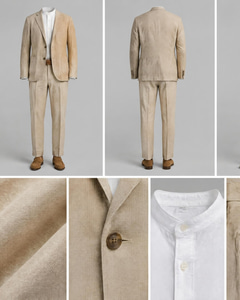 Illustration: Outfit ID — one sheet, every shot.
Outfit ID
I need the same outfit in every shotMake a outfit sheet from these photosOpen in Claude Illustration: Four headshots from one casual photo.
Headshots from a selfie
I need headshots from my selfieMake me a LinkedIn headshot from this selfieOpen in Claude
Audio
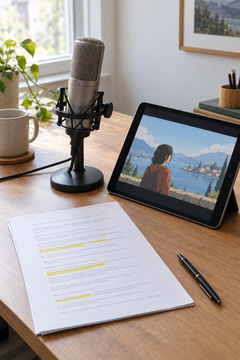 Illustration: Your script, read aloud, with a picture per beat.
Explainer with a voiceover
I need to explain something and I hate being on cameraMake an explainer with a voiceover from my scriptOpen in Claude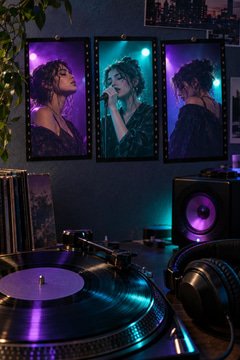 Illustration: A song, three shots, one cut to the music.
Music video
I want a music video for a song idea, with shots that matchMake a music video for my synth-pop song ideaOpen in Claude
Restoration
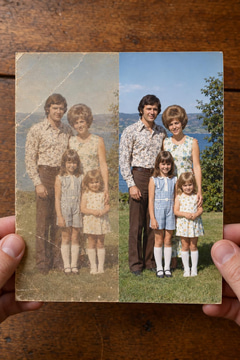 Illustration: Repaired first, then enlarged.
Rescue an old or low-quality photo
The only copy I have is small, blurry or damagedRestore this old photo of my grandparentsOpen in Claude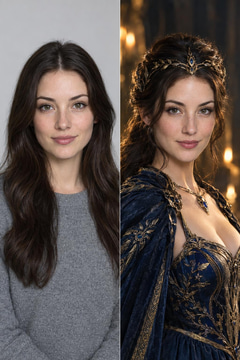 Illustration: One photo, restyled with an unrestricted edit.
Unrestricted edit
I want to restyle my photo freely, the way I describe itDo an unrestricted edit of my photoOpen in Claude
Tile pictures are illustrations of each job, not results from it.
What Imagera MCP brings to your AI agent
Connect Imagera with Claude, ChatGPT, Cursor, and more to unify image generation, video creation, voice, music, and your library in one workflow.
Create both images and videos
Turn text into images and videos through a single Imagera connection. One URL, one account, one credit balance.
Create a polished beauty commercial still of this bottle on wet black stone, studio light, 1:1.
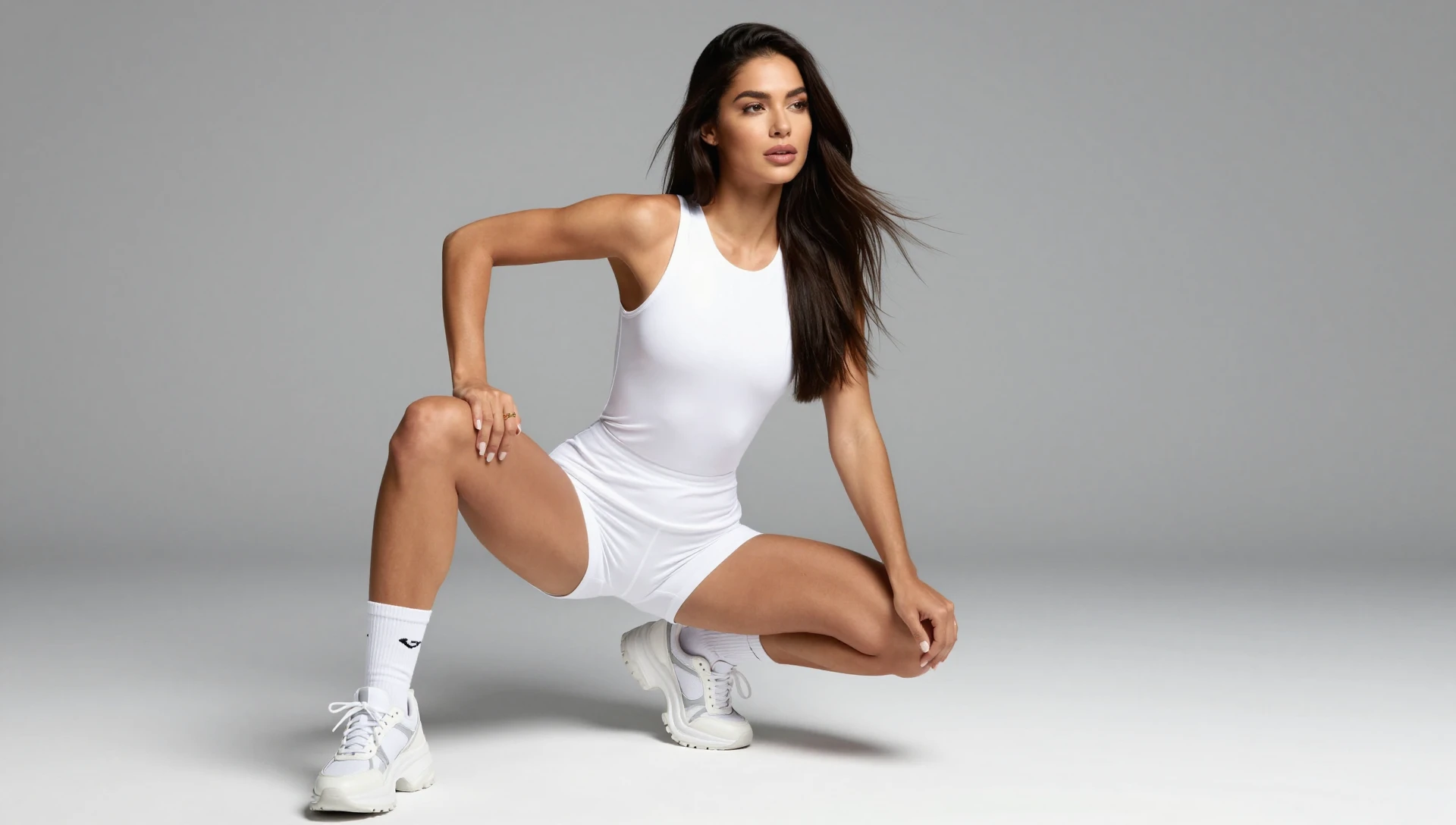
Text to image1:1
Guide videos from a still
Hand your agent a photo and a motion prompt. Imagera animates it and returns the clip in the conversation.
Animate this product shot into a 5-second cinematic ad, slow orbit, 16:9.
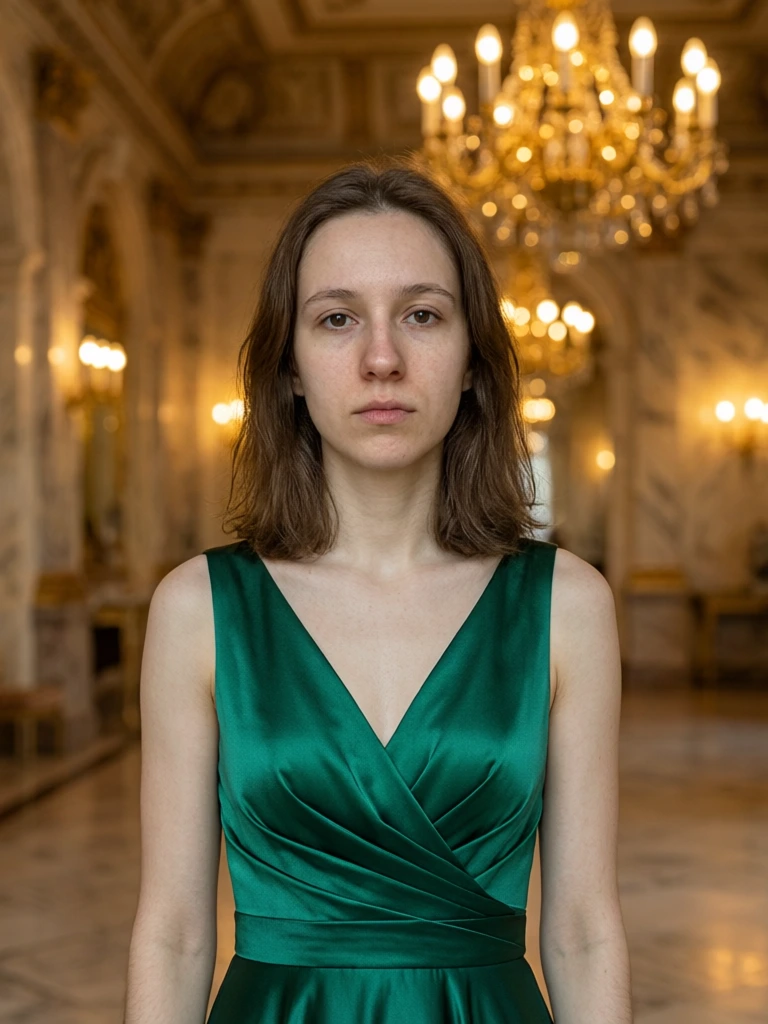
Image to video16:95s
Edit with plain language
Change lighting, wardrobe, background, or product details without leaving the chat. The original stays in your library.
Keep the subject. Swap the background for a sunlit marble kitchen and warm the light.
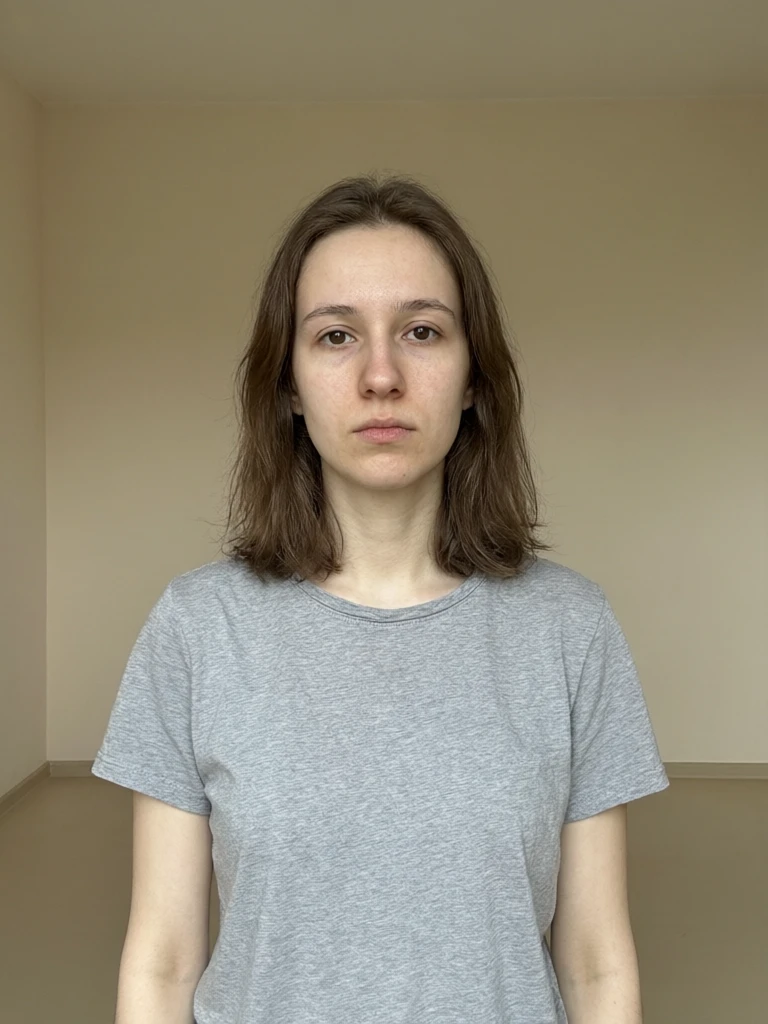
Natural-language edit1:1
Same account, same credits
MCP generations spend the same credits as the studios. Check the balance, then keep creating — no second wallet.
Can I use MCP with my existing Imagera account and credits?
Credit balance
Same plan · same credits · same library
Every tool on the same connection
Image, video, voice, music, and model compare. The tool list your agent sees updates as Imagera ships new ones — you do not re-paste the URL.
Text to image
Still generation from a prompt, with Fast, Pro, Anime, and GPT Image 2.
Image edit
Natural-language edits that keep identity and product detail.
Upscale
Print-grade enlargement from a soft still.
AI detect
Check whether an image was generated before you publish it.
Text to video
Short clips from a scene description, 3–10 seconds.
Image to video
Animate a still with camera move, lighting, and mood.
Video enhance
Sharpen an existing clip without leaving the chat.
Voice
Read a script in 30+ languages, or clone a voice from a sample.
Music
Beds, vocals, and reference-matched tracks on the same connection.
Compare models
Ask Claude, GPT, and Gemini the same question in one turn.
Just ask. Here's what Imagera MCP creates through chat
See what becomes possible when Imagera is connected to your AI agent. Copy a prompt and send it.
Generate images without leaving chat
Text-to-image across Imagera image models. Results return in the conversation and save to your library.
Generate a moodboard of a desert-glass perfume bottle — 4 variations, studio light, 1:1.
Create videos without leaving chat
Make videos from text or images through your agent. Imagera handles the job and returns the finished clip.
Animate this product shot into a 5-second cinematic ad.
Edit a still in one sentence
Natural-language edits land next to the original in your library, so you can keep iterating.
Keep the face. Change the jacket to matte black leather and move the light camera-left.
Upscale for print
Send a soft still. Get a sharper one back in the same thread, saved to your library.
Upscale this product still to print quality. Keep the grain, recover the type on the label.
Write, then hear it
Voice and music tools share the same connection as image and video. No second account.
Read this product script in a calm studio voice, 12 seconds, English.
Stay focused on creating
Check plan and credit information from the conversation. Generations spend the same balance as the studios.
How many credits do I have left?
The latest AI models, all in one place
Frequently asked questions
What is the Imagera MCP?
MCP (Model Context Protocol) is an open standard that lets AI agents use external tools. Once connected, your agent can call Imagera to generate images, video, voice and music — and return the results directly in your conversation.
How do I add Imagera as a Claude connector?
In Claude (web, desktop, or mobile), go to Settings → Connectors, click Add custom connector, name it Imagera, and paste the server URL. Click Connect, sign in with your Imagera account, and ask Claude to generate an image.
Can I use Imagera MCP in Cursor?
Yes. In Cursor, open Settings → MCP & Integrations → New MCP server, add Imagera to mcp.json with the server URL, then click the login prompt and approve in your browser. Imagera tools then show up in Agent chats.
How do I connect Imagera to ChatGPT?
On ChatGPT on the web, go to Plugins, select the plus button, then Add custom MCP server. Name it Imagera, paste the server URL, set authentication to OAuth and select Create as a plugin, then install it and sign in. In a new chat, type @ and select Imagera — skipping this causes ChatGPT to generate images on its own instead of using Imagera.
Is this included in my plan?
Connecting costs nothing, and generations spend your normal Imagera credits — there is no separate subscription for this. Using Imagera inside an assistant is part of the Pro plan.See pricing
Do I need an API key?
No. Add the server URL in your agent's settings and sign in with your Imagera account through OAuth. There are no keys to create, rotate, or leak.
Do I need a new account?
No — use the same Imagera account and credits you already have.
Where do my generations go?
Everything your agent creates is returned in the conversation and saved to your Imagera library, so you can keep iterating on imagera.ai whenever you want a full canvas.
What can my agent actually do?
Generate images and video, edit stills, upscale, detect AI-generated images, animate photos, enhance video, synthesize or clone a voice, generate music, compare answers from Claude, GPT, and Gemini, and check your credits — all from the conversation.
Which image and video models can I use?
Image models include Imagera Fast, Imagera Pro, Imagera Anime, and GPT Image 2. Video models include Imagera Fast Video, Imagera Motion, and Imagera Cinema. Your agent can pick a model automatically or use one you name.
Is my account safe?
The URL is not a password. You sign in through your browser, and your assistant only ever holds a token you can revoke — it never sees your Imagera password.
What if I have multiple MCP servers connected?
Mention Imagera in your prompt so your agent knows where to route the request. For example: "Use Imagera to generate a 5-second product video." Once Imagera is your go-to for image and video, you can drop the name.
Does Imagera MCP work on Team and Enterprise plans?
Yes. On managed workspaces an Owner or admin adds the Imagera connector once. Each member then signs in with their own Imagera account. Generations spend that account’s credits and save to that account’s library.
Can I upload a reference image?
Yes. Paste an image URL in the prompt, or use the upload widget in clients that provide one. The image becomes a reference for generation, edit, or image-to-video.
Trouble connecting? We'll help.
What is the Imagera MCP connector, and what can an assistant do with it?
Quick Answer:
Imagera MCP is a connector that lets an AI assistant call Imagera directly. Paste one URL into Claude, ChatGPT or Cursor, sign in once, and the assistant can generate images, video, voice and music inside the conversation — the results land in your Imagera library like any other run.
Source: Imagera MCP
What is MCP connector?
MCP connector MCP (Model Context Protocol) is an open standard for giving an AI assistant tools it can call. An MCP connector is the endpoint that exposes those tools; Imagera's exposes its generation models.
Connecting is a URL and an OAuth sign-in — no key to paste, no code to write. Runs are billed to the same credits the studios use, and the assistant is told the price before it spends any.
The problem: the assistant can describe the shot, and then stops
An assistant can write the brief, argue the framing and name the aspect ratio, then hand you a paragraph to carry to another tab. Every handoff loses the context that made the brief good, and the thing you asked for is still not made.
How to connect Imagera to your assistant
- 1
Copy the connector URL
Take the Imagera MCP URL from this page — one address, the same for every client. - 2
Add it in your assistant
In Claude, ChatGPT or Cursor, add a custom connector and paste the URL. There is no API key to handle. - 3
Sign in once
Approve the OAuth prompt with your Imagera account. The connector runs as you, on your credits. - 4
Ask for the thing
Ask in plain language. The assistant calls the model, and the result appears in the conversation and in your library.
Who it is for
Make it while you are still talking about it
The brief you just agreed on becomes the image without leaving the thread.
Inside the editor
From Cursor, generate the asset a page needs without switching context to a browser tab.
Repeatable asks
An assistant that can call the tool can also be told to run the same shape again tomorrow.
Frequently Asked Questions
What is the Imagera MCP?
MCP (Model Context Protocol) is an open standard that lets AI agents use external tools. Once connected, your agent can call Imagera to generate images, video, voice and music — and return the results directly in your conversation.
How do I add Imagera as a Claude connector?
In Claude (web, desktop, or mobile), go to Settings → Connectors, click Add custom connector, name it Imagera, and paste the server URL. Click Connect, sign in with your Imagera account, and ask Claude to generate an image.
Can I use Imagera MCP in Cursor?
Yes. In Cursor, open Settings → MCP & Integrations → New MCP server, add Imagera to mcp.json with the server URL, then click the login prompt and approve in your browser. Imagera tools then show up in Agent chats.
How do I connect Imagera to ChatGPT?
On ChatGPT on the web, go to Plugins, select the plus button, then Add custom MCP server. Name it Imagera, paste the server URL, set authentication to OAuth and select Create as a plugin, then install it and sign in. In a new chat, type @ and select Imagera — skipping this causes ChatGPT to generate images on its own instead of using Imagera.
Is this included in my plan?
Connecting costs nothing, and generations spend your normal Imagera credits — there is no separate subscription for this. Using Imagera inside an assistant is part of the Pro plan.
Do I need an API key?
No. Add the server URL in your agent's settings and sign in with your Imagera account through OAuth. There are no keys to create, rotate, or leak.
Do I need a new account?
No — use the same Imagera account and credits you already have.
Where do my generations go?
Everything your agent creates is returned in the conversation and saved to your Imagera library, so you can keep iterating on imagera.ai whenever you want a full canvas.
What can my agent actually do?
Generate images and video, edit stills, upscale, detect AI-generated images, animate photos, enhance video, synthesize or clone a voice, generate music, compare answers from Claude, GPT, and Gemini, and check your credits — all from the conversation.
Which image and video models can I use?
Image models include Imagera Fast, Imagera Pro, Imagera Anime, and GPT Image 2. Video models include Imagera Fast Video, Imagera Motion, and Imagera Cinema. Your agent can pick a model automatically or use one you name.
Is my account safe?
The URL is not a password. You sign in through your browser, and your assistant only ever holds a token you can revoke — it never sees your Imagera password.
What if I have multiple MCP servers connected?
Mention Imagera in your prompt so your agent knows where to route the request. For example: "Use Imagera to generate a 5-second product video." Once Imagera is your go-to for image and video, you can drop the name.
Does Imagera MCP work on Team and Enterprise plans?
Yes. On managed workspaces an Owner or admin adds the Imagera connector once. Each member then signs in with their own Imagera account. Generations spend that account’s credits and save to that account’s library.
Can I upload a reference image?
Yes. Paste an image URL in the prompt, or use the upload widget in clients that provide one. The image becomes a reference for generation, edit, or image-to-video.