MCP Orlen Wholesale Price
Orlen 도매 가격을 위한 모델 컨텍스트 프로토콜 서버입니다.
문서
MCP Orlen Wholesale Price - Learning Project
Model Context Protocol Servers for Orlen Wholesale Price.
Install
Tested with Claude for MacOS.
- You need to install Java 24 first.
- Download JAR files from releases.
- Open Developer Settings in Claude
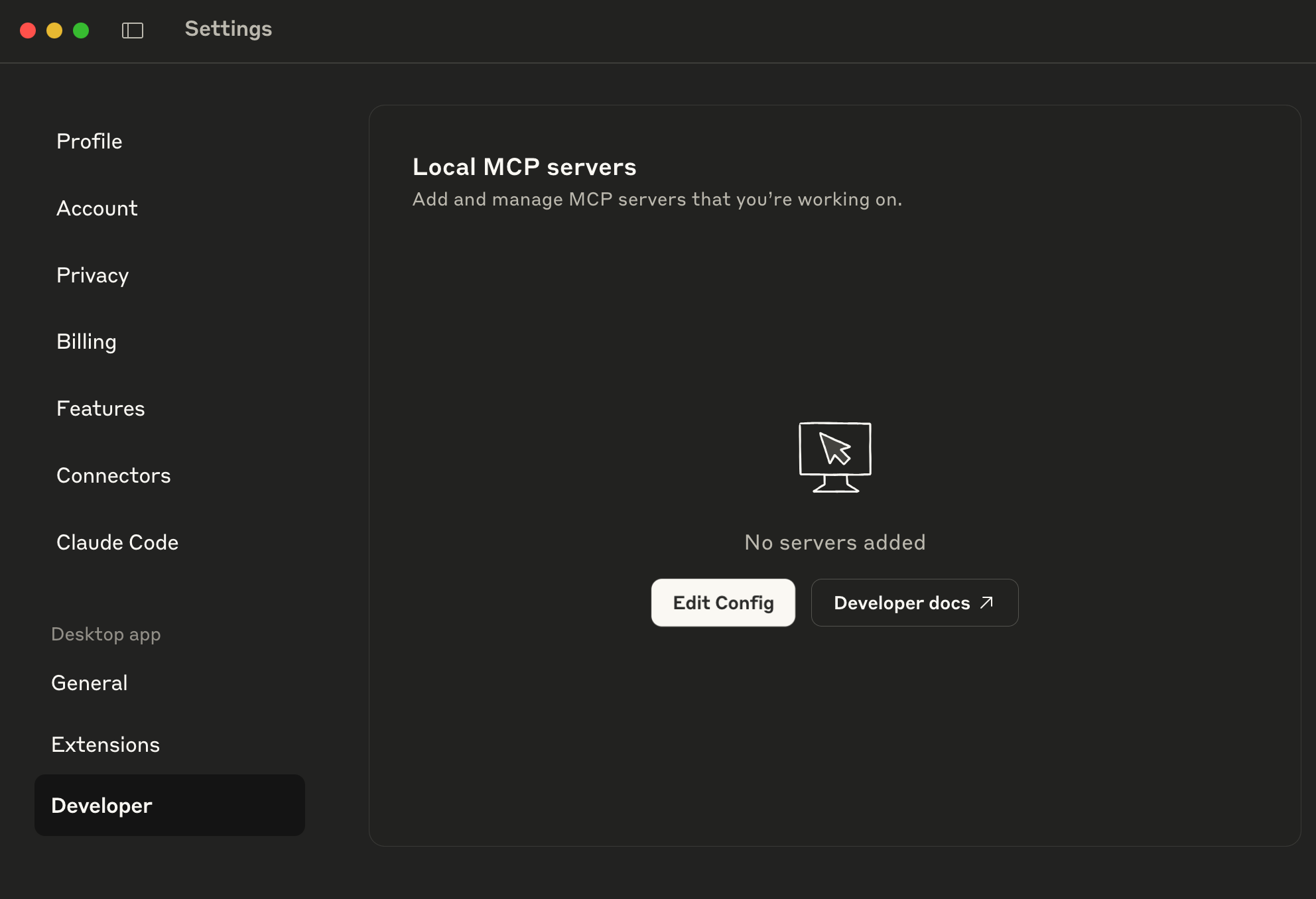 and hit the
 Edit Configbutton. - Edit file
claude_desktop_config.json:- macOS:
~/Library/Application Support/Claude/claude_desktop_config.json - Windows:
%APPDATA%\Claude\claude_desktop_config.json
- macOS:
- Add MPC Orlen Server:
{ "mcpServers": { "orlenWholesalePriceJar": { "command": ">>path to your java installation<</Contents/Home/bin/java", "args": [ "-jar", ">>path to your jar file<</mcp-orlen-0.1.0.jar" ] } } } - Restart Claude.
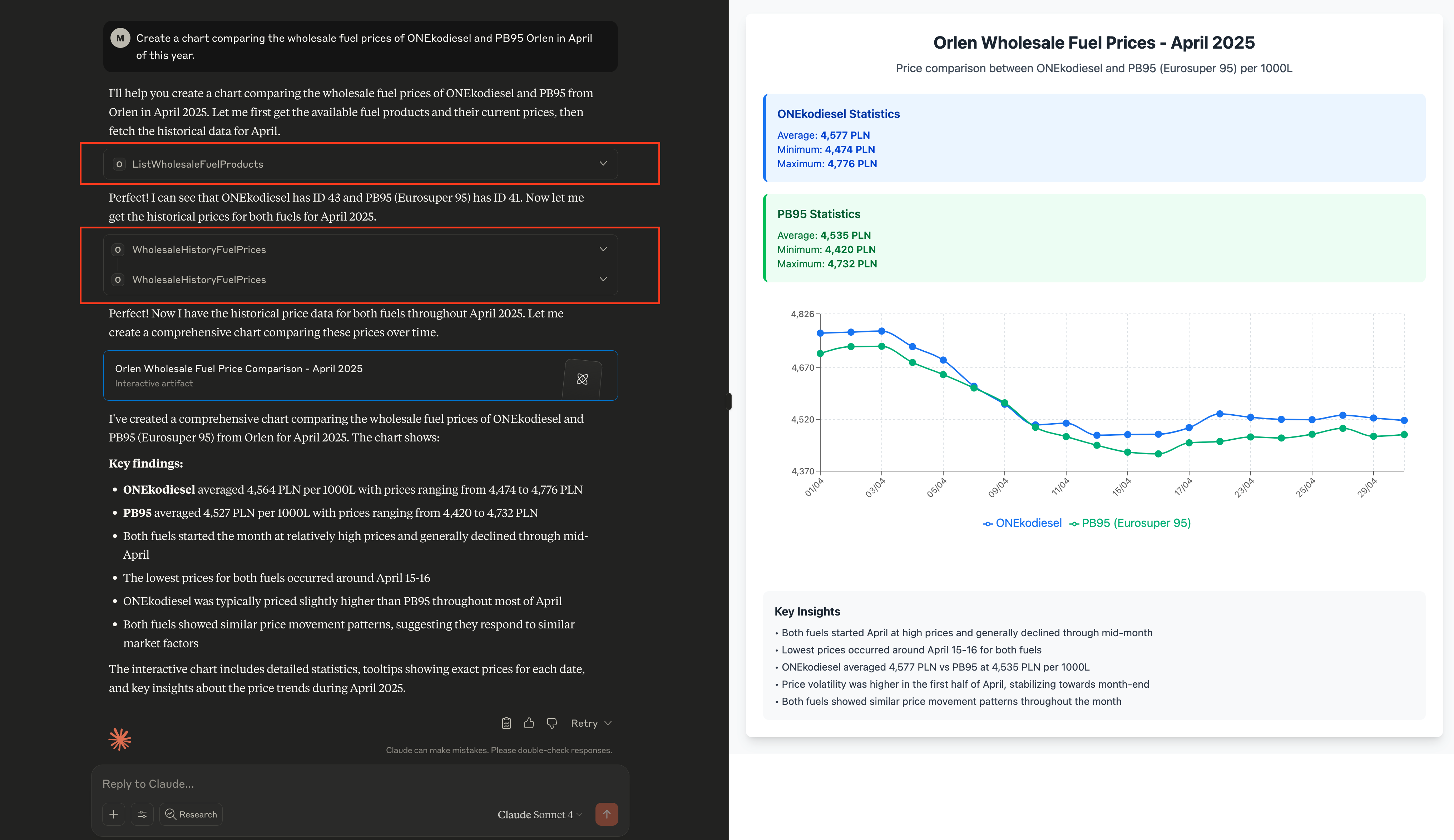
- Example prompt:
- EN:
Create a chart of the Orlen wholesale price of the fuel in the last month of this year - PL:
Proszę narysuj wykres jak kształtowały się ceny hurtowe paliwa Orlen w ciągu ostatniego miesiąca tego roku
- EN:
- Model response:
- Enjoy!