Knit MCP
공식HRIS, ATS, CRM, 회계, 캘린더, 미팅, 티케팅 등 10,000개 이상의 도구와 연결하세요.
Knit MCP(으)로 무엇을 할 수 있나요?
- 커스텀 MCP 서버 구축 — 지원되는 SaaS 앱에서 도구를 선택하고 이를 새 서버로 패키징하는 과정을 어시스턴트에게 안내받으세요.
- 선호하는 클라이언트에 배포 — Claude, Cursor, Windsurf 또는 직접 구축 중인 커스텀 클라이언트에 대한 단계별 설정 지침을 확인하세요.
- 서버 자격 증명 검색 — AI 도구를 연결하는 데 필요한 서버 URL과 MCP 토큰을 얻는 방법을 어시스턴트에게 설명받으세요.
- 계정 액세스 관리 — Google, Microsoft 또는 이메일로 로그인하거나 계정을 만들어 플랫폼 사용을 시작하는 방법을 문의하세요.
문서
Knit MCP 허브를 AI 에이전트와 함께 시작하기
이 문서는 Knit에서 관리하는 SaaS MCP 서버를 설정하고 운영하는 방법에 대한 포괄적인 개요를 제공합니다. 이 과정에는 플랫폼에 로그인하고, 서버를 생성하며, 워크플로우를 원활하게 진행하기 위해 필요한 도구와 애플리케이션을 선택하는 작업이 포함됩니다.
1단계
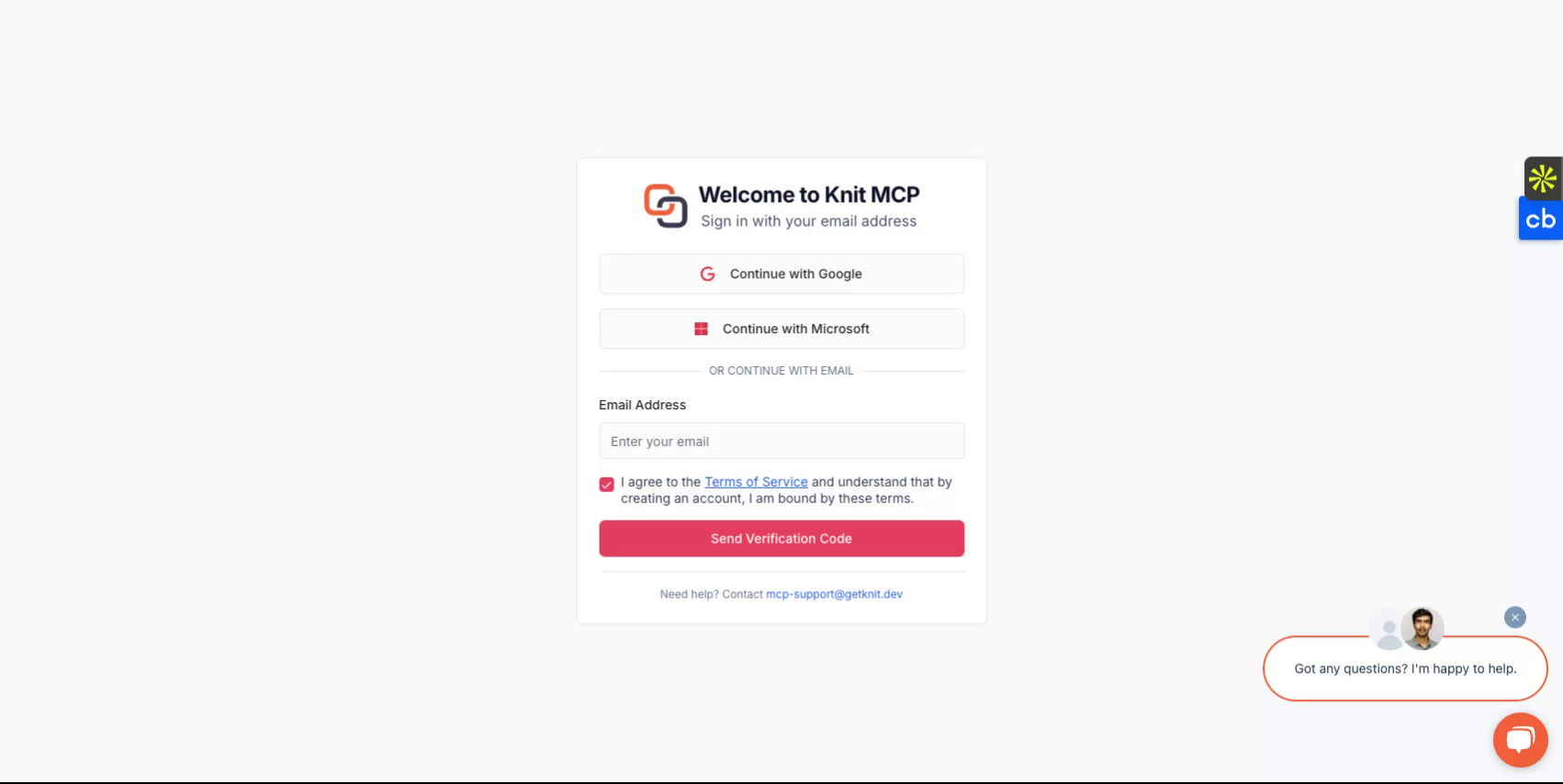
https://mcphub.getknit.dev를 방문하여 시작하세요. Google 또는 Microsoft 계정으로 로그인하거나 이메일 주소로 계정을 만드세요. 이렇게 하면 플랫폼의 기능에 액세스할 수 있습니다.
2단계
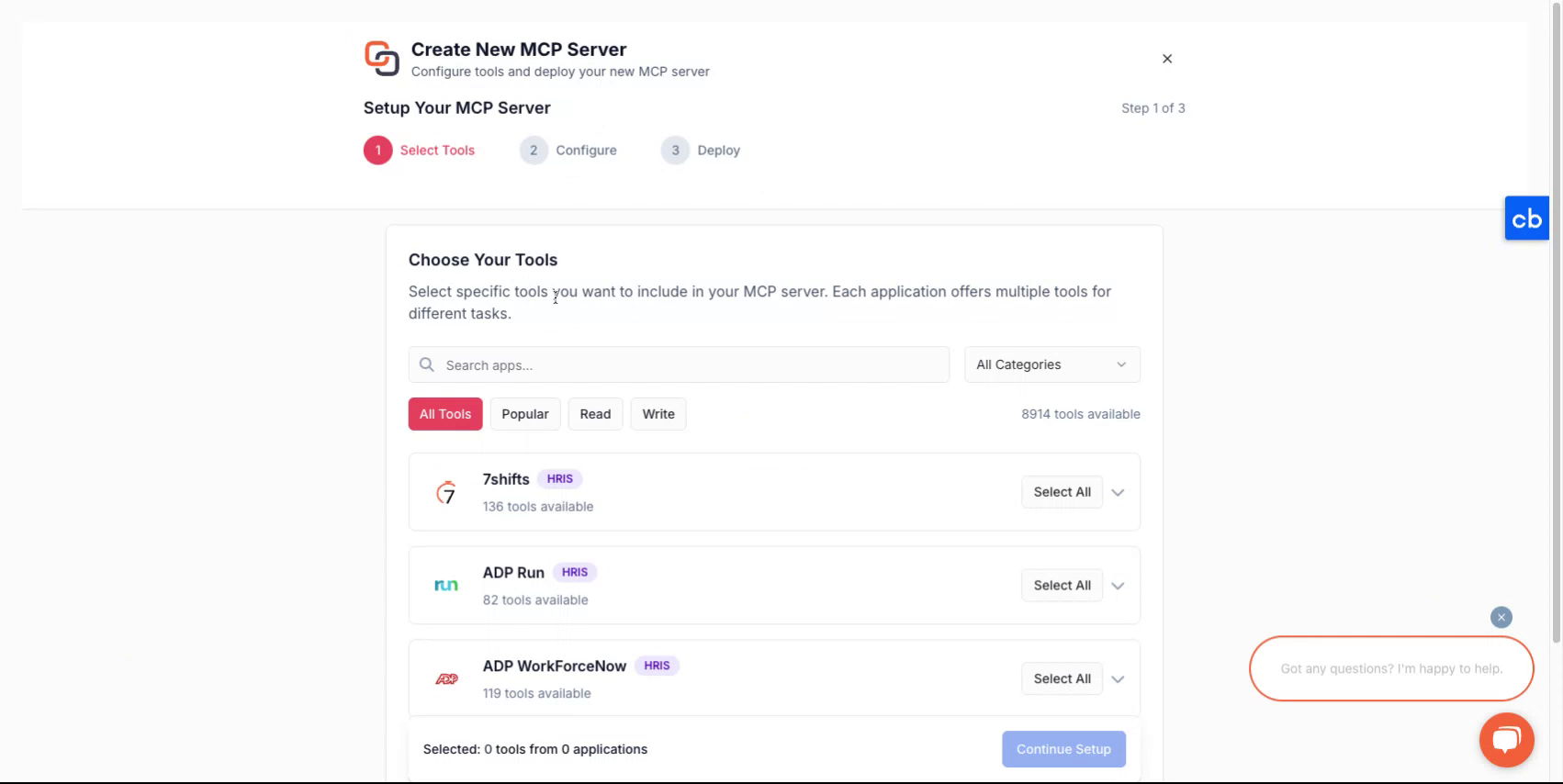
계정에 로그인한 후, 새 서버를 생성하는 과정이 안내됩니다.
3단계
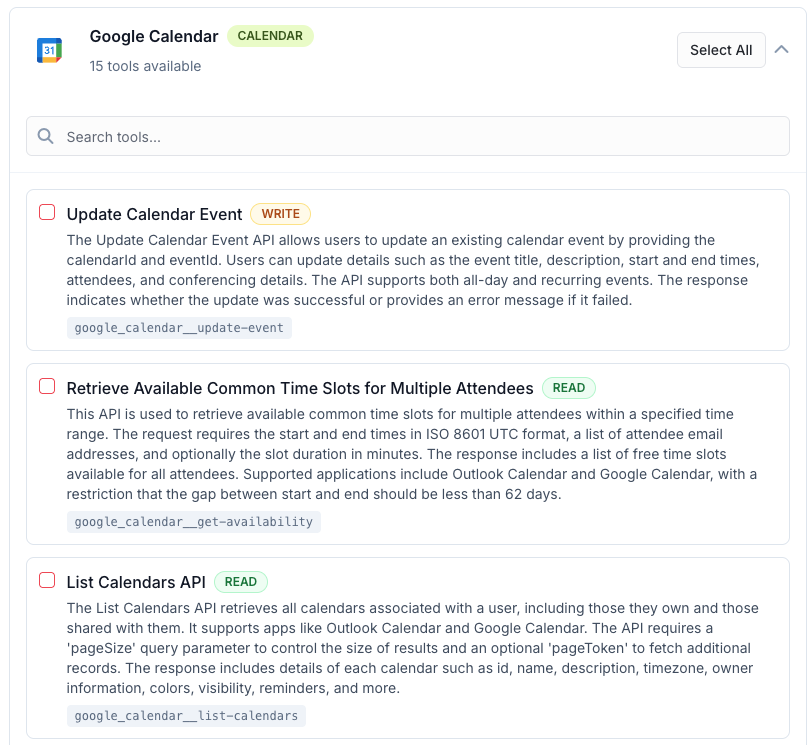
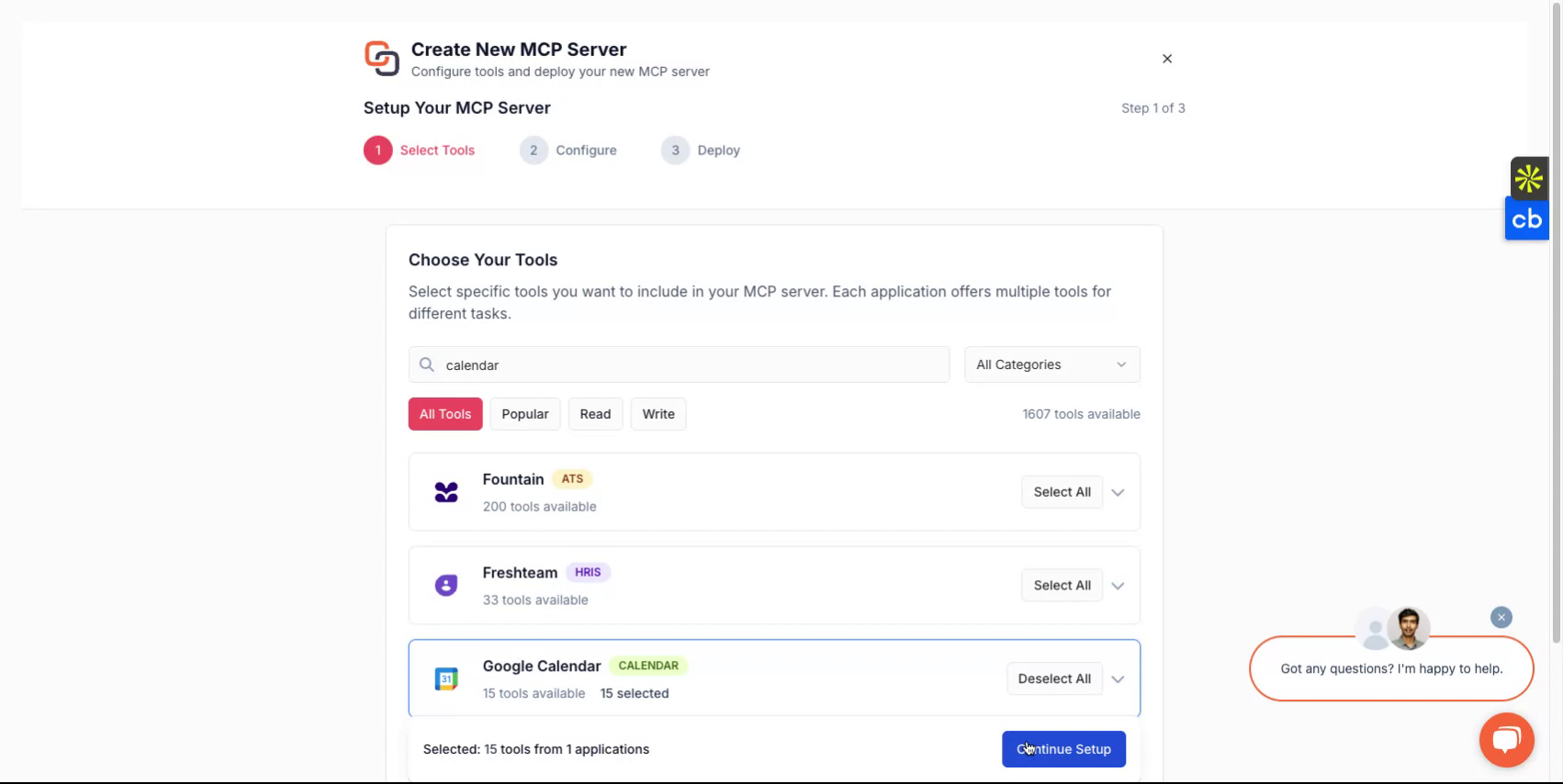
새 MCP 서버를 만들려면 먼저 MCP 서버에 패키징할 도구를 선택하세요. 이러한 도구는 하나 이상의 애플리케이션에서 가져올 수 있습니다. 지원되는 모든 애플리케이션 목록은 여기에서 확인할 수 있습니다 - 모든 MCP 서버
4단계
선택을 마친 후, 서버에 이름을 지정하고 설명을 추가한 다음 배포 방식을 선택하세요.
5단계
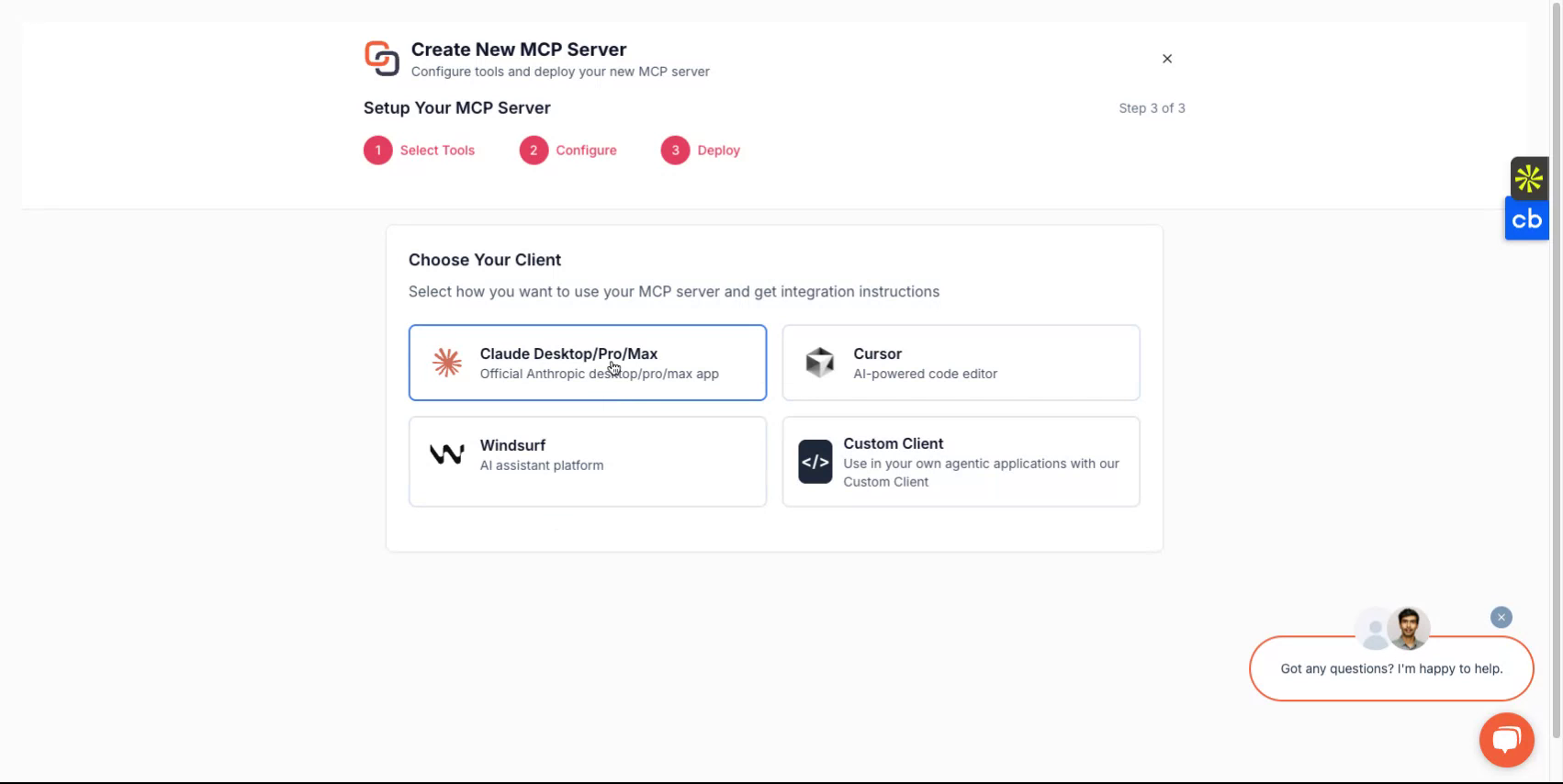
사용하려는 클라이언트에 따라 Claude, Cursor, Windsurf와 같은 옵션을 선택하거나, 직접 구축 중인 사용자 지정 클라이언트로 구현하도록 선택할 수 있습니다. 플랫폼이 설정 흐름을 안내합니다.
6단계
완료되면 서버 URL과 MCP 서버 토큰을 받게 됩니다. 이러한 자격 증명은 서버에 액세스하는 데 필수적입니다.
사용자 지정 클라이언트를 개발할 계획이라면 사용자 지정 클라이언트 옵션을 선택하고 해당 지침을 따르세요.
모두 완료
이제 Knit-MCP 서버를 성공적으로 설정했습니다. 질문이 있으시면 mcp-support@getknit.dev로 문의해 주세요.