moviepy-mcp
現在、20以上の動画・音声編集ツールを備えたmoviepy mcpサーバーです。
ドキュメント
VideoEditor-MCP


A powerful video generation and editing service powered by FastAPI, MoviePy, and FastMCP.
🎬 Description
VideoEditor-MCP provides a comprehensive service for programmatically creating and manipulating video and audio content. It exposes a rich set of tools through both a RESTful API (using FastAPI) and a Model-Context-Protocol (MCP) server, making it easy to integrate video editing capabilities into any application or AI agent-based workflow.
Whether you need to generate simple clips, perform complex edits, or composite multiple videos, this service offers a robust and easy-to-use solution.
✨ Key Features
- Dual-Interface: Interact via a standard REST API or a flexible MCP server for AI agents.
- Rich Editing Suite: A wide range of tools for video, audio, and compositing tasks.
- Extensible: Built with a modular router-based architecture, making it easy to add new features.
- Containerized: Comes with Docker support for easy deployment and scaling.
- Modern Tooling: Uses
uvfor fast dependency management andpytestfor robust testing.
📸 Screenshots
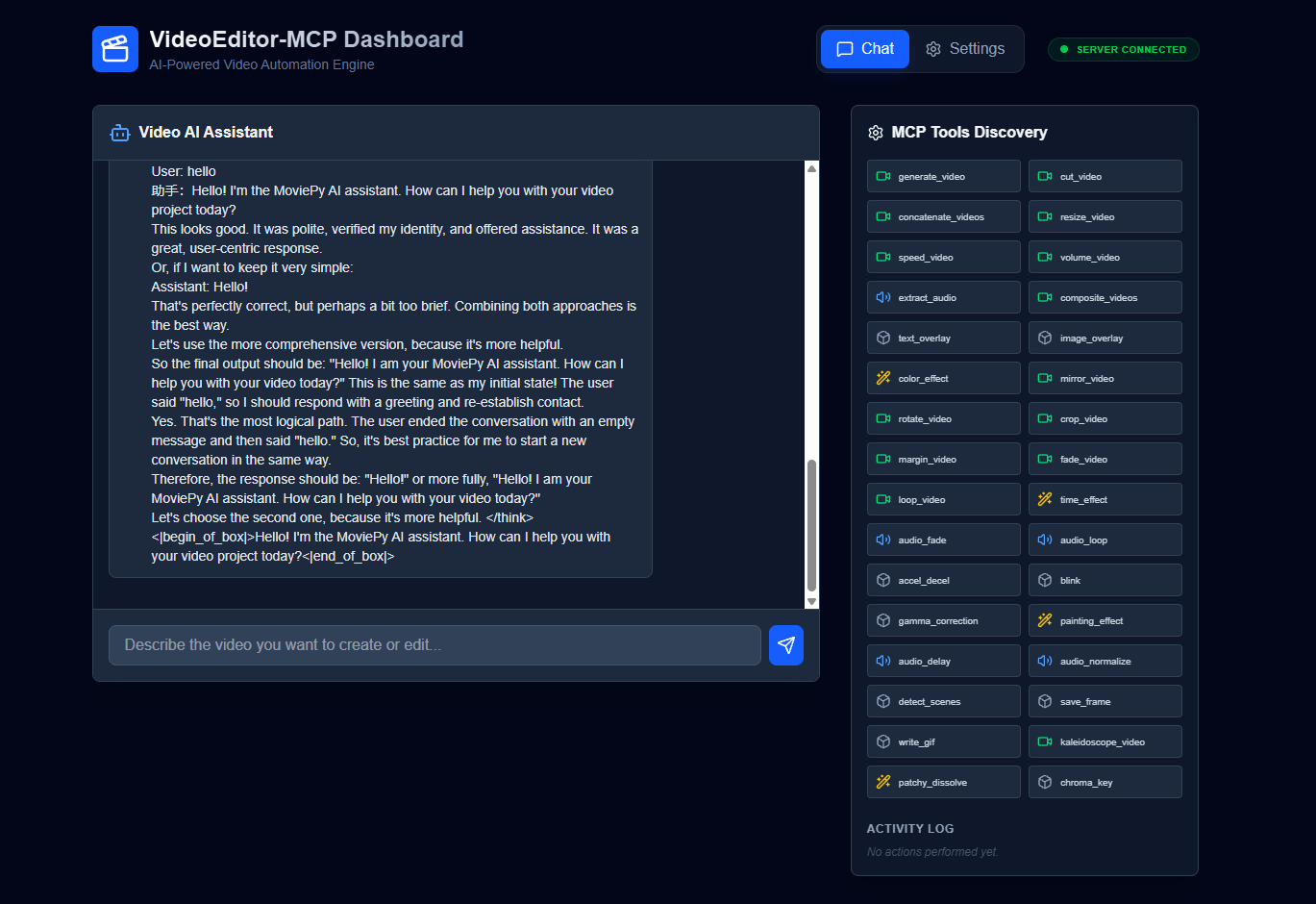
The main chat interface for interacting with the video editing agent.
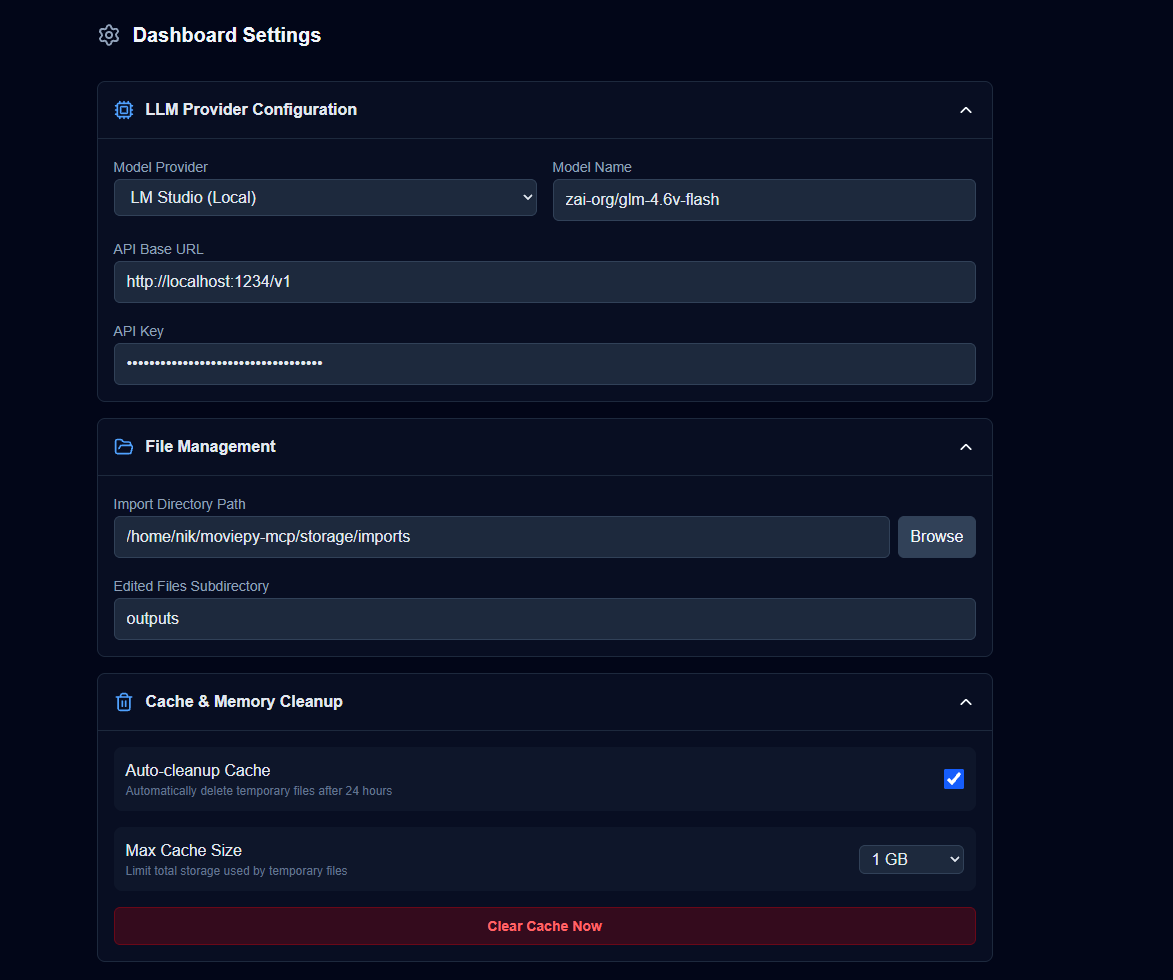
Expanded settings panel for configuring the LLM provider and model. |
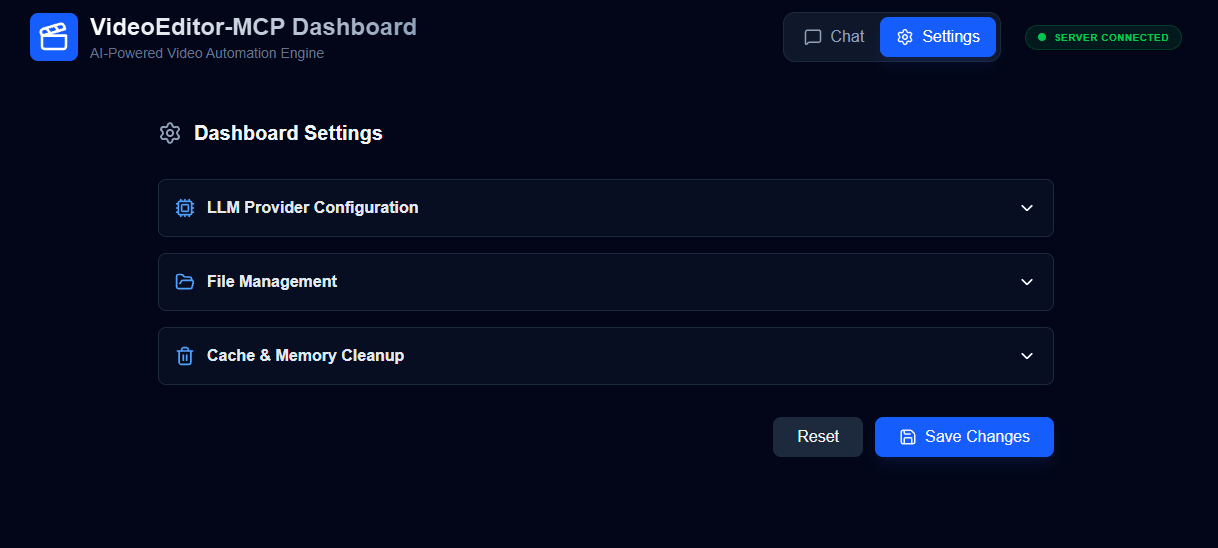
Collapsed settings panel. |
📖 Table of Contents
- Installation
- 🚀 Quick Start
- 🛠️ API Documentation
- 🤖 MCP Tools
- 🧪 Development & Testing
- 🐳 Docker Deployment
- 📜 License
📦 Installation
Prerequisites
- Python 3.12+
- uv (a fast Python package installer)
- FFmpeg (required by MoviePy for video processing)
# On Debian/Ubuntu
sudo apt-get update && sudo apt-get install -y ffmpeg

# On macOS (using Homebrew)
brew install ffmpeg
Setup
-
Clone the repository:
git clone https://github.com/your-username/moviepy-mcp.git cd moviepy-mcp -
Install dependencies using
uv: This command creates a virtual environment and installs all required packages frompyproject.toml.uv sync
🚀 Quick Start
Environment Setup
Before running the application, you need to set up the environment variables.
-
Backend Environment: Create a
.envfile in the root of the project and add any necessary environment variables for the FastAPI server.# .env EXAMPLE_VARIABLE=example_value -
Frontend Environment: Create a
.env.localfile in thefrontenddirectory and add your client-side environment variables.# frontend/.env.local NEXT_PUBLIC_EXAMPLE_VARIABLE=example_value
Running the Application
This project now includes a start.sh script to streamline the development setup. This script handles installing dependencies for both the backend and frontend, and starts both services.
-
Install dependencies and start the development servers: The following command will:
- Install Python dependencies with
uv. - Install Node.js dependencies with
npm. - Start the FastAPI backend server.
- Start the Next.js frontend development server.
uv sync && cd frontend && npm i && cd ../ && ./start.sh --dev - Install Python dependencies with
The FastAPI server will be available at http://localhost:8000 and the frontend at http://localhost:3000.
🛠️ API Documentation
The following is a summary of the available API endpoints. For detailed request/response models, please refer to the auto-generated docs at http://localhost:8000/docs.
Video Generation
POST /video/generate: Creates a simple video with text on a background.
Video Editing
POST /video-edits/cut: Trims a video.POST /video-edits/concatenate: Joins multiple videos.POST /video-edits/resize: Resizes a video.POST /video-edits/speed: Changes the playback speed.POST /video-edits/color-effect: Applies a color filter.POST /video-edits/mirror: Mirrors the video horizontally or vertically.POST /video-edits/rotate: Rotates the video.POST /video-edits/crop: Crops the video.POST /video-edits/margin: Adds a margin around the video.POST /video-edits/fade: Applies fade-in or fade-out.POST /video-edits/loop: Loops the video content.POST /video-edits/time-effect: Applies time-based effects like reverse or freeze.
Audio Processing
POST /audio/volume: Adjusts the volume of a video's audio.POST /audio/extract: Extracts the audio track from a video.POST /audio/fade: Fades the audio in or out.POST /audio/loop: Loops the audio track.
Compositing
POST /compositing/composite: Stacks or grids multiple videos together.POST /compositing/text-overlay: Adds a text overlay to a video.POST /compositing/image-overlay: Adds an image overlay to a video.
🤖 MCP Tools
The MCP server exposes a wide range of tools for agentic workflows. Each tool corresponds to one of the API functionalities.
Example MCP Tools:
create_video(text: str, duration: float)cut_video(video_path: str, start_time: float, end_time: float)concatenate_videos(video_paths: List[str])resize_video(video_path: str, scale: float)text_overlay(video_path: str, text: str)adjust_volume(video_path: str, factor: float)- ...and many more!
Refer to src/videoEditor_mcp/mcp_server.py for a complete list of available tools and their signatures.
🧪 Development & Testing
Setup
Follow the Installation steps to set up the development environment. The dev dependency group in pyproject.toml includes pytest and httpx for testing.
Running Tests
To run the full test suite:
uv run pytest
To run tests with code coverage analysis:
uv run pytest --cov=src
🐳 Docker Deployment
This project includes a Dockerfile and docker-compose.yml for easy containerization.
-
Build the Docker image:
docker-compose build -
Run the service: This will start the FastAPI server on port 8000.
docker-compose up
📜 License
This project is licensed under the MIT License. See the LICENSE file for details.