Tintloom
Generate and edit images inside Claude chats. Ask in a sentence and the image appears as a card you can select, erase, resize and restyle. Free to start.
ホスト型 MCP サーバー
npx add-mcp 'https://mcp.tintloom.com/mcp'Claude Code、Codex、Cursor などにインストールできます
ドキュメント
One sentence in. Finished work out.
Tintloom made each picture from the line under it. The words are set as real type, the way a designer would.
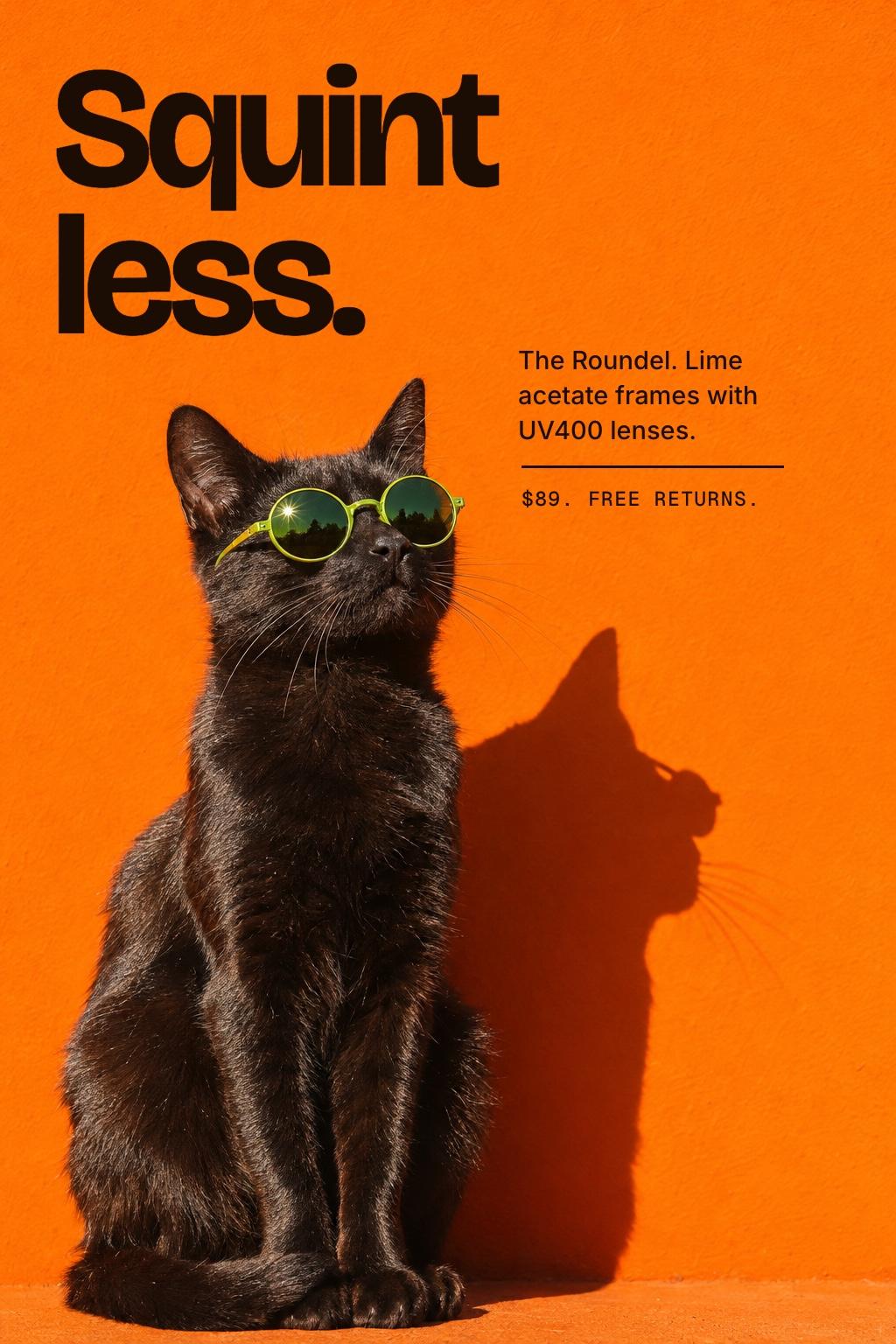
“A poster for round lime sunglasses. A black cat in hard sun against an orange wall. Keep the top third clear.”

“A cafe poster. A fluffy white cat in an apron with an iced coffee, pink wall, blue tiles. Headline room on top.”
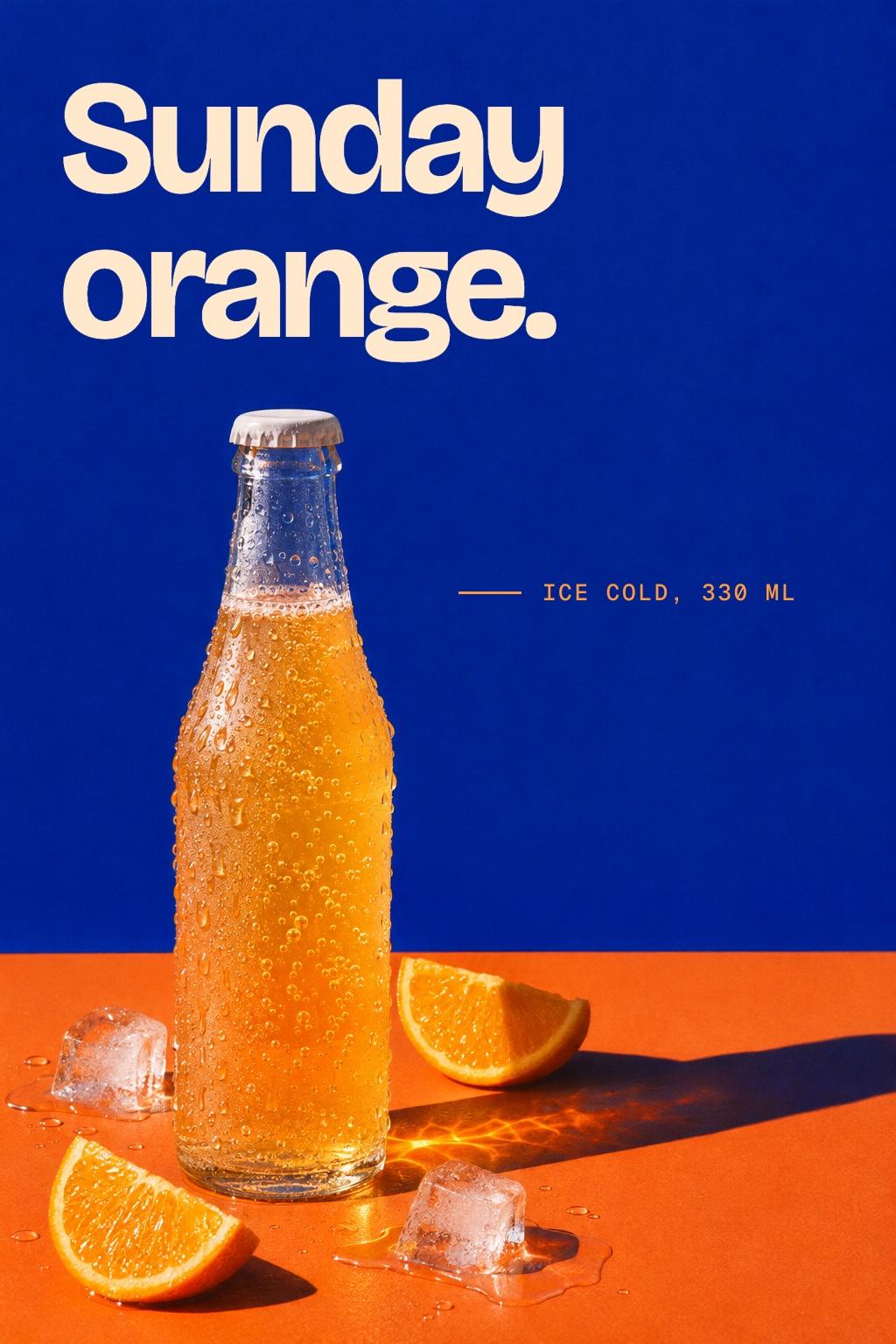
“A bottle of orange soda on a cobalt wall, ice and orange slices, hard sun. Keep the top clear for the name.”
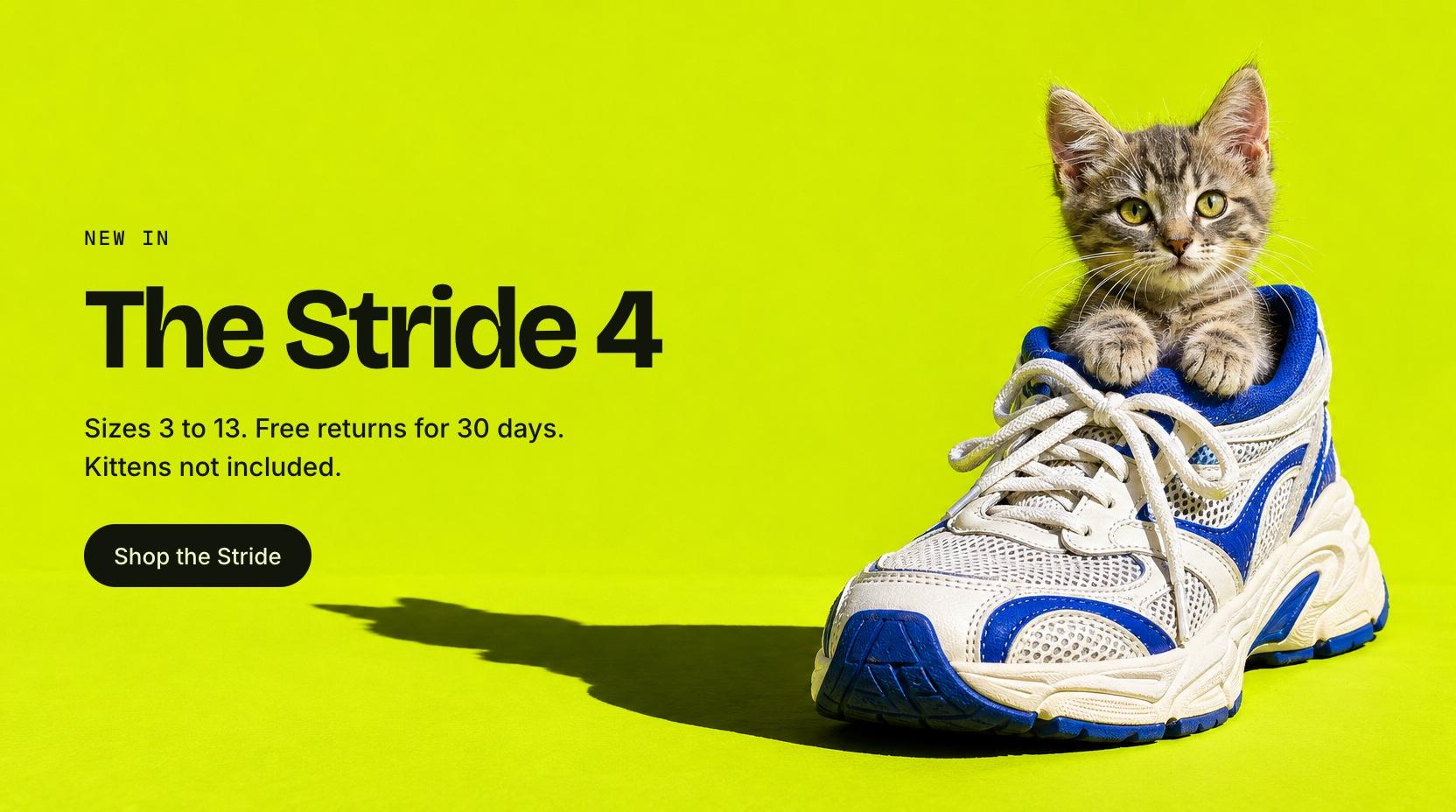
“Banner for our new running shoe with a kitten sitting in it, on lime. Keep the left half clear for copy.”
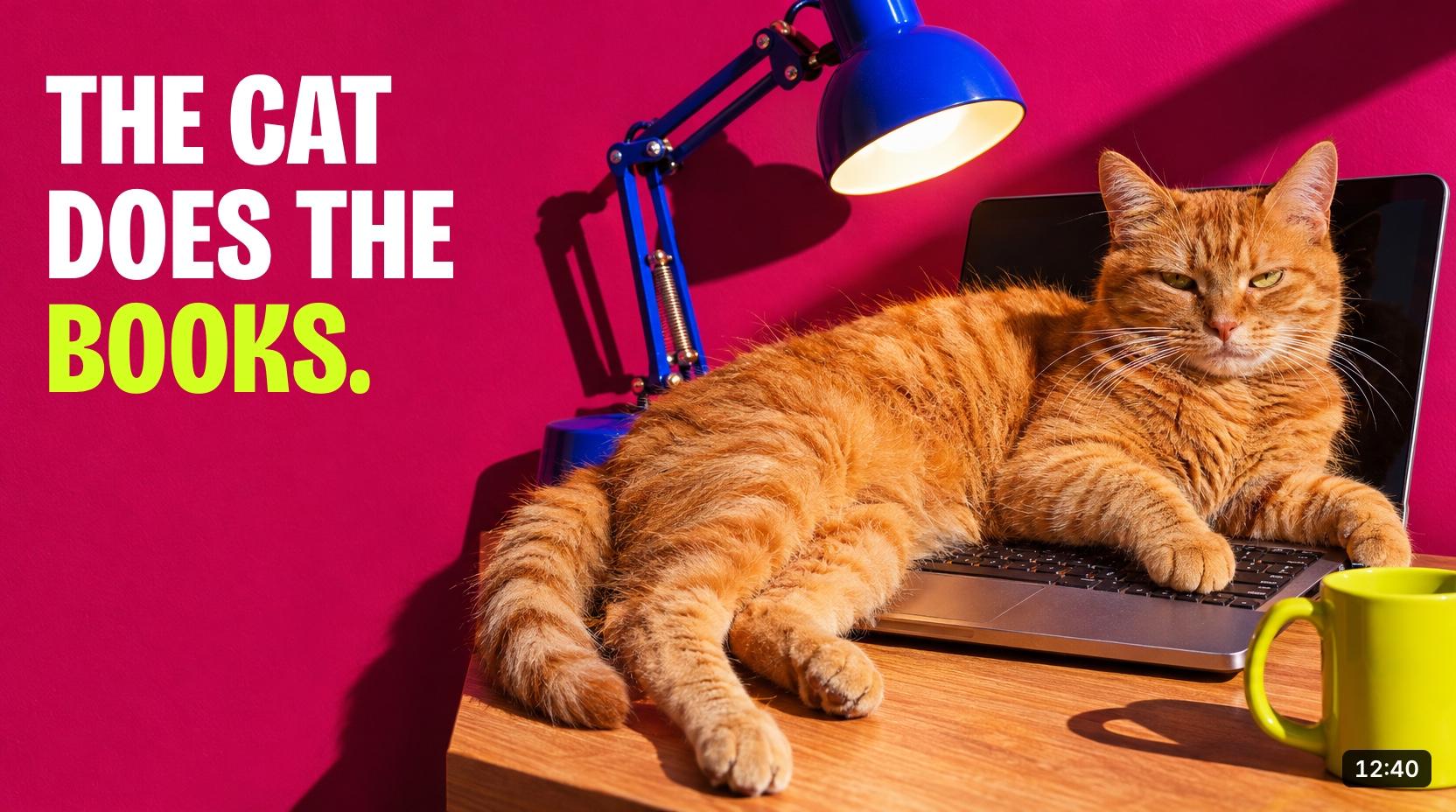
“Thumbnail for my video about doing the books: a ginger cat asleep on the laptop, magenta wall, blue desk lamp. Leave the left for big text.”
Why make images where you already work
A few words are enough
Claude turns a short request into a full brief, using whatever it already knows from your chat or project: your style, your colours, the thing you are working on. The first image lands close.
What Claude knows
- Orange and lime
- The Roundel, $89
- Dry, short sentences
You typed
“A poster for round lime sunglasses. A black cat, hard sun.”
Claude briefed Tintloom
Hard midday sun. A black cat sitting upright against a flat orange wall, in round lime sunglasses, shadow to the right. Saturated colour, nothing else in frame. Top third left empty for a headline.
The finished poster: Squint less. A black cat in round lime sunglasses against an orange wall

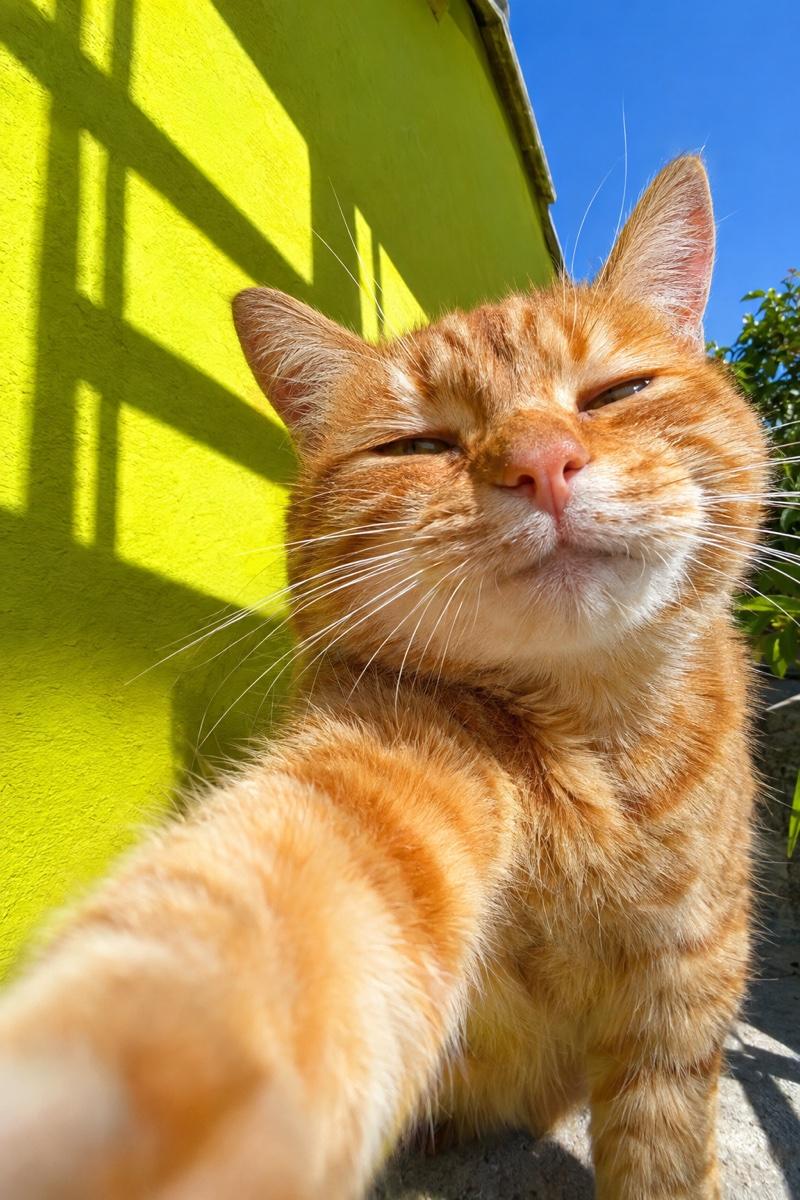
Give it sunglasses
Point at what to change
Paint over a part of an image and say what you want there. Only that part changes; the rest stays exactly as it was.
- Erase
- Resize
- Cut out
- Variations
Then keep going in the same chat
One sentence per scene, and the character stays the same. Claude can also write the caption or hand the image to your other connected tools.
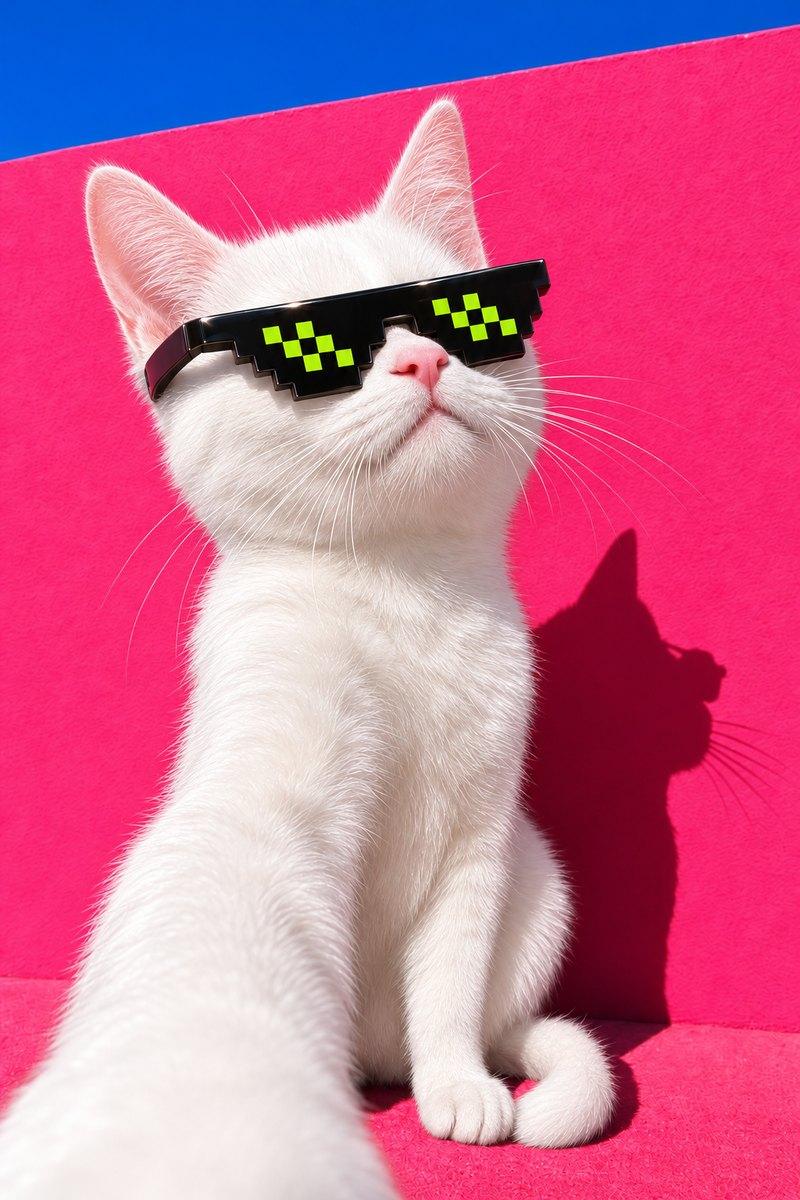
Same cat, taking a selfie
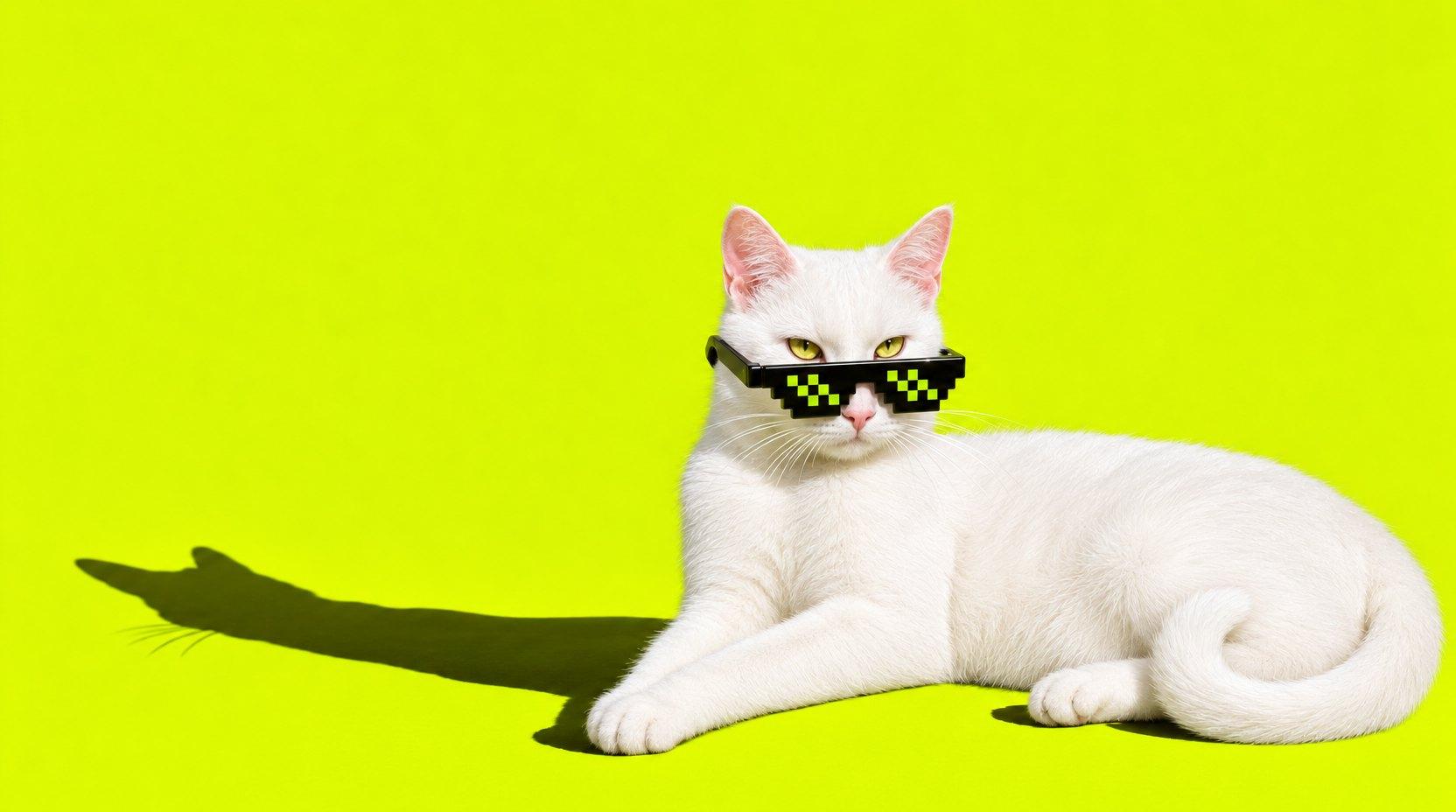
Now a wide banner for the homepage
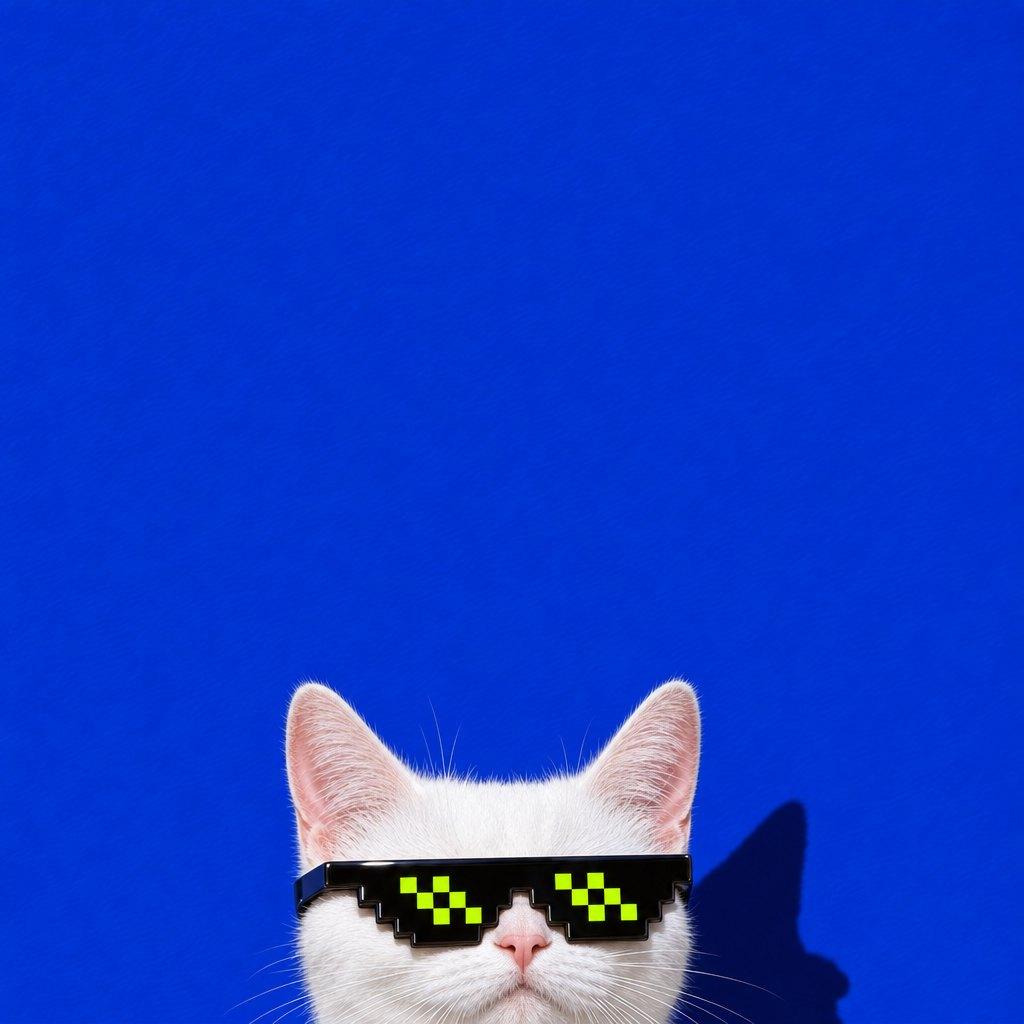
A square for the newsletter, peeking in

One for the 404 page
Set up in about a minute
-
Add Tintloom to Claude
One button opens Claude with everything filled in. Press Add, then Connect. -
Create your account
Claude sends you here to sign up and approve. You get 10 credits straight away, enough for 5 standard images. -
Ask for an image
In any chat: “make a banner for the spring sale”. It appears in the conversation, ready to edit.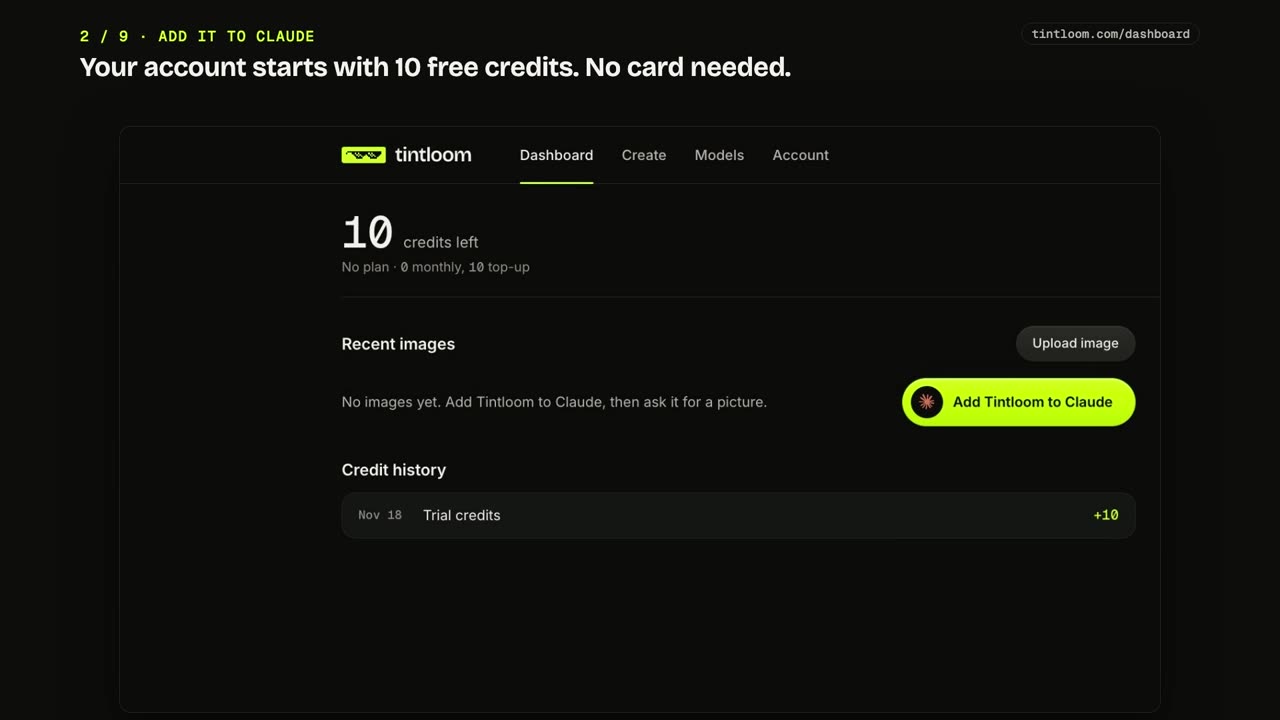
Pay for images, not for another chat app
Three plans, in credits. Try it with 10 free credits, then pay by the year and save up to 35%.
Yearly from monthly plan $5 $3.25 a month
Starter is $39 a year instead of $49. The price is locked in for as long as you stay yearly.
Launch prices end in
Launch prices end in 10 hours and 44 minutes, on 19 Nov 2026, 13:00 UTC.
Starter
Monthly plan $5 $3.25 a month
$5 a month
Save 35% $39 billed once a year
Launch offer: $39 a year instead of $49. Price locked in for as long as you stay yearly.
Saves $21 a year against paying monthly.
Billed monthly. Cancel any time.
About 12 standard images a week.
- 100 credits every month, 50 standard images
- Every editing tool, in every Claude app
- Credits left when you cancel are kept
Plus
Monthly plan $10 $7.42 a month
$10 a month
Save 26% $89 billed once a year
Launch offer: $89 a year instead of $99. Price locked in for as long as you stay yearly.
Saves $31 a year against paying monthly.
Billed monthly. Cancel any time.
$50 more a year than Starter gets you 1,800 more credits.$5 more than Starter gets you 150 more credits. As a top-up, $5 buys 80.
- 250 credits every month, 125 standard images
- Every editing tool, in every Claude app
- Credits left when you cancel are kept
Pro
Monthly plan $25 $19.08 a month
$25 a month
Save 24% $229 billed once a year
Launch offer: $229 a year instead of $249. Price locked in for as long as you stay yearly.
Saves $71 a year against paying monthly.
Billed monthly. Cancel any time.
The lowest price for each credit: 2.9 cents, against 3.3 on Starter.The lowest price for each credit: 3.8 cents, against 5.0 on Starter.
- 650 credits every month, 325 standard images
- Every editing tool, in every Claude app
- Credits left when you cancel are kept
Draft 1 credit Standard 2 credits Best 4 creditsTop up from $5 for 80 credits What each one is for
Every account starts with 10 free credits. Cancel a plan any time; it runs to the end of the period you paid for, and the plan credits you have not used by then are kept and never expire. 7-day refund on your first payment.
Guides
Short pages with the facts, each checked against its sources.
Can Claude generate images?
Not on its own. What a connector adds, and how to set one up.
Can Claude edit images?
Change a picture by saying what, or by painting over one area.
How to generate images in Claude Code
Add it with one command, then ask for images in words.
How to make a YouTube thumbnail in Claude
The steps, an example request and what YouTube asks for.
Image generators for Claude, compared
Seven connectors: what each makes and what it costs to try.
Image prompts you can open in Claude
Real pictures with the exact words that made them.
Want to try it first? Free image tools make a coloring page, a sticker, a thumbnail, a card, a wallpaper and more on this site.
Questions
Not here? Write to support@tintloom.com.
Do I need a ChatGPT or OpenAI account?
No. You need a Claude account and a Tintloom account. We run the image models and you pay us in credits.
Which Claude plans does it work with?
Any plan that can add a custom connector, including Free (which allows one). On Team and Enterprise plans an owner has to add it for the organisation.
What does an image cost?
A standard image is 2 credits, a quick draft is 1 and the best quality is 4. Editing an existing image costs at least 1 more. An image that fails is not charged.
Do credits expire?
While you have a plan, its credits refill every month and unused ones do not roll over to the next month. If you cancel, the plan credits you have not used when the plan ends are yours to keep, and they never expire. Credits you buy as a top-up never expire either. Plan credits are always spent first.
Which image models do you use?
OpenAI’s current GPT Image models, Google’s Nano Banana 2.1, ByteDance’s Seedream and Black Forest Labs’ Flux. Claude picks sensible settings; you can ask for a draft or for the best quality in the chat, or name a model. The models page lists each one and what it costs.
Can I get a transparent background?
Yes. Ask for a sticker, icon or logo with a transparent background and you get a PNG with a see-through background. Remove BG on an image in Claude does the same for a picture you already have: it redraws the subject on a transparent background, so small details can change. It costs the same as any other image or edit at that quality.
Can it put text on the image?
Yes, and short headlines come out well. For finished ads, the best results come from making the picture with Tintloom and having Claude set the words as real type in Figma, Canva or a page, which is how the pieces on this page were made.
Can I use the images commercially?
Yes. Images you make are yours to use, including commercially, as far as the law allows for AI-generated images. You are responsible for what you ask for and how you use it.
Is there anything it will not make?
Yes. No sexual content, no images of real people without their consent, nothing that impersonates a person or brand to deceive, and nothing illegal. The acceptable use policy has the full list.
Is Tintloom made by Anthropic?
No. Tintloom is an independent product from Fleet and Fury LLC that connects to Claude as a custom connector.
Can I change plan?
Yes, from the billing page on your dashboard. A higher plan is charged for the time left in the period you are in, and its larger monthly credits start at your next refill. A lower plan, or a change from yearly to monthly, starts when the period you paid for ends.
Can I get a refund?
Yes, within 7 days of your first payment. Write to support and we will sort it out.