Staffic
Stafficタイムトラッキング用のリモートMCPサーバー:タイムシート、勤怠、アプリおよびURL使用状況、スクリーンショット、プロジェクト、タスク、給与計算、請求書
ホスト型 MCP サーバー
npx add-mcp 'https://app.staffic.io/backend/api/v1/mcp'Claude Code、Codex、Cursor などにインストールできます
ドキュメント
Every hour, tracked.
Staffic tracks time, apps, URLs and screenshots for remote and hybrid teams, then turns them into timesheets, payroll and invoices. Watch the real app below.
Real app · sample data
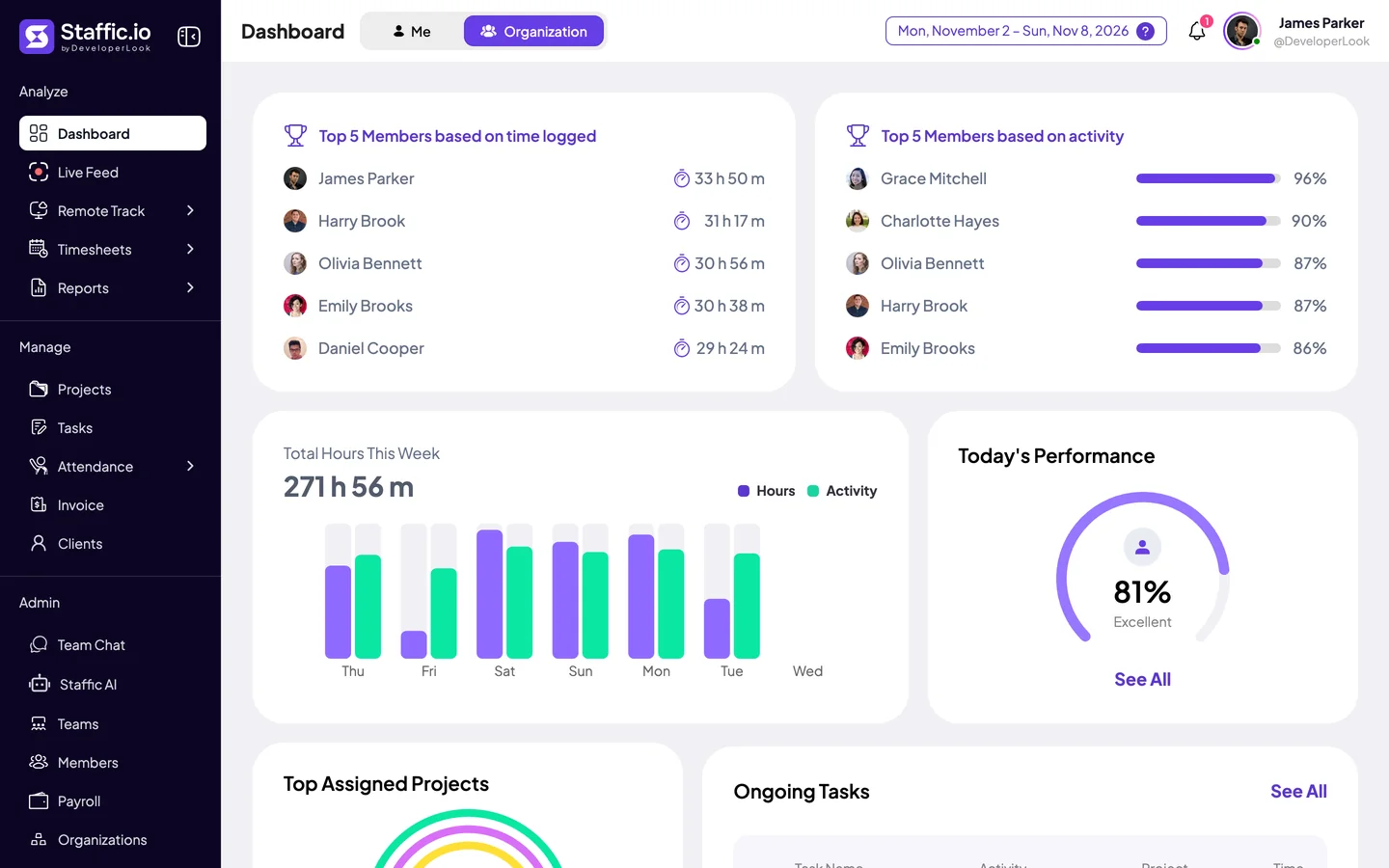
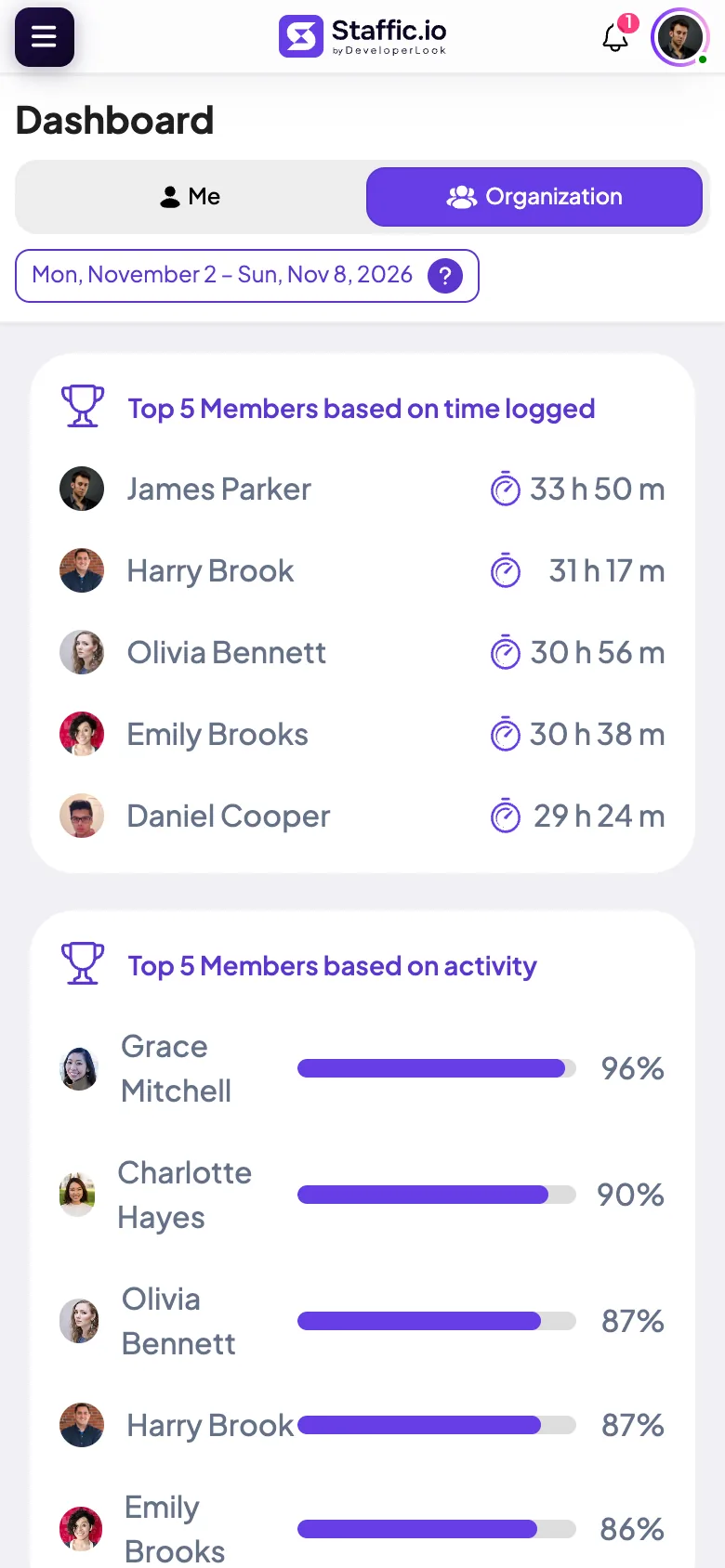
Dashboard. Hours, activity, top members and the most used apps at a glance.
Click any highlighted item to take control. Every menu item is clickable.
Sample data from the Staffic demo workspace. Click any highlighted item in the app to take control.
Rewind any workday with automatic screenshots.
Staffic’s time tracker takes screenshots only while the timer runs and files each one with its time, project, task and activity. Drag the timeline through a real day in the Staffic demo workspace.
How screenshot monitoring works
JP James Parker Wed, Oct 14 · demo workspace
Tracked
0h 54m
Avg activity
87%
Screenshots
12
100%
Implement regional Pricing Staffic · 10 min active
08:28 → 08:382 screenshots · 1 screen
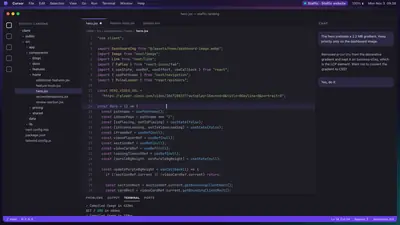
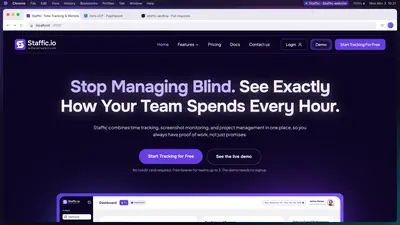
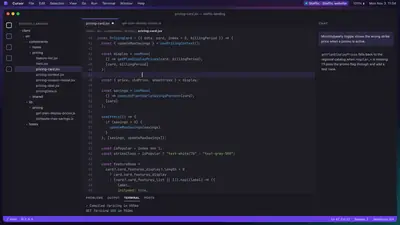
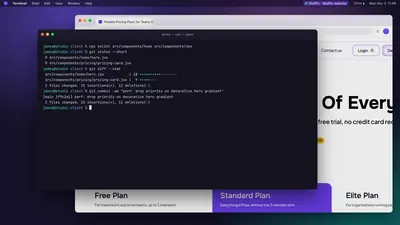
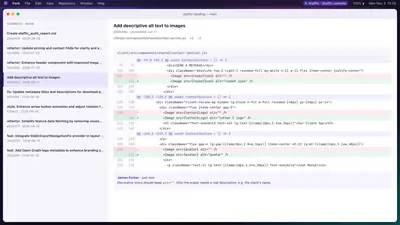
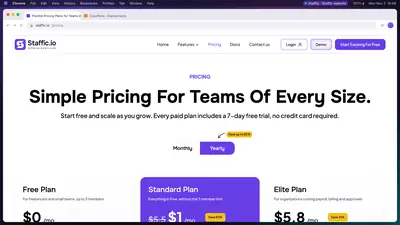
Drag, click a screenshot, or use ← → to jump between sessions.Open Screenshots in the live demo
Time tracking, attendance, timesheets and payroll in one console.
Sixteen modules share the same live data, so nothing gets exported, reconciled or chased at the end of the week.
Live feed3 tracking
See who’s working on what, right now.
Need to check in? Take an instant screenshot instead of sending a message.
- JP James Parker Staffic · New Changes Landing page04:12:37Screenshot
- DC Daniel Cooper Wodata · Fixing Eventin Social Icon Warning02:48:09Screenshot
- OB Olivia Bennett DeveloperLook · Setup job scraping octoparse01:05:52Screenshot
ActivityMon, Nov 3
Productive, not just present.
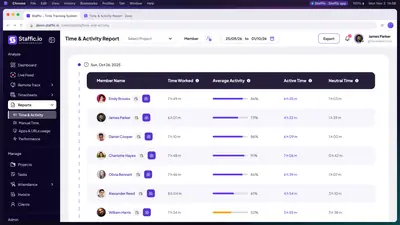
Active and neutral time for every member, every day.
78 %
Active 6h 13m Neutral 1h 48m
TimesheetsWeekly
Timesheets that build themselves.
Emily Brooks · this week 43h 36m
Apps & URLsHover to pause
Know which tools eat the day.
App and URL usage per member, project and task.
AttendanceMon, Oct 27
Clock-ins that record themselves.
- Harry Brook 09:24 AM 10h 20m
- Emily Brooks 09:40 AM 7h 38m
- James Parker 09:52 AM 7h 14m
- Charlotte Hayes 10:24 AM 7h 46m
- Olivia Bennett 10:30 AM 6h 32m
Payroll & invoicesELITE
From tracked time to paid, without a spreadsheet.
01 · Approved Timesheets approved 118h 44m
02 · Payroll Pay calculated from hours 16 payments
03 · Invoice Client invoice sent INV-1018
Projects & budgetsThis week
Catch overruns before they hit your margin.
- DeveloperLook 49h 11m / 60h
- Motion Video 30h 38m / 32h
- Staffic 28h 57m / 40h
Every part of the workday, in one app.
Real screens from the Staffic web app, clicking through themselves. Open any tile for the full walkthrough.
Monitoring
Live Feed
See who's tracking time right now, and on what
Monitoring
Screenshots
Visual proof of work, captured automatically
Timesheets
Weekly Timesheets
Hours per member and day, week by week
AI
Staffic AI
Ask about hours, clock-ins and app usage
Timesheets
Timesheet Approval
Review and approve time before payroll
Projects & billing Elite
Payroll
Hourly pay, salaries and bonuses from tracked time
Projects & billing
Projects
Time, budgets and progress per project
Projects & billing Elite
Invoices
Client invoices from draft to paid
Ask your timesheets anything.
Use Staffic AI inside the app, or connect Claude, Cursor or any MCP-compatible assistant to your live workspace. Pick a client, then a question.
- Read-only keys answer questions without changing anything
- Every key is locked to one organization
- Revoke access any time from settings
Staffic AIIn-app · your own data
You’ve tracked 8h 1m today with 78% average activity.
Active time6h 13m
Neutral time1h 48m
Screenshot sessions10
Works with the tools your team already uses.
Jira, Trello, ClickUp and Asana tasks come into Staffic and tracked time goes back to them. Slack gets the daily summary and leave requests, AI assistants connect through the Staffic MCP server, and members sign in with Google or Microsoft.
- Jira Issues in as tasks, tracked time back as worklogs
- Trello Cards in as tasks, tracked time back as comments
- ClickUp Tasks in, tracked time back as time entries
- Asana Tasks in, tracked time back as time entries
- Slack Daily summary, alerts and /staffic in Slack
- MCP connector
Claude
Add Staffic as a custom connector in Claude, sign in once, then ask about hours, attendance and activity. - MCP server
Cursor
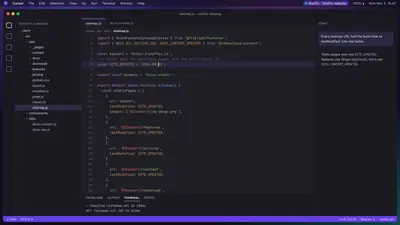
Add the Staffic MCP server to Cursor and query your workspace without leaving the editor. - MCP server
OpenAI Codex
One entry in your Codex config connects it to the same Staffic MCP server. - MCP server
Google Antigravity
Connect from the agent panel with only the MCP URL, then sign in to Staffic in the browser. - Sign-in
Google and Microsoft sign-in
Members sign in with their Google or Microsoft account, on the web and in the desktop app. - Desktop apps
Windows, macOS and Linux
Desktop apps track time, apps, URLs and screenshots. Everyone uses the web app.
Also connects
- Claude Code
- VS Code
- Windsurf
- JetBrains
- Gemini CLI
- Any Streamable HTTP MCP client
Employee monitoring without the surveillance.
These are the real tracking settings in Staffic. Flip them and watch what a manager sees change.
SETTINGS › ACTIVITYGrace Mitchell
Screenshot tracking Captured during tracked sessions only
Screenshot frequency Screenshots in every 10-minute period
Members can delete screenshots Off by default; deleting also removes that time
Track Grace Mitchell Off stops screenshots, apps, URLs and activity
- 256-bit SSL in transit, encrypted at rest
- Roles decide who sees reports and payroll
- App, URL and idle tracking are switches too
- Export your data any time
GM Grace Mitchell Staffic website · Pricing card fixTracking
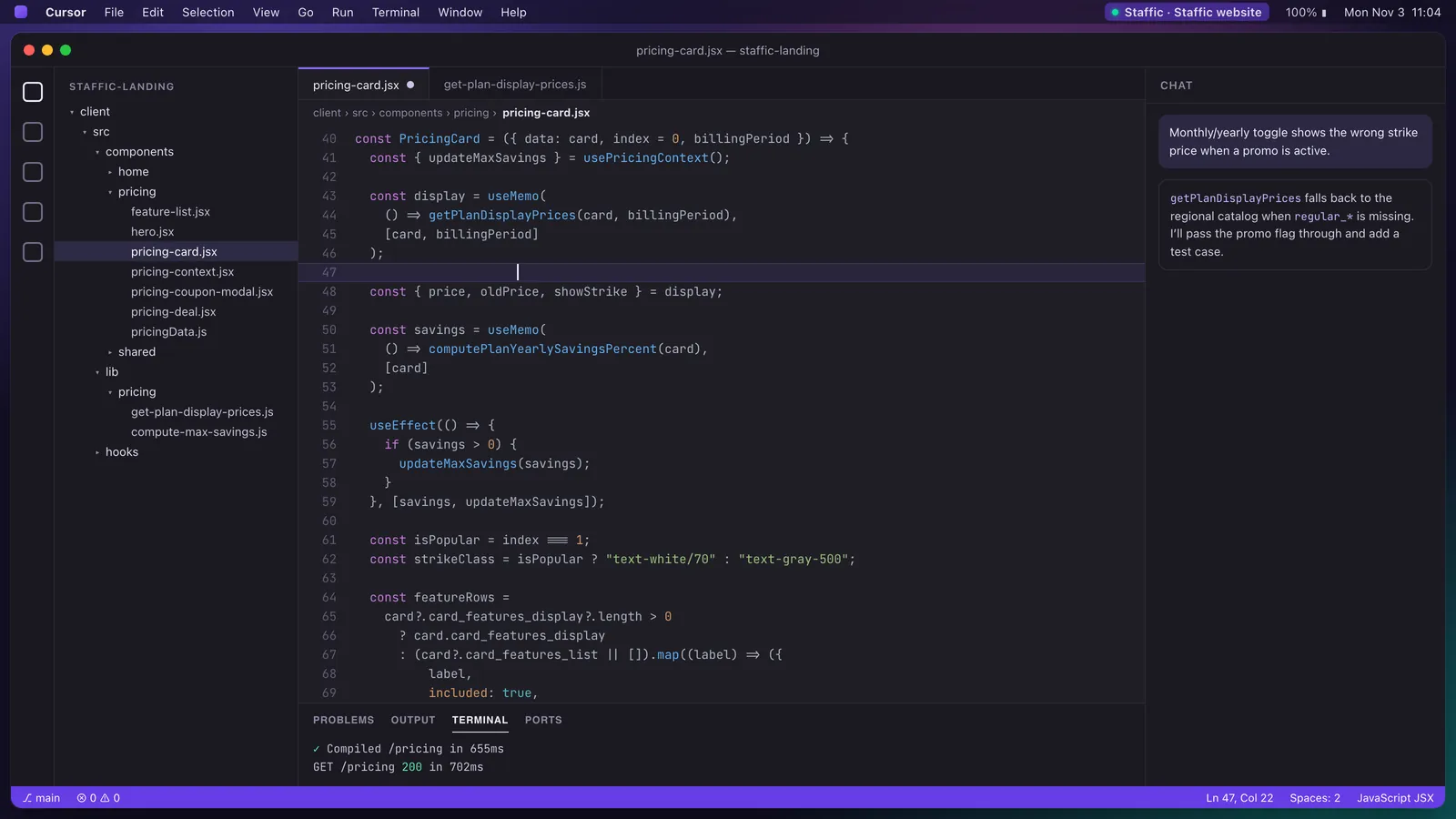 Taken at random minutes, only while tracking
11:0012 screenshots per hour12:00
Tracked 5h 12m
Activity 96%
Screens 1
Set up employee time tracking in five steps.
The same steps your new workspace walks you through. These are real Staffic screens. Click any step.
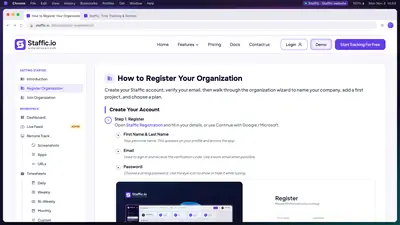
- 1 Create your workspace Name your organization and set its timezone and currency.
- 2 Add your first project Projects keep time, tasks, clients and budgets together.
- 3 Invite your team Send email invites and assign projects now or later.
- 4 Choose what gets tracked Screenshots, frequency, apps, URLs and idle time, each a switch.
- 5 Watch the day fill in Members install the desktop app and clock in. You see them live.
app.staffic.io/user/organizations/add-organization
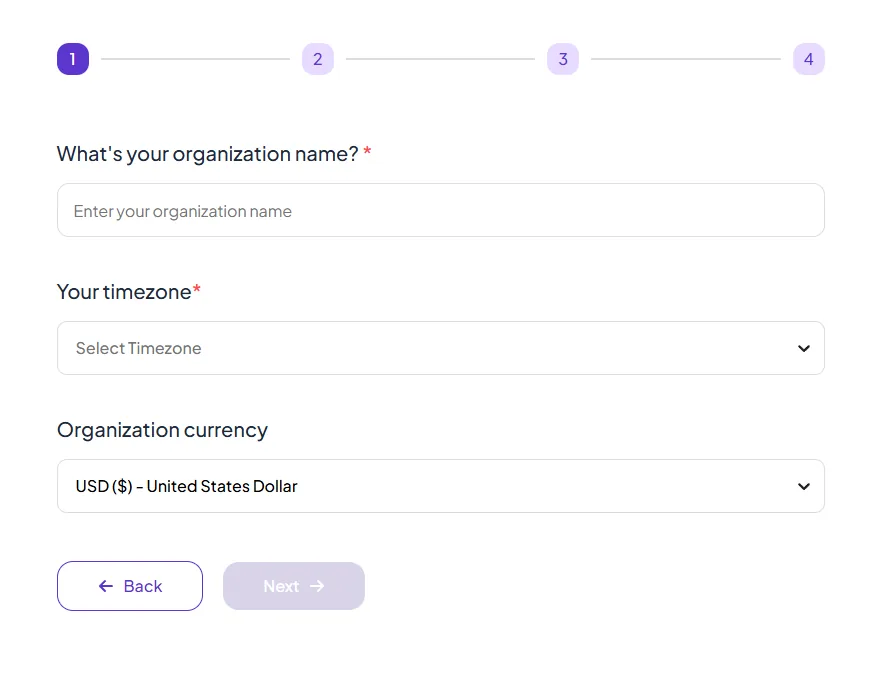
Step 1 of 5 · Add organizationReal screen
Teams that switch don’t go back.
5.0 Average rating on Capterra Read the reviews
Mentions: Live feed
“Staffic.io brings transparency without micromanagement. Our team feels trusted, and productivity has never been higher.”
LM Lucas Meyer Founder
Staffic vs Hubstaff, Time Doctor and ActivTrak.
Looking for a Hubstaff alternative? Here is the short version, taken from each company’s pricing page. Prices are per user per month, billed yearly, in US dollars.
| Staffic | Hubstaff | Time Doctor | ActivTrak | |
|---|---|---|---|---|
| Free plan | Free forever for up to 2 members | 14-day trial | 14-day trial | Free for up to 3 people, limited features |
| Lowest paid plan | $3.80 during the current offer (list price $7.50) | $4.99, 2-seat minimum | $6.67 | $10 |
| Screenshots | Every plan | Every plan (500 a month per seat on Starter) | Every plan | Paid add-on |
| Payroll | Elite, $4.80 | Team, $10 | Standard, $11.67 | Not listed |
| Client invoices | Elite, $4.80 | Every plan | Not listed | Not listed |
| Linux desktop app | Yes | Yes | Yes | Not listed |
| AI assistant and MCP server | Every plan | Not listed | Not listed | MCP add-on (beta) |
Sources: hubstaff.com/pricing, timedoctor.com/pricing and activtrak.com/pricing, checked October 1, 2026. “Not listed” means the feature isn’t on that pricing page. Staffic prices come from the live pricing page; local pricing may apply.
Pay for team size, not features.
Staffic is free for teams of up to 2, with every core feature. Standard removes the member limit, and Elite adds payroll, invoicing, screen recordings and Live Screening. Set your team size to see what you’d pay.
I need payroll, invoicing, recordings or Live Screening
Free
For freelancers and small teams, up to 2 members
$0 forever
Up to 2 members Your team of 12 needs Standard or Elite
No card needed.
- Up To 2 Members
- Live Feed & Instant Screenshots
- Screenshot Tracking
- Automatic Time Tracking
- Apps & URLs Tracking + 9 more features
Fits your team
Standard
Everything in Free, without the 2 member limit
$7.50 $3.80 per user / monthSave 49%
Offer price until October 30, 2026, then $7.50
$45.60 / month for 12 members, billed $547.20 yearly
Card at checkout. Cancel within 7 days and pay nothing.
Everything in Free, plus
- Unlimited Members
Elite
For organizations running payroll, billing and approvals
$10 $4.80 per user / monthSave 52%
Offer price until October 30, 2026, then $10
$57.60 / month for 12 members, billed $691.20 yearly
Card at checkout. Cancel within 7 days and pay nothing.
Everything in Standard, plus
- Screen Recordings
- Live Screening
- Payroll Management
- Clients & Invoicing
Prices in USD per active user. Local pricing may apply in your region. Compare every feature on the pricing page.
Time tracking and employee monitoring, answered.
Straight answers to what teams ask before they switch.
What is Staffic?
Staffic is time tracking and employee monitoring software for remote and hybrid teams. Desktop apps for Windows, macOS and Linux record work time, apps, URLs and optional screenshots. The web app turns that data into timesheets, attendance, reports, payroll and client invoices. Staffic is built by DeveloperLook.
How does Staffic track time?
Each member installs the desktop app and starts the timer on a project and task. While the timer runs, Staffic logs the time, calculates an activity level and records the apps and websites in use. Managers see it live in the dashboard and as timesheets they can review and approve.
Is Staffic free?
Yes. Staffic is free forever for teams of up to 2 members, with every core feature and no credit card. Bigger teams pay per active user: Standard is $7.50 per user per month billed yearly ($3.80 during the current offer, which ends October 30, 2026), and Elite, which adds payroll, invoicing, screen recordings and Live Screening, is $10.00 ($4.80 during the current offer). Local pricing may apply in your region.
Does Staffic take screenshots, and how often?
Only if you turn screenshots on. Admins choose 1, 2 or 3 screenshots in every 10-minute period, and Staffic captures them at random moments, only while a member’s timer is running. You also decide whether members can delete their screenshots.
Is employee monitoring software legal?
In most countries it is legal to monitor work devices during work time when employees are told what is tracked and why. Rules differ by country and state, and the EU’s GDPR expects a clear purpose and proportionate monitoring, so check the law where your team works. This is general information, not legal advice.
Does Staffic work on Mac and Linux?
Yes. Staffic has desktop apps for Windows, macOS and Linux, and a web app for the whole team. The desktop app tracks time, activity, apps, URLs and screenshots. Reports, timesheets, attendance, payroll and invoices live in the web app.
How is Staffic different from Hubstaff and Time Doctor?
Staffic is free for up to 2 members and includes screenshots, an AI assistant and an MCP server on every plan. Its lowest paid plan is $7.50 per user per month billed yearly ($3.80 during the current offer, which ends October 30, 2026), compared with $4.99 for Hubstaff Starter and $6.67 for Time Doctor Basic, according to their pricing pages on October 1, 2026.
Can I connect Staffic to Claude or Cursor?
Yes. The Staffic MCP server connects Claude, Cursor and other MCP-compatible AI assistants to your workspace, so you can ask questions such as who logged the most hours this week. Keys can be read-only, each key is locked to one organization, and you can revoke access at any time.
Which tools does Staffic integrate with?
Jira, Trello, ClickUp and Asana: their tasks come into Staffic and tracked time goes back to them. Slack gets the daily team summary, leave requests and budget alerts. AI assistants such as Claude, Cursor, OpenAI Codex and Google Antigravity connect through the Staffic MCP server, and members can sign in with Google or Microsoft.
Can Staffic run payroll and send client invoices?
Yes, on the Elite plan. Staffic calculates pay from tracked hours and each member’s pay rate, and turns tracked time into client invoices, so timesheets, payroll and billing all come from the same data.