Knit MCP
公式Connect with 10,000+ tools across HRIS, ATS, CRM, Accounting, Calendar, Meeting, Ticketing, and more categories.
Step 1
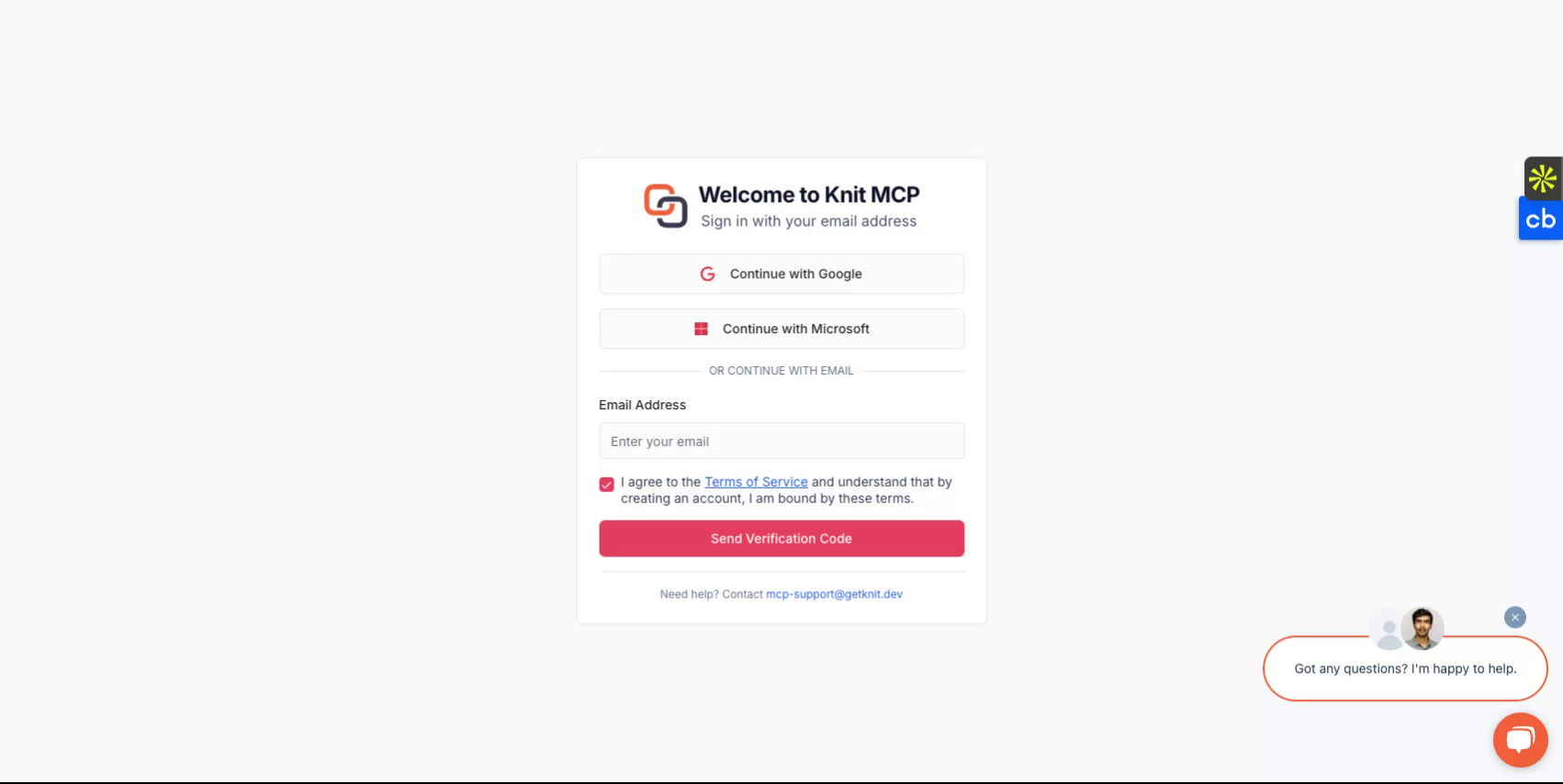
Begin by visiting https://mcphub.getknit.dev. Log in using your Google or Microsoft account, or create an account using your email address. This will allow you to access the platform's features.
Step 2
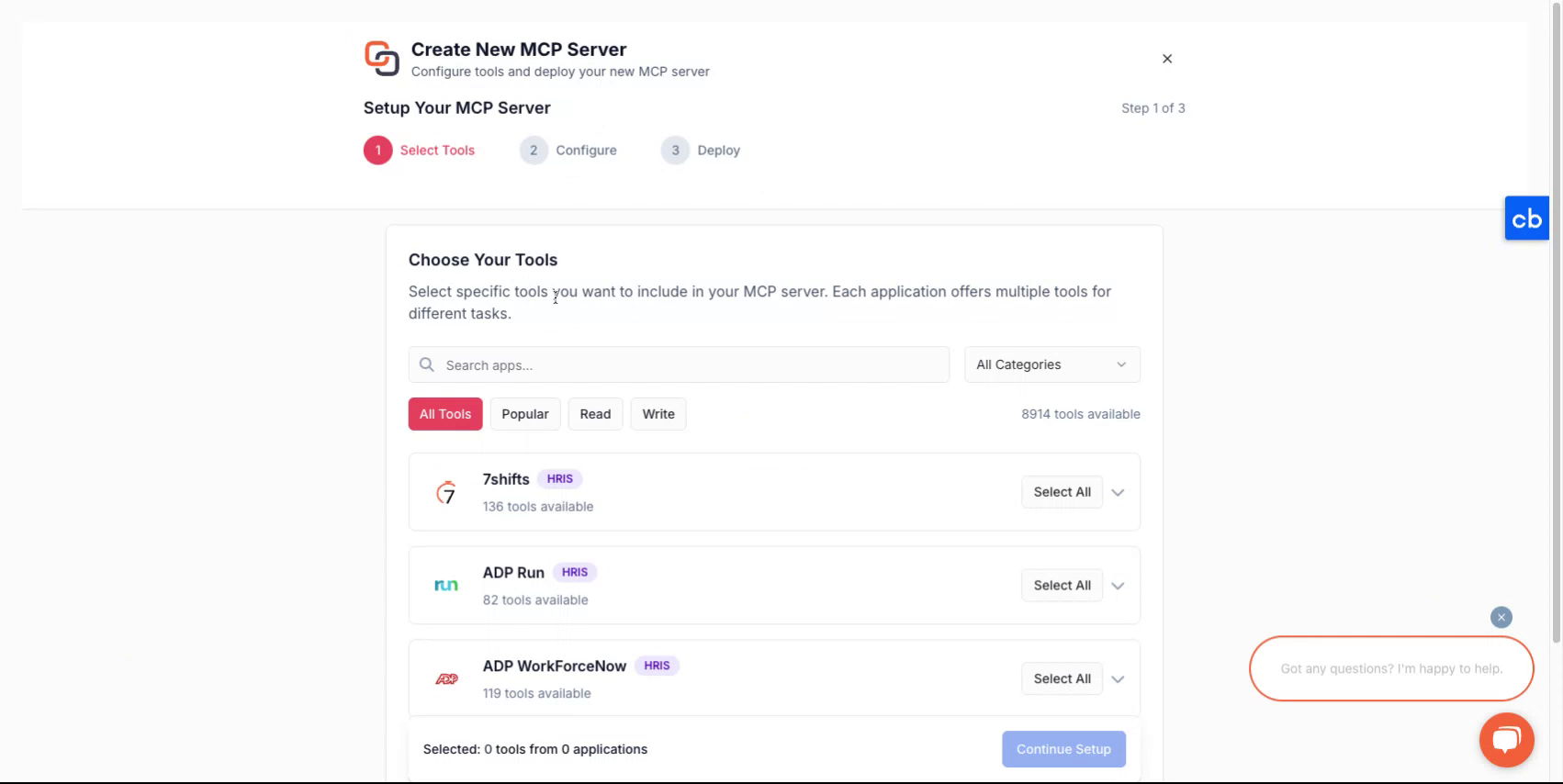
After logging into your account, you will be guided through the process of creating a new server.
Step 3
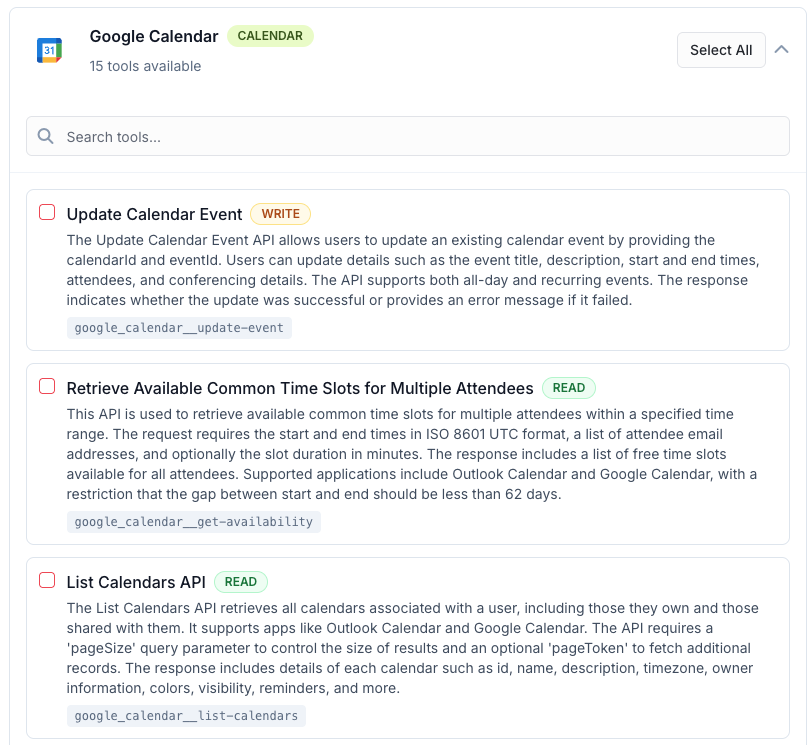
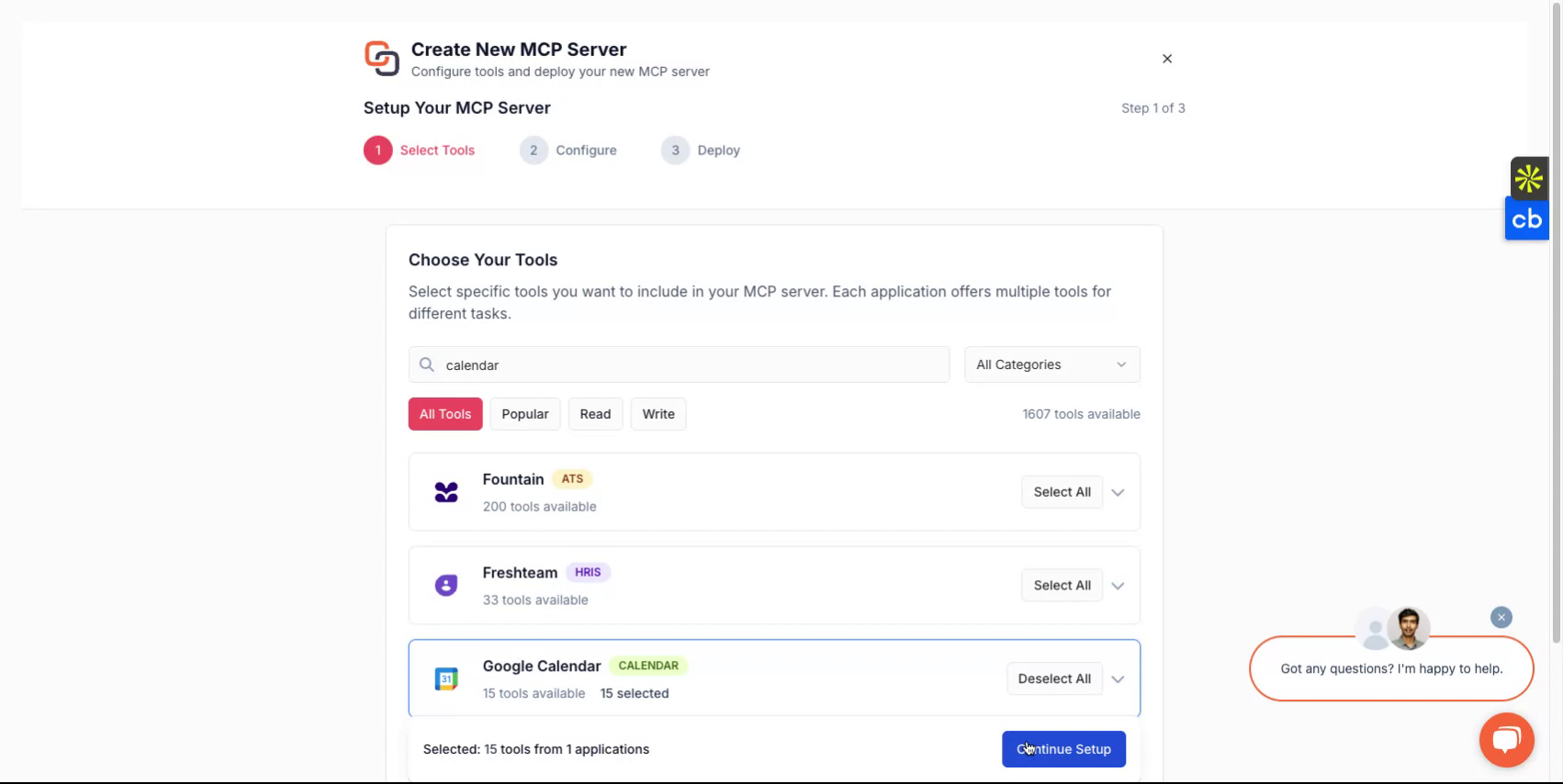
To create a new MCP server, first select the tools that you'd like to package in the mcp server. These could be from one or more applications. You can find the list of all the supported applications here - All MCP Servers
Step 4
After making a selection, assign a name to your server give it a description and then continue to select how you'd like to deploy it
Step 5
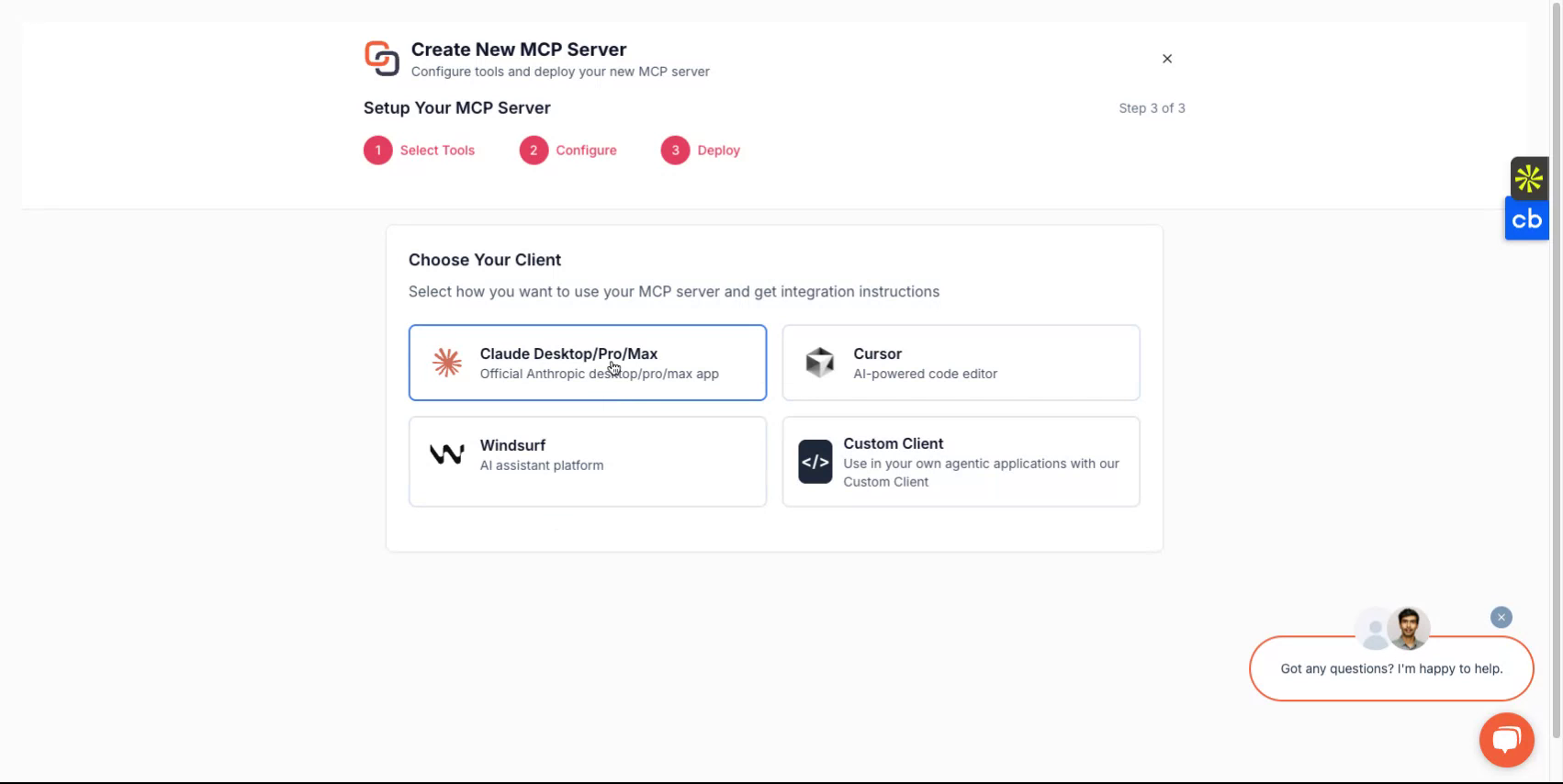
Depending on the client you wish to use, you can choose from options such as Claude, Cursor, Windsurf or chose to implement if with a custom client you are building. The platform will guide you through the setup flow.
Step 6
Upon completion, you will receive a server URL and an MCP server token. These credentials are essential for accessing your server. If you plan to develop custom clients, select the custom client option and follow the corresponding instructions.
All Done
You have now successfully set up your Knit-MCP server. For any questions reach out to us on [email protected]
Updated 5 months ago
Copy Page
関連サーバー
Kone.vc
スポンサーMonetize your AI agent with contextual product recommendations
Yandex Tracker
Integrates with Yandex Tracker, allowing an AI assistant to interact with its task management system via the MCP protocol.
Umami MCP Server
Integrate Umami Analytics with any MCP client like Claude Desktop, VS Code, and more.
Tone
A team task management application for collaboration between humans and AI.
Notion
Interact with Notion's API to read, create, and modify content using natural language.
Promptheus
AI-powered prompt refinement tool with adaptive questioning and multi-provider support. Intelligently refines prompts through clarifying questions, supports 6+ AI providers (Google Gemini, Anthropic Claude, OpenAI, Groq, Alibaba Qwen, Zhipu GLM), and provides comprehensive prompt engineering capabilities.
Obsidian iCloud MCP
Access and manage Obsidian notes stored in iCloud Drive.
Portfolio Tracker
Exposes portfolio tracking tools for AI clients.
MCP Outlook Tools
Interact with Microsoft Outlook for calendar management, email operations, and search functionality.
Uptime Kuma MCP Open
Uptime Kuma MPC developed by GryfAi. Supports most of the read-only operations.
Notion MCP Server
An MCP server for the Notion API, allowing language models to interact with Notion workspaces.