F1Data
F1のデータ(レース結果、ドライバー順位、サーキット情報など)にアクセスします。
ドキュメント
🏎️ MCP Server F1Data
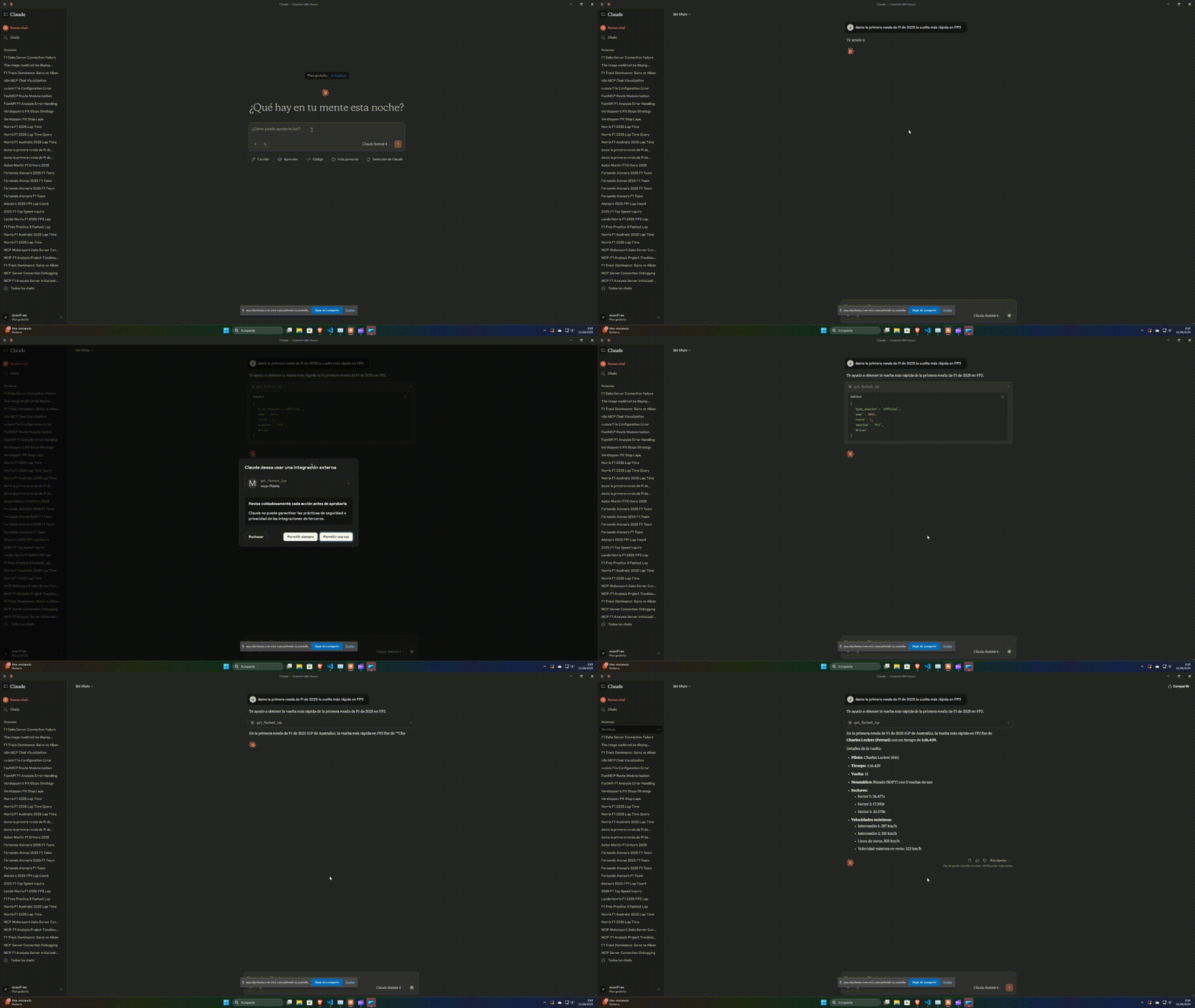
A Model Context Protocol (MCP) server for interacting with F1Data through LLM interfaces like Claude. You will need to have Claude installed on your system to continue.
Getting Started
First of all, you need to install mcp-f1data package from pypi with pip, using the following command:
pip install mcp-f1data
To use mcp-f1data server in claude can be configured by adding the following to your configuration file.
- Windows:
%APPDATA%/Claude/claude_desktop_config.json - Linux:
~/Library/Application Support/Claude/claude_desktop_config.json
Add the F1Data MCP server configuration:
{
  "mcpServers": {
    "mcp-f1data": {
        "command": "python",
        "args": [ "-m", "mcp-f1data" ]
    }
  }
}
Tools
circuitconstructordrivergrand prixmanufacturerraceseason
Instalation
Active the virtual environment and install the requirements using:
.\.venv\Scripts\activate
Install the mcp server in Claude using the following command:
mcp install .\server.py
Requirements
The requirementes used to build this MCP server are:
fastf1pandasfastmcpwebsocketsmcppydanticfastapi
Testing
You can test the server using the MCP Inspector:
mcp dev .\server.py
📜 Licenses
Source Code
The source code of this project is licensed under the Apache License 2.0.
Data
This project uses Formula 1 data from F1DB created by the F1DB contributors, licensed under the Creative Commons Attribution 4.0 International (CC BY 4.0) license.
The original data has been:
- Imported and structured into a PostgreSQL database
- Exposed through a custom MCP
- Optimized for efficient querying
The original data is provided "as-is" without warranties of any kind, as per the terms of the CC BY 4.0 license.
For complete attribution details, see ATTRIBUTIONS.md..
Notice
MCPF1Data is unofficial and are not associated in any way with the Formula 1 companies. F1, FORMULA ONE, FORMULA 1, FIA FORMULA ONE WORLD CHAMPIONSHIP, GRAND PRIX and related marks are trade marks of Formula One Licensing B.V.