3Dstudio.co AI Render Studio
3Dモデル(SketchUp、Revit、Archicad、Rhino、または任意の3Dアプリ)のスクリーンショットを、形状を維持したフォトリアルな建築レンダリングに変換します。https://app.3dstudio.co/api/mcp のリモートMCPサーバー(Streamable HTTP、OAuth)。3Dstudio.coのアカウントとクレジットをそのまま使用でき、無料アカウントでも利用できます。
ホスト型 MCP サーバー
npx add-mcp 'https://app.3dstudio.co/api/mcp'Claude Code、Codex、Cursor などにインストールできます
ドキュメント
What you can ask for in the chat
Ask in plain words. Render a screenshot, show it in new light or ask for a change, all in the same chat. Copy a prompt and try it with your own model.
ChatGPT3Dstudio.co AI Render Studio
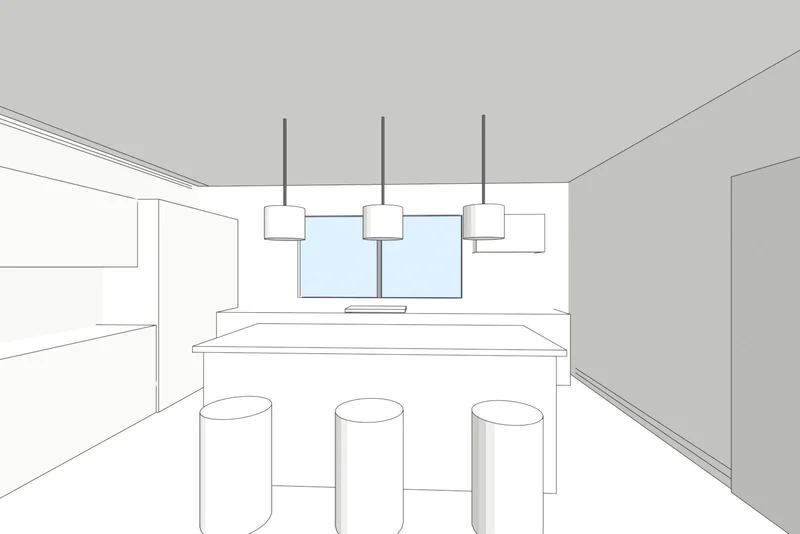
Render this screenshot of my kitchen model with oak cabinets and brass lights.
Used 3Dstudio.co AI Render Studio render_screenshot
Here is your kitchen render.
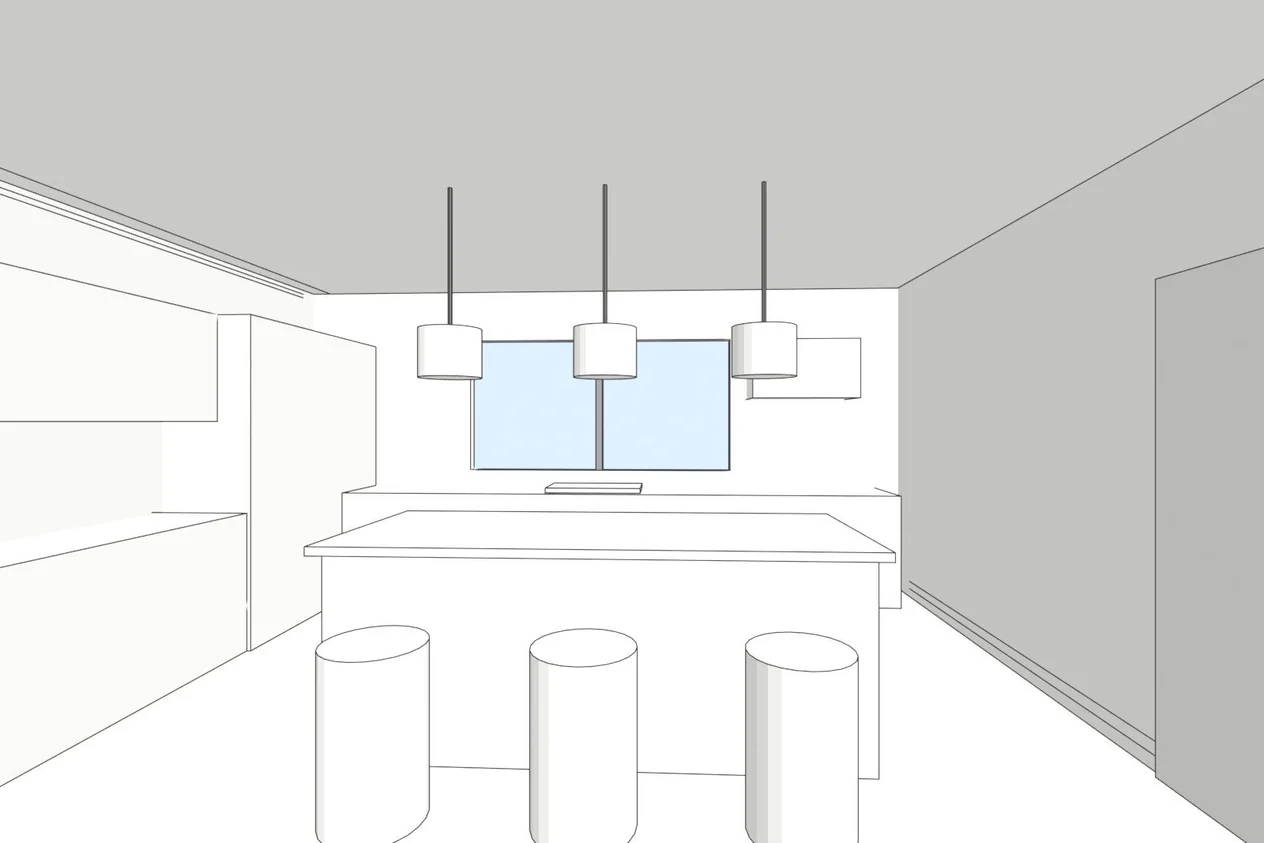
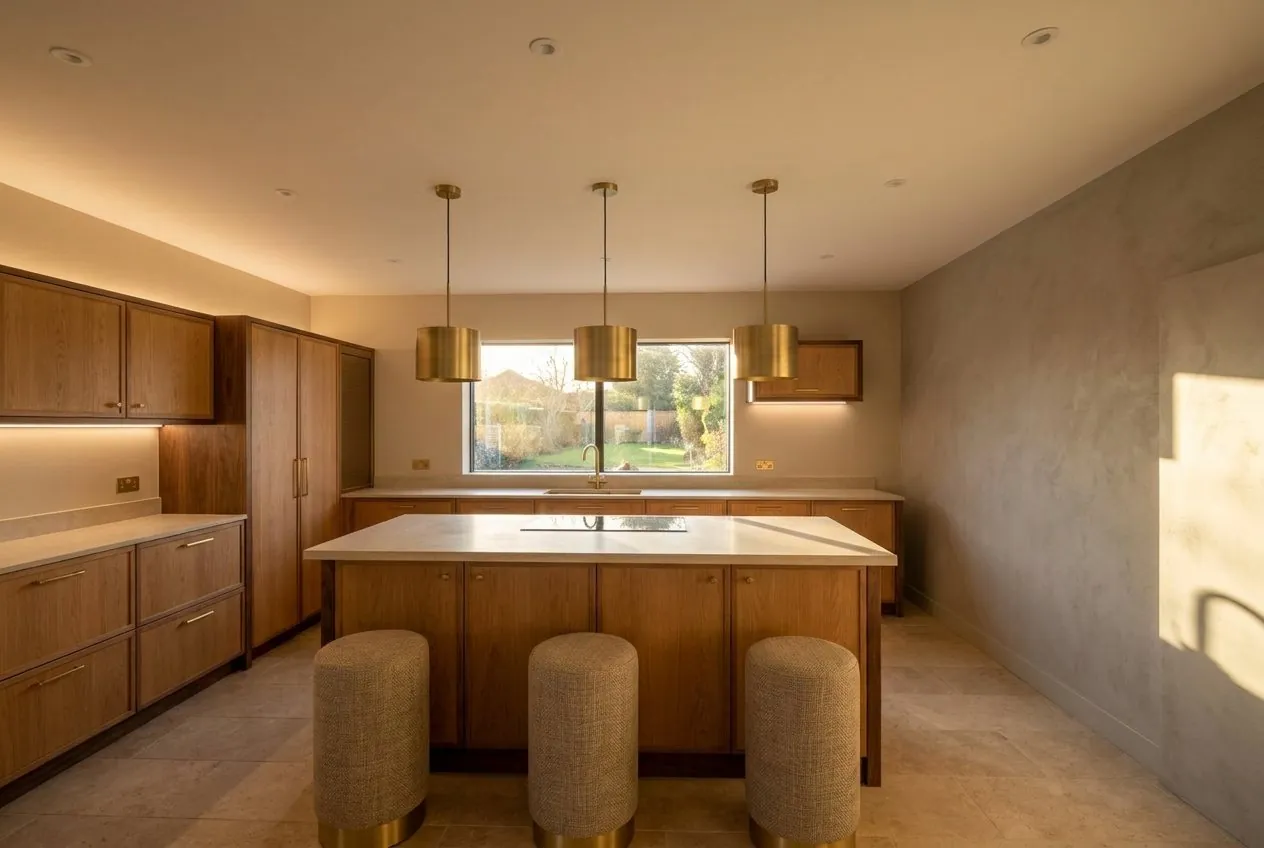 ModelRender
Ask for a change or new light
Claude3Dstudio.co AI Render Studio
Render my bedroom model with wood panels, linen and evening light.
Used 3Dstudio.co AI Render Studio start_upload
Drop your screenshot here, then tell me when it is done. Upload your screenshot
Done.
Used 3Dstudio.co AI Render Studio render_screenshot
Here is your bedroom render.
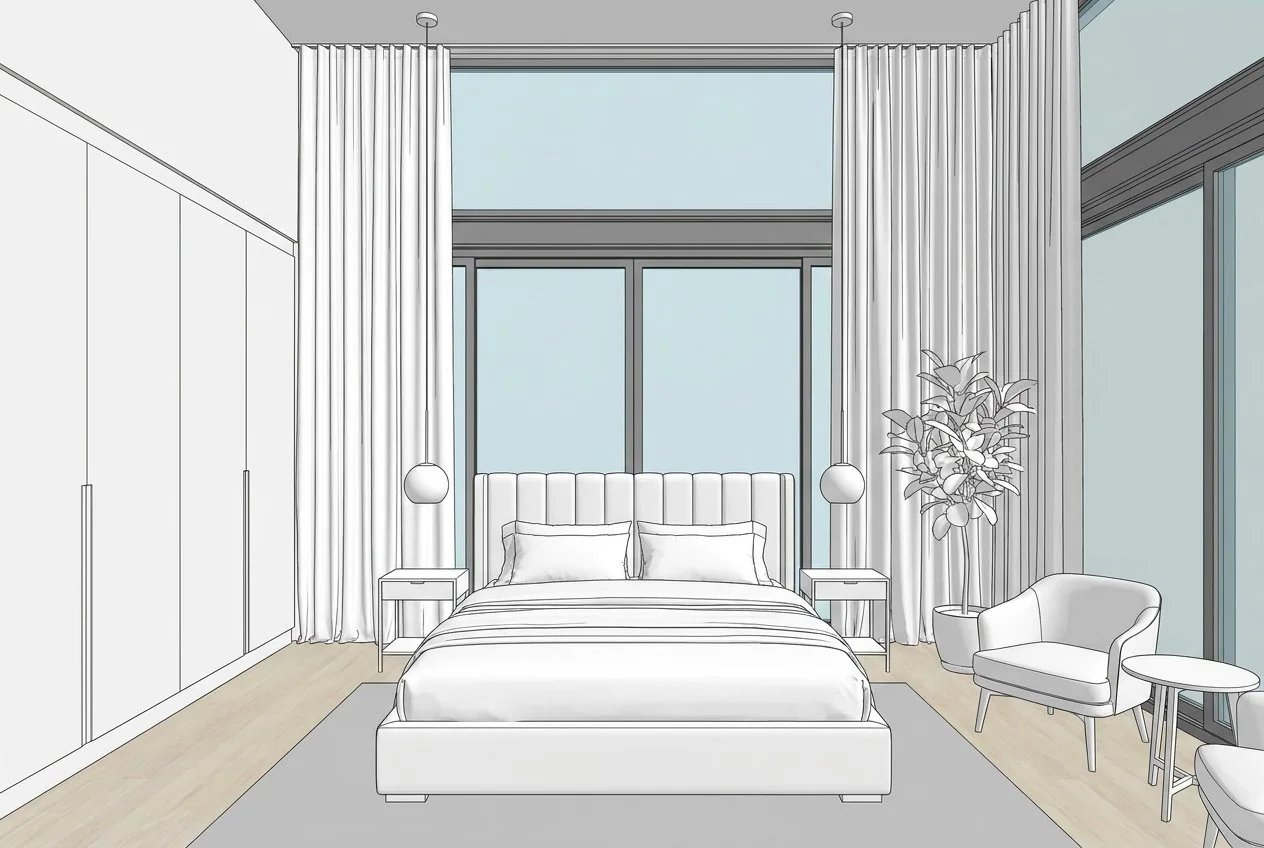
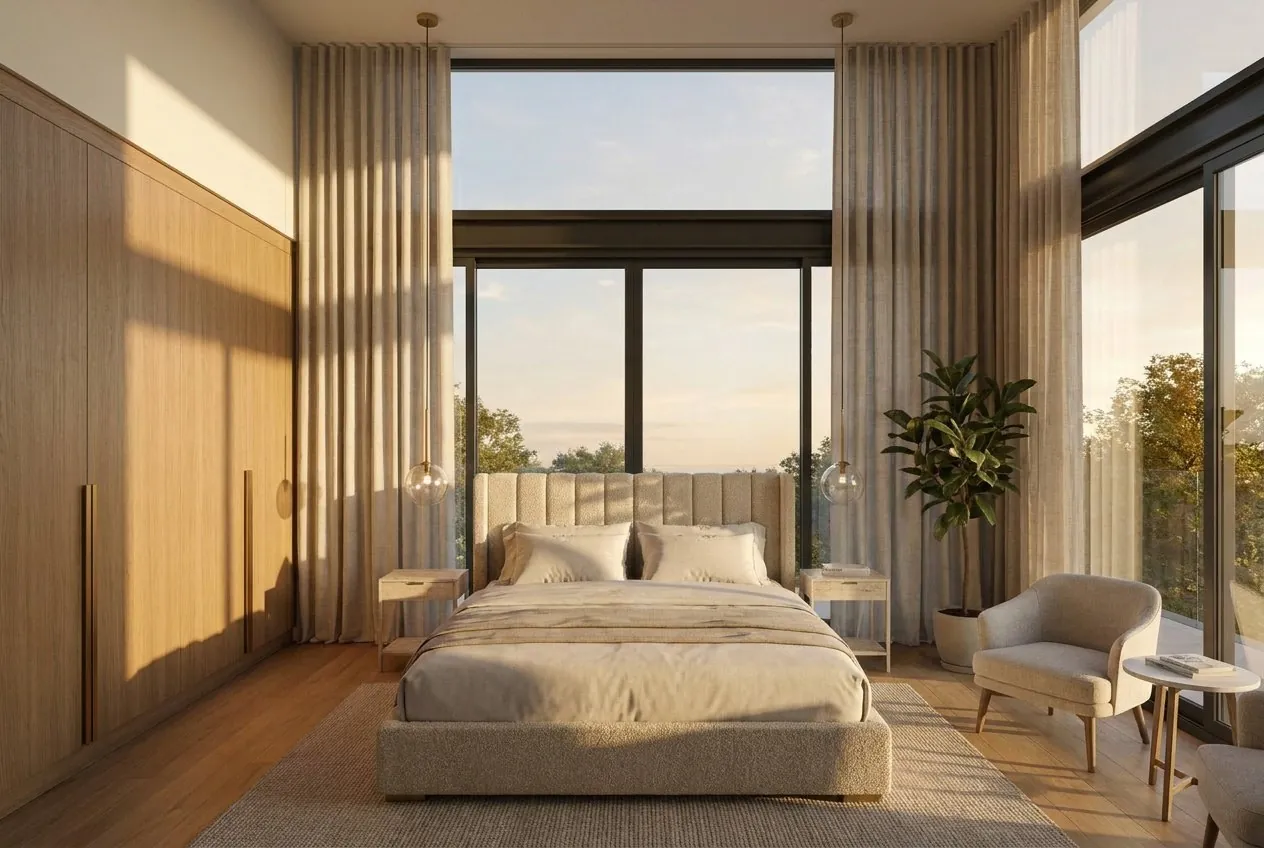 ModelRender
Ask for a change or new light
ChatGPT3Dstudio.co AI Render Studio
Now show the same kitchen at night.
Used 3Dstudio.co AI Render Studio relight
Here is the kitchen at night. The room stays the same.
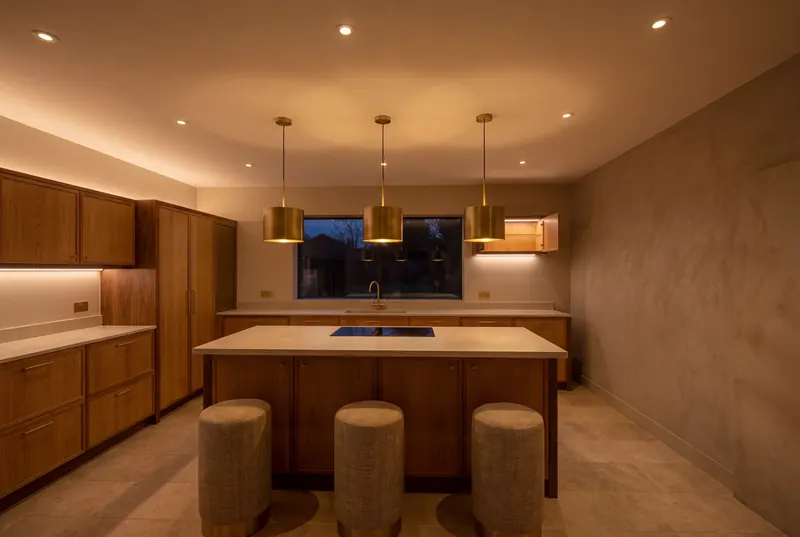 DayNight
Ask for a change or new light
Example renders made with 3Dstudio.co AI Render, the same render tool the app and the connector use. Use ChatGPT or Claude for interior design renders and for exteriors.
From a SketchUp, Revit or Blender screenshot to a photoreal architecture render
The render keeps the walls, windows, roofline and camera of your model. A hand sketch works too. Drag each picture to compare.
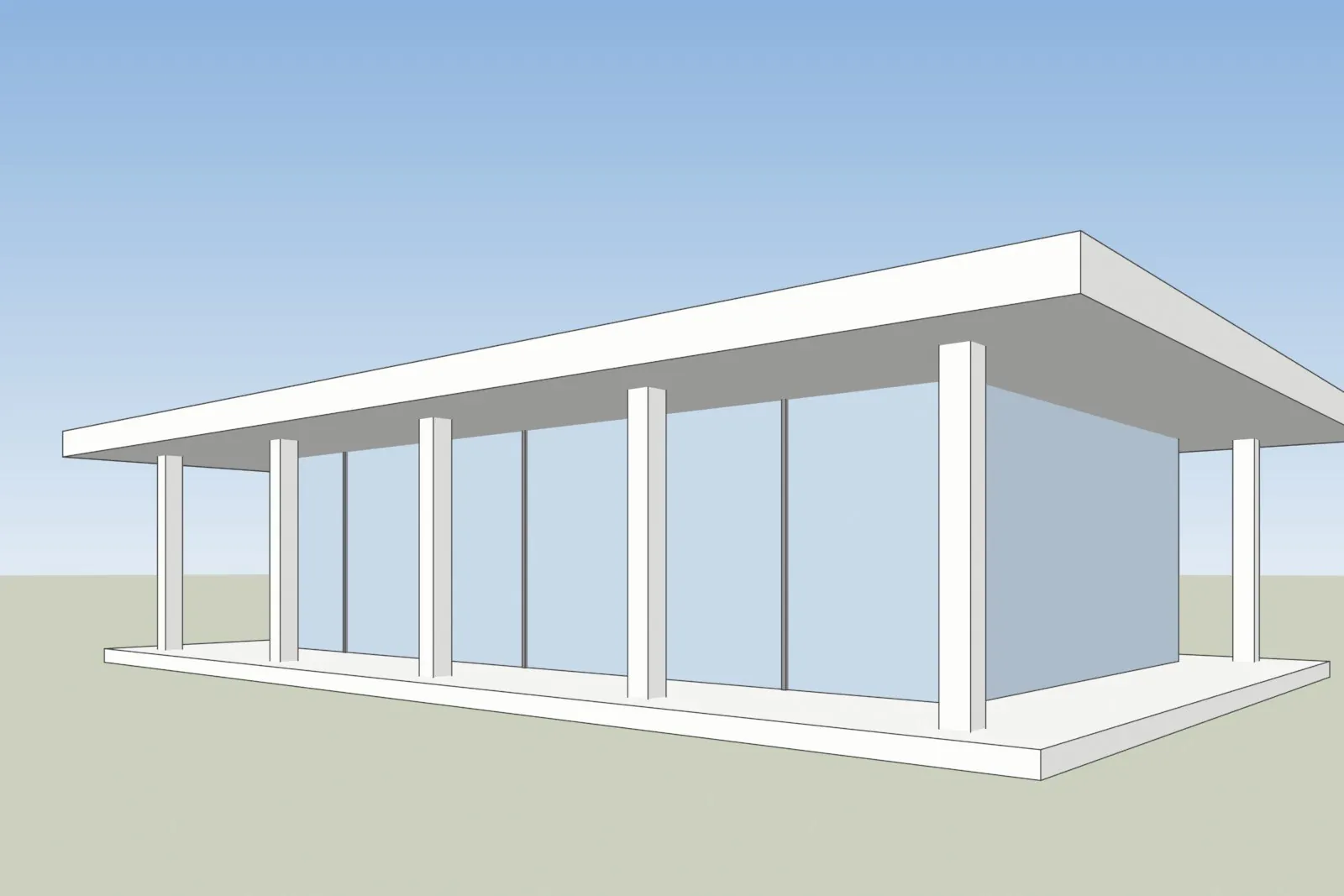
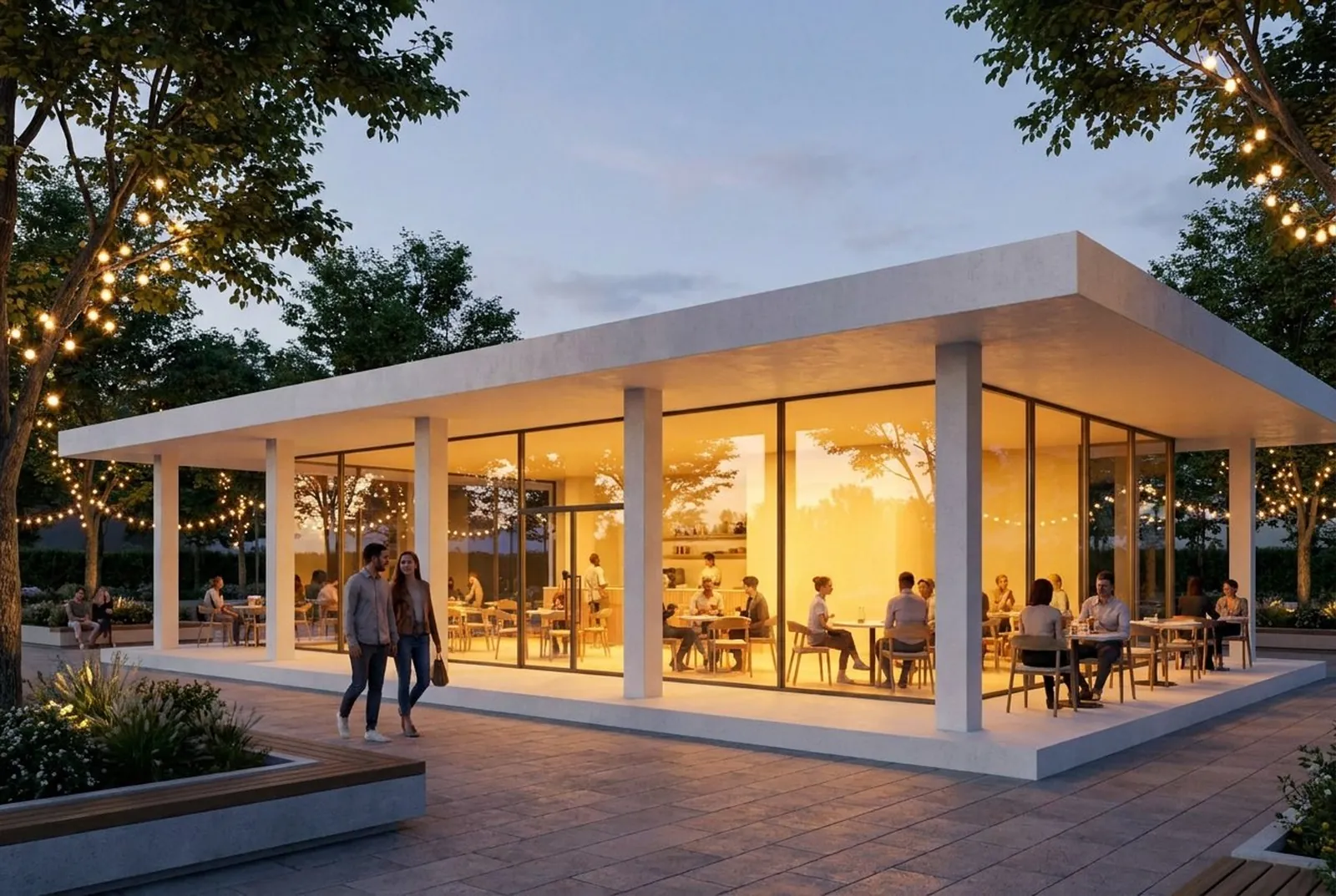 ModelRender
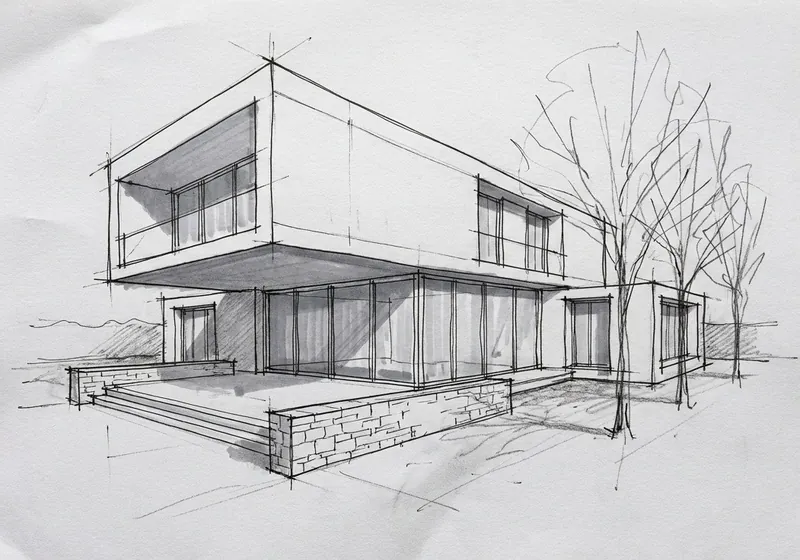
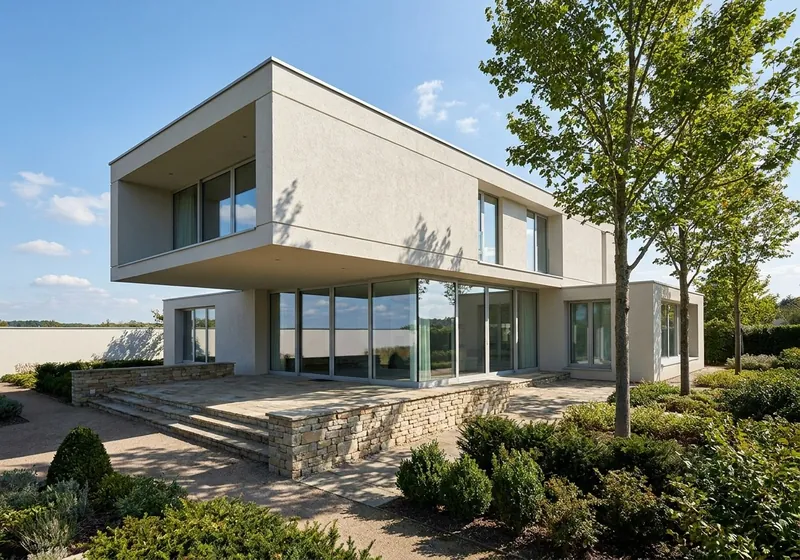
Architects
Make a client image from the SketchUp, Revit or Archicad view you already have. Then ask for people, a season or a new facade material in the same chat.
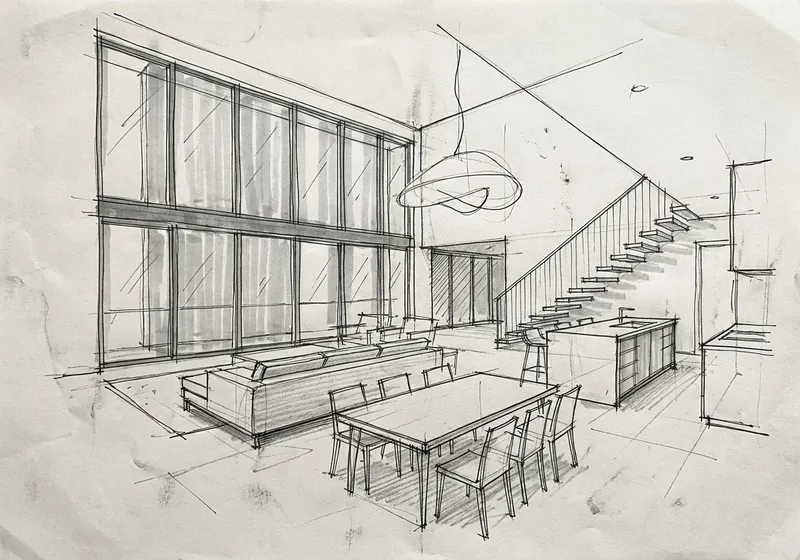
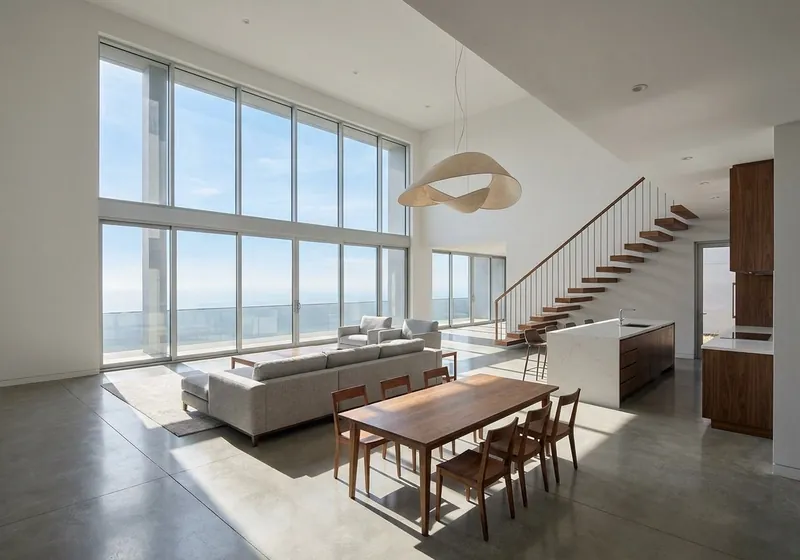 SketchRender
Interior designers
Turn a room model or a hand sketch into a furnished, lit interior, then change the finishes by asking.
 SketchRender
Developers and agents
Show a home before it is built, for a listing, a sales page or a planning meeting. A first sketch is enough to start.
How to add the Claude connector, ChatGPT app or MCP server
One server address works in every client, from Claude connectors and Claude Desktop to the ChatGPT app and MCP clients such as Claude Code and Cursor: https://app.3dstudio.co/api/mcp. Pick yours for the exact steps.
Use it as a ChatGPT app
3Dstudio.co AI Render Studio is in ChatGPT's plugin directory. Install it once, then use it in any chat.
- 1Open 3Dstudio.co AI Render Studio in ChatGPT and choose Install plugin.
- 2Sign in to your 3Dstudio.co account with email or Google. A free account works.
- 3In a chat, type @ and pick the app. Attach a screenshot of your model and ask for a render.
OpenAI's guide to custom MCP servers
Server URL
https://app.3dstudio.co/api/mcp
Prefer to add it yourself? In ChatGPT, open Plugins, choose +, then Add custom MCP server. Enter the name 3Dstudio.co AI Render Studio and the server URL, choose OAuth, then I understand and want to continue, and Create as a plugin. Then install it from your personal plugins and use it in a chat. This works in ChatGPT on the web.
What the MCP server can do
9 tools. You do not call them by name: ask in plain words and ChatGPT or Claude picks the right one.
| You ask | What happens | Tool | Cost | Time |
|---|---|---|---|---|
| Render this screenshot of my model | Turns a screenshot of a 3D model view, a sketch or a floor plan drawing into a photoreal render. It keeps the shape, camera and proportions, and gives a Model kept score from 0 to 100. | render_screenshot | Cost: Standard or HD render credits | Time: 20 to 45 s |
| Make the roof dark metal | Changes a finished render from a plain-words instruction. The original render stays. | change_render | Cost: Standard or HD render credits | Time: About 30 to 50 s |
| Show it at dusk | Shows the same render at dusk, golden hour, night, under stars or northern lights, overcast, in winter, summer or rain. The building stays the same. | relight | Cost: The same as an HD render | Time: About 30 to 50 s |
| Make it again, the shape moved | Makes the render once more with a new seed when its Model kept score is lower than usual. | rerun_render | Cost: Free, once per render | Time: 20 to 45 s |
| How many credits do I have? | An upload link for Claude (it works for 15 minutes), the 50 looks and lights, your credit balance and what each action costs, your newest renders, including the ones you made in the studio, and one render's details. | start_upload list_looks get_credits list_renders get_render | Cost: Free | – |
A failed render costs nothing. What a Standard or HD render costs is on the AI Render pricing page.
Credits, plans and limits
The app and the connector use the same 3Dstudio.co account and credits as the studio in your browser. Every plan includes them, the free one too.
Check each render against your model
Every render comes with a Model kept score from 0 to 100. If it is lower than usual, ask for a re-run: one re-run per render is free.
Each request makes one render
Ask for one render, change or new light at a time. Each one is saved as a new render.
The chat cannot sell you credits
When you run out, the chat tells you your balance and what the request needs. Buy credits or a plan on 3Dstudio.co.
Server URL https://app.3dstudio.co/api/mcp
Server name in config 3dstudio-render
TypeRemote MCP server, Streamable HTTP
Sign-inOAuth with your 3Dstudio.co account, free accounts too. After any purchase you can also use an API key.
Works inChatGPT (app or custom MCP server), Claude (custom connector), Claude Code, Cursor, VS Code and GitHub Copilot, Codex, and any client for remote MCP servers
Tools9: render, change, relight, re-run, upload link, looks, credits, your renders, one render
Speed20 to 45 seconds a render, up to about a minute with a quality re-run. A change or new light takes about 30 to 50 seconds.
PicturesJPG, PNG or WebP under 10 MB. Attach it in ChatGPT, use the upload link in Claude.
Hourly limit5 renders and edits an hour on an account that has never bought anything, 20 after a plan or credit pack
CostYour normal credits, the same as in the studio. A failed render costs nothing.
PlansFree to start, no credit card. On Pro, Team and Max, renders in the chat are included, fair use applies. API keys and the REST API come with any purchase, a plan or a credit pack.
Your rendersSaved to your 3Dstudio.co account, next to the renders you made in the studio
Questions about the ChatGPT app and Claude connector
Plans, screenshots, renders and setup. Last updated 26 November 2026.
Is this the official 3Dstudio.co app and MCP server?
Yes. 3Dstudio.co AI Render Studio in ChatGPT's plugin directory is the official 3Dstudio.co app. The Claude connector and the MCP server at https://app.3dstudio.co/api/mcp are run by 3Dstudio.co too, and all of them use the same render tool as the AI Render studio.
Can ChatGPT make architectural renders?
Yes, with the 3Dstudio.co app: attach a model screenshot and it returns a photoreal architectural render that keeps your geometry. ChatGPT's own image generator draws a new picture, so it can change the building.
Can Claude generate images?
Claude has no image generator of its own. With the 3Dstudio.co connector added, Claude sends your model screenshot to AI Render and shows you the photoreal render that comes back, in the same chat.
How do I add a custom connector to Claude?
In Claude, open Customize, then Connectors. Choose Add, then Add custom connector. Enter the name 3Dstudio.co AI Render Studio and the server URL https://app.3dstudio.co/api/mcp, then choose Continue. Keep the options marked Detected, choose Add, then Connect, and sign in to 3Dstudio.co.
Does ChatGPT make the render, or 3Dstudio.co?
3Dstudio.co does. ChatGPT or Claude passes your screenshot and your request to the AI Render tool, the render is made on 3Dstudio.co and comes back in the chat. That is why it keeps your building's shape and camera.
Do I need a paid plan?
No. A free account works with the free credits you get when you sign up; after that you buy credits or a plan. Accounts that have never bought anything can make up to 5 renders an hour through ChatGPT or Claude, and accounts with a plan or a credit pack 20. See AI Render pricing for the plans.
Do I need an API key?
No. You sign in to your 3Dstudio.co account when you add the app or the connector. API keys are for clients that cannot sign in and for your own scripts, and they come with any purchase, a plan or a credit pack.
Which programs can I take the screenshot in?
Any. SketchUp, Revit, Archicad, Rhino, Blender, 3ds Max or Vectorworks all work, and so does a sketch or a floor plan drawing. Send a JPG, PNG or WebP under 10 MB.
Why does Claude not see my screenshot?
Claude cannot pass an attached picture to the connector, so it gives you an upload link. Drop the screenshot there and tell Claude it is done. The link works for 15 minutes, so ask for a new one if it expired.
Can I render interiors too?
Yes. Send a screenshot of a room in your model and ask for an interior render, so you can use ChatGPT or Claude for interior design renders too. You can also ask for HD instead of the standard quality; HD uses more credits.
Where do these renders go?
They belong to your account like any other render, so you can ask for them in the chat later, and the credits come from the same balance.
What if the connector signs out?
Remove the connector and add it again with the same address.
Can I use it in Claude Code, Cursor or VS Code?
Yes. It is a remote MCP server, so any client that can add a remote server over Streamable HTTP can use it. The steps are on this page, with a tab for each client.
I already use Blender MCP, Revit MCP, Rhino MCP or SketchUp MCP. Can I add this next to them?
Yes. It is a separate MCP server, so it sits next to the others in the same client. It renders a picture of your view; it does not open or change your model file.
Other ways to use AI Render
Prefer the studio in your browser, or a button inside your 3D program?
Render from your next chat
Open the app in ChatGPT or add the connector to Claude, then ask for a render. For other clients the server is https://app.3dstudio.co/api/mcp