ShotGlass
Biarkan agen AI merekam, mengedit, dan mengekspor demo aplikasi macOS nyata melalui MCP.
Dokumentasi
Beautiful screen captures, without the effort
Click to record, do your thing, and get a polished demo video automatically.
Or ask Claude or ChatGPT to record, make and edit the entire demo for you.
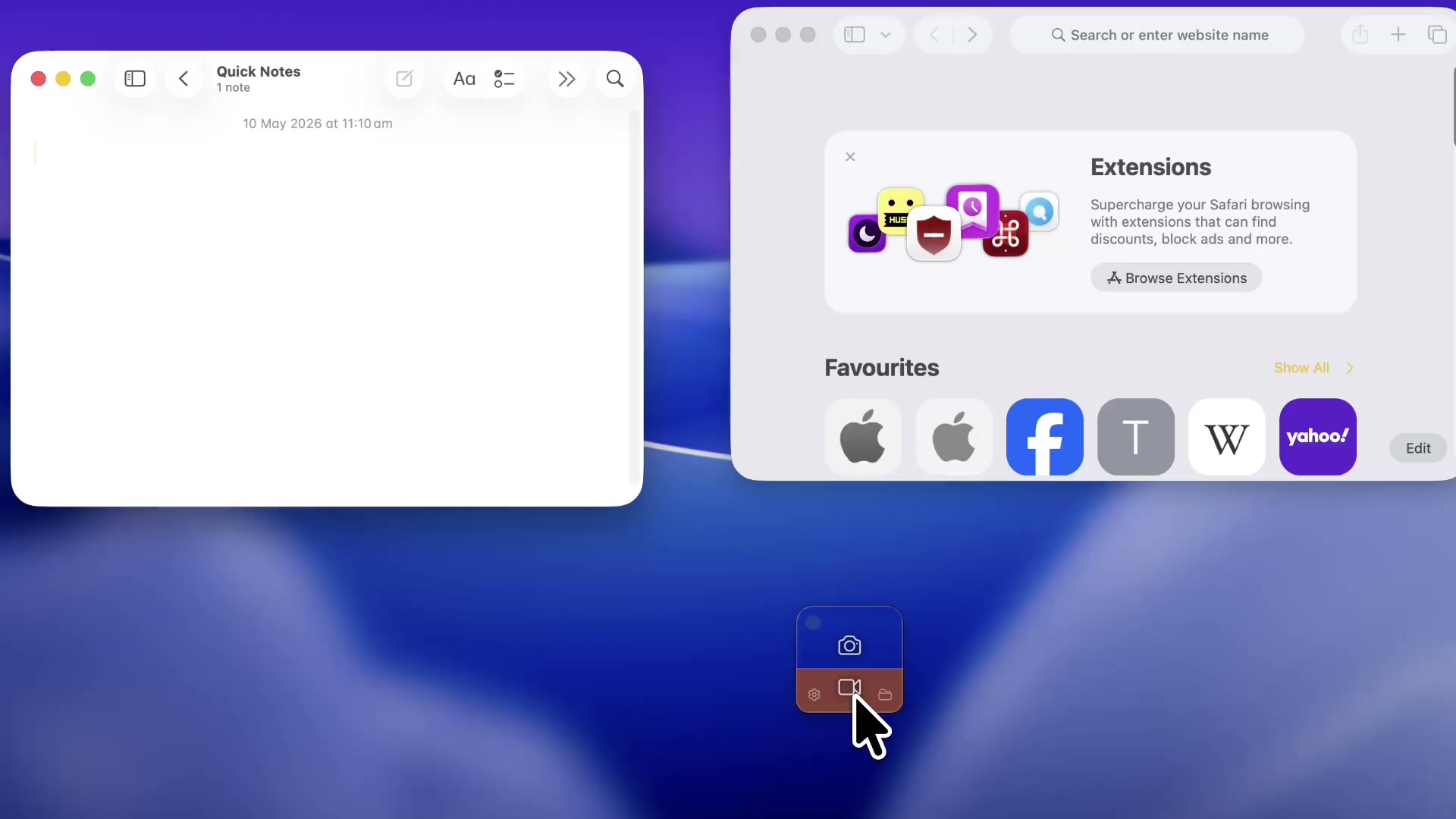
Start by selecting a window, screen or area
Auto window detection across multiple windows and monitors.
Or let Claude or ChatGPT film it for you
Connect Claude Code, Codex, OpenClaw, OpenCode or another compatible AI agent through MCP. Ask it to record an app demo, take a screenshot or edit a recording in ShotGlass. Real apps, smooth cursor movement, and a result you can make your own.
-
Film a website walkthrough from one sentence
"Film a 30-second demo of browsing my website and export it for social." The agent stages the browser, drives the pointer through the pages with real clicks, and hands back an auto-zoomed MP4. -
Teach something in Google Sheets
Every character arrives as a real keystroke, so a viewer can follow the formula being typed. Ask for a budget totalled with =SUM and that is what gets filmed. -
Demo your own app for a release post
Name your app and the task. The agent opens it at its default size, works out every coordinate from what is on screen, and walks one real task end to end.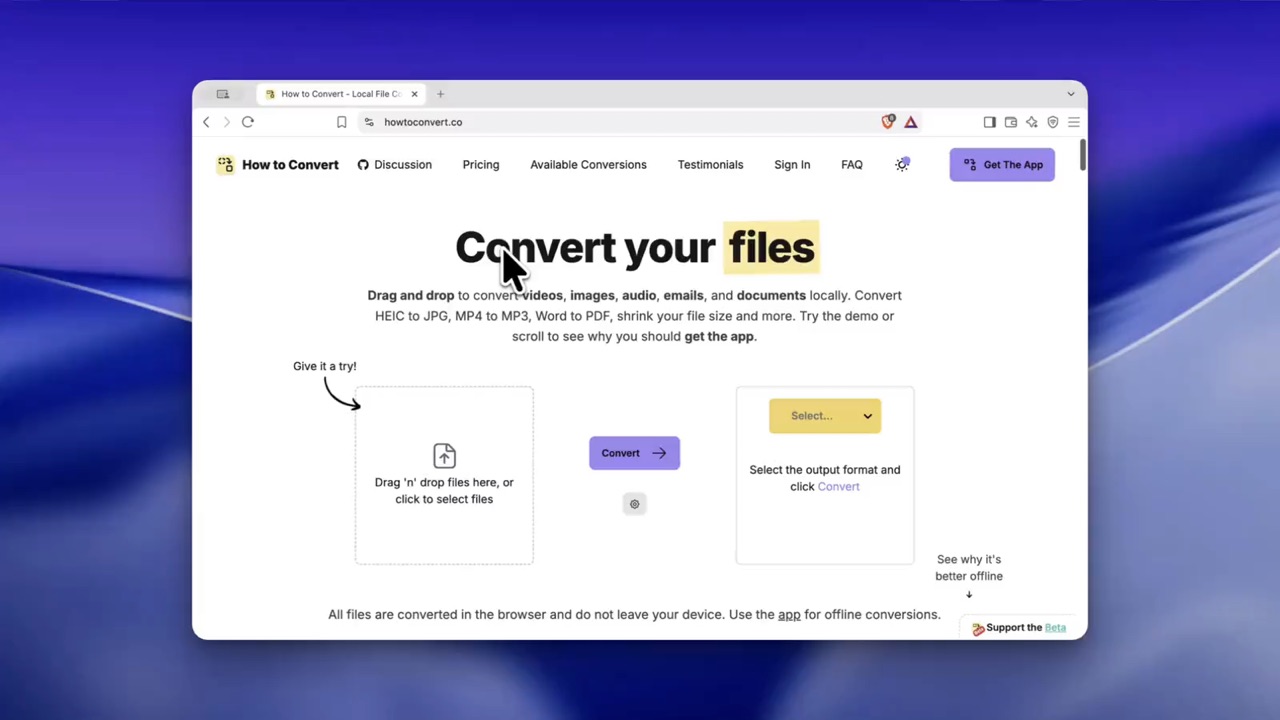
Get automatic zoom
ShotGlass makes things look cinematic straight after shooting.
-
Smart automatic zoom
Straight after recording, ShotGlass automatically zooms in on the actions you perform on screen. -
Manual zoom
Simply drag your zooms on the timeline or click to add new custom ones. -
Easy editing
Adjust zooms, trim, cut and speed up.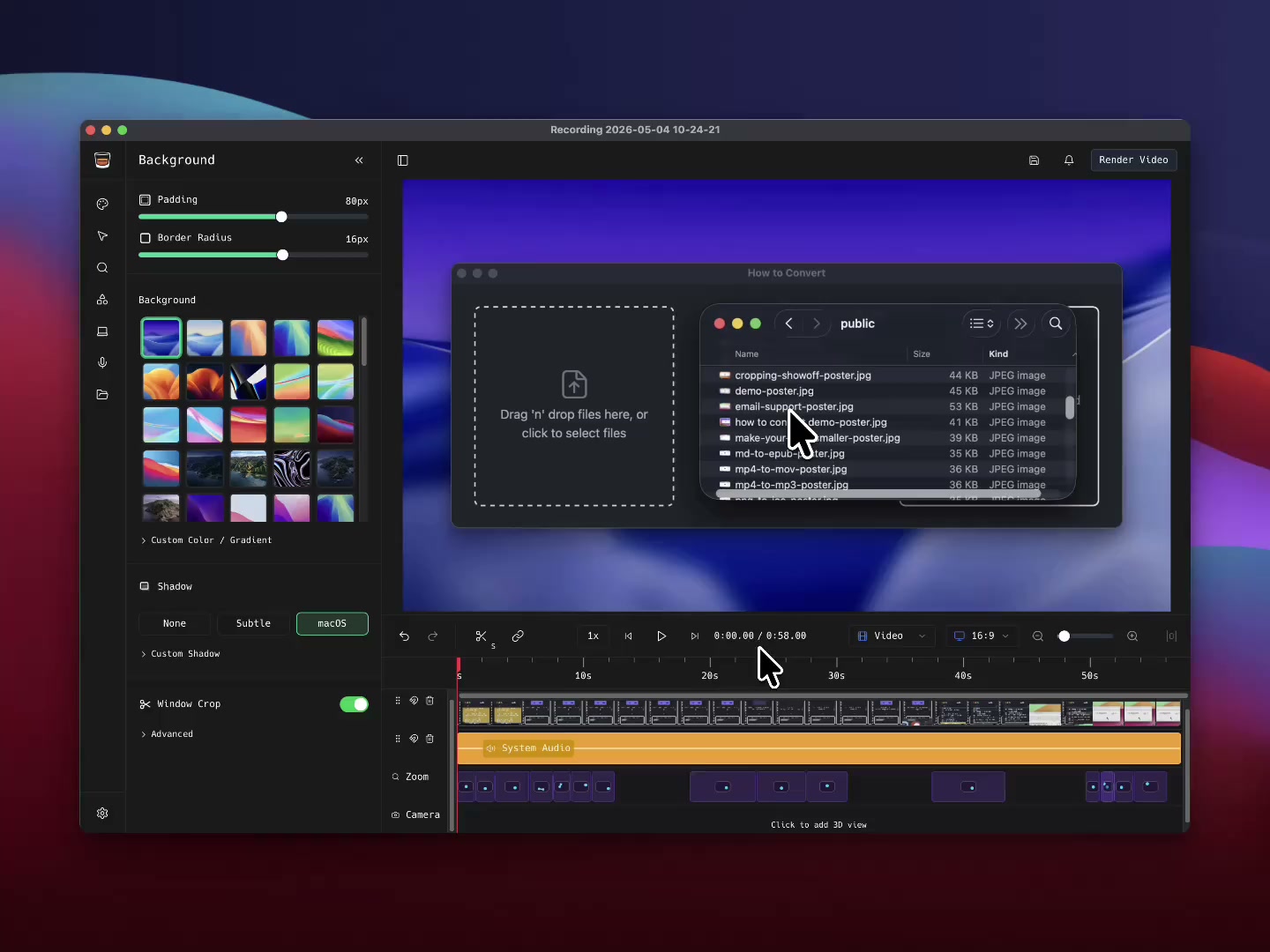
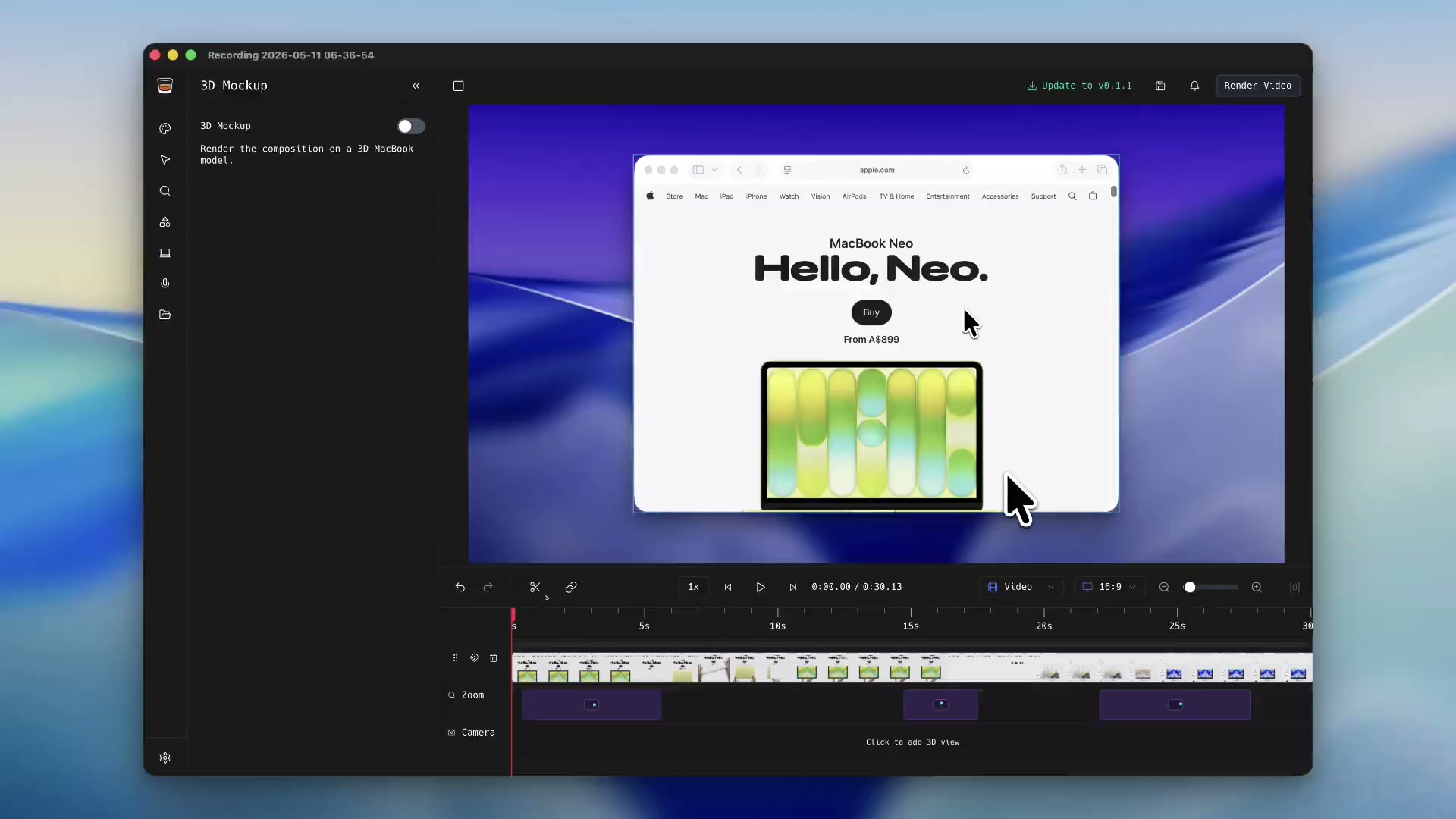
Make 3D animations like an Apple Ad
Customisable and clear backgrounds
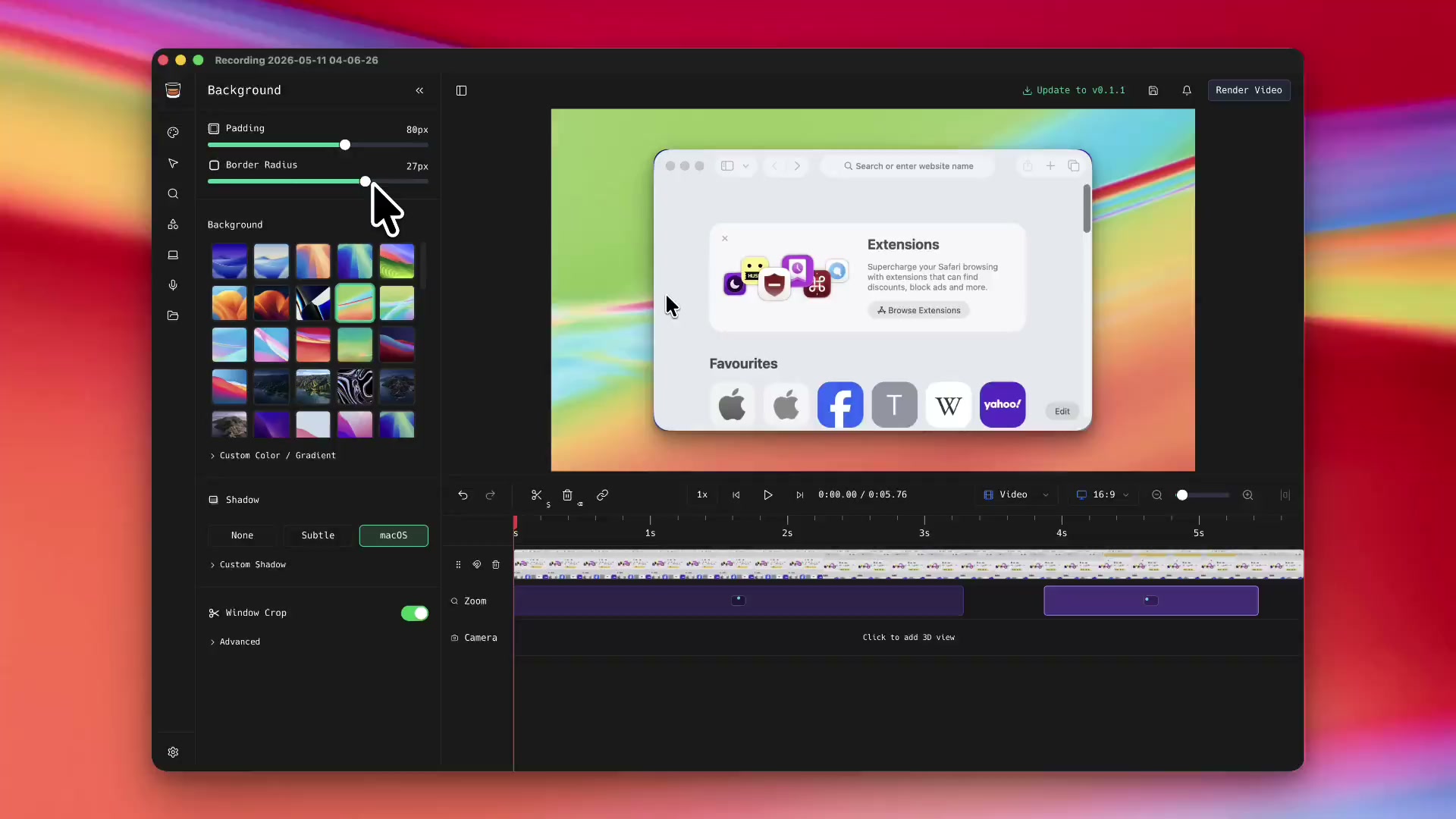
Cluttered background? Don't worry, ShotGlass swaps it out automatically, making every screenshot and screen recording look professional.
-
Removes that clutter on your desktop for you, keeping focus on what you're recording.
-
Choose from a selection of real Mac backgrounds, upload or make something custom.
-
Add shadow and padding
Smooth animations and a custom cursor
Effects that normally take hours are now instant.
-
Smooth cursor movements
Cursor movements are automatically smoothed for professional-looking recordings. -
Animated transitions
Add professional transitions between scenes with a single click. -
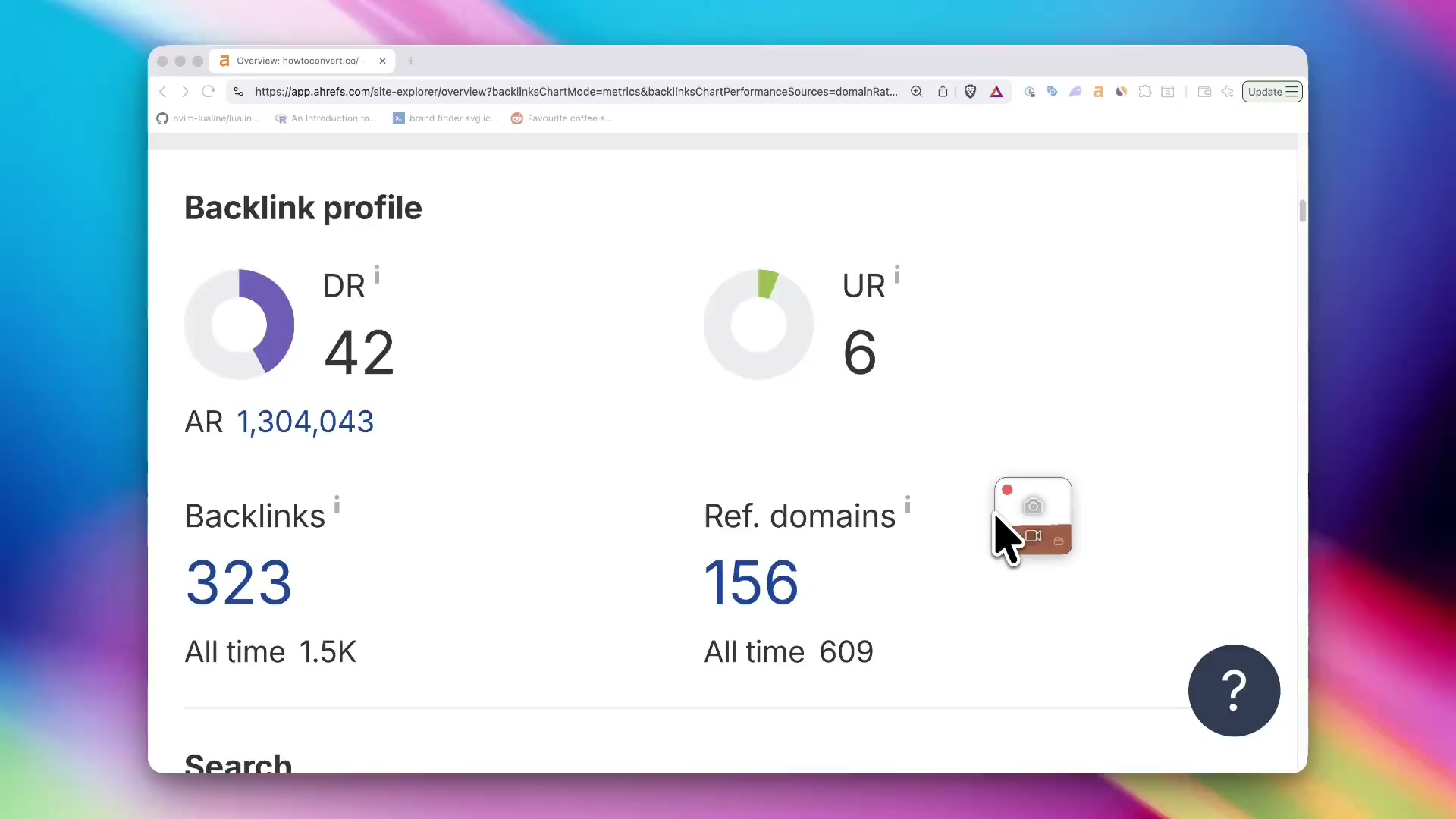
Make your cursor bigger and animated
Make what you're doing easy to see.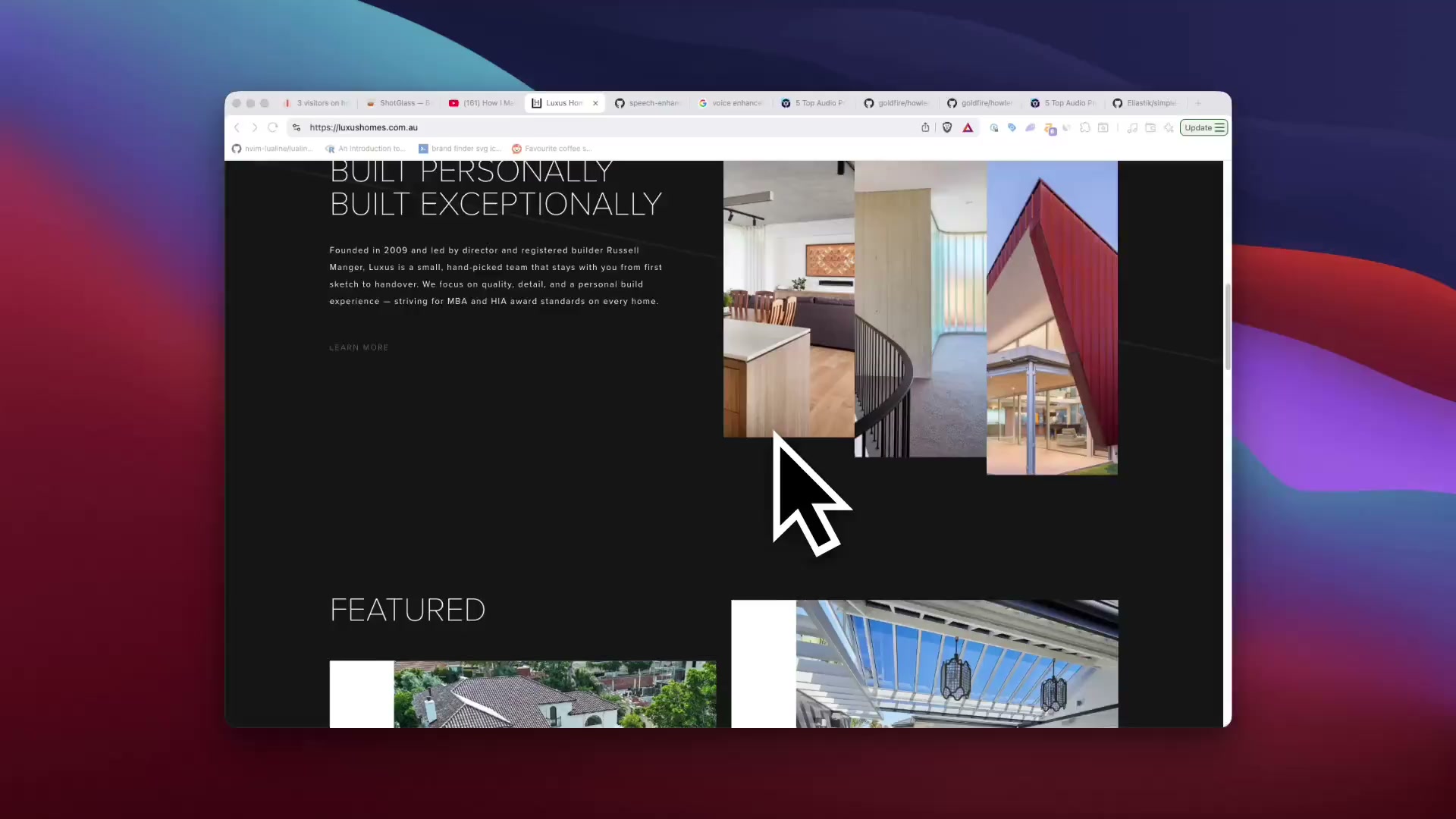
Add annotations
Highlight important parts of your screenshots and screen recordings with the annotation tools.
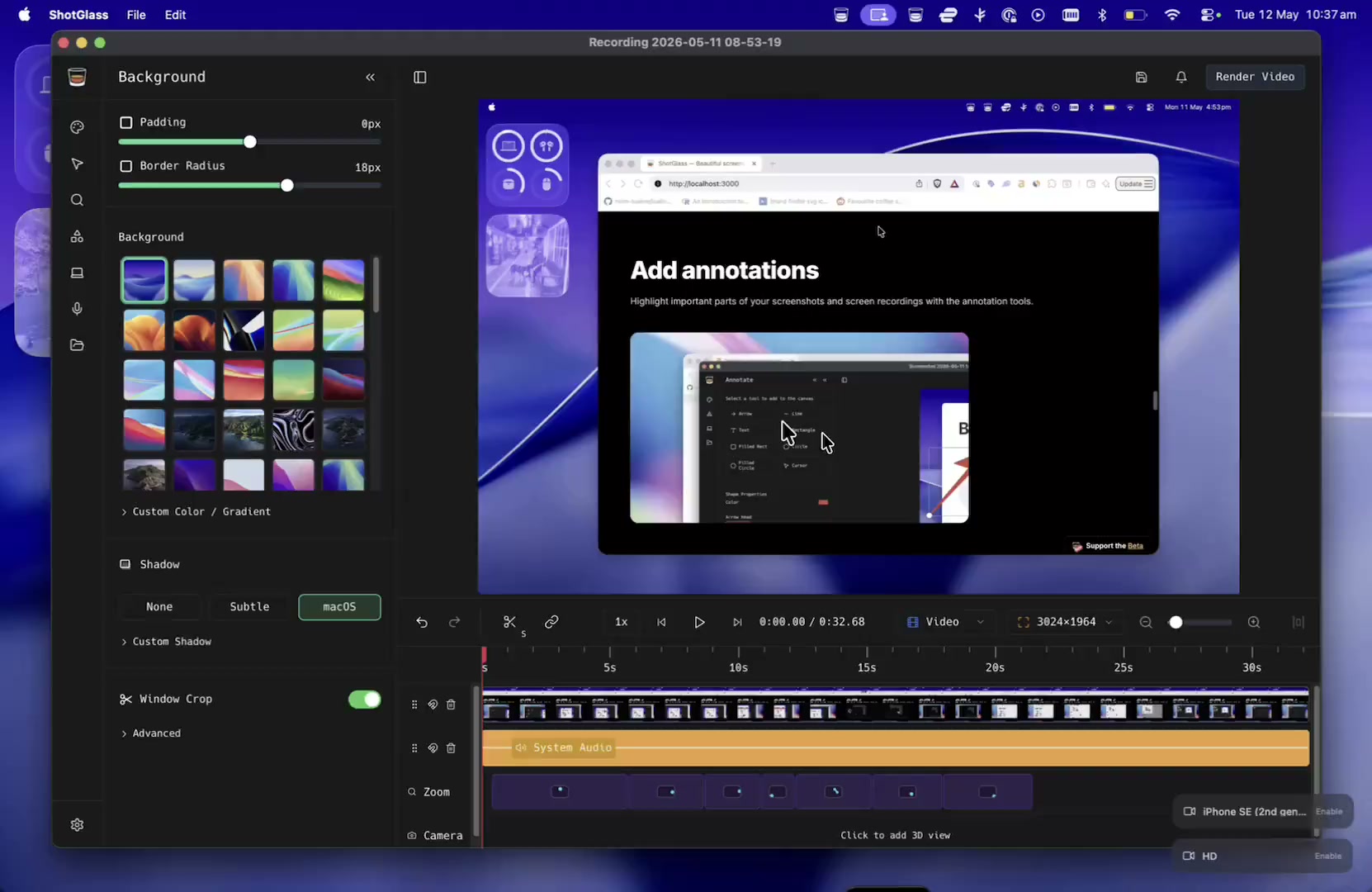
Record cameras, microphone and system audio
ShotGlass can record and mix multiple video and audio sources with your screen recordings
Pricing
Free to try
Pay when you're ready to export
Pay once, or open a tab
Personal
Pay once. Use ShotGlass forever.
$29
USD
- All features included
- 1 year of updates
- Use on 1 device
- Personal & small business (up to 2 people)
- Support independent development
Pay once. No subscription.
 Beta
Beta
More than one Mac?
Open a tab. Solo, or shout the team.
$39
USD
/ year
1seat
3 Macs covered
- All features included
- Always the latest version
- Covers up to 3 Macs
- Commercial-use license (teams of any size)
- Centralized billing & invoices
- Priority support
Cancel anytime. Add or remove seats whenever.
204 makers are raising a glass. Cheers!
r/macapps
Posted by u/jakecoolguy · 1 mo. ago
BEST COMMENTS
o
u/oznng·28 points·1 mo. ago
Messed around with it for like 30 min, hit my first render and just bought it. Looks sick, the aesthetics are great, awesome work.
M
u/Mission-Art-799·19 points·1 mo. ago
The biggest win here is honestly killing the 5 apps for one demo workflow. That friction alone stops most people from making good product videos consistently.
L
u/Limp_Character6574·14 points·1 mo. ago
The post record multi-window editing is a genuinely smart feature; it solves a pain point most screen recorders still ignore.
maliapagley
@maliapagley
1d
Introducing ghostedugc.ai The place to generate the BEST AI UGC ads for your app/SaaS products. This demo will show you how to get started with your first UGC videos. Big thanks to @jakemangerdev for making shot glass!
20 6 4 4
jakemangerdev
@jakemangerdev
1d
I made an app to make screen recordings like an Apple Ad Just crossed 200 users!
1.2K 92 63 124
tj_nealy
@tj_nealy
02/06/2026
Shot glass by the man @jakemangerdev is an awesome product tool I’m using for product recordings. Google Flow is also great for some of the other mockups you may need too. ElevenLabs has some amazing tools as well. Good Luck!
2 1 1
guybeingproductive
@guybeingproductive
12/06/2026
Every Wednesday I feature cool apps & products in my newsletter. So, if u are building one send it over. Here are some of the cool products I featured recently from this community, including ShotGlass by @jakemangerdev.
1 5
otolock
@otolock
10h
Replying to @prettyshisya
If you’re looking for something like that, check out ShotGlass by @jakemangerdev
1 1
FAQ
Frequently Asked Questions
- How is it different from other tools?
- Which AI agents can use ShotGlass?
- Why should I purchase it?
- Will it slow down my Mac while recording?
- Is ShotGlass privacy focused?
- Does the app include tracking or telemetry?
- Who made this?
- Are discounts available?
- Can I get a refund?
- I have another question