Jellypod
क्लॉड/कर्सर से जेलीपॉड के रिमोट MCP के माध्यम से पॉडकास्ट, वीडियो और शॉर्ट्स बनाएं।
होस्ट किया गया MCP सर्वर
npx add-mcp 'https://mcp.jellypod.com/mcp'Claude Code, Codex, Cursor और अन्य में इंस्टॉल होता है
दस्तावेज़
New: Generate stickman videos and vertical shorts
Make Videos and Podcasts From Chat
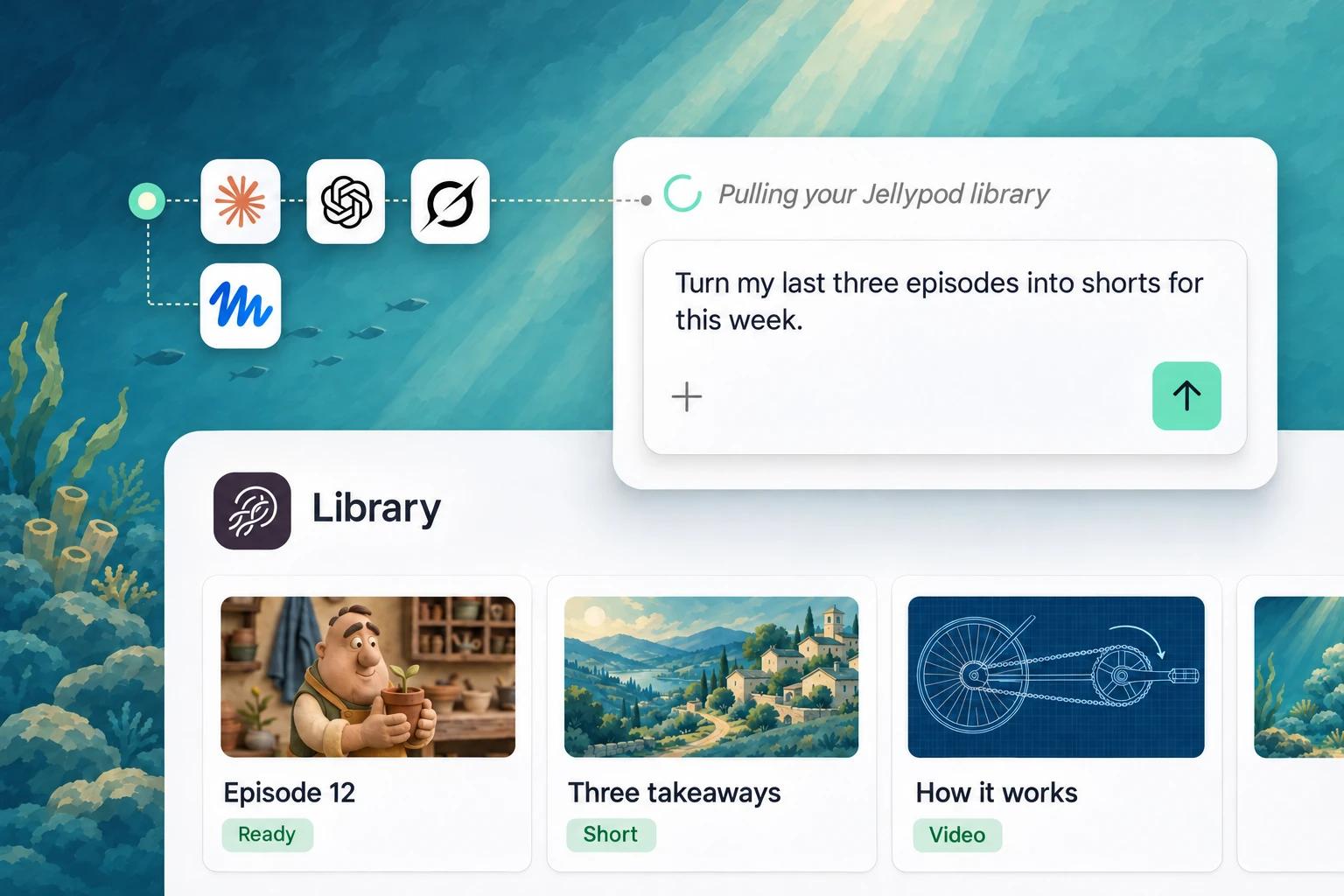
Connect Claude, ChatGPT, and Grok to turn ideas and sources into videos, shorts, and podcasts, then publish and manage them from the same chat.
 Claude
Make videos and podcasts from Claude and Claude Code
AI assistants
 ChatGPT
Make videos and podcasts from ChatGPT and the Codex CLI
AI assistants
 Grok Bot
Turn a brief and a source into videos and podcasts
AI assistants
How it works
One quick setup, then it is just a conversation.
- 1
Plug Jellypod in
Add Jellypod to your assistant and sign in once. Nothing to install, nothing to code. - 2
Describe what you want
"Make a ten-minute episode about this article with two hosts." Your assistant passes the brief to Jellypod and gets it going. - 3
Review before it ships
Every result lands in your Studio as a draft. Review it, adjust the script, and publish on your schedule.
What you can do
-
Spin up Videos and shorts
Request explainer Videos and vertical shorts in any built-in style, right from the chat.
-
Go from chat to episode
Turn the thread you are already planning in into a podcast Episode without leaving it.
-
Start from real material
Point it at webpages, YouTube videos, and your own notes, and the script draws on that material.
-
Cast your hosts
Cast built-in Voices and your saved Characters, and create new Characters mid-conversation.
-
Ask where things stand
Check what is still generating and what goes out Friday without opening Studio.
-
Go live on your schedule
Name the time, say Monday at 8am, and your assistant schedules the Episode you already reviewed.
-
Ship more often
Every video and episode starts from a single message.
-
One chat, every format
Videos, shorts, and podcasts from one thread, in the voices and styles you have already set up.
-
You have the final say
Your assistant drafts, you approve. Nothing reaches your audience until you say so.
-
Included on every plan
The connector comes with every Jellypod plan, Free included. Generation draws on your usual credits.
FAQs
What does MCP mean?
Model Context Protocol, the open standard AI assistants use to work with apps like Jellypod. Think of it as a plug: connect once and your assistant can use Jellypod on your behalf.
Is any coding involved?
None. Most assistants connect with a single sign-in. A few automation tools need an API key, and their setup guide shows exactly where it goes.
Which assistants and tools are supported?
Claude, ChatGPT, Perplexity, Mistral Le Chat, Dust, Grok Bot, Cursor, Raycast, Zapier, n8n, Make, and Gumloop, plus anything else that supports remote MCP servers.
What does it cost?
Nothing extra. The connector is part of every Jellypod plan, including Free, and generation uses your normal credits.
Can my assistant publish on its own?
Only when you tell it to. Everything starts as a draft in your Studio and is published or scheduled on your say-so.
What exactly can my assistant do?
Create podcasts and Characters; generate Episodes, Videos, and shorts from a prompt or a script; base them on a webpage, a YouTube video, or pasted text; check progress; and publish or schedule once you have reviewed.
How is my account kept safe?
Each tool connects through your Jellypod sign-in or an API key you create, so you decide who gets access. Disconnect a tool from its own settings, or revoke a key under Settings, then API keys.
Where are the developer docs?
Start with the MCP connector docs, then the Agent guide and the API overview.
Start making videos and podcasts
Turn your ideas, documents, and links into videos and podcasts in your own voice, in 121 languages.