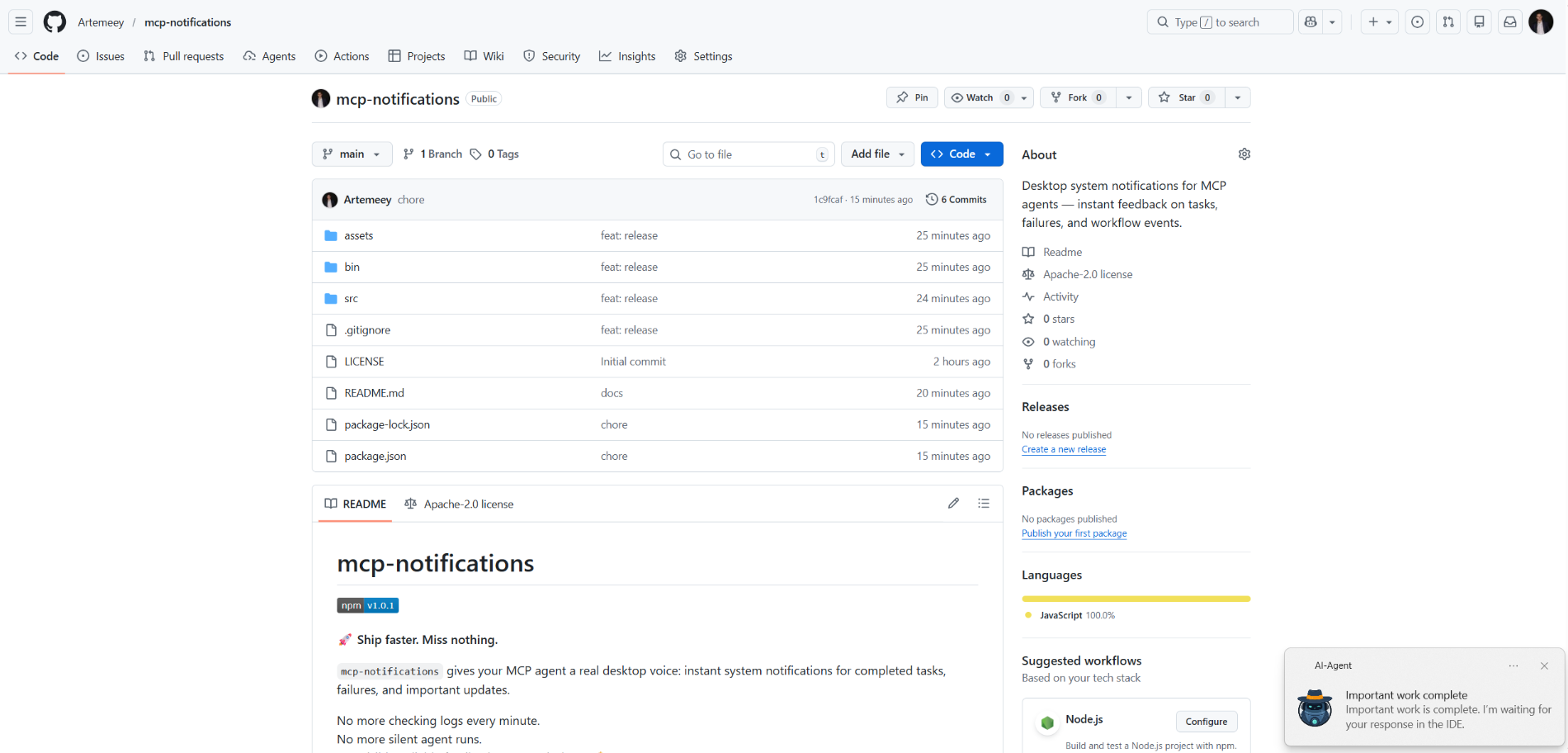
mcp-notifications
आधिकारिकMCP एजेंटों के लिए डेस्कटॉप सिस्टम सूचनाएं — कार्यों, विफलताओं और वर्कफ़्लो घटनाओं पर तत्काल प्रतिक्रिया।
Notifications MCP के साथ आप क्या कर सकते हैं?
- डेस्कटॉप सूचना भेजें — एजेंट को कार्य पूरा होने पर कस्टम शीर्षक और संदेश के साथ
send_notificationकॉल करने का निर्देश दें। - श्रव्य अलर्ट शामिल करें —
play_sound: trueसेट करें ताकि सूचना वितरण के समय सिस्टम ध्वनि बजाए। - विंडोज़ पर सूचना स्रोत को अनुकूलित करें — टोस्ट में दिखाए जाने वाले ऐप नाम को नियंत्रित करने के लिए
app_idपास करें, या इसेMCP_NOTIFICATIONS_APP_IDएनवायरनमेंट वेरिएबल के माध्यम से वैश्विक रूप से सेट करें। - कस्टम आइकन का उपयोग करें — सूचना में डिफ़ॉल्ट छवि को बदलने के लिए
iconपथ प्रदान करें।
दस्तावेज़
mcp-notifications

🚀 तेज़ी से शिप करें। कुछ भी मिस न करें।
mcp-notifications आपके MCP एजेंट को पूर्ण कार्यों, विफलताओं और महत्वपूर्ण अपडेट के लिए डेस्कटॉप सूचनाएँ भेजने देता है।
यह विशेष रूप से कंसोल AI एजेंटों के लिए उपयोगी है, क्योंकि उनमें आमतौर पर डिफ़ॉल्ट रूप से कोई अंतर्निहित सूचनाएँ नहीं होती हैं।
अब हर मिनट चैट की जाँच नहीं करनी पड़ेगी।
अब मूक एजेंट प्रतिक्रियाएँ नहीं होंगी।
बस आपके डेस्कटॉप पर दृश्यमान, विश्वसनीय प्रतिक्रिया। 🔔
यह जो सामान्य समस्या हल करता है
आप कई AI एजेंटों को कार्य देते हैं, फिर प्रतीक्षा करते हैं और बार-बार जाँचते हैं कि किसने पहले ही उत्तर दिया।
mcp-notifications के साथ, यह सरल हो जाता है: एजेंट आपको डेस्कटॉप पर सूचित कर सकता है जब उसे आपके इनपुट की आवश्यकता हो या जब काम पूरा हो जाए।
टीमें इसे क्यों इंस्टॉल करती हैं
- ⚡ आपके MCP वर्कफ़्लो से तत्काल प्रतिक्रिया।
- 🧠 बेहतर फ़ोकस: एजेंट को काम करने दें जबकि आप अपने मुख्य कार्य पर बने रहें।
- 🖥️
node-notifierके माध्यम से मूल OS सूचनाएँ। - 🧵 गैर-अवरोधक व्यवहार: सूचना भेजना पृष्ठभूमि में कतारबद्ध है।
वैश्विक रूप से इंस्टॉल करें
आवश्यकताएँ:
- Node.js
>=20 - npm
>=10
npm i -g @topvisor/mcp-notifications
निष्पादन योग्य नाम (MCP कॉन्फ़िग में इसका उपयोग करें):
mcp-notifications
mcp-notifications एक MCP सर्वर प्रवेश बिंदु (stdio) है, न कि एक बार की सूचना कमांड।
सेटअप: Codex
इसे ~/.codex/config.toml में जोड़ें:
[mcp_servers.notifications]
enabled = true
command = "mcp-notifications"
args = []
कॉन्फ़िग अपडेट के बाद Codex को पुनरारंभ करें।
सेटअप: Claude एजेंट
अपने Claude क्लाइंट कॉन्फ़िग फ़ाइल में MCP सर्वर कॉन्फ़िग जोड़ें:
{
  "mcpServers": {
    "notifications": {
      "command": "mcp-notifications",
      "args": []
    }
  }
}
फिर Claude क्लाइंट को पुनरारंभ करें।
AI एजेंट सूचना निर्देश
सूचनाओं के लिए दो दृष्टिकोण हैं: मैन्युअल और स्वचालित।
वह चुनें जो आपके वर्कफ़्लो के लिए बेहतर काम करता है।
मैन्युअल
किसी कार्य में जहाँ आप सूचित होना चाहते हैं, एजेंट से स्पष्ट रूप से कहें। उदाहरण:
Count files in the project; after the task is fully complete, notify me with sound.
आप किसी विशिष्ट चैट के अंदर ध्वनि, विषय और आवृत्ति नियम भी परिभाषित कर सकते हैं। उदाहरण:
Notify me about your replies without sound, include the reply text, and use title: "Large Refactoring"
स्वचालित
स्वचालित सूचनाएँ वैश्विक रूप से या प्रति प्रोजेक्ट कॉन्फ़िगर की जा सकती हैं।
एजेंट उत्तरों के लिए स्वचालित सूचनाएँ सक्षम करने का उदाहरण निर्देश:
Send `send_notification` after your replies (actual task time >5 seconds or many steps); `play_sound: false`; `app_id: '{put your chat name here}'`
समय एक मोटी सीमा है और मॉडल व्यवहार पर निर्भर करता है, इसलिए इस निर्देश को अपनी प्राथमिकताओं के अनुसार समायोजित करें।
कौशलों में
आप विशिष्ट कौशलों में भी सूचनाएँ सक्षम कर सकते हैं। समीक्षा कौशल के लिए उदाहरण:
After the review, run `send_notification` with a short summary; `play_sound: true`; `app_id: 'Reviewer {put task id here}'`
उपकरण
send_notification
इनपुट:
titlestring(आवश्यक)messagestring(आवश्यक)play_soundboolean(वैकल्पिक, डिफ़ॉल्ट:false)iconstring(वैकल्पिक, छवि फ़ाइल का निरपेक्ष या सापेक्ष पथ)app_idstring(वैकल्पिक, टोस्ट स्रोत के लिए Windows ऐप उपयोगकर्ता मॉडल ID)
उदाहरण:
{
  "title": "Codex",
  "message": "Deployment completed successfully",
  "play_sound": true,
  "icon": "/opt/mcp-notifications/icons/custom.png",
  "app_id": "Topvisor.Codex"
}
app_id (Windows)
app_idWindows टोस्ट सूचनाओं में दिखाए गए स्रोत को नियंत्रित करता है।- यदि
app_idसेट नहीं है, तो WindowsSnoreToastको स्रोत के रूप में दिखा सकता है। - आप प्रत्येक उपकरण कॉल में
app_idपास कर सकते हैं, या सर्वर के लिएMCP_NOTIFICATIONS_APP_IDको पर्यावरण चर के रूप में सेट कर सकते हैं।
बैकएंड चयन
आप env MCP_NOTIFICATIONS_BACKEND के माध्यम से सूचना परिवहन का चयन कर सकते हैं:
auto(डिफ़ॉल्ट): WSL में उपलब्ध होने परpowershellका उपयोग करता है, अन्यथाnode-notifierpowershell:powershell.exeWindows टोस्ट परिवहन को बाध्य करें (WSL के लिए अनुशंसित)node-notifier:node-notifierपैकेज को बाध्य करें
Codex में परीक्षण के लिए चैट संकेत
इन संदेशों का सीधे चैट में उपयोग करें:
Check send_notification
Send a notification without sound: title "Test", message "Check"
Send a notification with sound: title "Test", message "Check"
Send a notification with app_id "Topvisor.Codex": title "Test", message "Check"
Send 3 test notifications in a row without sound
लॉग/प्रतिक्रिया में अपेक्षित उपकरण परिणाम:
Notification queued
व्यवहार
- ✅ मानक सिस्टम सूचना चैनलों का उपयोग करता है।
- 🔊 जब
play_sound: trueहो तो मानक सिस्टम सूचना ध्वनि का उपयोग करता है। - 🤖 डिफ़ॉल्ट सूचना आइकन के रूप में बंडल किए गए Topvisor रोबोट छवि का उपयोग करता है।
- 🧰 पृष्ठभूमि कतार में सूचनाएँ वितरित होने के दौरान तेज़ी से लौटता है।
उदाहरण
AI एजेंट आपकी प्रतीक्षा कर रहा है: