Bigshot
Le serveur MCP intégré de Bigshot permet aux agents de programmation de rechercher dans les captures d’écran de votre Mac par texte, description ou image similaire, et de retrouver le code source correspondant. Fonctionne sur votre Mac avec l’application Bigshot.
Documentation
Bigshot for macOS
The visual toolkit for agentic development.
Bigshot connects your screenshots to your projects and their source code, and lets coding agents search them through MCP. On your Mac.
Download for macOSWatch the demo
Projects and Code Lens
Connect your screen to your code
Connect a repository and every capture belongs to its Project. Code Lens then matches what’s on screen to the file and line behind it, so a screenshot is more than an image.
-
[Switch ProjectHover the notch and press one key to switch the Project, the tag, or the capture mode.
Tag new capturesT
1No tag
2checkout
3new landing
4onboarding
PProjectTTagMMode
CSLAIROH
View source. In any language.
-
Select part of your app. Every component in it gets a label with its file and line.
-
Compiled or notIt reads the screen, not the binary, so a Swift or Rust app works the same as a script.
How Projects work →How Code Lens works →Benchmarks →
_└─_a capture now carries its Project, its file and its line
MCP server
Visual context via MCP
Stop digging through folders for the screenshot you mentioned three days ago. Bigshot’s local MCP server lets Claude Code or Codex find it, and the code behind it.
-
Claude Code or Codex, in your Project's folder. You ask in your own words: find my screenshot of the pricing page.
-
A small helper inside Bigshot. The agent starts it and talks to it over stdio, and it hands each call to the running app through a socket on your Mac. Nothing goes online.
-
Search screenshots, find retakes, read one's details, find the code behind it, search the code and list tags. None of them can change anything.
-
Only the ones the Project shares in .screenshots/index.json. The agent gets the best matches back, each with why it matched, and the search never leaves your Mac.
MCP tools server: bigshot, read-only
One Project at a time, and only the screenshots it shares. The Project’s card lists every call the agent made.
_└─_your agent can ask for that context itself
Smart search
Find the right screenshot
Finding a screenshot should not depend on remembering its file name. Bigshot searches the words inside each capture and what it shows, on your Mac.
Bigshot
Library — acme
acme8 screenshots
_⌕_Search or describe a screenshot
13:02
13:04
13:09
13:10
13:11
13:12
13:20
13:27
Duplicates 2
Similar 2
⏺ bigshot · search_screenshots(“service outage”) ⎿ the same 3, to Claude Code
- By a word in itEvery capture’s text is read when you take it. Type “invoice” and the two that say it come up.
- Or by what it showsNo screenshot says “service outage”. Bigshot Vision compares your words with what each one shows, and the three status pages score highest.
- Retakes and lookalikesPick one. Its retakes are grouped as Duplicates, and the captures that look like it are listed as Similar.
- The same search for your agentsearch_screenshots over MCP runs this exact search, on your Mac.
-
Try a searchSearch the words in a capture, or describe what it shows.
8 captures
-
[Duplicates stack themselvesTake the same screen again and the new shot lands on top of the old ones, one place in the notch instead of five.
Recent captures in the notch
_└─_and it gets the right one back
Inline Agent
Work on what you’re looking at
Select part of the screen and say what to change. The agent starts with the screenshot, the matching code and the Project already attached.
-
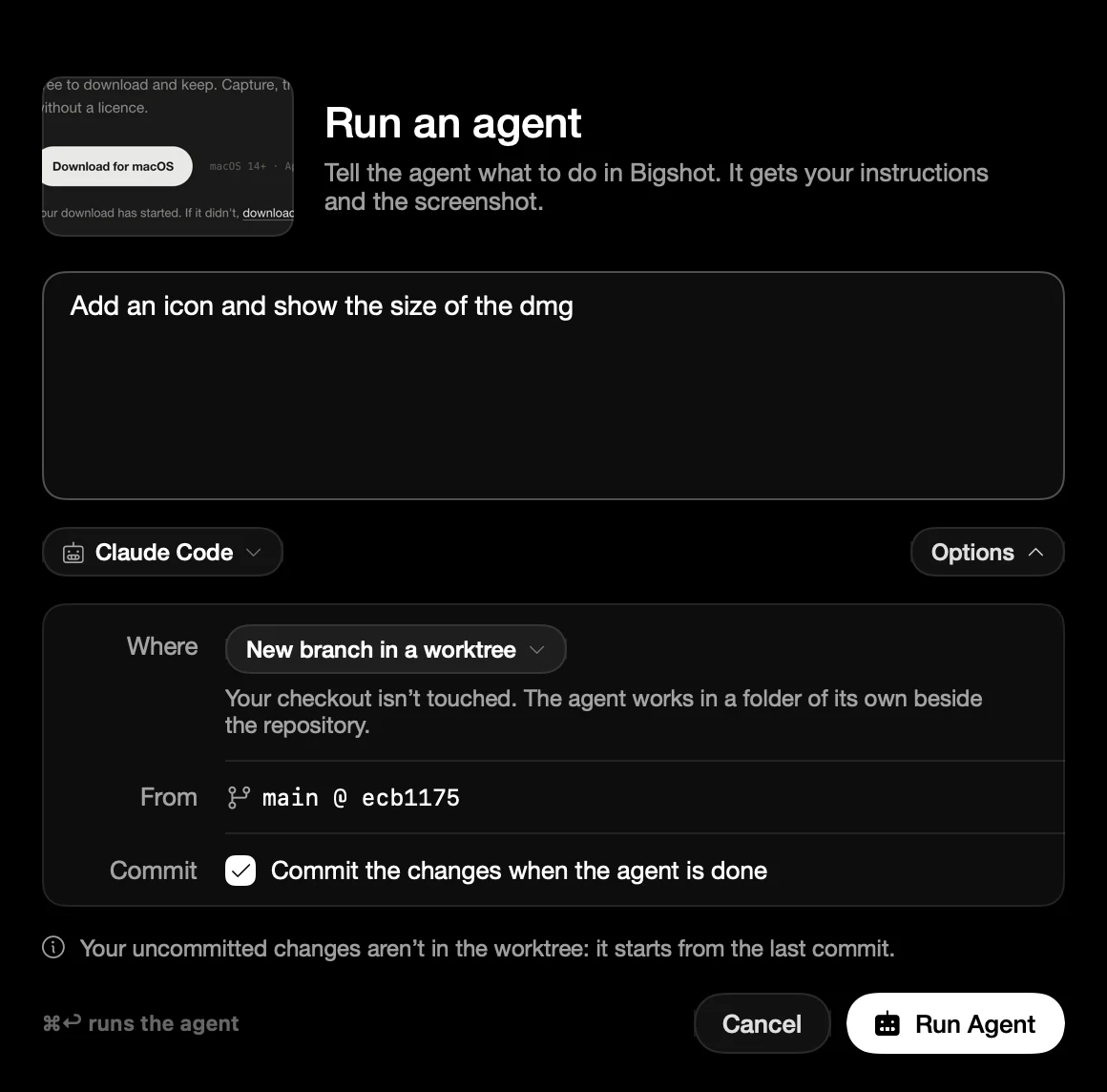
[Select it, say it, run itThe agent gets your words, the screenshot, and the code Code Lens matched.
bigshot.pics/download
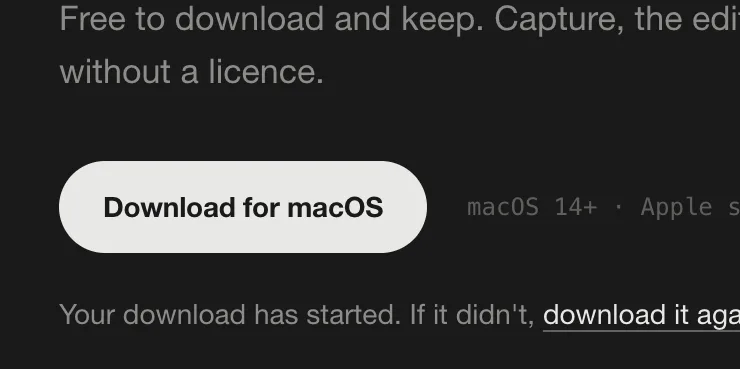 Download for macOS_2.5 MB_

Run an agent
It gets your instructions and the screenshot.
Add an icon and show the size of the dmg
Claude CodeOptions
Where
New branch in a worktree
From
main @ ecb1175
Commit
_✓_Commit the changes when the agent is done
Runs on its own branchRun Agent
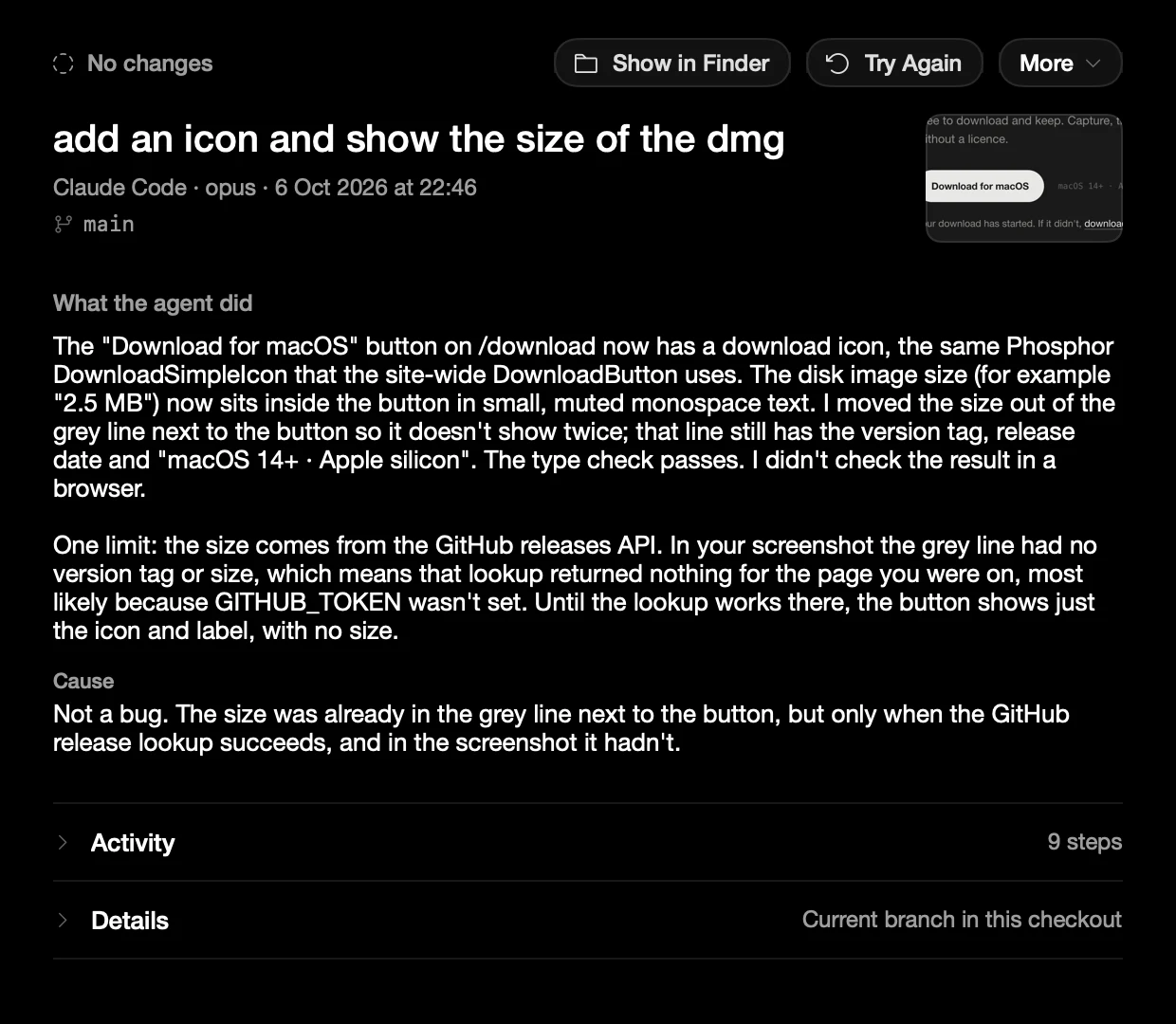
Running✓Done · 1 commit
Add an icon and show the size of the dmg
Claude Code · bigshot/agent-dmg-size
- Readapp/download/page.tsx
- Editapp/download/page.tsx_+6 −2_
- Runpnpm typecheck
- Commita41c9e2 Show the dmg size
Review the branch
_└─_the rest of the toolkit, for every other screenshot
Capture
The screenshot tools are here too
Capture, mark up, redact and measure, keep what you copy, frame and export, all from the island under the notch.
- Smart selectionSnaps to the window, panel, or row under the pointer, so there is nothing to crop.
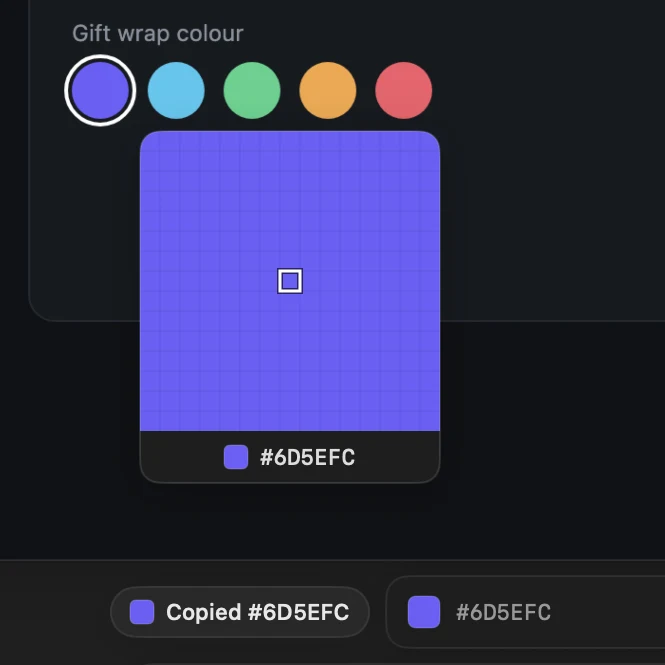
- Colour Picker#6D5EFCrgb(109 94 252)hsl(246 96% 68%)oklch(58.8% 0.226 281.2)Any pixel’s colour, copied as HEX, RGB, HSL, or OKLCH.
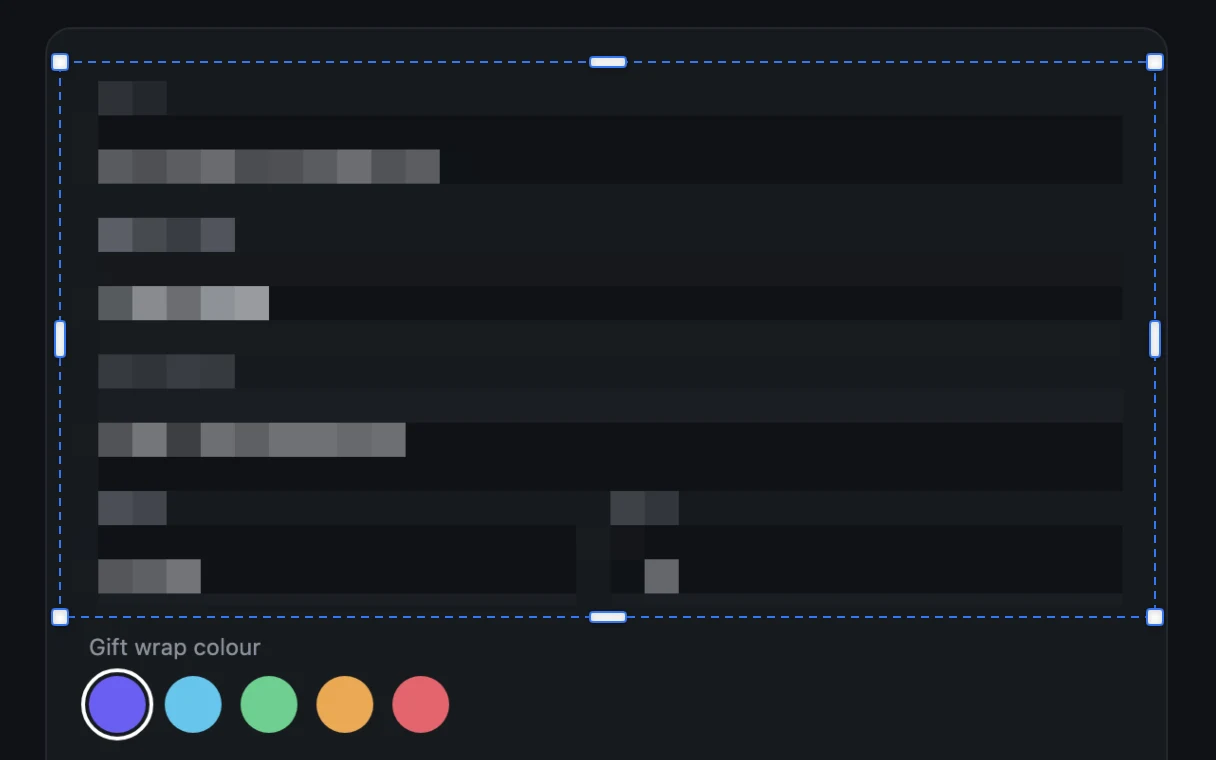
- RedactionRedactionPixelate or blur what should stay private.
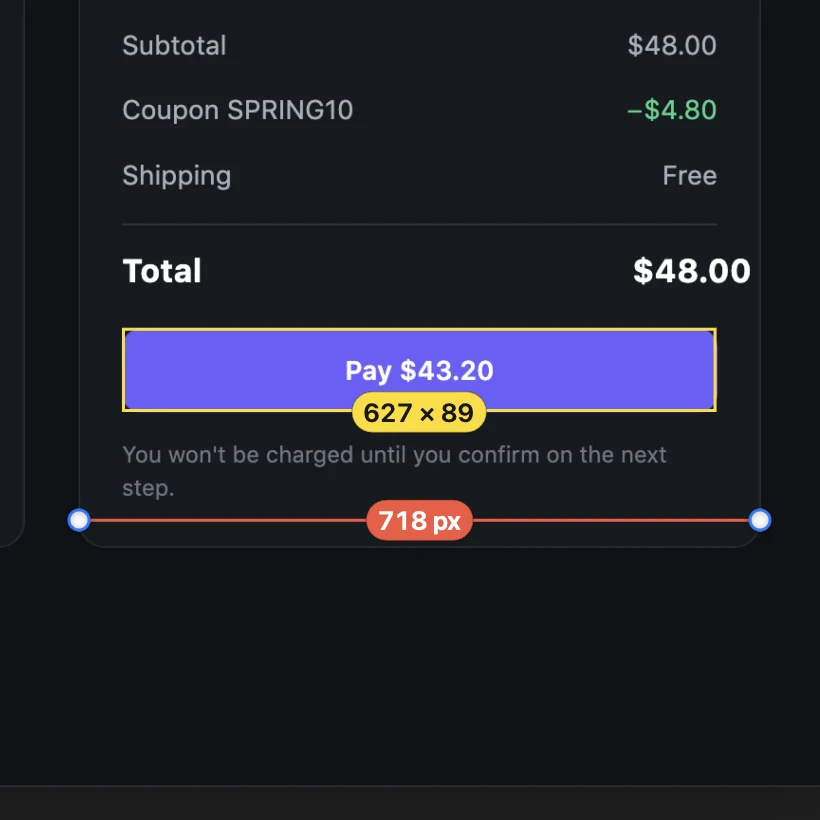
- Measurements**– px**Distances and sizes in pixels.
- MoodboardsTag what you capture, and every capture under the tag becomes one board.
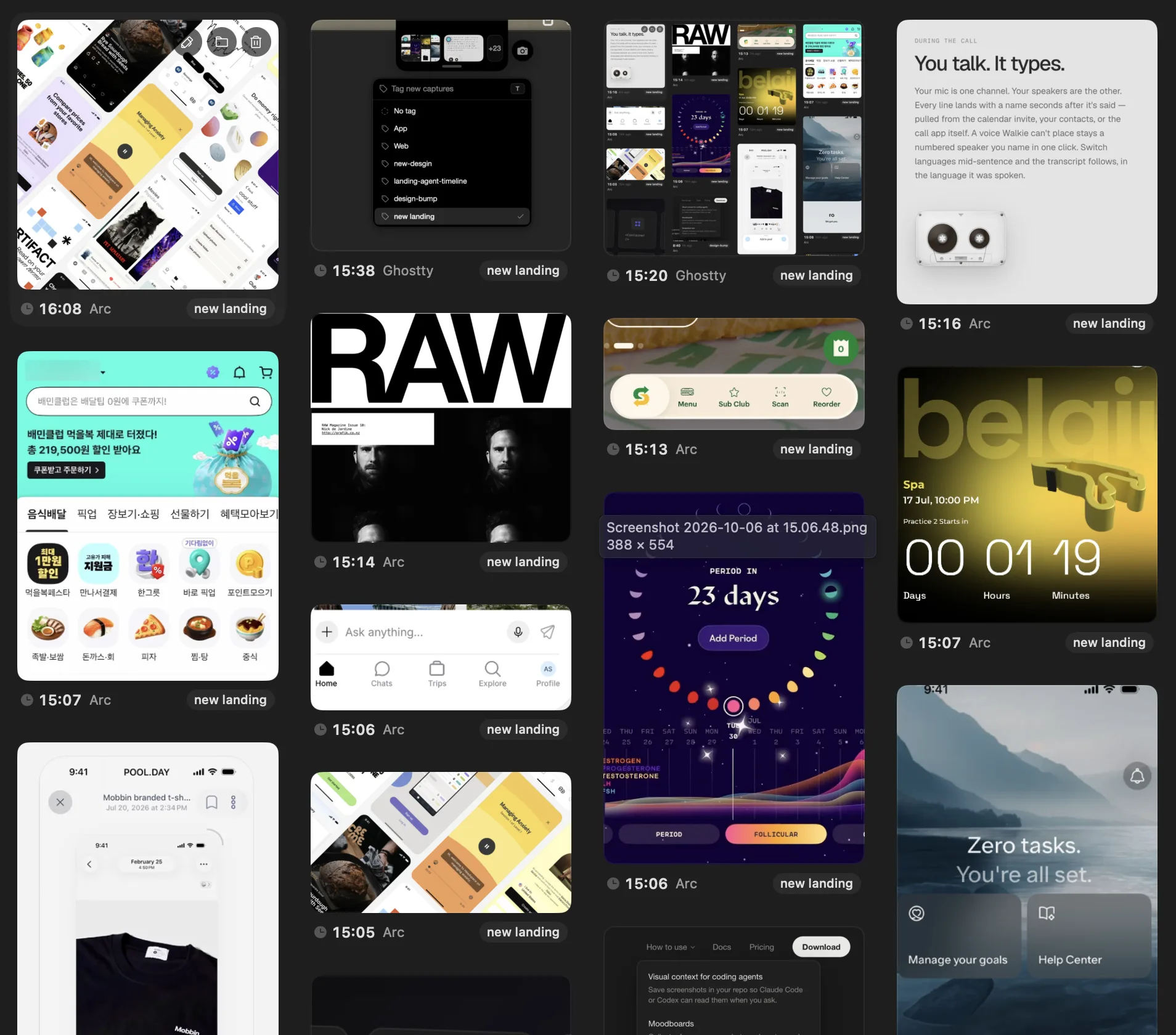
Capture
Smart selectionFive capture modesFrame and timerClipboard
Edit
AnnotationsRedactionMeasure and RulerColour PickerCopy text
Export
BackgroundsFramesSizesCopy, save, or send
Notch
Your island layoutDrag and dropDuplicate stacks
Library
TagsMoodboardsSmart searchKeep and clean up
Privacy
Local where it matters
Bigshot does its own work on your Mac. What your agent reads goes to that agent’s model provider, like any file it opens.
On your Mac
- Text recognition in every capture
- Screenshot search, by words or by what it shows
- The Code map and Code Lens
- The optional image model, a download you choose
- The MCP server, which reads from the app, not from our servers
Goes to your agent
- What your agent reads through the MCP server
- A capture you drag into it
- An Agent Run, through the agent you picked
- If the agent runs a local model, it stays on your Mac
Pricing
Free for one Project
The free version has Capture, Code Lens, Inline Agent, Hooks and the MCP server. It works with one Project and now and then asks you to upgrade. Pro adds unlimited Projects and your own island layout, and stops the reminders, for a one-time $19.
Questions
Before you start
Does anything leave my Mac?
Yes, when an agent or a cloud model reads it. What your agent gets through the MCP server, a capture you drag into it, an Agent Run, or a Hook goes to the agent or API you picked, and Claude Code, the Anthropic API, and the OpenAI API run in the cloud. If your agent uses a local model, for example opencode or Codex set up with Ollama, it stays on your Mac. Text recognition, search, the Code map, Code Lens, and the optional image model always run on your Mac. Bigshot itself only contacts bigshot.pics to check your licence and for updates, and Hugging Face when you download the image model.
What can an agent see through the MCP server?
One Project at a time: the screenshots listed in its .screenshots/index.json, and its Code map if that is on. With Sharing off it sees none, and in Review first only the ones you approved. All six tools only read, and the server can be turned off for one Project or for all of them in Settings.
Which code can Code Lens match?
Code Lens works on anything on your screen, because it reads the pixels. The Code map it matches against reads most languages, including TypeScript and JavaScript, Swift, Python, Kotlin, Java, Dart, Go, Rust, C#, Ruby, PHP, Vue, Svelte, Astro, HTML and server templates, and storyboards and XAML. Code Lens matches on text out of the box; an optional on-device image model, a 390 MB download you choose to install, adds matching on icons, images, and charts.
Does Bigshot change my code on its own?
Only when you start an Agent Run. The agent works on a new branch, in a separate worktree by default, and asks you before it does anything that needs permission. Bigshot never pushes or merges; you review the branch and merge it yourself.
Which agents work?
The MCP server installs itself for Claude Code and Codex, and other MCP clients can start it by hand. Inline Agent uses Claude Code, Codex, Cursor, Gemini CLI, or opencode, signed in with your own account. You can also copy or drag captures into any app that accepts images.
Do I need a coding agent?
No. Capture, the editor, the island, and the Library work on their own as a screenshot tool.
What is free, and what does Pro add?
Capture, Code Lens, Inline Agent, Hooks, and the MCP server are all free. Free works with one Project and now and then reminds you to upgrade. Pro adds unlimited Projects and your own island layout, and stops the reminders, on up to 2 Macs. It is a one-time purchase of $19 at launch, then $29, with 12 months of updates. Your last covered version keeps working forever.
What do I need?
An Apple silicon Mac on macOS 14 or newer, with Screen Recording permission granted to Bigshot.
Give your agent the visual context it’s missing
Download for macOSSet up the MCP server
macOS 14 or newer · Apple silicon · Free for one Project