ThinkUI
UI references for coding agents: real screens, flows, ready-made components, fonts and animated icons over MCP.
Serveur MCP hébergé
npx add-mcp 'https://thinkui.xyz/mcp'S’installe dans Claude Code, Codex, Cursor et plus
Documentation
The interfaces your agent has only ever guessed at.
Screens captured from live products, each named after the product it came from and the day it was captured. The server returns the same provenance with every answer.
28 screens · 28 products
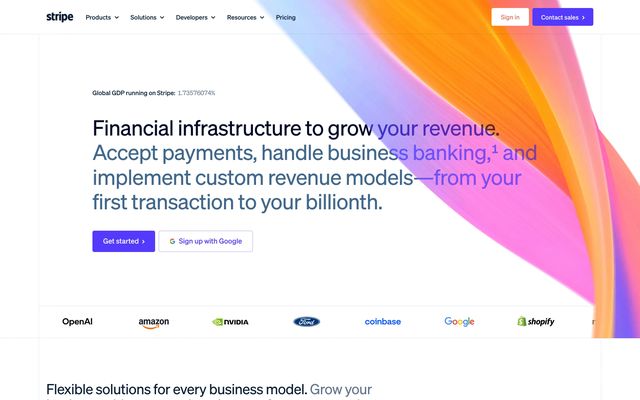
Stripe Finance · captured 2026-11-02
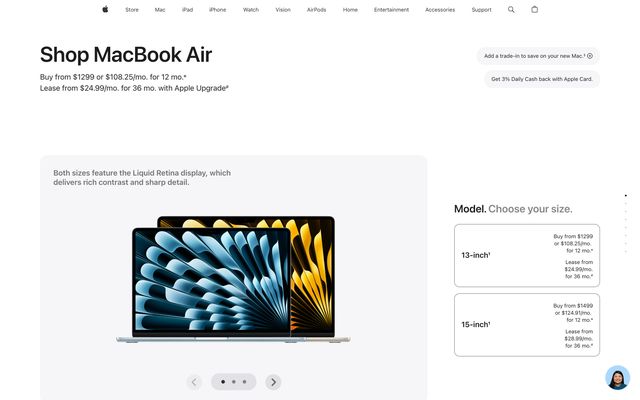
Apple Commerce · captured 2026-11-02
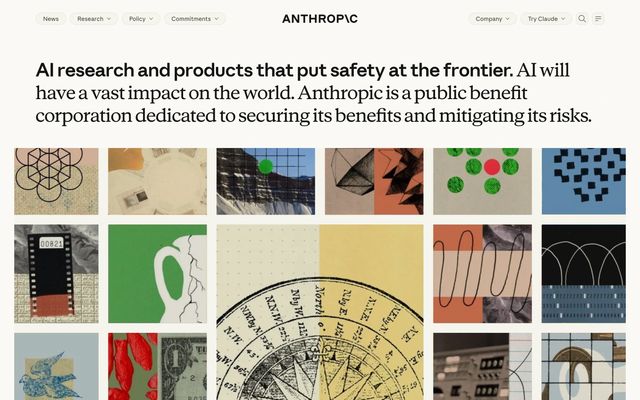
Anthropic AI · captured 2026-10-24
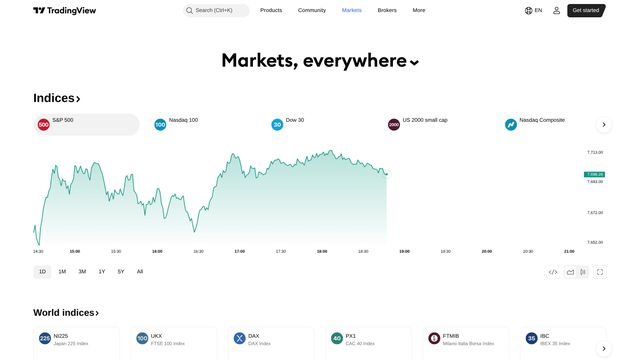
TradingView Finance · captured 2026-11-04
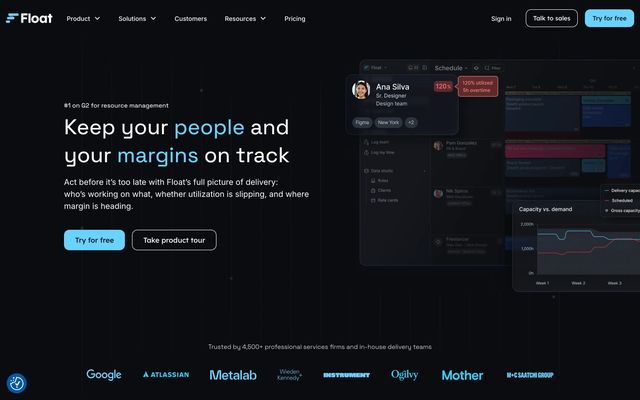
Float Project management · captured 2026-10-24
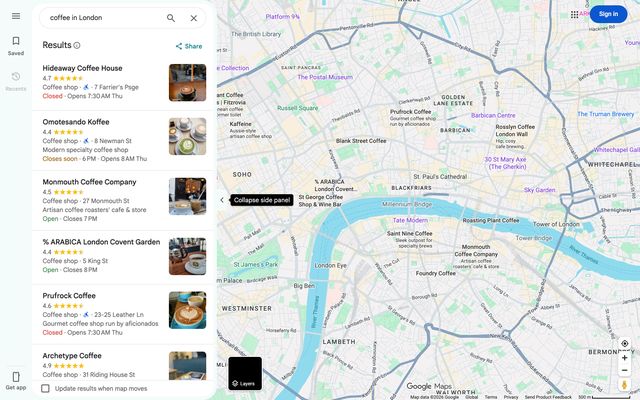
Google Maps Travel & maps · captured 2026-10-28
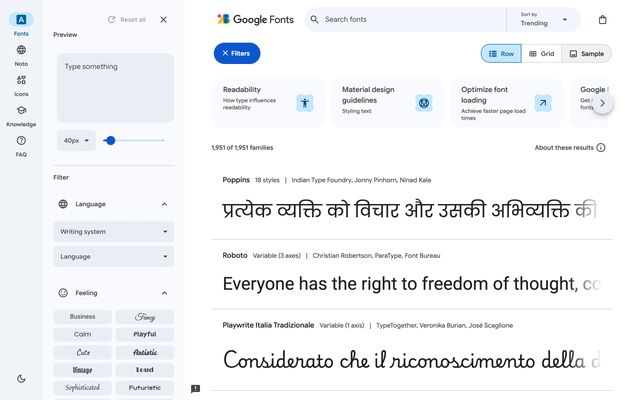
Google Fonts Design tools · captured 2026-10-28
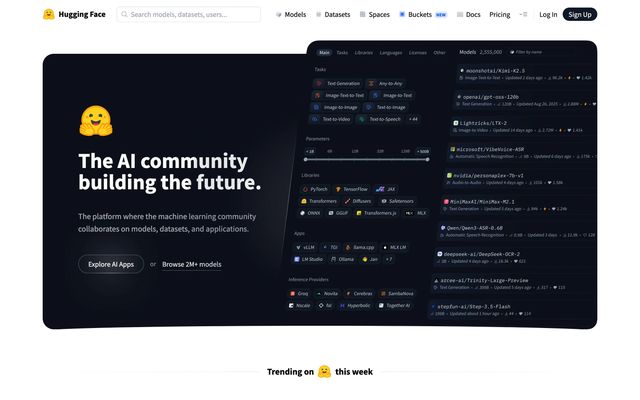
Hugging Face AI · captured 2026-10-21

Porsche Commerce · captured 2026-10-30
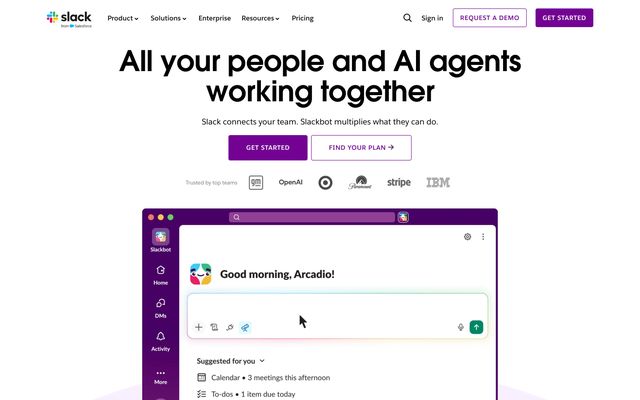
Slack Collaboration · captured 2026-11-02
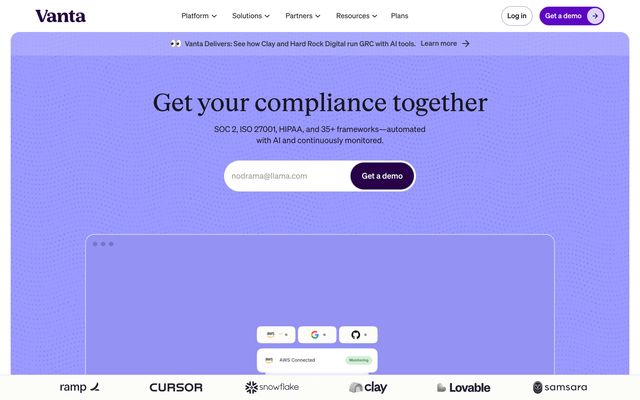
Vanta Security · captured 2026-10-28
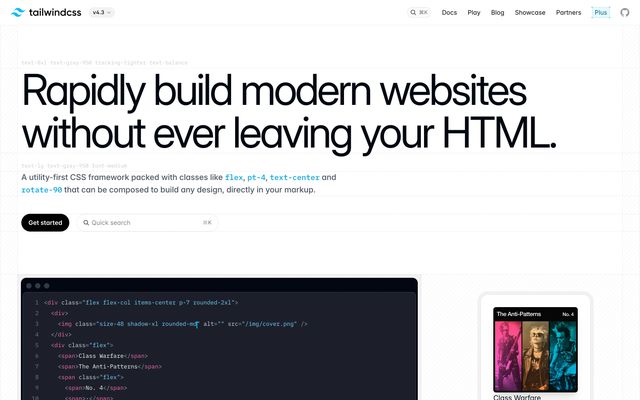
Tailwind CSS Developer tools · captured 2026-10-24

Oura Health & lifestyle · captured 2026-10-29
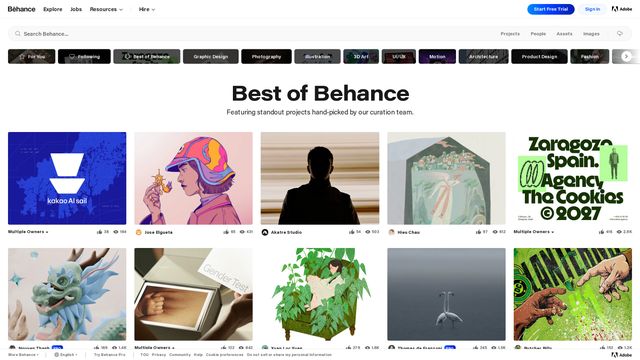
Behance Social & community · captured 2026-11-11
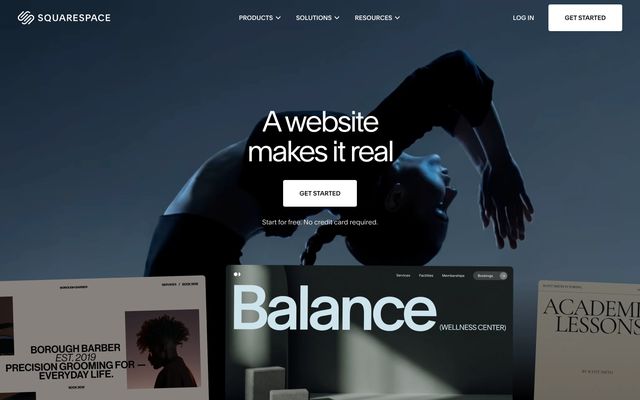
Squarespace CMS · captured 2026-10-27
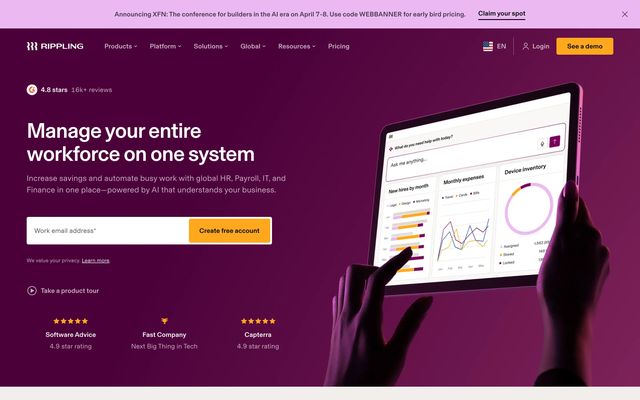
Rippling HR & recruiting · captured 2026-10-24
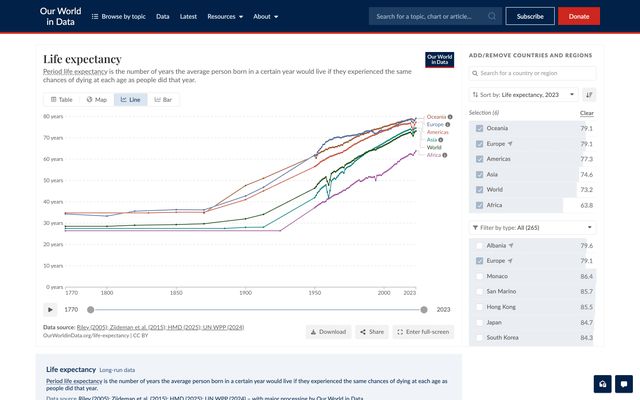
Our World in Data — Life Expectancy Analytics · captured 2026-10-29
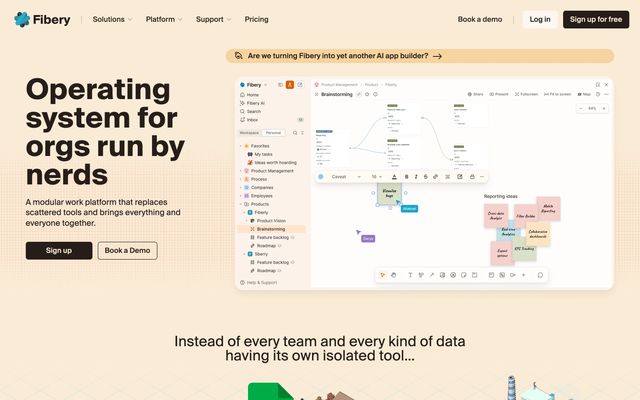
Fibery Productivity · captured 2026-10-28
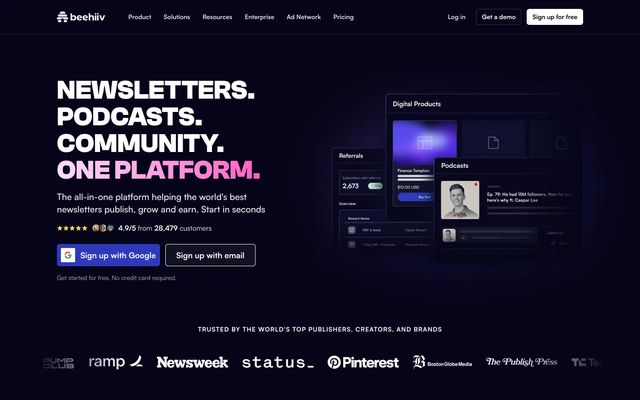
beehiiv Marketing · captured 2026-10-24
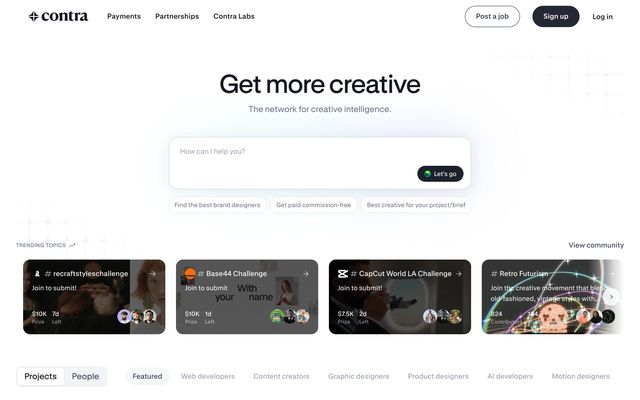
Contra Productivity · captured 2026-10-24
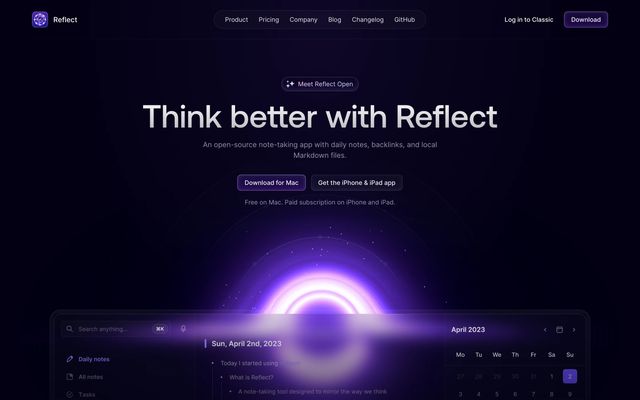
Reflect Notes & docs · captured 2026-10-28
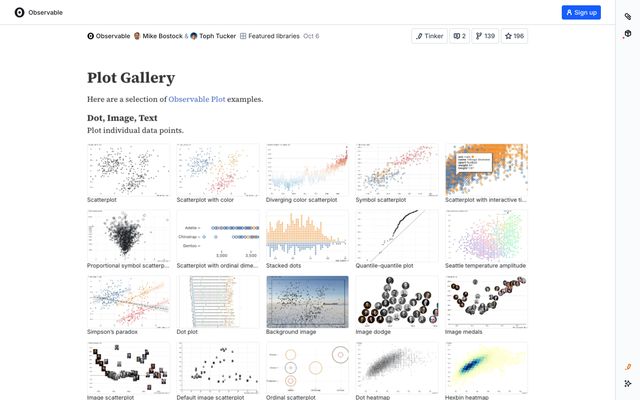
Observable Plot Gallery Developer tools · captured 2026-10-31
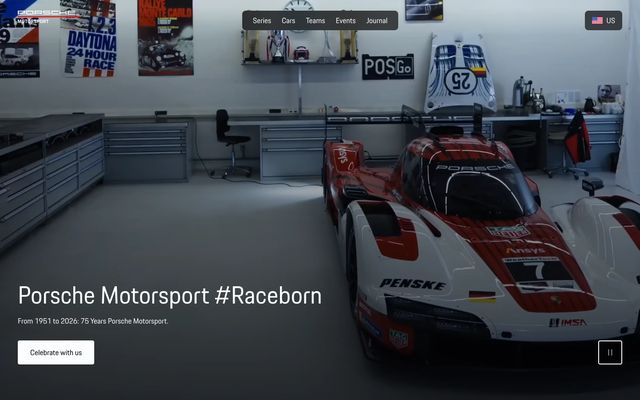
Porsche Motorsport Other · captured 2026-10-29
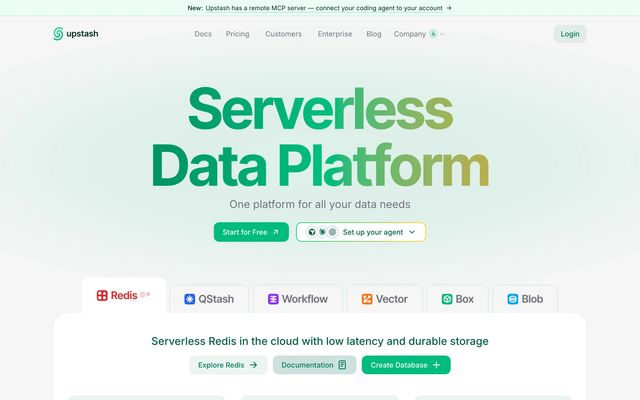
Upstash Infrastructure & monitoring · captured 2026-10-21
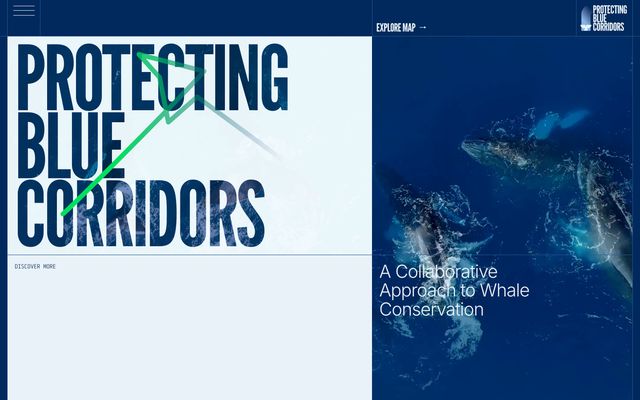
WWF Blue Corridors Other · captured 2026-10-30
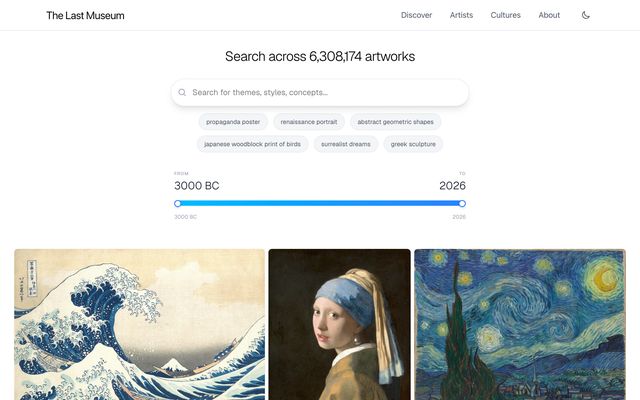
The Last Museum Education · captured 2026-10-30
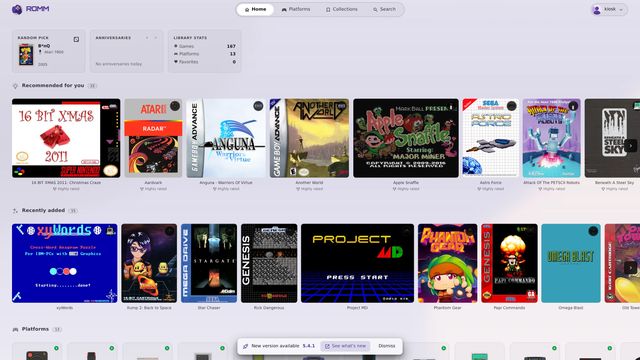
RomM Media & entertainment · captured 2026-11-05
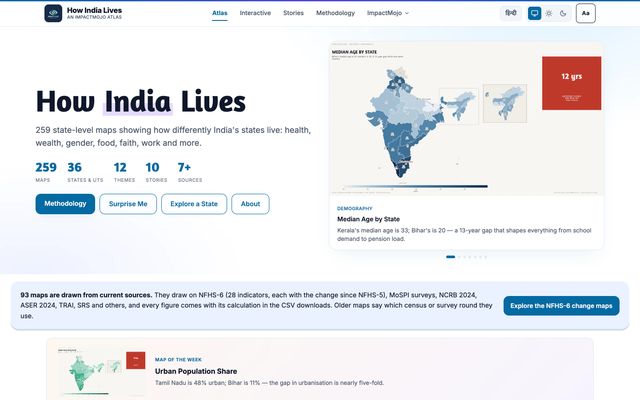
How India Lives — Interactive Atlas of India Data & databases · captured 2026-10-29
From $9.99/mo · cancel in one click · works with any MCP client
Every screen is a capture of a live product and remains that product's property. The server returns the source with every result.
1,483 real screenshots
262 products covered
3,802 ready-made components
1,698 animated icons
1,639 written design references
118 fonts, icon sets and systems
Measured from the library this server serves, not projections. Ask the server for corpus_stats and it reports the same numbers.
Design decisions, with the reasoning attached.
An agent that improvises a paywall produces a paywall nobody has ever shipped. ThinkUI gives it something real to work from, and tells you what that something was.
Answers with evidence
Ask “how does a paywall frame its trial?” and get the screens, the flow they belong to, what components they use and the project each one came from.
find_ui_references
Components you can paste
Buttons, loaders, cards, forms, inputs, switches and tooltips. The first call returns ranked digests with size and licence; call again with the slug it gives you and the component's own markup and stylesheet come back.
find_ui_elements
Motion that actually moves
Animated icons arrive as working SVG with the animation included, no JavaScript runtime, no icon font, nothing to install. Paste it and it animates.
find_animated_icons
Type and systems
The right typeface for a brief, an icon set that is still maintained, the design system a product like yours is built on, with the state of each project attached.
find_ui_materials
It tells you when it has nothing
Ask find_ui_elements for a navigation bar and you get no result plus the categories that do exist. find_ui_references will return its nearest match instead - and show you why it matched, so you can discount it.
no invented results
Fits your setup
A hosted server your agent reaches over HTTPS. Add one block to its config and the tools appear in every conversation you have in that client.
MCP over HTTPS
Three steps, once.
Connect it
Paste one block into your agent's MCP config. No keys to rotate daily, no build step, nothing installed into your project.
Ask in plain language
“Design the onboarding screen for a budgeting app.” The agent reaches for references instead of inventing them.
Build from something real
You get screens to follow, components to paste and assets to ship, with a trail back to where each came from.
One block of config.
ThinkUI runs as a hosted MCP server: your agent connects to one URL and sends your key in the request header. Add it to Claude Code, Claude Desktop, Cursor, VS Code, Windsurf, Zed or any framework with an MCP client. Nothing to install, nothing to keep running.
Your account key goes in one place. Everything else (tools, prompts, transport) is handled by the server.
{
  "mcpServers": {
    "thinkui": {
      "url": "https://thinkui.xyz/mcp",
      "headers": { "Authorization": "Bearer your-key" }
    }
  }
}
Then ask your agent something you would normally answer by opening ten apps.
Same server, same five tools on every plan.
Pick the plan that fits the work. Monthly plans change or cancel from your account at any time, and lifetime is a single payment.
Starter
$9.99 per month
Everything the server does, for one project at a time.
- Unlimited tool calls
- All five tools, every category
- MIT components, icons and materials
- Email support
Most popular Pro
$19.99 per month
For work you are shipping under a deadline.
- Everything in Starter
- Priority support
- New sources land for you first
Lifetime
$190 once
One payment; access for as long as the service runs.
- Everything in Pro
- No renewal, ever
- Same terms as Pro
Prices in USD. Compare plans in detail →
The ones people ask before connecting it.
What is MCP?
The Model Context Protocol is the standard way an AI coding agent connects to an outside tool. You add a server to your agent's config once, and its tools become available in every conversation you have in that client.
Which clients does it work with?
Any client that speaks MCP: Claude Code, Claude Desktop, Cursor, VS Code, Windsurf, Zed, and agent frameworks with an MCP client. The config block is the same everywhere.
Does anything about my project get sent anywhere?
No. Your agent sends ThinkUI a design question and gets an answer from ThinkUI's own reference library. Your code, files and repository are never sent, and the server cannot reach them.
What happens when it does not know something?
find_ui_elements returns no component and lists the categories that do exist. find_ui_references returns its nearest match and shows why it matched, so a weak hit is visible as a weak hit instead of passing for an answer.
Can I use what it returns in commercial work?
Components, icons and materials are MIT and yours to ship. Screenshots are mixed: 417 of 1,483 are permissively licensed and the rest are study-only, marked do not ship in the result that returns them. Every result names its source and its licence, so you can tell which is which before you use it.
How do I cancel?
From the billing portal in your account. Cancelling stops the next charge and your key keeps working until the end of the period you paid for. Partial periods are not refunded; if the server returns nothing useful in your first week, write to us and we refund that month.
Stop describing interfaces to your agent. Show it some.
Connect ThinkUI and give it something real to work from.
Starter is $9.99 a month, Pro $19.99, or $190 once for lifetime access.