DamnPDFs Codex MCP bridge
Pont MCP local MIT pour 71 outils PDF et image. Node.js 22+ ; un onglet DamnPDFs apparié doit rester connecté. Les importations locales sélectionnées sont téléversées vers un stockage cloud temporaire.
Documentation
Damn PDFs by Sourav Bera
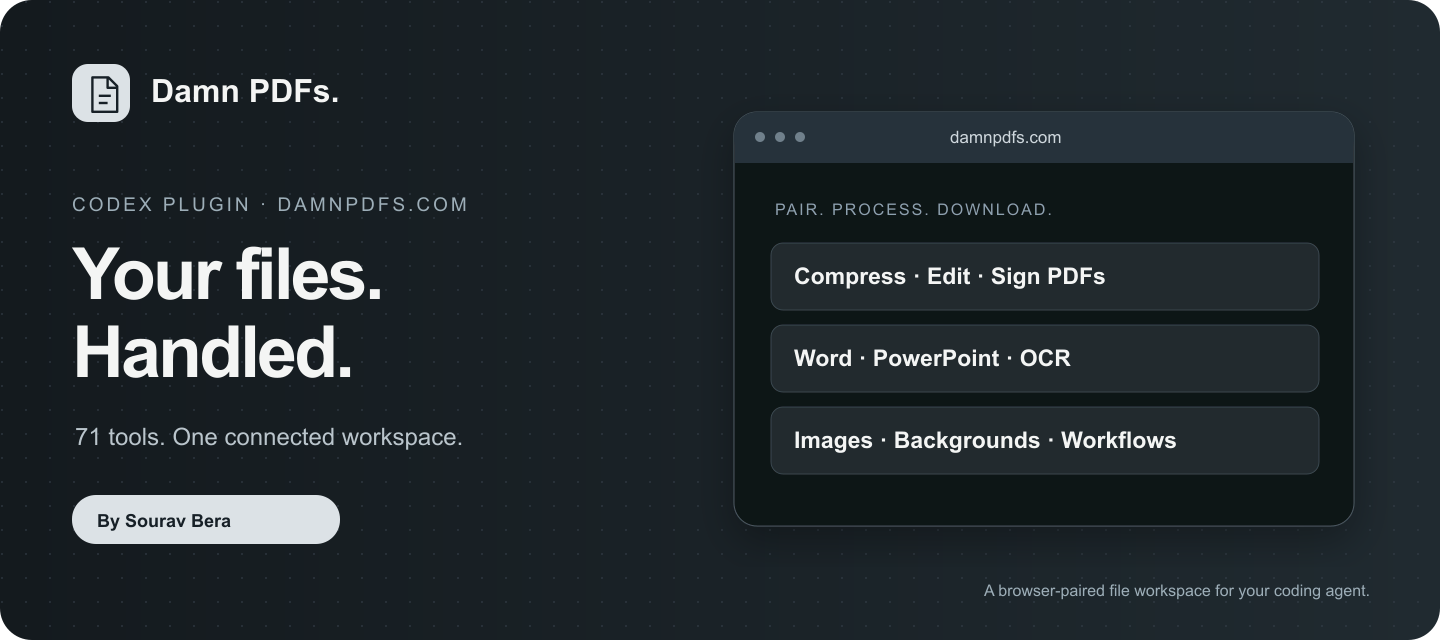
Connect Codex to your approved DamnPDFs browser workspace. 71 file tools for PDFs, Office documents, images and audio, with individual MCP operations, local file import/export and guided workflows.
Install in Codex
In Plugins → Add → Add a marketplace, enter:
SouravBeraAkaSpeed/damnpdfs-codex-plugin
Choose Damn PDFs by Sourav Bera and install. The equivalent CLI commands are:
codex plugin marketplace add SouravBeraAkaSpeed/damnpdfs-codex-plugin --ref main
codex plugin add damnpdfs@damnpdfs
Alternatively, download damnpdfs-1.0.0.zip from Releases and use Add → Upload plugin archive. Start a new Codex chat after installation so the plugin's skills and MCP tools are loaded. Node.js 22 or later must be available as node.
This is a public Git-backed Codex marketplace. Adding this source makes the plugin installable; it does not mean it has been selected for the default Public/featured directory.
First safe prompt
Connect DamnPDFs to a new empty browser workspace. Show the connection status and available tool count before uploading any files.
Open damnpdfs.com, select Agent access, create a code and pair it using connect_browser. With browser control available, Codex can read the code from the approved tab. No API key, OpenAI API account verification or persistent token file is needed. Only the temporary pairing code is accepted; never provide a password, provider key or browser cookie.
Then try:
- “Compress this PDF for email, compare the sizes and save a new copy.”
- “Convert this PowerPoint to PDF and merge it after this document.”
- “Compress these PNG images while keeping transparency.”
- “Inspect page two, replace this word, and verify the downloaded PDF.”
How it works
The dependency-free Node.js stdio bridge exposes 71 task tools, eight workspace operations and five connection/file helpers. It forwards authorized requests through the same browser execution bridge used by DamnPDFs WebMCP. Optional native WebMCP support is not required for this HTTPS pairing path. The browser tab stays open and executes the task; this is not an unattended cloud automation service.
Session credentials stay in bridge process memory. A session initially lasts two hours and can renew while its paired tab remains connected with auto-renewal enabled. Revocation or expiry requires pairing again. File retention does not extend with session renewal.
Permissions and data boundaries
- Read: only workspace files and exact local paths selected or approved for the task. There is no filesystem search, Codex history access, cookie access or credential-file import.
- Write: create requested output files with exclusive creation; existing files are never overwritten by the export helper. Workspace cleanup, cancellation and revocation are separately labelled destructive operations.
- Network: only
https://api.damnpdfs.com; local file imports upload selected bytes to temporary cloud storage. Browser-only uploads can use the website directly. Native conversions/compression use the existing temporary cloud workers. External AI needs provider settings entered by the user directly in the website. - Retention: browser document copies at most four hours; temporary cloud copies at most one hour or earlier acknowledged cleanup. User-saved downloads remain under user control. The bridge adds no analytics, credentials on disk, scheduled visits, advertisements or background browsing. Website measurement is described in its privacy policy.
- Limitations: a connected tab is required, one operation runs at a time, originals are preserved, scanned text may need OCR, missing fonts may affect Office conversions, and a visible PDF signature is not certificate signing. Check actual outputs and warnings.
More details: website installation guide, plugin setup, privacy, terms, help/contact, tool guides.
Directory evaluation
The root Dockerfile provides a non-root Node.js 22 stdio entry point for MCP introspection. It contains only the public bridge and catalog; no credentials, document fixtures or product source are included. Build with docker build -t damnpdfs-mcp-test . and run node scripts/verify-container.mjs to verify startup with no network, read-only storage and dropped capabilities. CI performs this check on Linux. Actual document tasks still require a connected approved browser workspace and network access; an evaluator's tool-list check does not certify every document operation.
Inspect, test and update
No dependency installation is needed for the plugin or tests:
node --test tests/*.test.mjs
node scripts/validate.mjs
node scripts/pack.mjs
catalog_check checks public schema drift without uploading documents. codex plugin marketplace upgrade damnpdfs refreshes the source; reinstall with codex plugin add damnpdfs@damnpdfs, then use a new chat. Report issues without attaching private documents, credentials or pairing codes.
The MIT license covers this plugin package, not an ownership transfer of user documents or the hosted service. Independent integration by Sourav Bera; no claim of OpenAI endorsement.