Simple Balance
Application gratuite de gestion de budget et de suivi des dépenses. Posez des questions sur vos comptes, vos dépenses et vos budgets, et mettez des transactions en file d’attente ou enregistrez-les.
Serveur MCP hébergé
npx add-mcp 'https://app.smpl.money/mcp'S’installe dans Claude Code, Codex, Cursor et plus
Documentation
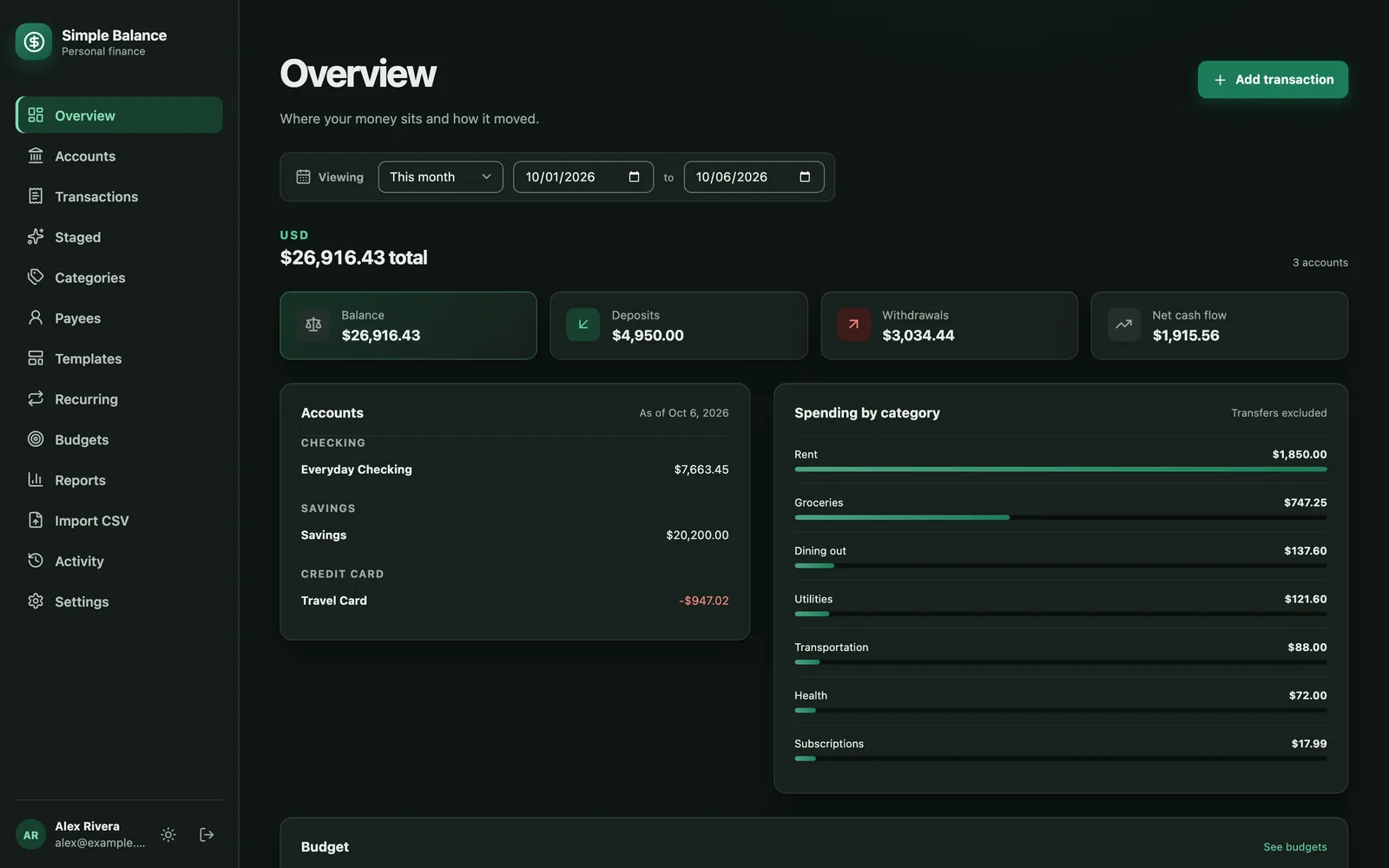
The money in these pictures is made up. They are photographs of the real product, filled with example spending so there’s something to look at.
Start with what you want to know about your money.
Simple Balance is a free budget app and spending tracker, in your browser or on a computer you control. Pick a job below: each has a plain guide.
-
See where your money actually goes
Bring in your statements and give each payment a category. Overview shows what each one cost, biggest first. The guide: How to track your spending -
Make a budget you’ll keep
Set an amount for each category and watch what’s left. What you don’t spend can carry into next month. The guide: How to make a budget -
Get ready for the bills you can see coming
Car insurance in June, gifts in December. A budget can save toward a date, and a repeating bill turns up when it’s due. The guide: What are sinking funds? -
Find the subscriptions you forgot
Everyone you’ve paid is on one list, with every payment. A forgotten renewal shows up there. The guide: How to find and keep track of your subscriptions -
Use a credit card without the surprise
A card purchase counts the day you make it, and paying the card off is a transfer, so nothing counts twice. The guide: How to budget with a credit card -
Know whether you’re getting ahead
Add up what you own, take away what you owe, and watch that number month by month in Reports. The guide: What is net worth, and how do you calculate it?
You shouldn’t have to trust a number you can’t explain.
-
Follow a total back to the payments behind it
Open any account to see every payment in order, with the balance after each one. A wrong figure leads you straight to the row behind it. Every dollar that leaves one place has to arrive somewhere else, so the totals hold up.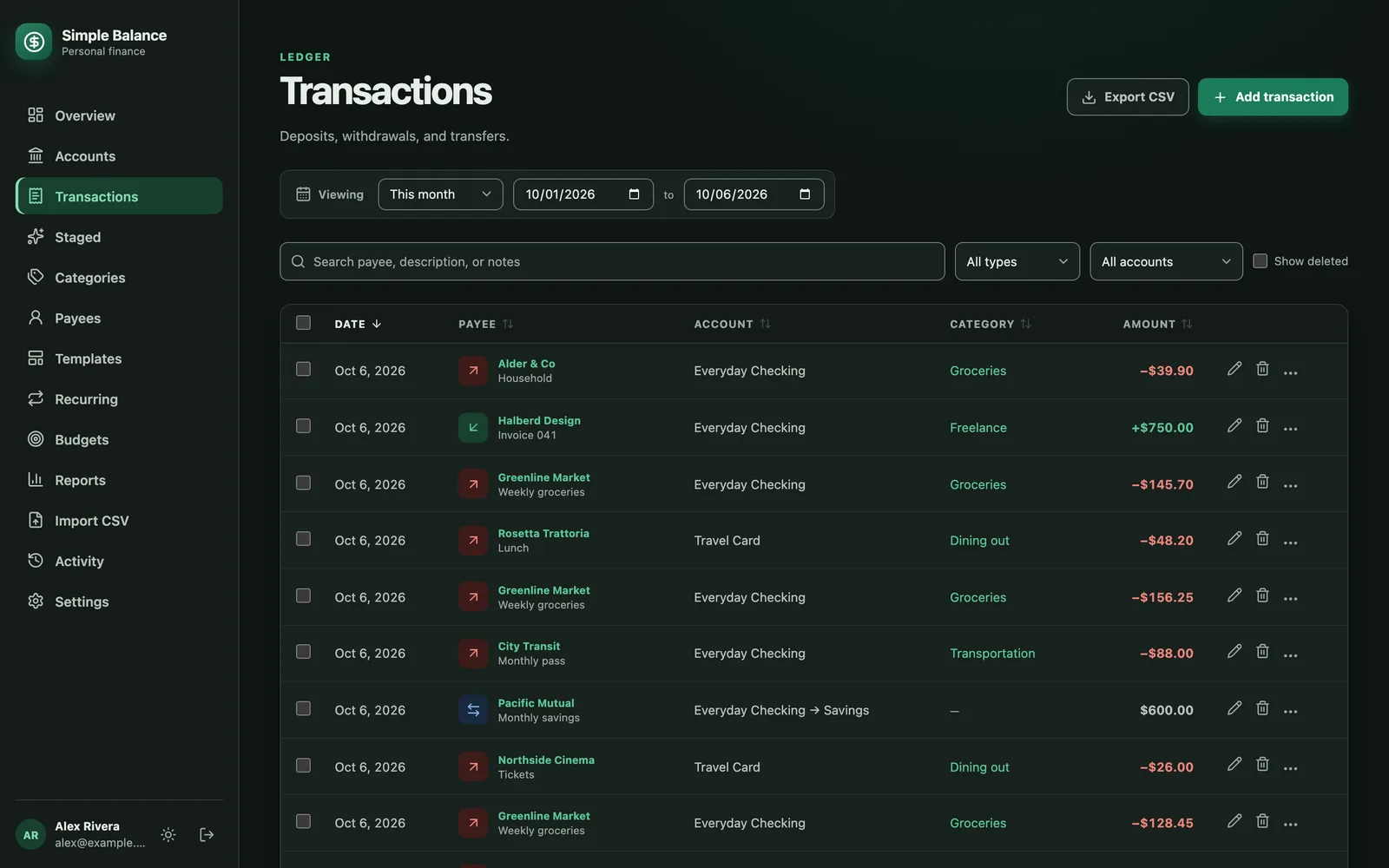 Everything you’ve entered, in one list you can search or narrow down to one account.
-
A correction doesn’t erase what it corrected
When you fix something, the old figure stays with it, with the day it changed, so you can always look back at what was corrected. -
Nothing counts until you’ve looked at it
Download the file your bank gives you and drag it in. Simple Balance works out the columns and recognizes names it’s seen before. A likely duplicate is shown beside the payment it resembles, and nothing reaches your accounts until you say so.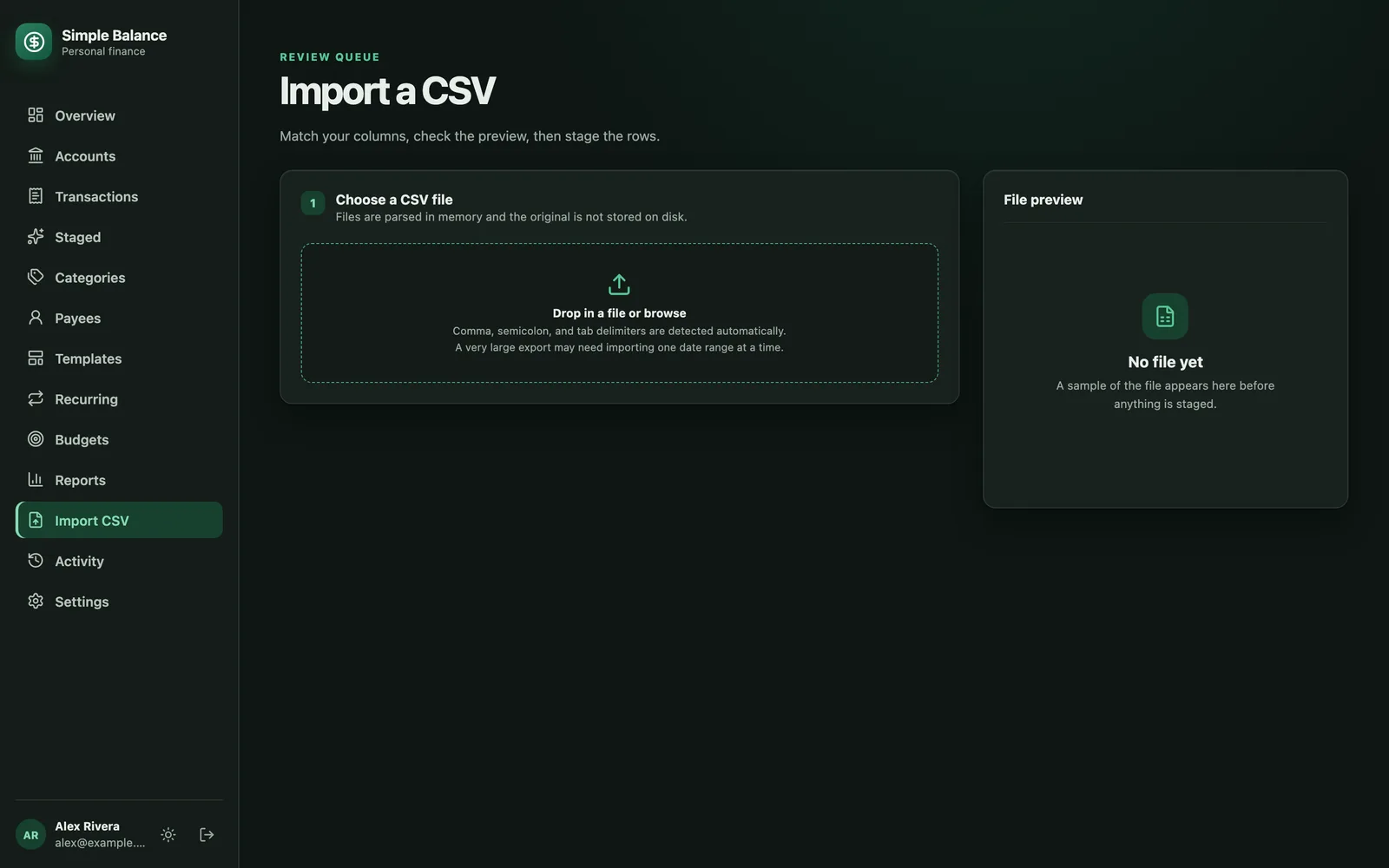 Where the file goes. It figures out the columns itself, and shows you every row before any of them count.
It does the ordinary things too.
Every account on one page
Checking, savings, cards, cash and loans, on one page for any date you pick. Each currency keeps its own totals.
Budgets that carry what you don’t spend
Set an amount for whatever you watch. What’s left can carry into next month, and a refund goes back to the budget it came from.
Set a repeating payment once
Rent, payday, a yearly renewal. It turns up when it’s due, for you to okay, and everyone you’ve paid is on one list.
Split one purchase across categories
A grocery run that was half food and half household counts as both, from a single line.
Templates for what you enter every week
The grocery run, the payday transfer. Save it once and pick it off a list next time.
Fix thousands of transactions at once
Recategorize up to ten thousand rows in one step, after seeing exactly what will change.
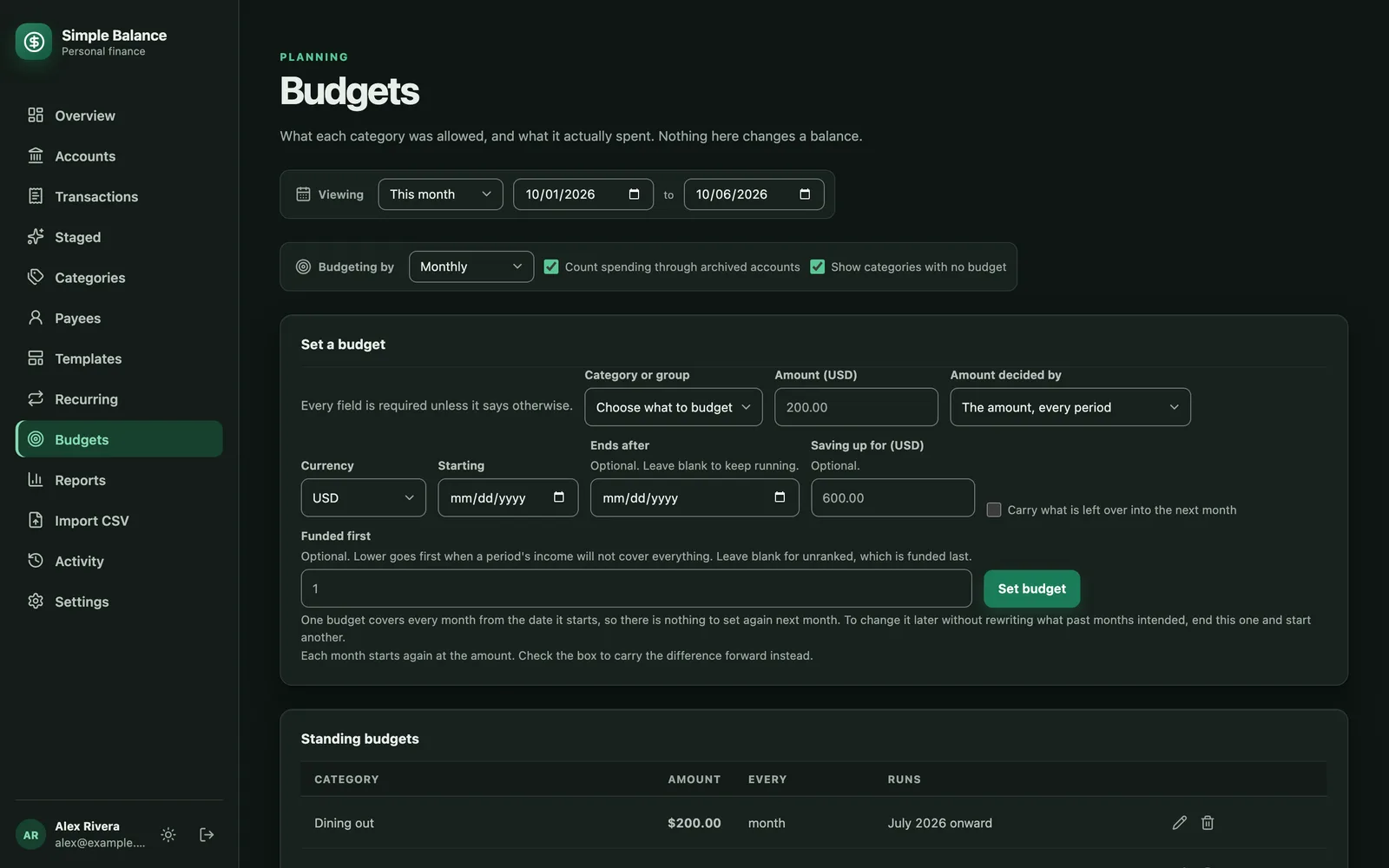
Setting a budget. The checkbox near the bottom is what carries the remainder forward.
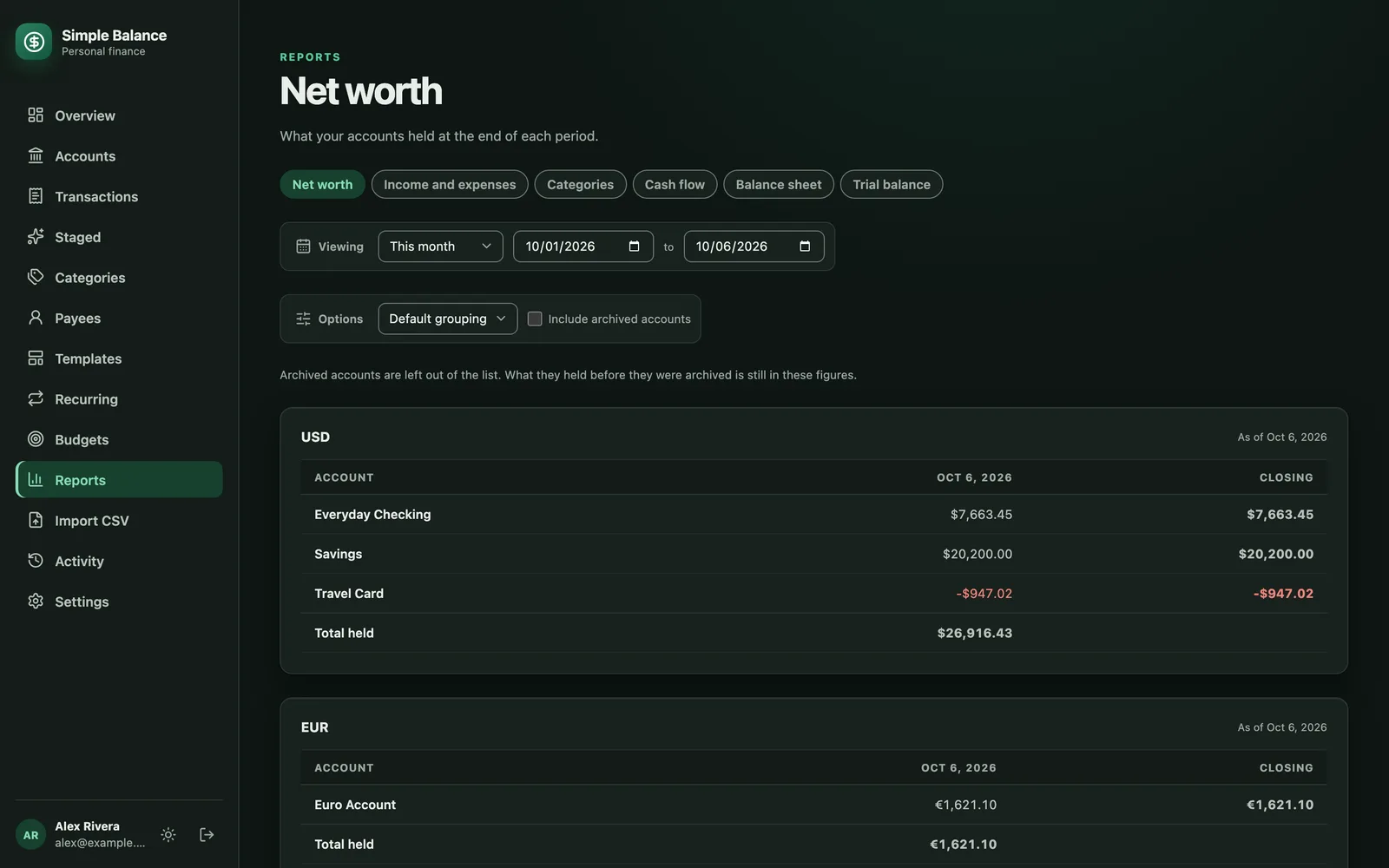
What you own and what you owe, each currency counted on its own.
Ask a question instead of hunting for the answer.
Connect an AI assistant to Simple Balance and it reads the same records you do. Ask it when you last paid the electric bill. You decide whether it only reads, queues changes for your okay, or makes them. Settings shows what each assistant can do.
- YouWhat day did I pay the electric bill last month?
- AssistantThought for 4 seconds
- Simple Balance
list_payees- Simple Balance
list_transactions
- Simple Balance
- Simple Balance
Your records stay yours.
Self-host it, on a computer you control, and we never see your records. If you use our cloud app, your records live with us, and our privacy policy spells out exactly what we keep and who can reach it.
- Pull every transaction out as a spreadsheet any time you want, or everything, budgets and repeating payments included, as one file another copy of Simple Balance can take in. We never hold your records back to keep you paying.
- No analytics in the product itself, and the free plan’s one ad is our own, so it loads nothing from anybody else. Premium and your own copy have no ad at all.
- Nothing you put in is used to sell you anything, here or anywhere else.
- Anyone can read the code, and that isn’t going to change.
Start free. Pay only for more accounts or no ads.
Free gives you everything Simple Balance does, for three accounts you can use at once, with ads on the page. Premium is $3 a month or $30 a year, and takes away both the limit and the ads. Run it yourself and there’s no plan at all.