Mobster
Serveur MCP et CLI pour les vrais iPhone et les simulateurs iOS : lire les écrans, appuyer, saisir du texte et vérifier les assertions d’accessibilité. Fonctionne localement sur macOS.
Documentation
Mobster
MCP server and CLI that lets Claude Code, Cursor and Codex drive a real iPhone or iOS simulator — read the screen, tap, type, and get pass/fail verdicts from accessibility assertions.
Mobster connects your coding agent to the app you are building. Run saved checks, inspect failures and keep the verdict tied to the accessibility tree. The shared runtime powers the command line and Mobster for Mac; this repository owns the CLI, MCP server, simulator tools and verification engine.
On macOS, with Python 3.12 or later:
python3.12 -m pip install mobster-cli
Running a device requires macOS and Xcode. The Python package runs independently of Mobster for Mac. With uv installed, npx @radishsoftware/mobster mcp runs the same CLI through the npm launcher. Tests use synthetic fixtures.
| Workflow | Mobster CLI | Mobster for Mac | XCTest |
|---|---|---|---|
| Claude Code, Cursor or Codex controls a device through MCP | mobster mcp | Agent integration in the app | Requires an adapter |
| Inspect the screen, tap and type | CLI and MCP tools | Live view and agent tasks | Test code |
| Accessibility assertions with pass/fail reports | mobster verify, mobster test | Shared verification runtime | XCTest assertions |
| Desktop workspace and team features | Separate app extensions | Included with the app | Xcode workspace |
Connect your agent
mobster mcp --help
mobster mcp install --help
mobster sim --help
mobster verify --help
Follow the agent setup guide and testing guide.
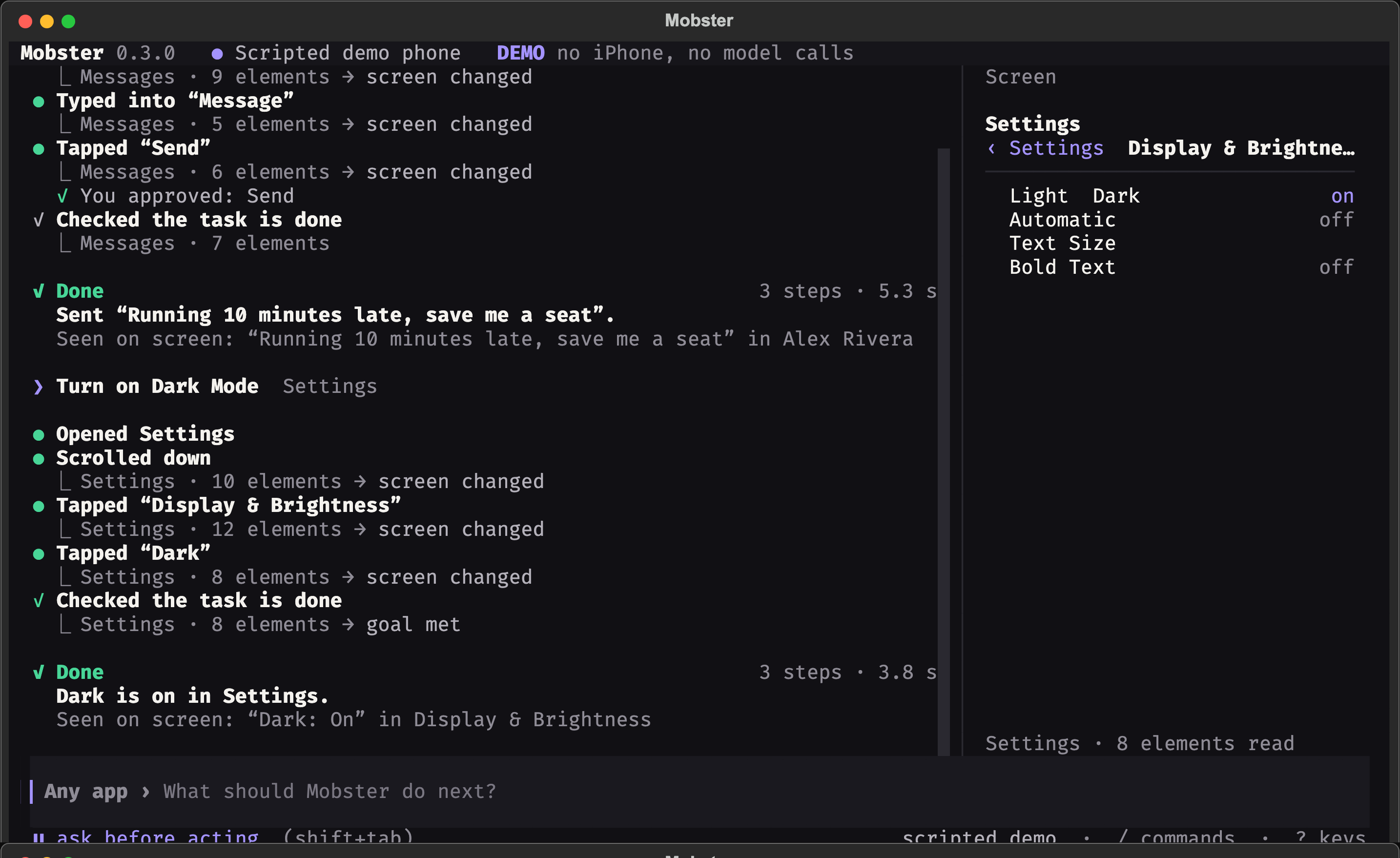
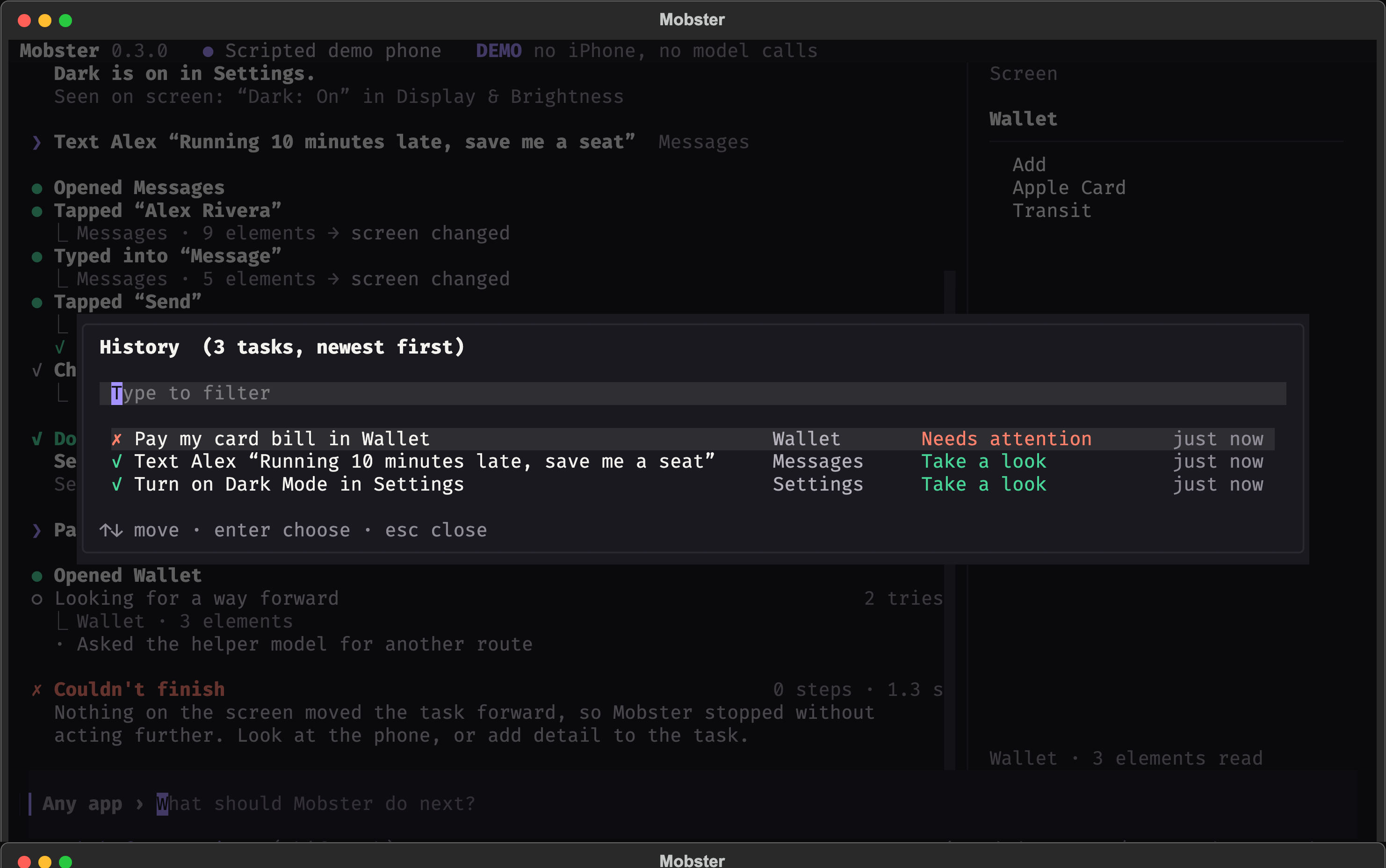
Terminal screenshots
These are scripted demo sessions, not captures of a personal phone.
Develop
From this source checkout:
make venv
make test-backend
Read CONTRIBUTING.md. Training, model weights, datasets and experiment outputs are maintained separately from the product runtime.