Meeting.ai
Serveur MCP Meeting.ai Permettez à ChatGPT, Claude ou à tout agent IA d’écouter vos réunions au fur et à mesure, afin que chaque tâche que vous lui confiez dispose déjà de tout le contexte. Meeting.ai est l’IA qui travaille avant, pendant et après vos réunions. Elle prépare des présentations et des recherches avant, enregistre et rédige les notes pendant, puis transforme ce qui a réellement été dit en comptes rendus, documents, feuilles de calcul, présentations de suivi, résumés audio et notes visuelles après. Le serveur MCP Meeting.ai intègre tout cela à l’assistant IA que vous utilisez déjà. Connectez-le une seule fois et votre assistant pourra enregistrer vos réunions, lire et modifier les notes, regrouper plusieurs réunions en récapitulatifs, exporter, partager et créer des notes visuelles, le tout dans votre propre compte Meeting.ai.
Serveur MCP hébergé
npx add-mcp 'https://mcp.meeting.ai/mcp'S’installe dans Claude Code, Codex, Cursor et plus
Documentation
Connect Meeting.ai with any agent.
MEETING.AI MCP · also available as CLI
Meeting.ai joins and records your meetings, writes the notes, and creates the files — now your agents can work with those meetings through Meeting.ai MCP or the Meeting.ai CLI.
Chat assistants & personal agents: Claude, ChatGPT, Grok Bot, OpenClaw, Hermes Agent. Coding agents: Claude Code, Cursor, OpenCode.
Agents → MCP (hosted, for assistants) or CLI (for terminals and agents) → Meeting.ai capabilities:
- Join & record meetings
- Transcribe live or from a recording
- Notes, decisions, action items
- Who said what
- Images, sketch diagrams, files
Connect Meeting.ai · See what agents can do
What your agent can do with Meeting.ai
NINE THINGS YOU CAN ASK FOR
One Meeting.ai. Every assistant you work with.
Join and record a meeting
Send the notetaker to Google Meet, Zoom or Teams.
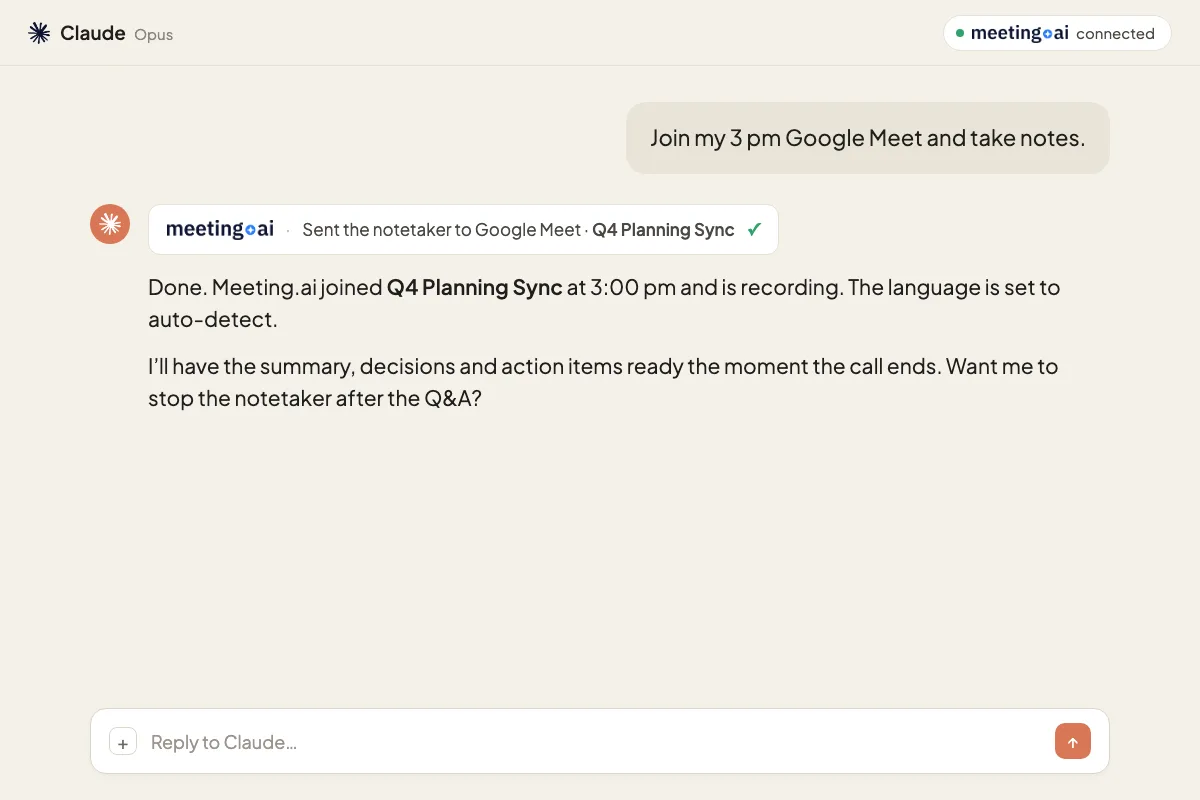
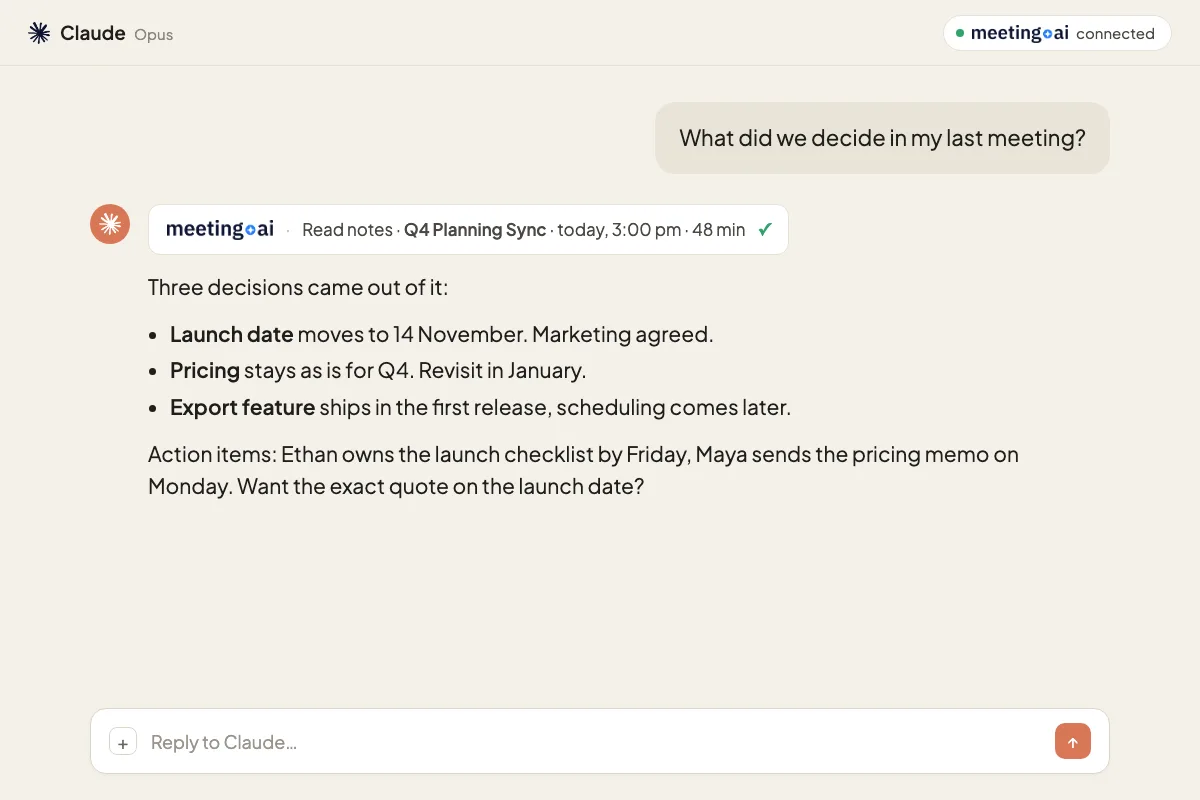
Ask about any past meeting
Decisions, action items, exact quotes.
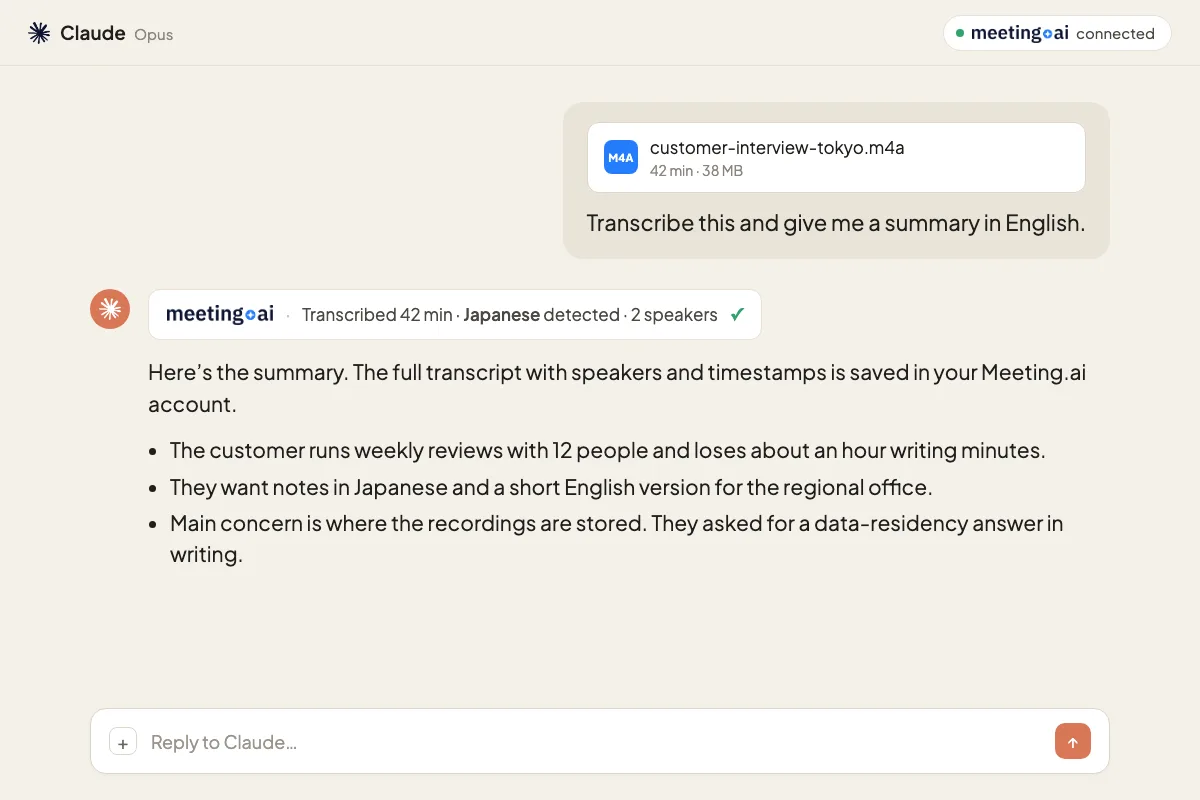
Transcribe a recording
Any audio or video, 30+ languages.
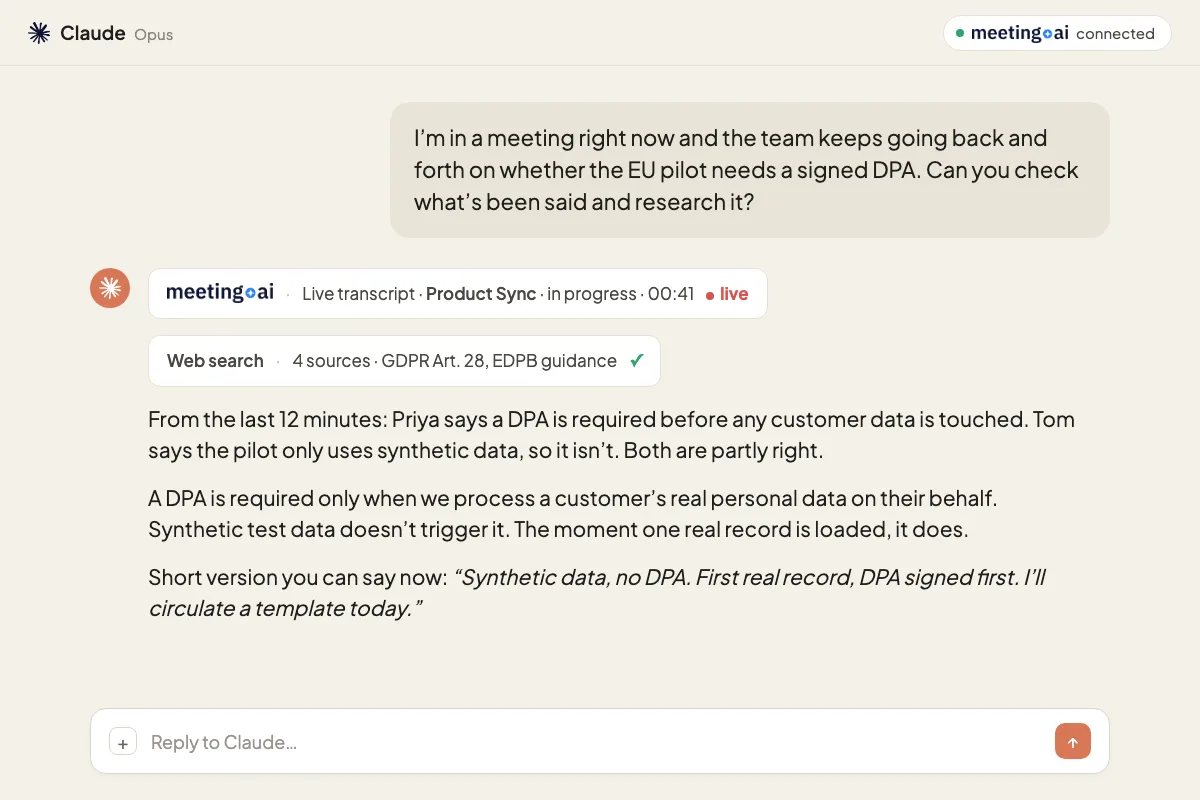
Get help during a live meeting
Read what was just said, research it, answer before the call ends.
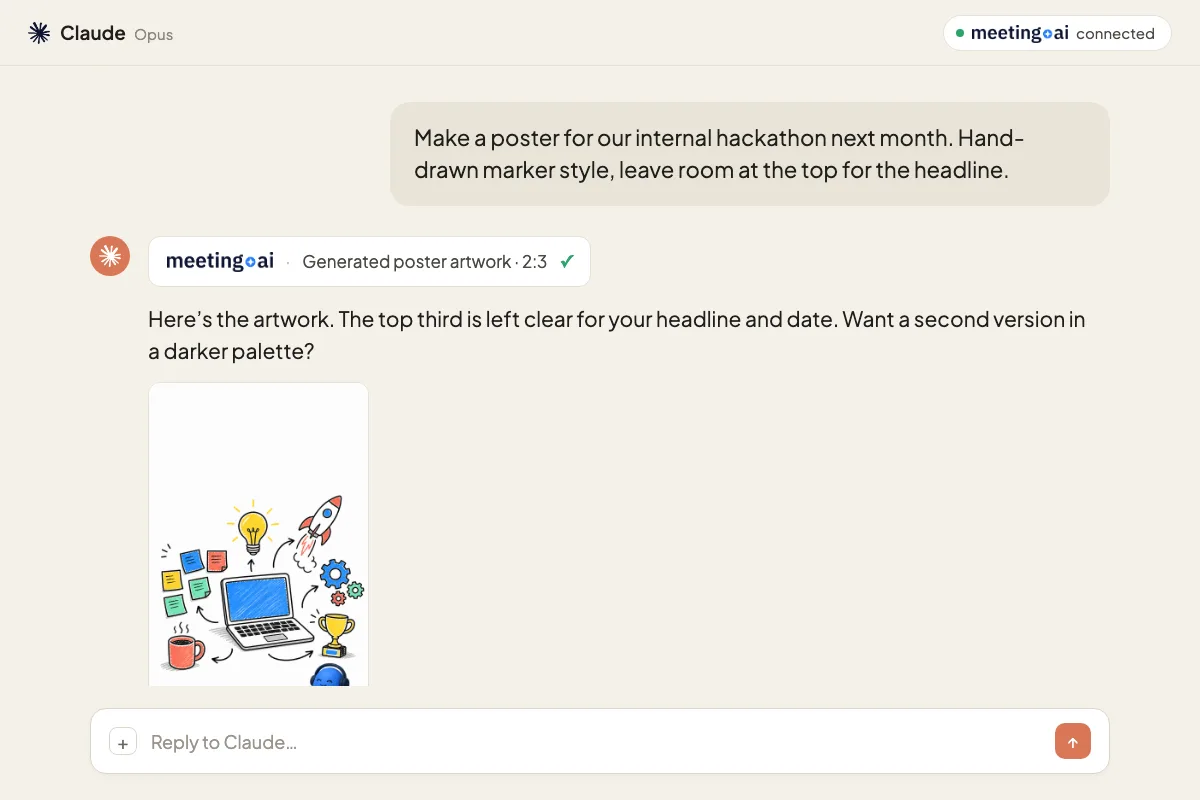
Fix, enrich and share notes
Correct a name, add context, share with a colleague.
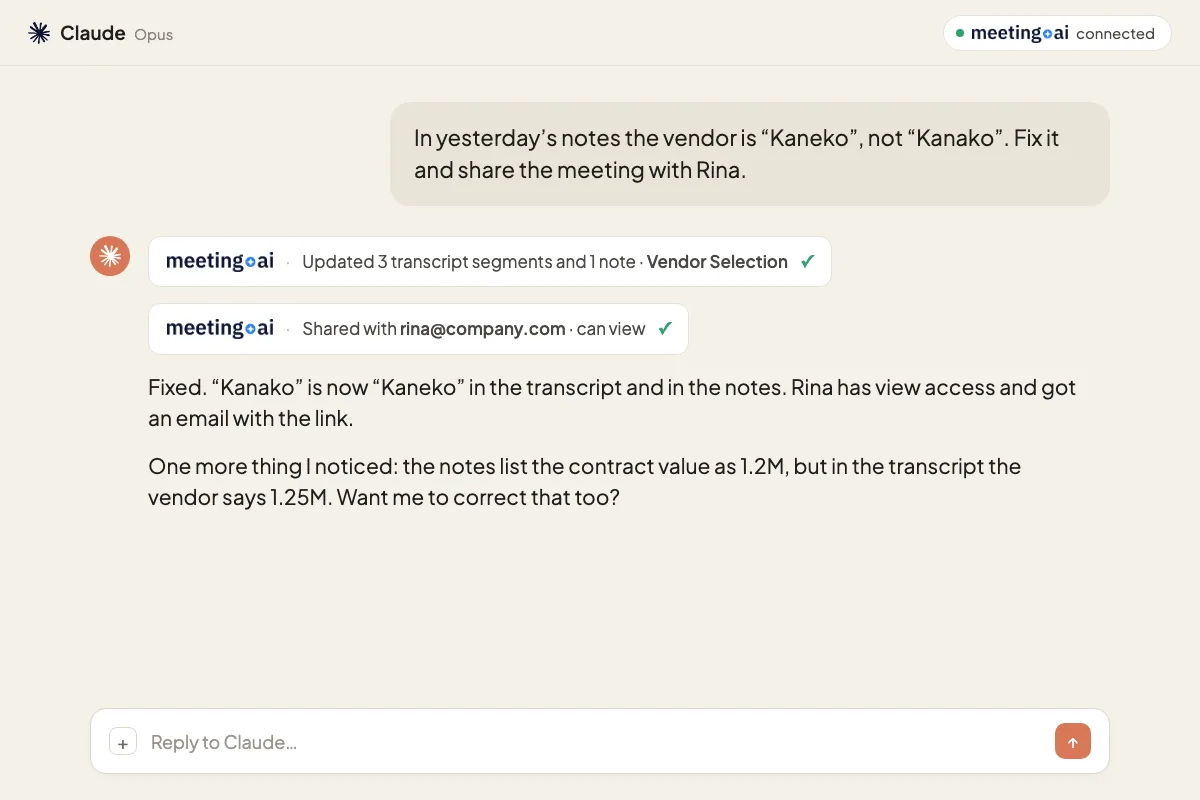
Ask by person
What one person said across all your meetings.
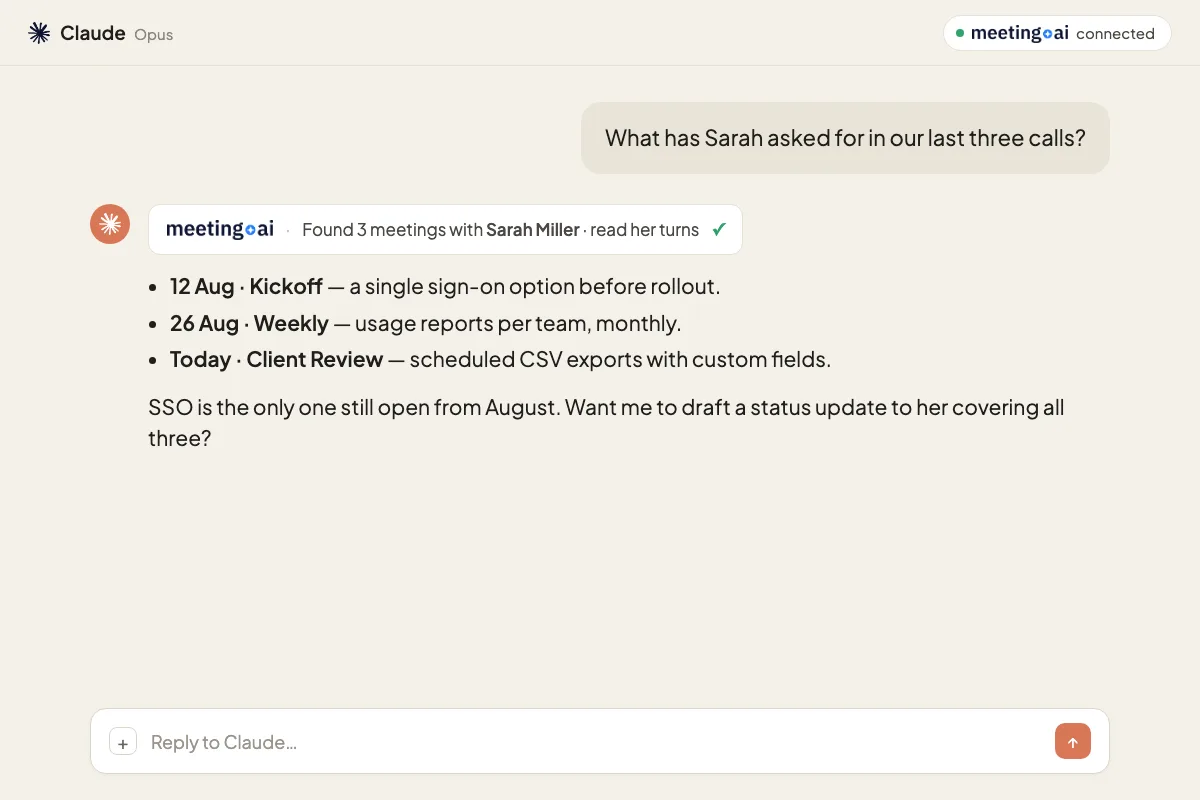
Draw a sketch diagram
Flows, systems, decision trees, hand-drawn.
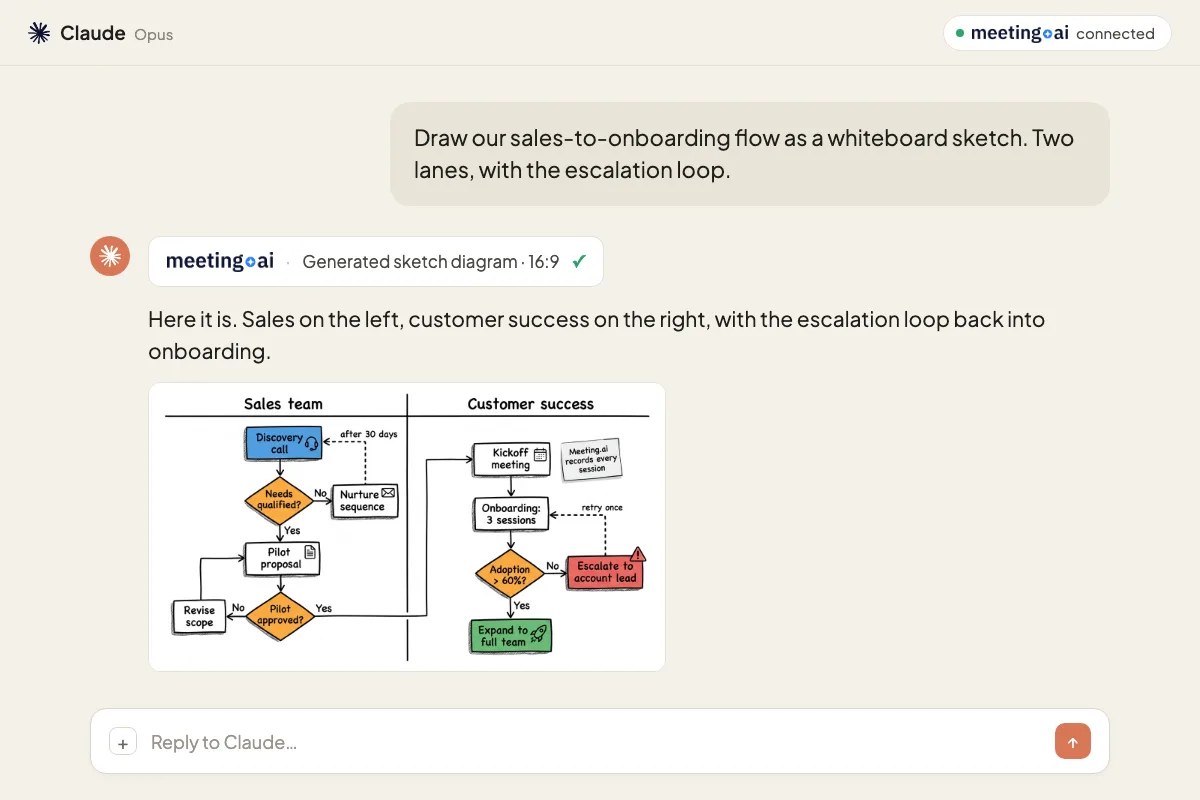
Make a poster
Hand-drawn poster artwork for an announcement or event.
Create and save files
Decks and documents from a meeting, saved to Drive.
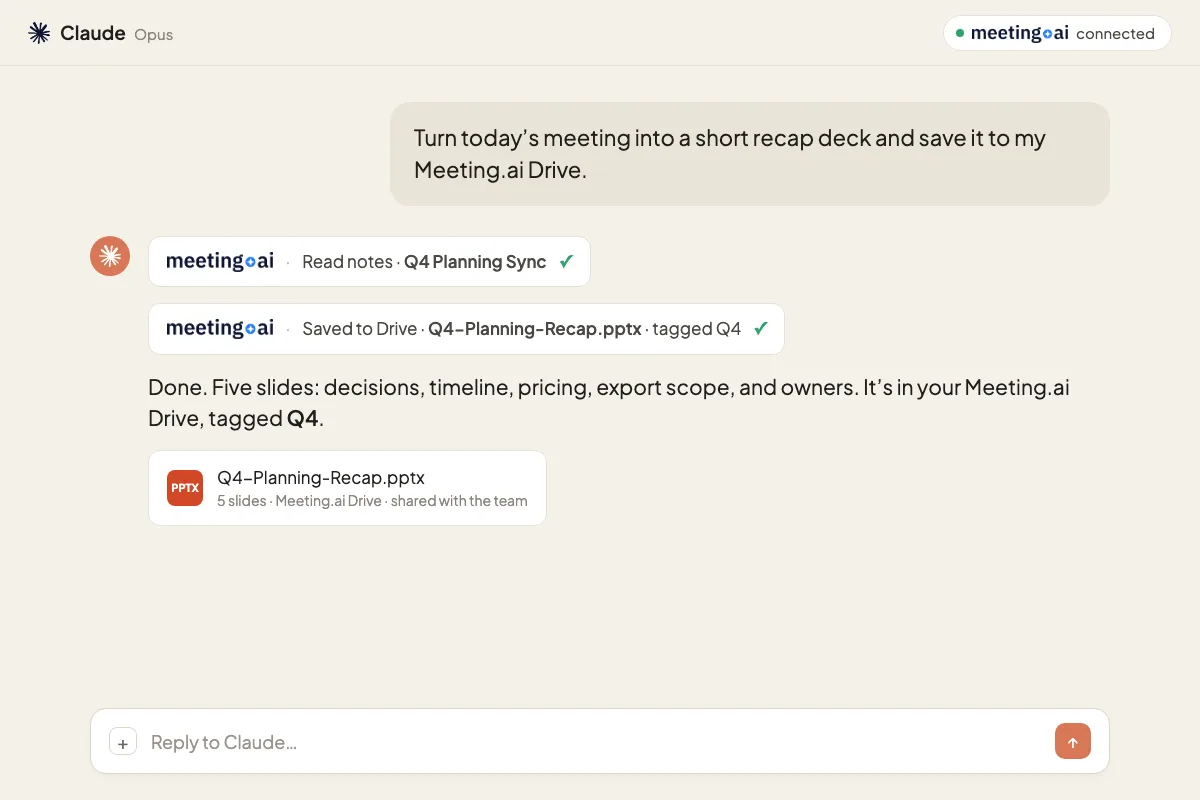
Illustrative conversations with sample meetings.
Same capabilities, in your coding agent.
Bring the meeting’s context into Claude Code, Cursor, OpenCode, or any agent with a terminal.
- Read the live transcript while the meeting runs
- Turn a request into code before the call ends
- Pull decisions from past meetings into a task
Illustrative conversation with a sample meeting. Your coding agent writes and tests the code.
Connect once. Ask anywhere.
- Find Meeting.ai in your assistant. ChatGPT app directory, Claude connectors, or paste the hosted URL.
- Approve in the browser. You pick the workspace and approve read and write access.
- Ask about your meetings. Return to your assistant and ask your first question.
Open Meeting.ai from the ChatGPT or Claude directory, or connect directly below.
Connect directly to the MCP server from any AI Agents
In Claude, open Customize › Connectors › + › Add custom connector. Paste the server URL below. Other AI assistants can use the same hosted URL when they support custom MCP servers.
Use the hosted URL shown in manual setup. If no server URL is configured, manual setup is unavailable; no endpoint is invented. For a manual ChatGPT connection, see the custom app setup guide. Browser consent lets you pick the workspace; revoke access in Settings › MCP & CLI.
Where each capability runs today
Everything except creating and saving files is available through MCP and the CLI.
| Capability | MCP | CLI | Meeting.ai app |
|---|---|---|---|
| Join and record a meeting | ✓ | ✓ | ✓ |
| Ask about any past meeting | ✓ | ✓ | ✓ |
| Transcribe a recording | ✓ | ✓ | ✓ |
| Get help during a live meeting | ✓ | ✓ | ✓ |
| Fix, enrich and share notes | ✓ | ✓ | ✓ |
| Ask by person | ✓ | ✓ | ✓ |
| Draw a sketch diagram | ✓ | ✓ | ✓ |
| Make a poster | ✓ | ✓ | ✓ |
| Create and save files | — | — | ✓ |
✓ Available · — Not available
MCP tools (20). Read: meetings_search · meetings_notes · meetings_transcript · meetings_transcript_search · contacts_search · drive_search · workspace_list. Write: meetings_create · meetings_stop · meetings_update_notes · meetings_tag · meetings_share · meetings_export · contacts_update · drive_rename · drive_tag · workspace_set_active. Create media with coins: recipe_visual_note · media_image_gen · media_audio_gen.
Frequently asked questions
What can MCP and the CLI read?
Meetings available to your account in the workspace you approve: meeting details, participants, notes, decisions, action items, and transcripts. The CLI also reads workspaces, contacts, and Drive data.
Can MCP and the CLI read and write?
Yes. MCP and the CLI can read and write through the capabilities available to your account. They can join and record meetings, transcribe, work with notes, and create media. Creating and saving files is not available yet.
How do I disconnect?
Open Meeting.ai Settings › MCP & CLI and revoke the connection or CLI session. That assistant or terminal loses access. Sign in again when you want to reconnect.
Does it work with Cursor, Claude Code, or Grok Bot?
Yes. Any assistant that speaks MCP can connect, including Grok Bot. Claude Code, Cursor, OpenCode, and other agents with a terminal can also use the CLI.
Is my data safe?
Your meetings are encrypted in transit and protected by access controls. We never use your meeting content to train public AI models. Revoke access any time in Settings › MCP & CLI.
More for agents: https://meeting.ai/llms.txt