Clypmint
Edit videos with AI from any MCP client: cuts, captions, B-roll and motion graphics in a style you pick or copy from any video link. Make videos from a script, then change anything in plain words.
Serveur MCP hébergé
npx add-mcp 'https://clypmint.com/mcp'S’installe dans Claude Code, Codex, Cursor et plus
Documentation
Edit videos with Clypmint in Claude
Ask Claude for the edit you want. Clypmint cuts the video and adds captions and graphics. You watch the result in the conversation, ask for changes in plain words and open the same project in Studio.
For exact changes to existing projects, Clypmint Editing is a separate restricted edition with captions, cuts, framing, preview and undo. It does not include synthetic media generation. Directory approval is separate from installation.
Paste one line to install
Read https://clypmint.com/claude.md and set up Clypmint in Claude for me.
Paste it into a new Claude Code session, in the terminal or the desktop app. It needs Claude Code, which can run commands on your computer. claude.ai in a browser cannot, so use the steps below.
Or connect it by hand
Connect Clypmint in Claude, Cowork or Claude Desktop.
- Open Customize → Connectors → Add custom connector.
- Name it Clypmint, enter the server URL and choose Sign in when needed.
- Connect your Clypmint account, then enable the connector in your conversation. Open Claude Connectors ↗
https://clypmint.com/mcp
Team and Enterprise members need their administrator to add the connector first. This is a Clypmint custom connector; Anthropic directory verification is separate. A connector exposes tools. Install the Clypmint plugin bundle for its agent skills.
Try your first edit
Use Clypmint to edit my talking video for Reels. Show me the styles first, cut the pauses and add readable captions. Keep my words. Give me an upload link if you cannot use my attachment.
Your Clypmint plan and credits apply. If your chat cannot pass a video attachment, Clypmint gives you a private upload page. Ask for a change after watching the result.
Choose a plan to start creating.
Read the step-by-step guide or the page as plain text for your assistant.
See it in Claude
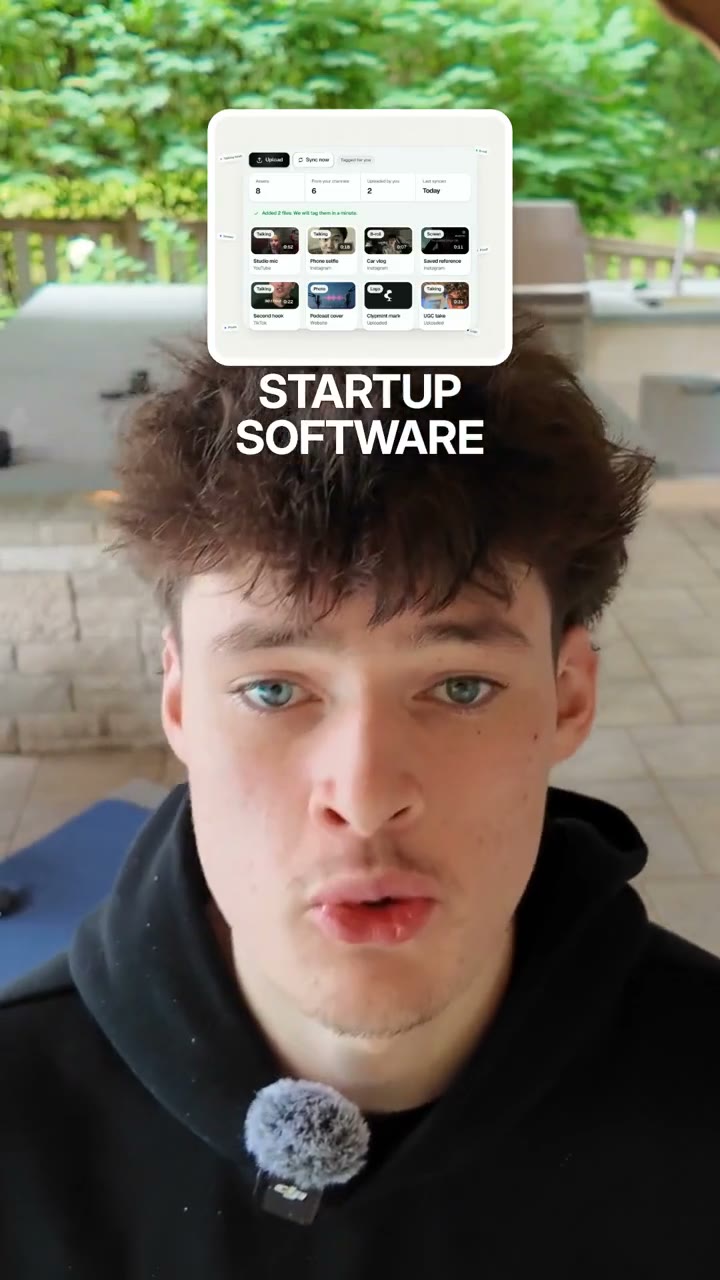
An illustration of the flow. Your Claude looks like your own app. The video is a real Clypmint output.
Pick a job. Copy its prompt.
-
Montage to a song
Send your clips and a song. Get one vertical video cut to the song.
Copy prompt See how it worksUse Clypmint to cut my clips into one vertical montage to the song I attach. Cut on the beat and keep the best part of each clip. Show me the styles first. -
Gaming highlight
Send your stream or gameplay with your facecam. Get a vertical highlight of its big plays, with your facecam on top.
Copy prompt See how it worksUse Clypmint to turn my stream into a vertical highlight. Keep the big plays and put my facecam on top. -
Talking-head edit
Send a video of you talking. Get it back without the pauses, with captions and graphics.
Copy prompt See how it worksUse Clypmint to edit my talking video for Reels. Show me the styles first, cut the pauses and add readable captions. Keep my words. Give me an upload link if you cannot use my attachment. -
Podcast clips
Send a long recording. Get its best parts as captioned vertical clips.
Copy prompt See how it worksUse Clypmint to find the strongest clips in my podcast and make vertical Shorts. Estimate the credits before starting. Save them for review. -
Webinar clips for LinkedIn
Send a webinar recording. Get its best parts as square or 4:5 clips with captions.
Copy prompt See how it worksUse Clypmint to find the best parts of my webinar and make square clips for LinkedIn with captions. Keep the whole frame, do not crop. Estimate the credits before starting. -
Course lessons
Send a lesson you recorded. Get it back cut tight, with captions and the key words on screen.
Copy prompt See how it worksUse Clypmint to edit my course lesson. Cut the mistakes and long pauses, and add captions and the key words on screen. -
Faceless explainer
Give it an idea or a script. Get a finished vertical video with no one on camera.
Copy prompt See how it worksUse Clypmint to make a 30-second vertical video. Help me write the script first and show me the available faceless styles. Use my approved words exactly. Save the result for review. -
Ad with three hooks
Send one take. Get an ad in three versions, each with a different opening.
Copy prompt See how it worksUse Clypmint to make an ad from my video with three different hooks. End every version with this exact line: [your call to action]. Estimate the credits before you start. -
Edit like a reference
Show it a video you like. Get your footage back edited in a style built from it.
Copy prompt See how it worksUse Clypmint to copy the editing style of this video: [paste the link]. Then edit my video in that style. Tell me what it matched and what it did not. -
Motion graphics
Give it your words, footage or a style to copy. Get kinetic type, titles and animated screens.
Copy prompt See how it worksUse Clypmint to make a 20-second motion graphics video from these words, with kinetic type and animated cards. Show me the styles first. -
Highly edited clips
Send a take. Get a fast, heavily edited Short with captions, zooms, cutaways, graphics and sound.
Copy prompt See how it worksUse Clypmint to turn my video into a fast, heavily edited vertical Short: tight cuts, bold captions, zooms, cutaways, graphics and sound effects. Keep my words.
More things to ask:
- Show me Clypmint editing styles.
- How is my latest video going?
- Make the opening faster and keep the captions smaller.
- Make a style from this reference video.
Who pays for what
| What | Who pays |
|---|---|
| The chat with Claude The thinking, the writing and the questions it asks you. | Your Claude plan |
| The video work Cutting, captions and graphics, and making the finished video. Every plan includes credits each month. | Your Clypmint credits |
| Exact fixes A caption word or a name, or a scene you change directly. | Nobody. They are free. |
| Downloading the finished video Watching it needs no payment. | A paid Clypmint plan |
Pricing
Choose a plan to start creating.
| Plan | Per month | Credits a month | Longest video you can upload |
|---|---|---|---|
| Starter | $29 | 120 | 60 minutes |
| Pro | $89 | 400 | 90 minutes |
| Operator | $189 | 900 | 3 hours |
| Agency | $499 | 2,400 | 3 hours |
Ask Clypmint to price a request before it starts, and it tells you the credits first. The pricing page has the current prices.
Use it in Claude Code
Install the whole plugin with these commands, or add only the connection. Run it once, then sign in with /mcp.
/plugin marketplace add nuttallp/agent-plugin
/plugin install clypmint@clypmint
claude mcp add --transport http clypmint https://clypmint.com/mcp
When you ask for an edit, open the private upload link it gives you to send the file.
Linking and privacy
You choose what to share. Clypmint receives the video and instructions for the edit, plus the account link you approve. It does not receive your full Claude chat history.
Disconnect Clypmint in Claude to stop new access. Delete a video in Clypmint to remove it under the usual retention rules.
Read the privacy policy for details. Need help? Email parker@clypmint.com.
Questions
What does Clypmint add to Claude?
An editor. Claude talks to you and calls Clypmint. Clypmint does the cutting and the captions, and keeps the project in Studio.
Do I need a paid Claude plan?
It depends on your account and workspace. Adding a custom connector is not open to every plan or workspace. If you do not see the option, use Clypmint Studio or ChatGPT.
Can I attach my video in the chat?
Yes. If Claude cannot pass the file on, Clypmint gives you a private upload link that works for 15 minutes.
What does it cost?
Choose a plan to start creating. Paid plans start at $29 a month. Ask Clypmint to price a request before you start, and it tells you the credits first.
Can I keep editing outside Claude?
Yes. The same project is in Clypmint Studio. Open it from the chat or from your account.
Can I change the video after it is made?
Yes. Ask in plain words. Clypmint makes a new version and keeps the old one, so you can go back.
Does Clypmint use AI actors or avatars?
No. The people on screen are the people in your footage. Clypmint adds captions and graphics around them.
Edit your first video in Claude.
Choose a plan to start creating.