Code Snippet Image
Genera imágenes hermosas y compartibles a partir de fragmentos de código con resaltado de sintaxis y múltiples temas.
Documentación
Servidor MCP de Code Snippet Image
Un servidor MCP (Model Context Protocol) que genera hermosas imágenes de fragmentos de código para publicar en redes sociales.
Demo
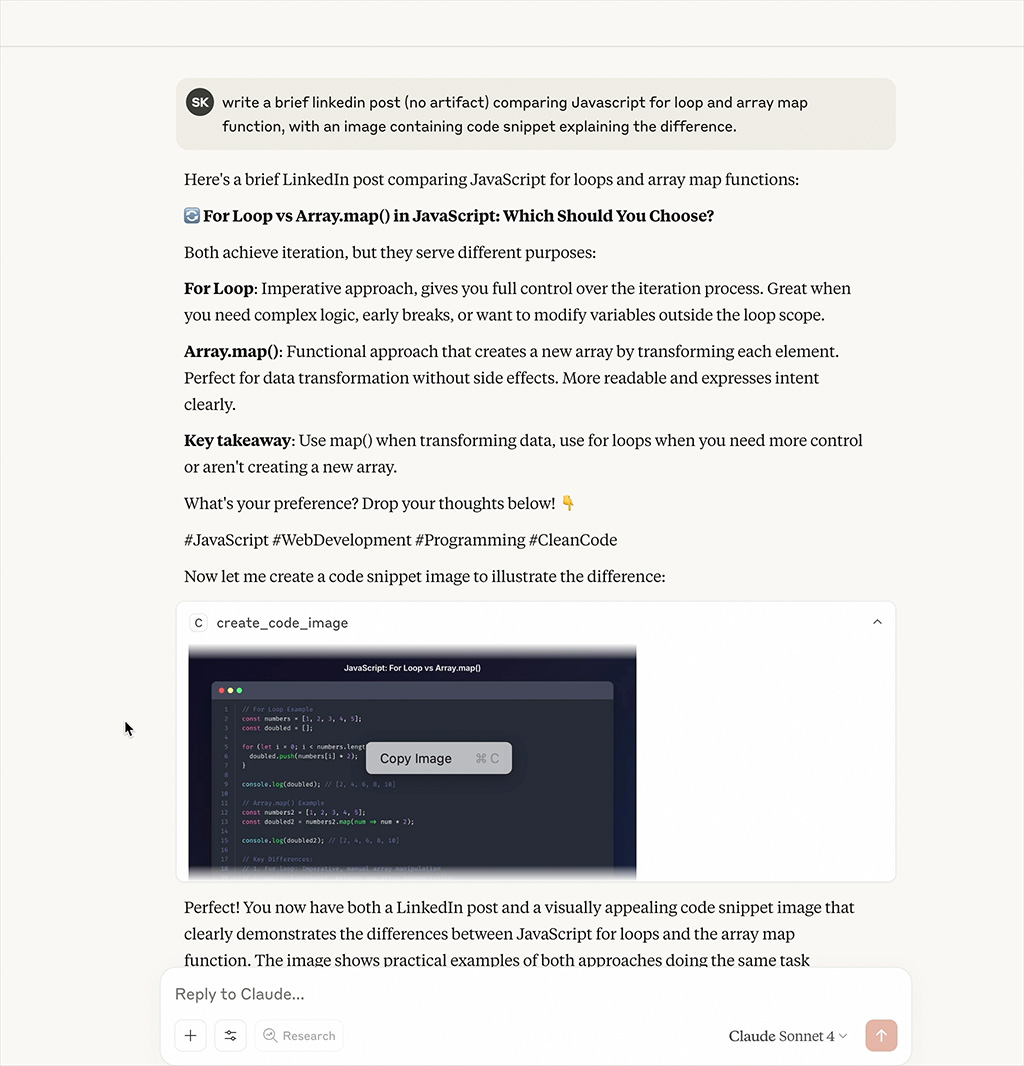
Mira cómo el servidor MCP genera hermosas imágenes de fragmentos de código en tiempo real
Características
- Imágenes de Código Hermosas: Genera imágenes de fragmentos de código con resaltado de sintaxis
- Múltiples Temas: Soporte para temas Dracula, Monokai, GitHub, Solarized Dark/Light
- Resaltado de Sintaxis: Soporte para múltiples lenguajes de programación
- Personalizable: Dimensiones, temas y opciones de estilo configurables
Instalación
npm install
npm run build
Configuración
Agrega a tu archivo de configuración de MCP:
{
  "mcpServers": {
    "code-snippet-image-mcp-server": {
      "command": "npx",
      "args": [
        "-y",
        "code-snippet-image-mcp-server",
        "/custom/output/directory"
      ]
    }
  }
}
El servidor acepta un directorio de salida opcional como primer argumento de línea de comandos. Si no se proporciona, se establece por defecto en ./output en el directorio de trabajo actual.
Uso
El servidor MCP proporciona una herramienta principal:
create_code_image
Genera una imagen de fragmento de código:
Parámetros:
code(string, requerido): El código a convertir en imagenlanguage(string, opcional): Lenguaje de programación para resaltado de sintaxis (por defecto: "javascript")theme(string, opcional): Tema de color (por defecto: "dracula")title(string, opcional): Título para el fragmento de códigowidth(number, opcional): Ancho de la imagen en píxeles (por defecto: 800)height(number, opcional): Alto de la imagen en píxeles (automático si no se especifica)padding(number, opcional): Relleno alrededor de la ventana de código en píxeles (por defecto: 52)backgroundColor(string, opcional): Color de fondo personalizado (anula el fondo del tema)showLineNumbers(boolean, opcional): Mostrar u ocultar números de línea (por defecto: true)
Ejemplo:
{
  "code": "const hello = () => console.log('Hello, World!');",
  "language": "javascript",
  "theme": "dracula",
  "title": "Hello World Function",
  "width": 800,
  "height": 600,
  "padding": 52,
  "showLineNumbers": true
}
Temas Soportados
Dracula (Predeterminado)
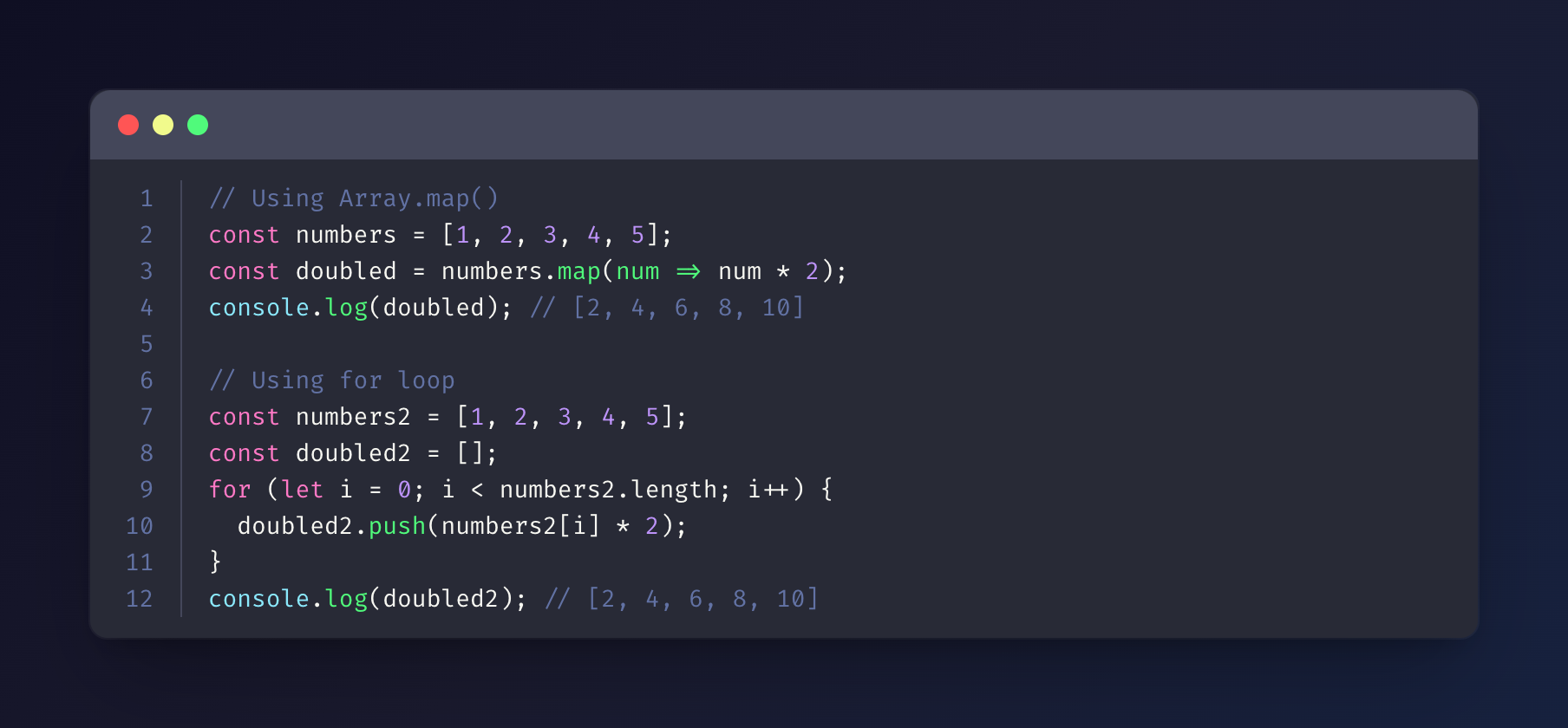
Monokai
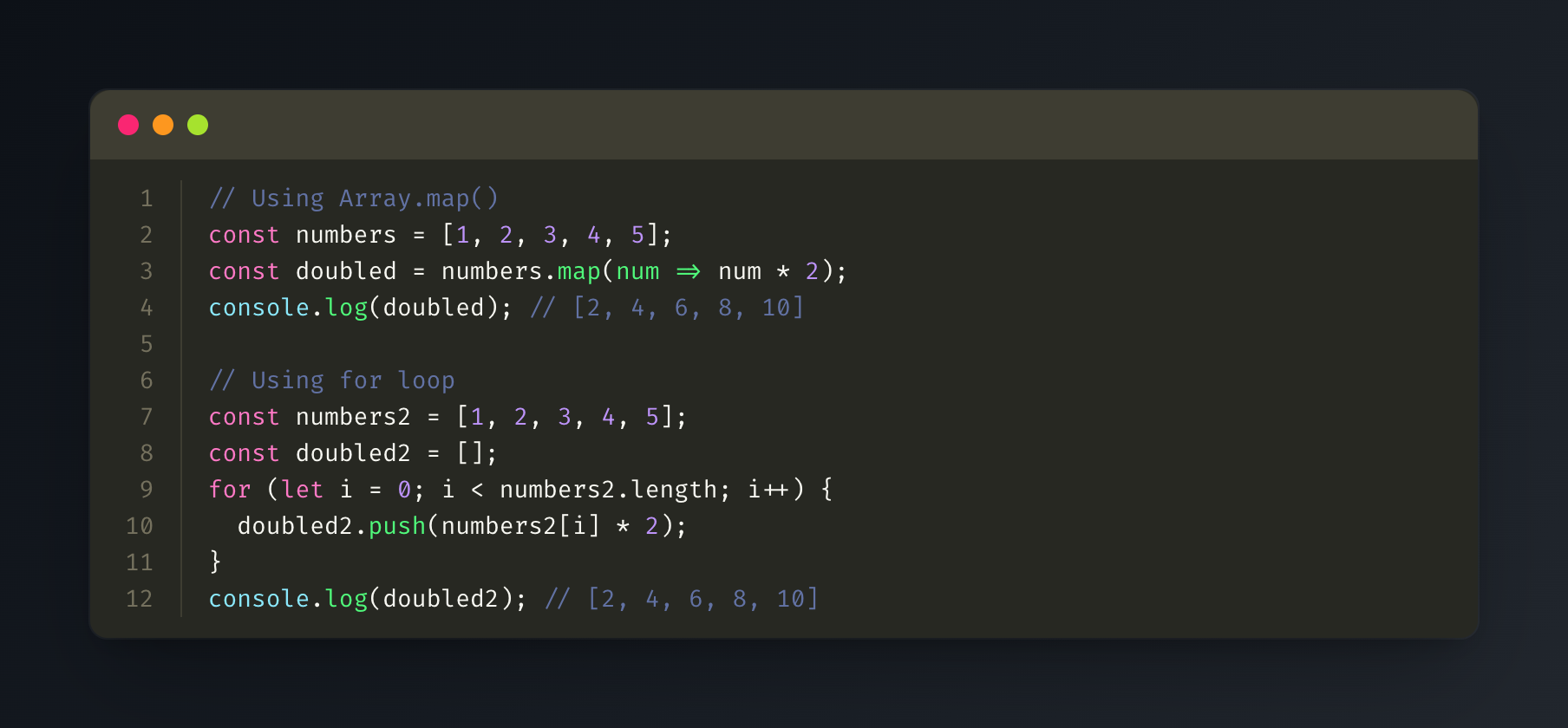
GitHub
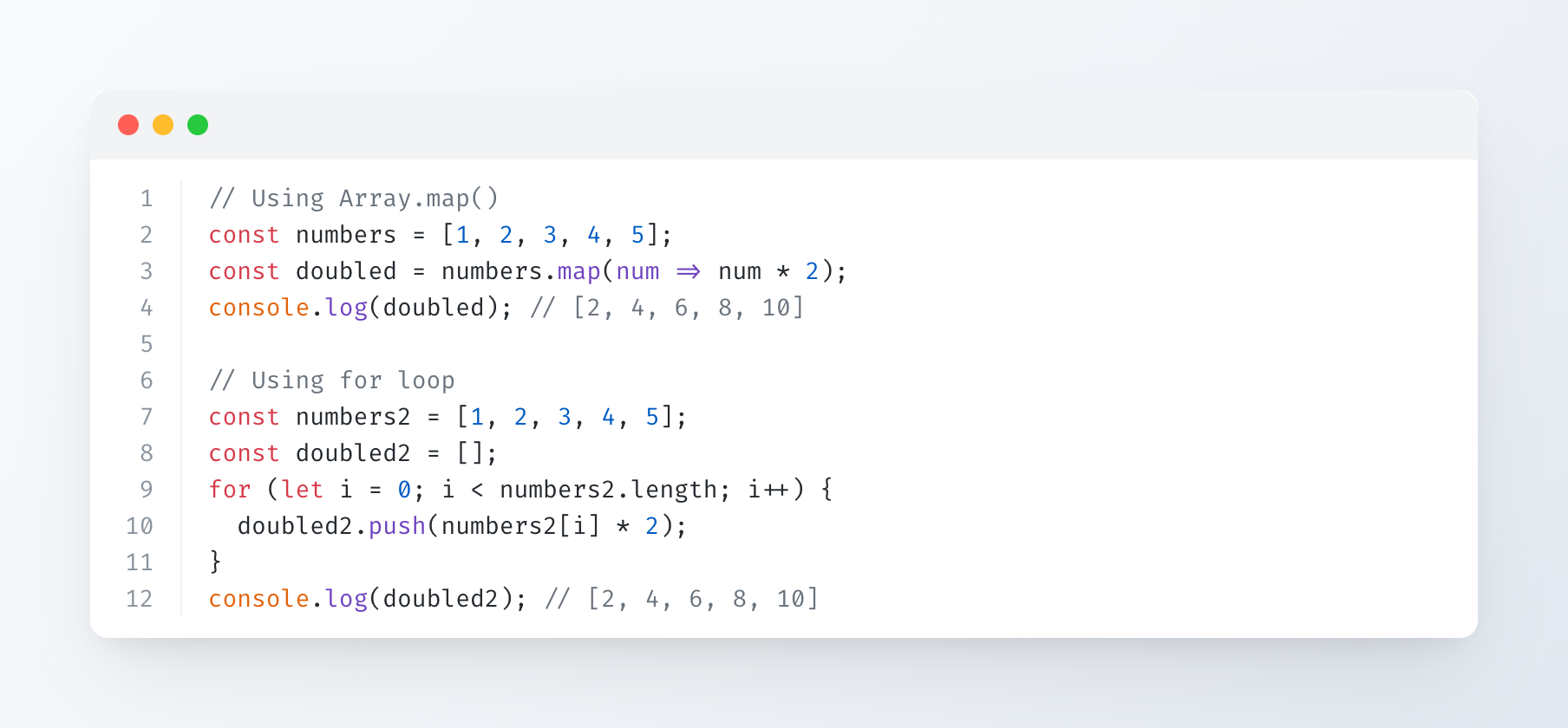
Solarized Dark
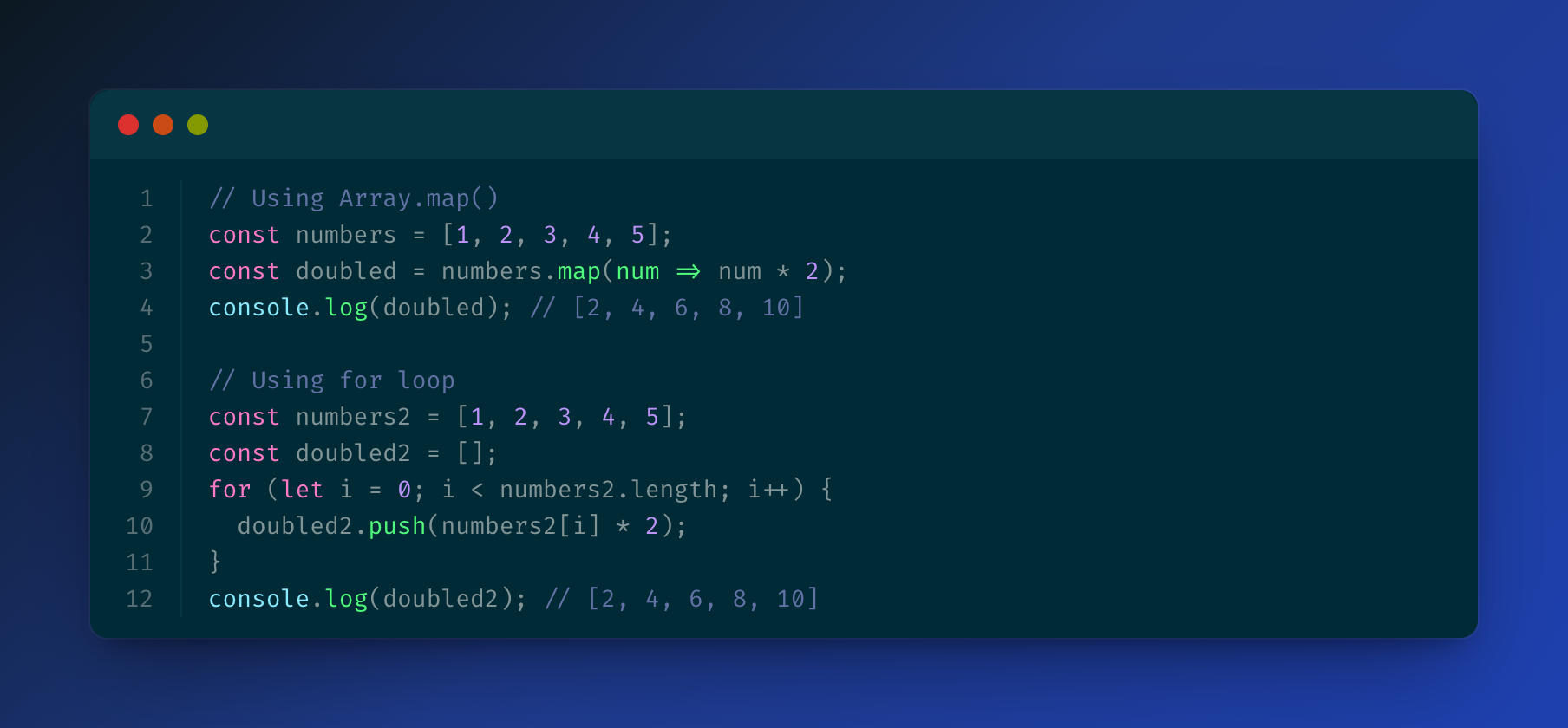
Solarized Light
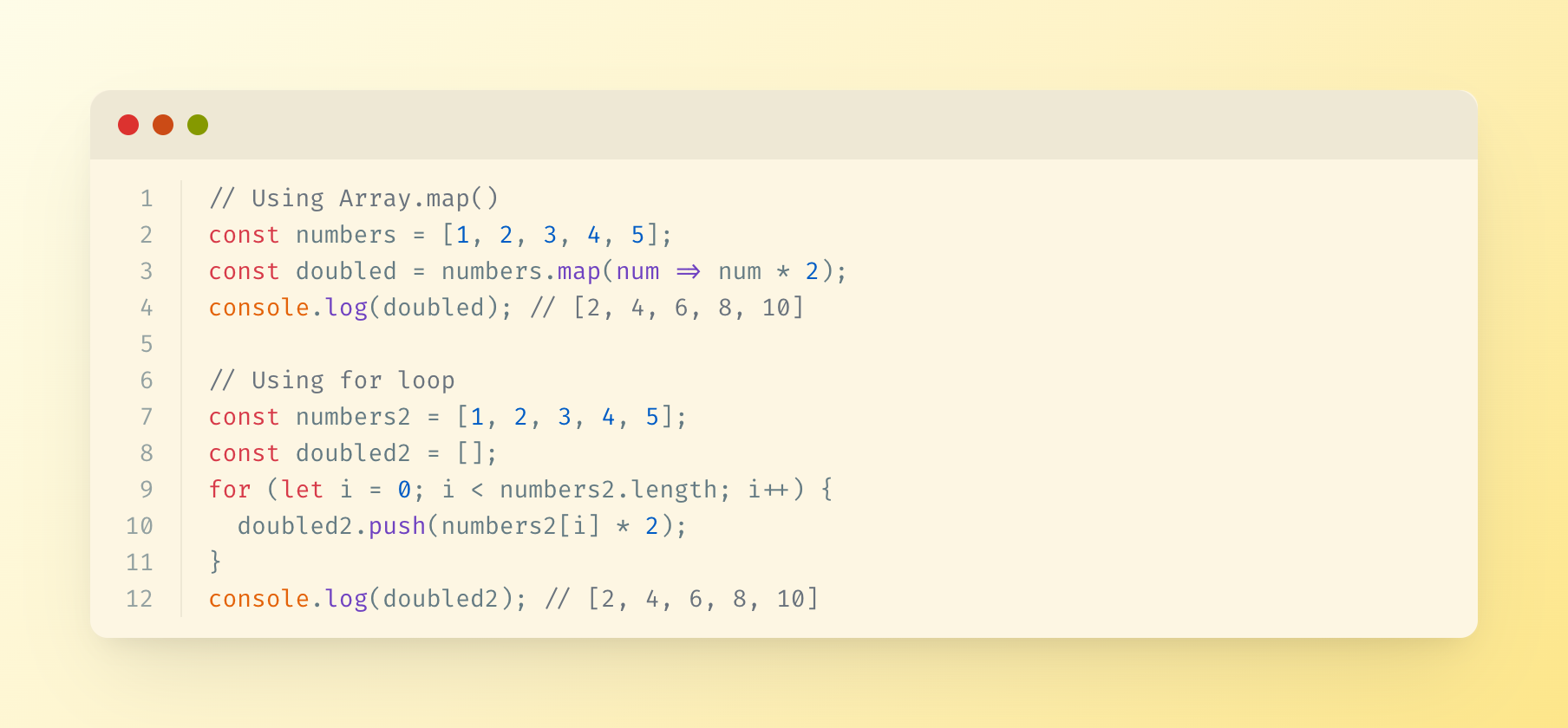
Lenguajes Soportados
El servidor utiliza highlight.js para el resaltado de sintaxis y soporta todos los lenguajes que highlight.js soporta, incluyendo:
- JavaScript/TypeScript
- Python
- Java
- C/C++
- Go
- Rust
- PHP
- Ruby
- Y muchos más...
Salida
Las imágenes generadas se guardan en el directorio de salida especificado (o ./output por defecto) con marcas de tiempo.
Licencia
MIT