MiniMax MCP
Interactúa con las potentes APIs de MiniMax para conversión de texto a voz, clonación de voz y generación de video/imagen.
Documentación









Servidor oficial del Model Context Protocol (MCP) de MiniMax que permite la interacción con potentes APIs de texto a voz y generación de video/imagen. Este servidor permite a clientes MCP como Claude Desktop, Cursor, Windsurf, OpenAI Agents y otros generar voz, clonar voces, generar video, generar imágenes y más.
Documentación
- Documentación en chino
- MiniMax-MCP-JS - Implementación oficial en JavaScript de MiniMax MCP
Inicio rápido con el cliente MCP
- Obtén tu clave de API de MiniMax.
- Instala
uv(administrador de paquetes de Python), instala concurl -LsSf https://astral.sh/uv/install.sh | sho consulta eluvrepositorio para métodos de instalación adicionales.
Claude Desktop
Ve a Claude > Settings > Developer > Edit Config > claude_desktop_config.json para incluir lo siguiente:
{
  "mcpServers": {
    "MiniMax": {
      "command": "uvx",
      "args": [
        "minimax-mcp"
      ],
      "env": {
        "MINIMAX_API_KEY": "<insert-your-api-key-here>",
        "MINIMAX_MCP_BASE_PATH": "<local-output-dir-path>",
        "MINIMAX_API_HOST": "https://api.minimaxi.chat",
        "MINIMAX_API_RESOURCE_MODE": "<optional, [url|local], url is default, audio/image/video are downloaded locally or provided in URL format>"
      }
    }
  }
}
⚠️ Advertencia: La clave de API debe coincidir con el host. Si se produce un error "API Error: invalid api key", verifica tu host de API:
- Host global:
https://api.minimaxi.chat(nota la "i" extra) - Host de China continental:
https://api.minimax.chat
Si usas Windows, tendrás que habilitar el "Modo desarrollador" en Claude Desktop para usar el servidor MCP. Haz clic en "Ayuda" en el menú de hamburguesa en la parte superior izquierda y selecciona "Habilitar modo desarrollador".
Cursor
Ve a Cursor -> Preferences -> Cursor Settings -> MCP -> Add new global MCP Server para agregar la configuración anterior.
Eso es todo. Tu cliente MCP ahora puede interactuar con MiniMax a través de estas herramientas:
Transporte
Soportamos dos tipos de transporte: stdio y sse.
| stdio | SSE |
|---|---|
| Ejecutar localmente | Se puede implementar localmente o en la nube |
Comunicación a través de stdout | Comunicación a través de network |
Entrada: Admite procesamiento de recursos local files o URL válidos | Entrada: Cuando se implementa en la nube, se recomienda usar URL para la entrada |
Herramientas disponibles
| herramienta | descripción |
|---|---|
text_to_audio | Convierte texto a audio con una voz dada |
list_voices | Lista todas las voces disponibles |
voice_clone | Clona una voz usando archivos de audio proporcionados |
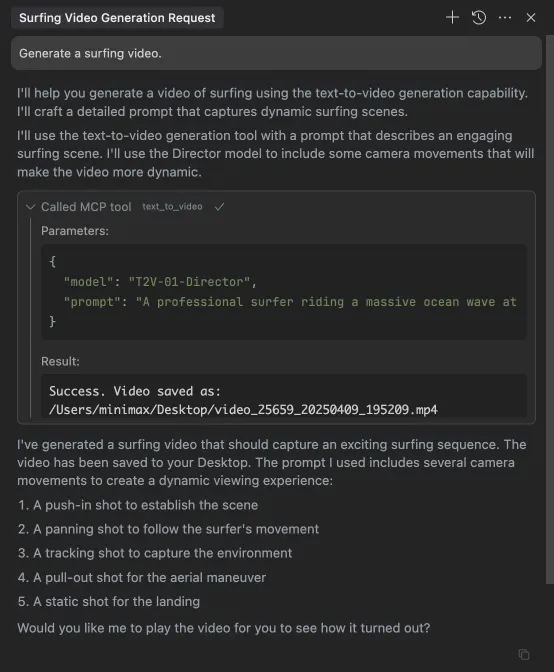
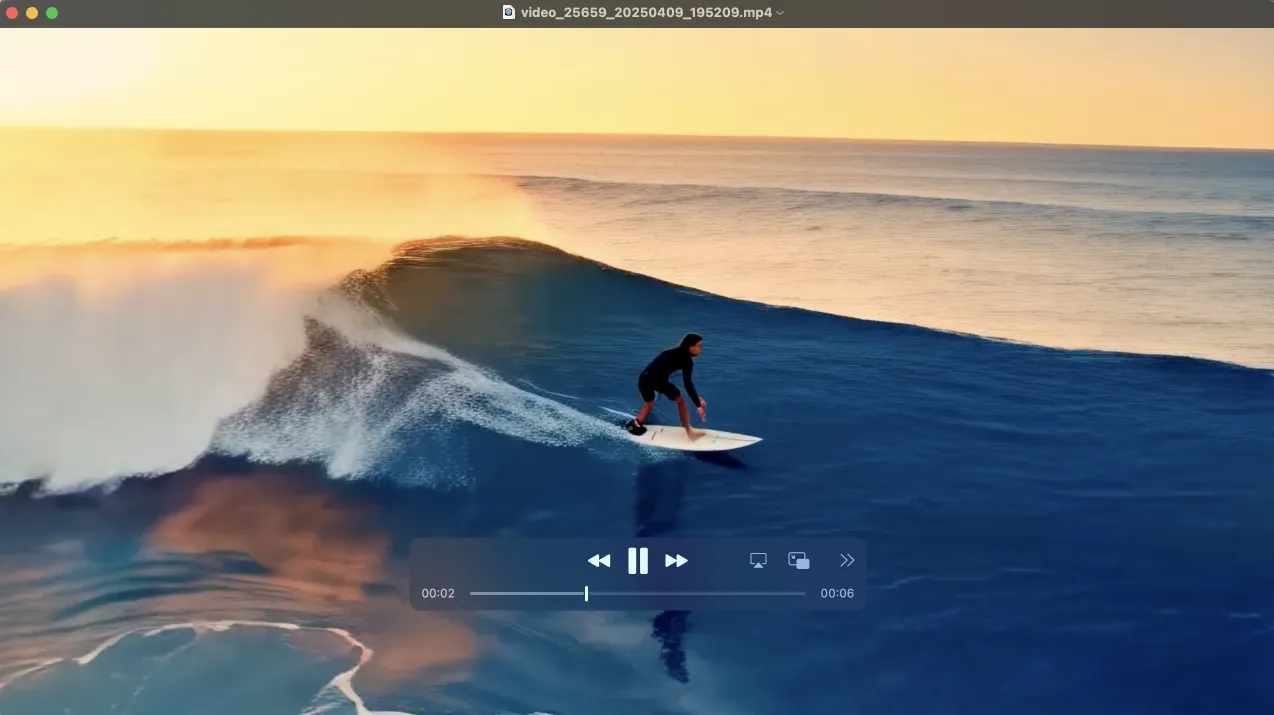
generate_video | Genera un video a partir de un prompt |
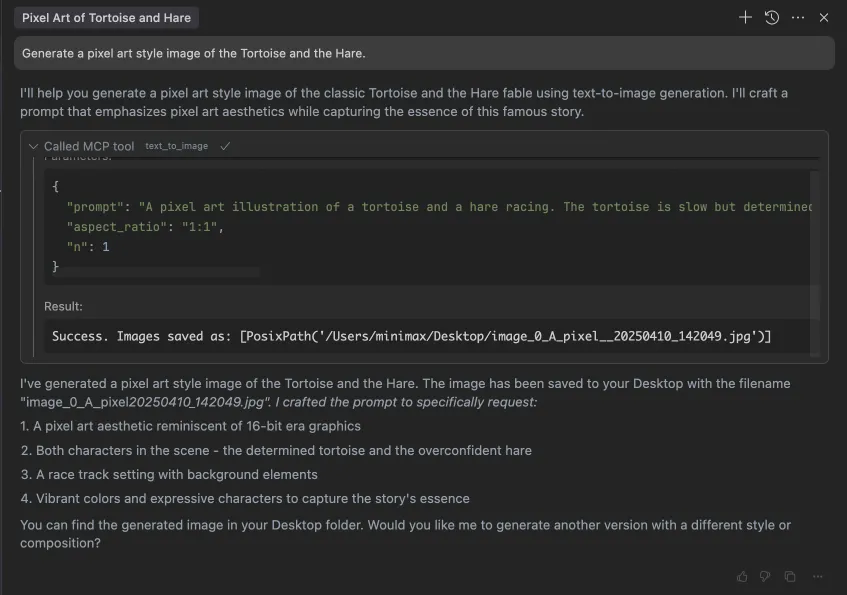
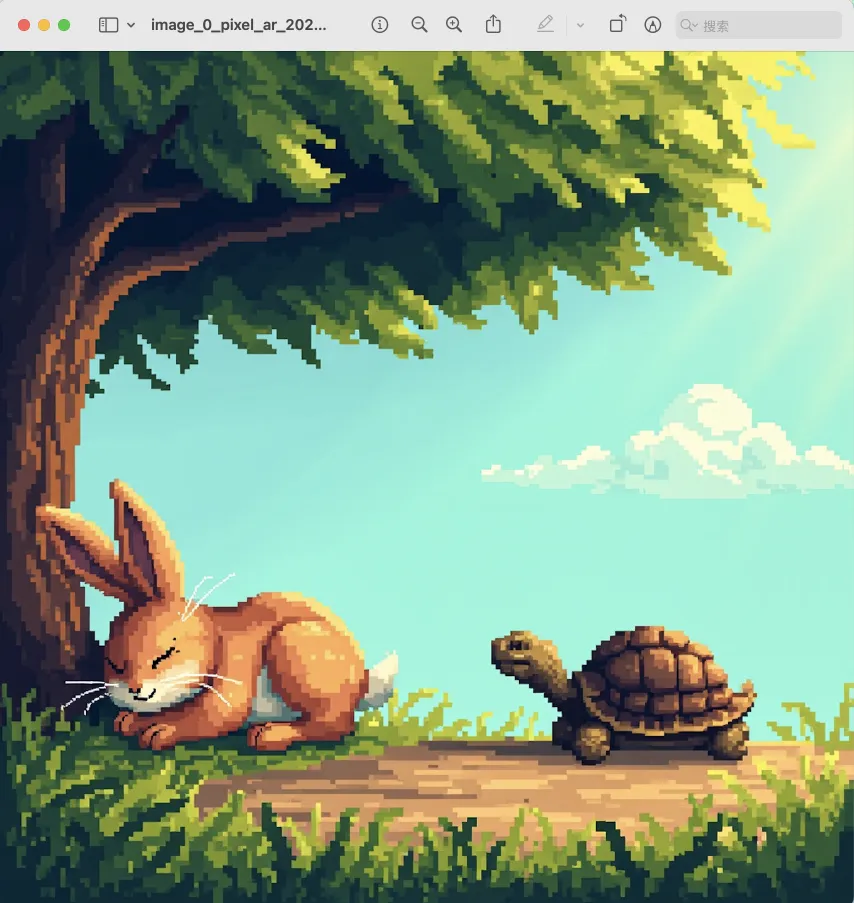
text_to_image | Genera una imagen a partir de un prompt |
Ejemplo de uso
⚠️ Advertencia: El uso de estas herramientas puede generar costos.
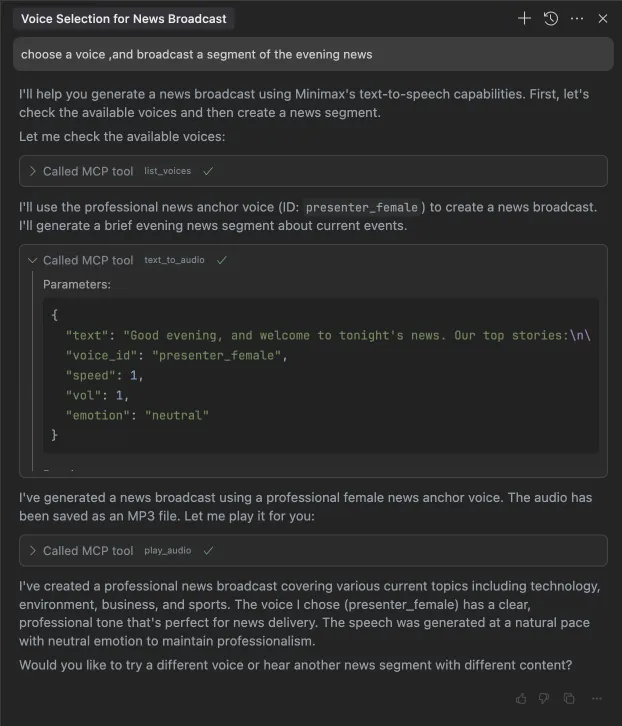
1. transmitir un segmento de las noticias de la noche
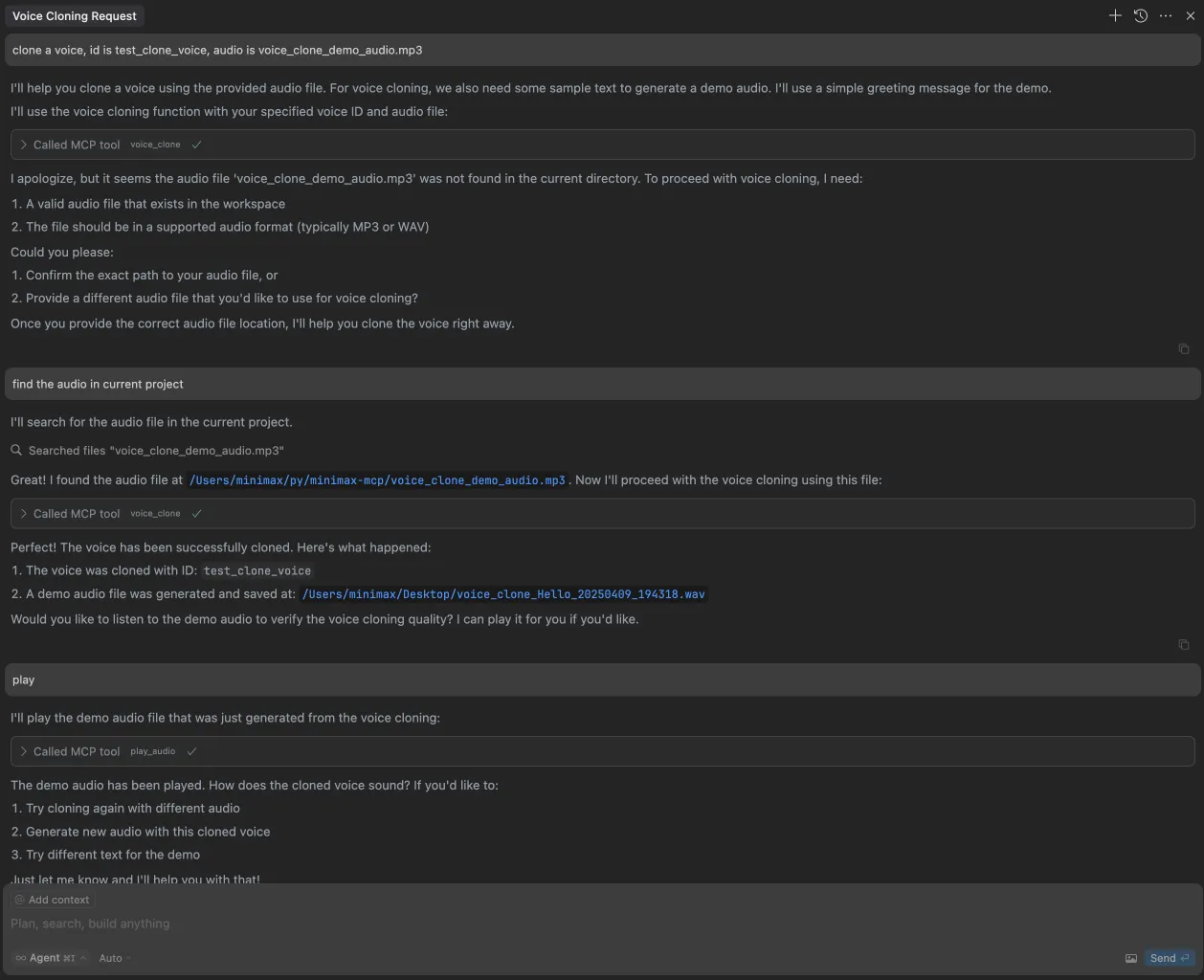
2. clonar una voz
3. generar un video
4. generar imágenes