oxframe
Gráficos en movimiento que tu agente de IA revisa en un segundo. Escribe escenas en Rust, detecta errores de diseño fotograma a fotograma, renderiza MP4 de forma nativa, sin Chrome.
Documentación
Explainers, code walkthroughs, charts and release videos from code. Rendered natively — no Chrome, no Node — deterministic, and checked in under a second with a report that points at the line to fix. MIT or Apache-2.0: no seats, no per-render fees.
npx skills add oxygenframe/oxframe-sdk
Installs the oxframe skills into Claude Code, Codex, Cursor, Copilot and others. Then ask it for a video. Agents and skills
Every frame drawn by oxframe. View the code of this video
How it works with agents
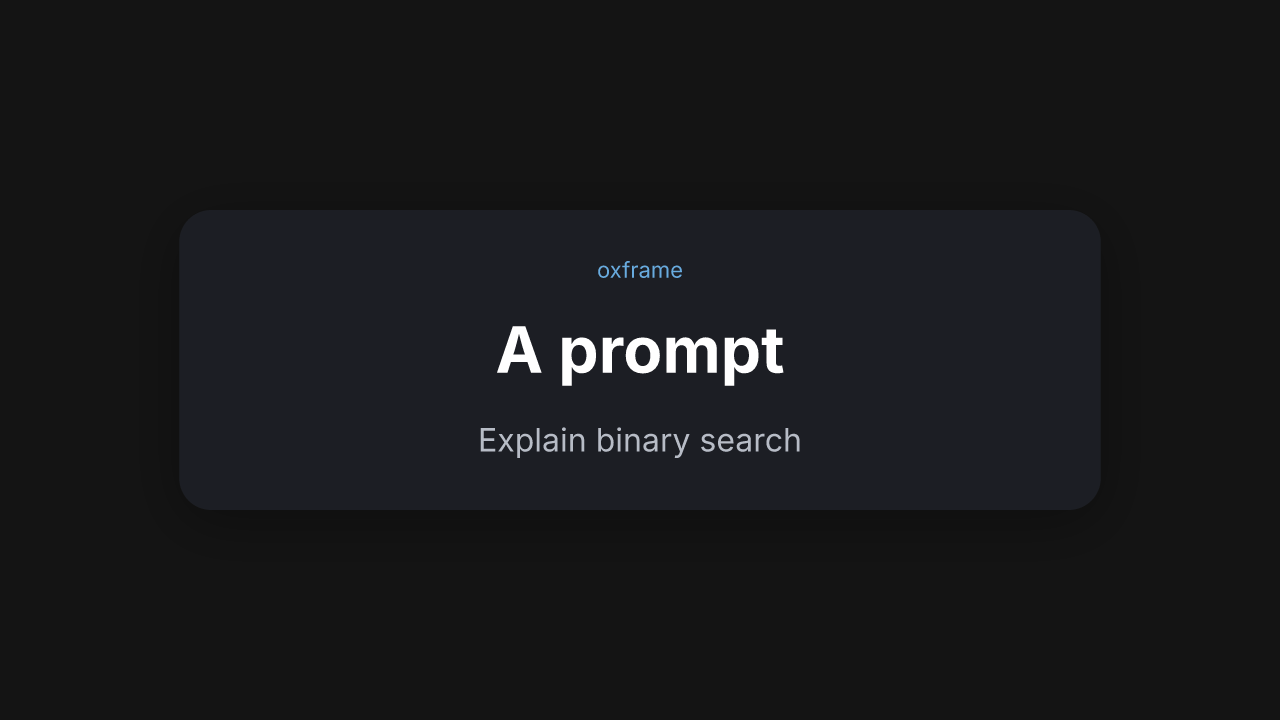
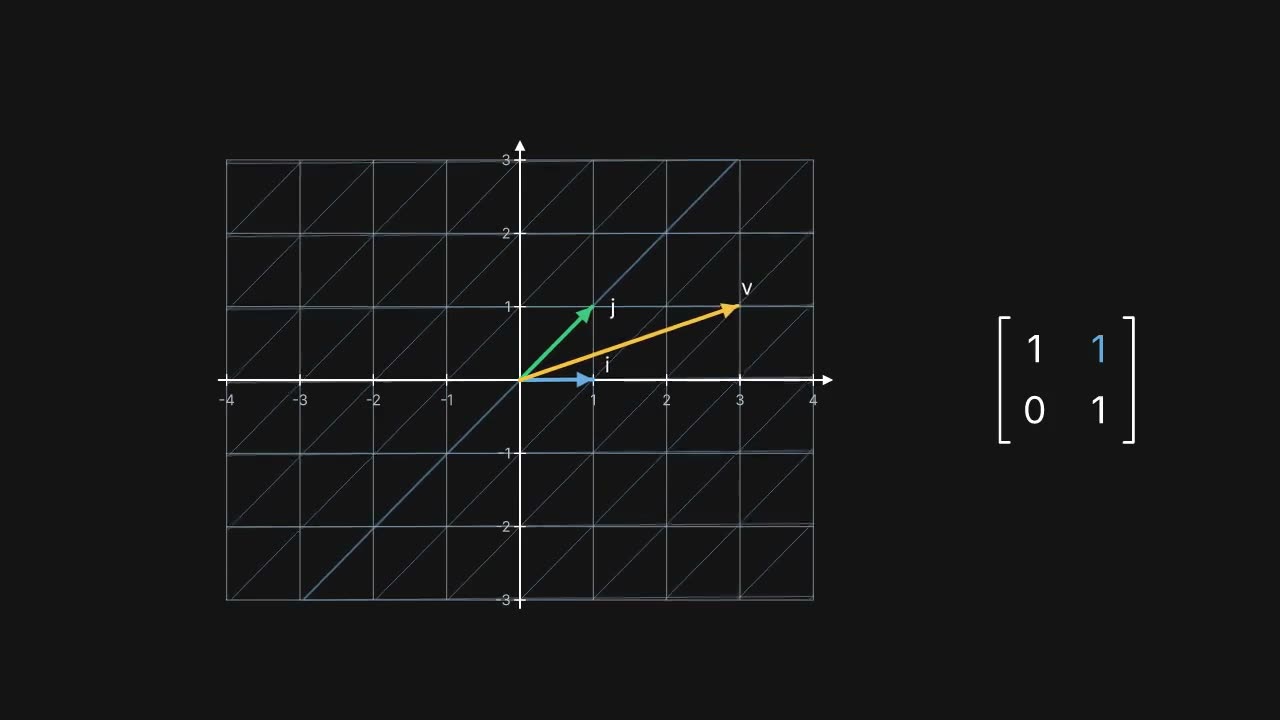
Prompt, then check, then render. The agent reads the picture and the report, not only the compiler.
Prompt
Check

{
  "duration": 2.7,
  "issues": [{
    "rule": "text_overlap",
    "severity": "error",
    "time": [1.4, 2.3],
    "node": "line",
    "source": "src/title.rs:218",
    "hint": "Text overlaps title. Move one of them."
  }]
}
Render
Numbers
oxframe 0.23.9, measured 2026-10-26 on Intel(R) Core(TM) Ultra 7 255H, 16 threads, rustc 1.97.1, Linux. One scene: a title card, a bullet list and an end card, about 28 seconds. oxframe was already built in the same target directory.
0.58s
One-line rebuild
cargo build after changing a single string, with oxframe already compiled.
0.28s
Warm check
oxframe check when that build is already current.
0.82s
Check after an edit
oxframe check right after a change, the build included.
5.09s
Render of a 27.52s video
oxframe render on the CPU with 8 parallel jobs (12.23s with one). The two files are byte for byte the same.
98%
Agent success
Claude Code passed 46 of 47 reference prompts: the scene built, oxframe check was clean and it had what the prompt asked for (oxframe 0.23.4, 2026-10-25).
This is self-reported: a prompt passes when the scene builds, oxframe's own oxframe check reports no error and the scene meets the prompt's expectations (the nodes it should use, the aspect ratio, a minimum length), run with one agent (Claude Code), 20 turns per prompt on average. A comparison across tools, judged independently, is still to come — the prompt set and the runner are open in the CLI.
You don't need to know Rust. Your agent does.
Themes and components carry the look. This scene is the whole program: a title, three steps and an end card.
use oxframe::prelude::*;

#[oxframe::scene]
async fn intro(view: View) {
    let title = view.add(TitleCard::new("Binary search").subtitle("O(log n)"));
    title.enter().await;
    let steps = view.add(BulletList::new(["Take the middle", "Compare", "Drop half"]));
    steps.enter().await;
    for _ in 0..steps.len() {
        steps.next().await;
    }
    let end = view.add(EndCard::new("That's the search"));
    end.enter().await;
}

fn main() {
    Project::new("intro").theme(Theme::dark()).scene(intro()).main();
}
Features
oxframe check
A storyboard and a JSON report after every change. Errors name the rule, the time, the node and the line.
MCP server
oxframe mcp gives an agent check, inspect, a single frame and the docs for this version.
Themes
Color, type and motion come from tokens, so a scene looks finished before anyone picks a hex value.
Components
Title cards, lists, code, diagrams, callouts and end cards. Add them like any other node.
16:9, 9:16 and 1:1
One scene, three frames. Relative placement follows the safe area of each shape.
Deterministic
Fixed time steps and a seeded random source: the same code renders the same frames every time — byte-for-byte on the CPU renderer.
Edit timing without recompiling
Markers, eases and tunables live beside the code. Drag them in the editor.
Fast preview
Save, and the editor reconnects to the new build. Scrubbing re-simulates without drawing every frame.
CPU and GPU
tiny-skia on the CPU by default, byte for byte the same on any machine; vello on wgpu with --gpu.
Video out
MP4, WebM with alpha, ProRes 4444, GIF or a PNG sequence, with the soundtrack muxed in.
Inspired by Motion Canvas: scenes are coroutines, and an await is a point on the timeline. oxframe runs that model in Rust, with a native renderer and a check an agent can read.
How it compares
| oxframe | HyperFrames | fframes | Remotion | |
|---|---|---|---|---|
| Language | Rust | HTML, CSS, JS | Rust | React |
| Where it renders | Native CPU and GPU | Headless Chrome, from HTML | GPU (Skia) or CPU, from SVG | Headless browser |
| Live editor | Timeline, markers, tunables | Studio and a web playground | GPU preview window and a WebAssembly editor | Preview studio |
| An agent can see the picture | oxframe check: storyboard and a report with line anchors, plus MCP | check --snapshots, snapshot --review/--against, compare | A skill, plus frame snapshots | Agent Skills; render stills and read them |
The full comparison, with Motion Canvas and Manim too, and guides for moving from Remotion, Motion Canvas and Manim.
Works with your agent
Claude Code
oxframe init writes a skill and AGENTS.md. The docs are on the agents page.
oxframe init my-video
Cursor
The same AGENTS.md is what Cursor reads. Refresh it after an upgrade with oxframe agents.
oxframe agents
Codex
Codex reads AGENTS.md from the project before it edits. oxframe init writes that file.
oxframe init my-video
ChatGPT and other chat apps
No plugin (Codex has one, above). Connect mcp.oxframe.dev, or give the model the project's AGENTS.md, or the docs of this version at /llms.txt.
MCP
Any client that speaks MCP can run oxframe mcp from the project directory; the docs and a scene check are also hosted at mcp.oxframe.dev. Setting up the MCP server.
oxframe mcp
llms.txt
The docs of this version as plain text, for tools that read the web.