Open Computer Use
Servidor MCP de Computer Use de código abierto para automatización local de escritorio.
Documentación
open-computer-use




[!TIP] ¿Te interesa Browser Use? Echa un vistazo a open-browser-use.
open-computer-use es un servicio de Computer Use de código abierto envuelto como MCP. Cualquier agente de IA o cliente MCP puede usarlo para ejecutar Computer Use en macOS, Linux y Windows.
Este proyecto se inspiró en Codex Computer Use de OpenAI. Demostró que se puede construir una CUA no intrusiva sobre la base de la Accesibilidad, así que decidí crear una versión de código abierto.
Empecé este repositorio con mi plantilla harness, una plantilla para crear rápidamente proyectos centrados en IA. Ha sido uno de nuestros flujos de trabajo más útiles últimamente, especialmente para proyectos generados casi al 100% por IA. También escribí una publicación sobre la metodología detrás de esto.
Demostraciones
Codex App y Codex CLI
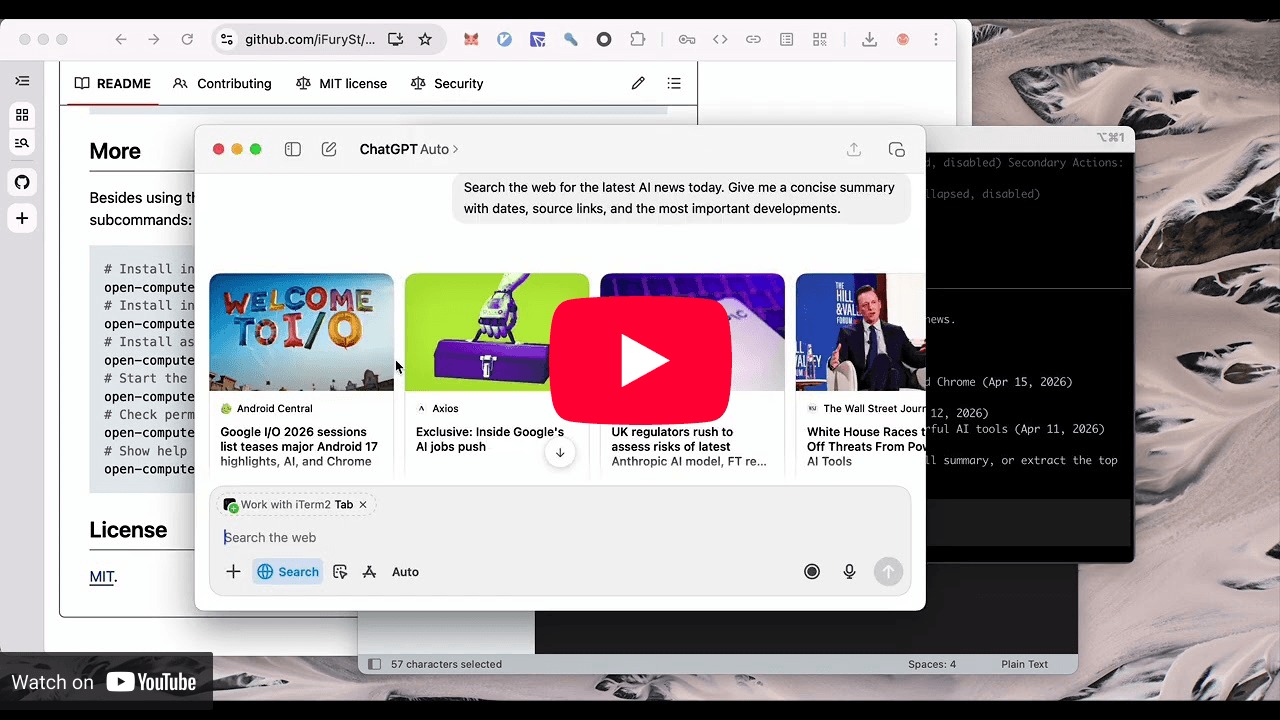
open-computer-use usado como Computer Use en Codex App y Codex CLI, igualando la experiencia oficial.
Gemini CLI
https://github.com/user-attachments/assets/eacb3b15-f939-46c7-b3b3-6f876977a58d
Gemini CLI se conecta a open-computer-use a través de MCP y ejecuta acciones completas de Computer Use.
Linux
https://github.com/user-attachments/assets/e036b1c8-2200-4896-abd4-19225915cf66
open-computer-use ejecutándose en Linux.
Inicio rápido
npm i -g open-computer-use
El paquete npm también expone ocu como alias corto de CLI.
[!IMPORTANT] El runtime de macOS requiere macOS 14.0 o posterior.
En macOS, ejecútalo una vez y concede Accessibility y Screen Recording. Windows y Linux no necesitan este paso.
open-computer-use
# or
ocu
Antes de usarlo, instálalo en tu agente:
# Install into Codex by writing to ~/.codex/config.toml
open-computer-use install-codex-mcp
O agrégalo manualmente a tu propio cliente:
{
  "mcpServers": {
    "open-computer-use": {
      "command": "open-computer-use",
      "args": ["mcp"]
    }
  }
}
Skill
Instala el skill directamente:
# Install for Codex
npx skills add iFurySt/open-codex-computer-use -g -a codex --skill open-computer-use -y
npx skills ls -g -a codex | rg 'open-computer-use'
Instala para Claude Code:
npx skills add iFurySt/open-codex-computer-use -g -a claude-code --skill open-computer-use -y
Actualiza una instalación global existente, incluida la instalación de Codex creada anteriormente:
npx skills update open-computer-use -g -y
También puedes descargar e instalar manualmente el
skill open-computer-use.
Más
Además de la configuración JSON de MCP anterior, también puedes usar los comandos integrados:
# Install into Codex by writing to ~/.codex/config.toml
open-computer-use install-codex-mcp
ocu install-codex-mcp

# Install as a Codex plugin, mainly for Codex App
open-computer-use install-codex-plugin

# Install into Claude Code by writing to ~/.claude.json
open-computer-use install-claude-mcp

# Install into Gemini CLI for the current project by writing to ./.gemini/settings.json
open-computer-use install-gemini-mcp

# Install into Gemini CLI user config instead
open-computer-use install-gemini-mcp --scope user

# Install into opencode by writing to ~/.config/opencode/opencode.json (or the active config file)
open-computer-use install-opencode-mcp

# Install through DeepSeek Harness's generic MCP compatibility path:
# verifies the server, then writes a profile patch, turn-boundary hook, and skill
open-computer-use install-dsh-mcp
./scripts/install-dsh-mcp.sh --profile web --no-hook

# Call a single Computer Use tool and print the MCP-style JSON result
open-computer-use call list_apps
ocu call list_apps
open-computer-use call get_app_state --args '{"app":"TextEdit"}'

# Inspect code-first runtime availability
ocu capabilities
ocu capabilities --json

# Run one JavaScript evaluation, from an argument, stdin, or a file
ocu js 'var apps = await cua.listApps({ emit: false }); nodeRepl.write(apps)'
printf '%s' 'nodeRepl.write(6 * 7)' | ocu js -
ocu js --file ./automation.mjs

# Keep JavaScript and cua bindings for the current terminal session
ocu repl

# Run a sequence in one process so element_index state can be reused
# Sequence runs sleep 1s between successful operations by default
open-computer-use call --calls '[{"tool":"get_app_state","args":{"app":"TextEdit"}},{"tool":"press_key","args":{"app":"TextEdit","key":"Return"}}]'
open-computer-use call --calls-file examples/textedit-overlay-seq.json --sleep 0.5

# Check permissions; onboarding only opens when something is missing
open-computer-use doctor

# Run local validation from a source checkout
make smoke
OPEN_COMPUTER_USE_STRESS_LOOPS=20 make stress
make agent-smoke
make agent-smoke SCENARIO=fixture-full
node ./scripts/run-agent-smoke-tests.mjs --agents=claude,codex --command=open-computer-use
node ./scripts/run-agent-smoke-tests.mjs --scenario=fixture --agents=claude,codex --command=open-computer-use
node ./scripts/run-agent-smoke-tests.mjs --scenario=fixture-full --agents=claude,codex --command=open-computer-use
OPEN_COMPUTER_USE_HERMES_PROVIDER=anthropic OPEN_COMPUTER_USE_HERMES_MODEL=claude-opus-4-20250514 make agent-smoke AGENTS=hermes SCENARIO=fixture-full
node ./scripts/run-agent-smoke-tests.mjs --agents=hermes --hermes-provider=anthropic --hermes-model=claude-opus-4-20250514
node ./scripts/run-agent-smoke-tests.mjs --scenario=fixture --agents=hermes --hermes-provider=anthropic --hermes-model=claude-opus-4-20250514
node ./scripts/run-agent-smoke-tests.mjs --scenario=fixture-full --agents=hermes --hermes-provider=anthropic --hermes-model=claude-opus-4-20250514 --hermes-max-turns=12

# Show help
open-computer-use -h
ocu -h
ocu js cierra su JavaScript Worker y el hijo nativo de MCP después de una
evaluación. ocu repl los mantiene para la sesión de terminal actual hasta
.exit, Ctrl-D o la terminación; .reset limpia sus enlaces. En macOS, el
agente de permisos oculto separado Open Computer Use.app puede permanecer residente para que
los comandos posteriores reutilicen la misma identidad de permisos. ocu mcp continúa exponiendo
la superficie de compatibilidad nativa de nueve herramientas.
El lanzador npm en sí mismo requiere actualmente Node.js 18 o superior. Su ayuda siempre lista
js / repl, mientras que ocu capabilities --json informa si Node, el adaptador/kernel
REPL y el runtime nativo están disponibles. Una vez iniciado, reutiliza
el ejecutable de Node actual en lugar de buscar otro node en PATH.
Movimiento del Cursor
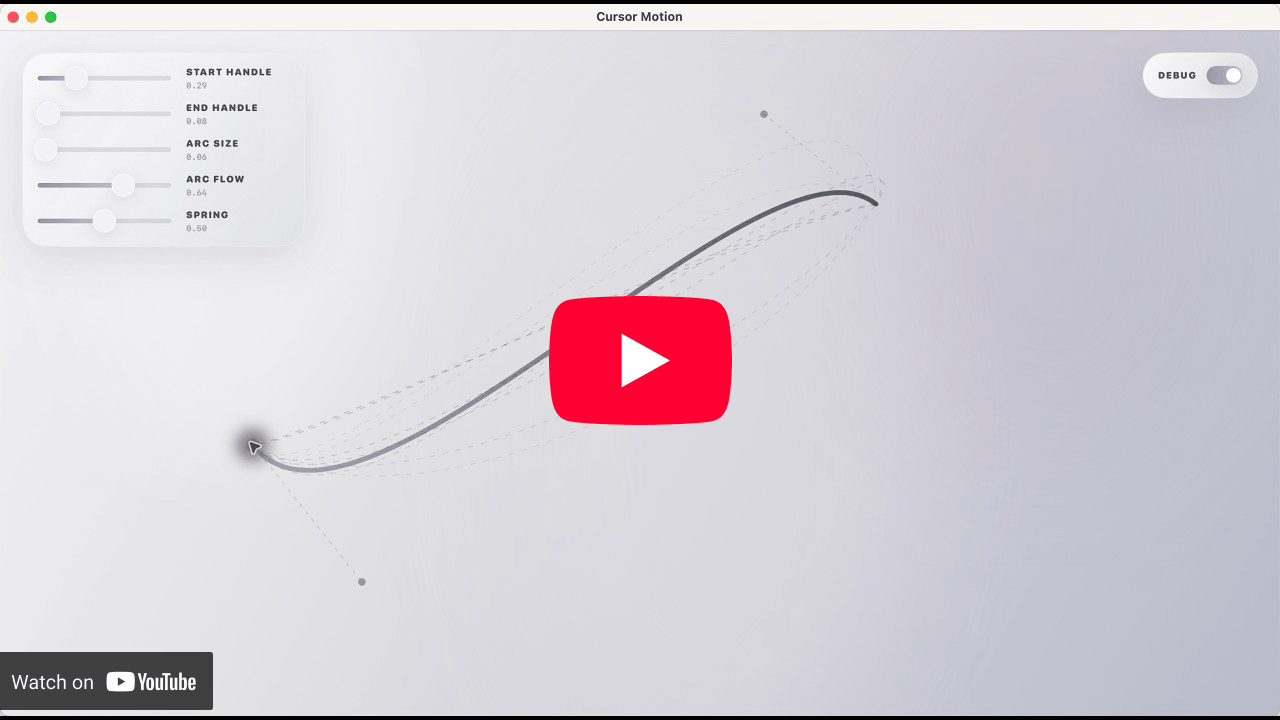
Cursor Motion es un sistema de movimiento de cursor de código abierto para macOS, basado en información pública compartida por miembros del equipo de Software.Inc. Puedes descargar la aplicación desde la página de Releases.
Historial de Estrellas
Licencia
MIT.