Remote MCP Server on Cloudflare
A remote MCP server deployable on Cloudflare Workers with OAuth login support, designed for both local development and cloud deployment.
Remote MCP Server on Cloudflare
Let's get a remote MCP server up-and-running on Cloudflare Workers complete with OAuth login!
Develop locally
# clone the repository
git clone [email protected]:cloudflare/ai.git

# install dependencies
cd ai
npm install

# run locally
npx nx dev remote-mcp-server
You should be able to open http://localhost:8787/ in your browser
Connect the MCP inspector to your server
To explore your new MCP api, you can use the MCP Inspector.
- Start it with
npx @modelcontextprotocol/inspector - Within the inspector, switch the Transport Type to
SSEand enterxas the URL of the MCP server to connect to, and click "Connect" - You will navigate to a (mock) user/password login screen. Input any email and pass to login.
- You should be redirected back to the MCP Inspector and you can now list and call any defined tools!
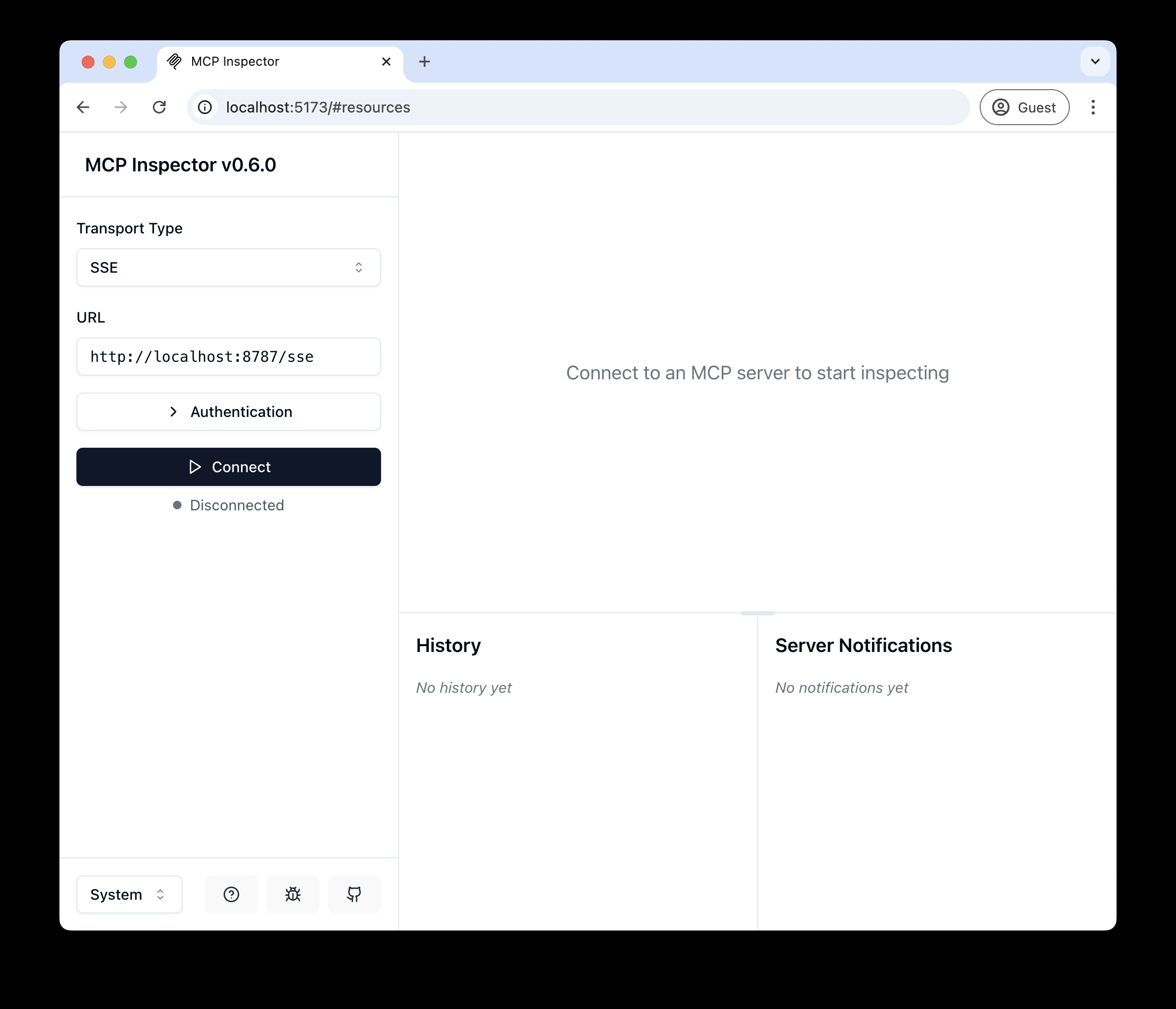
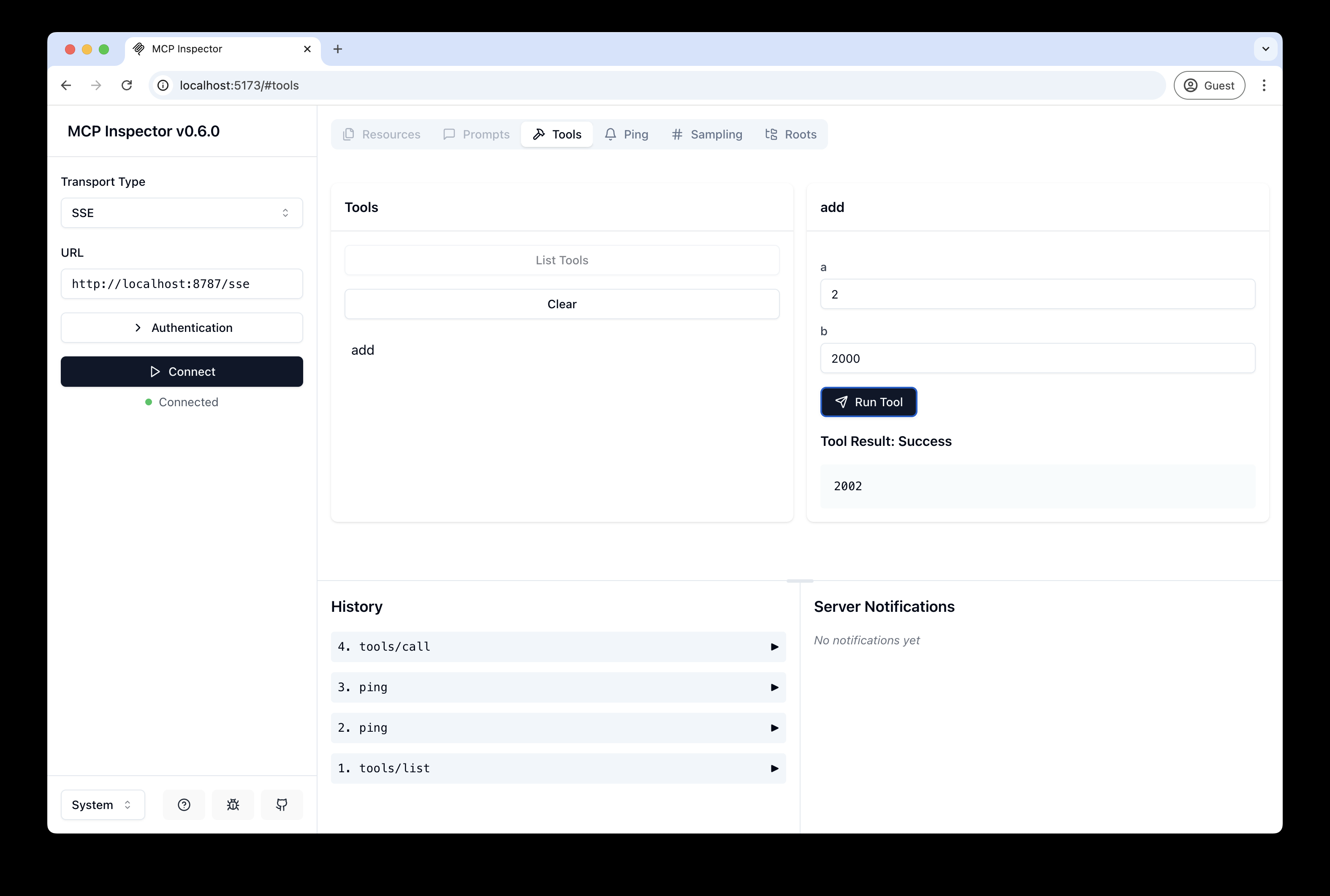
Connect Claude Desktop to your local MCP server
The MCP inspector is great, but we really want to connect this to Claude! Follow Anthropic's Quickstart and within Claude Desktop go to Settings > Developer > Edit Config to find your configuration file.
Open the file in your text editor and replace it with this configuration:
{
  "mcpServers": {
    "math": {
      "command": "npx",
      "args": [
        "mcp-remote",
        "http://localhost:8787/sse"
      ]
    }
  }
}
This will run a local proxy and let Claude talk to your MCP server over HTTP
When you open Claude a browser window should open and allow you to login. You should see the tools available in the bottom right. Given the right prompt Claude should ask to call the tool.
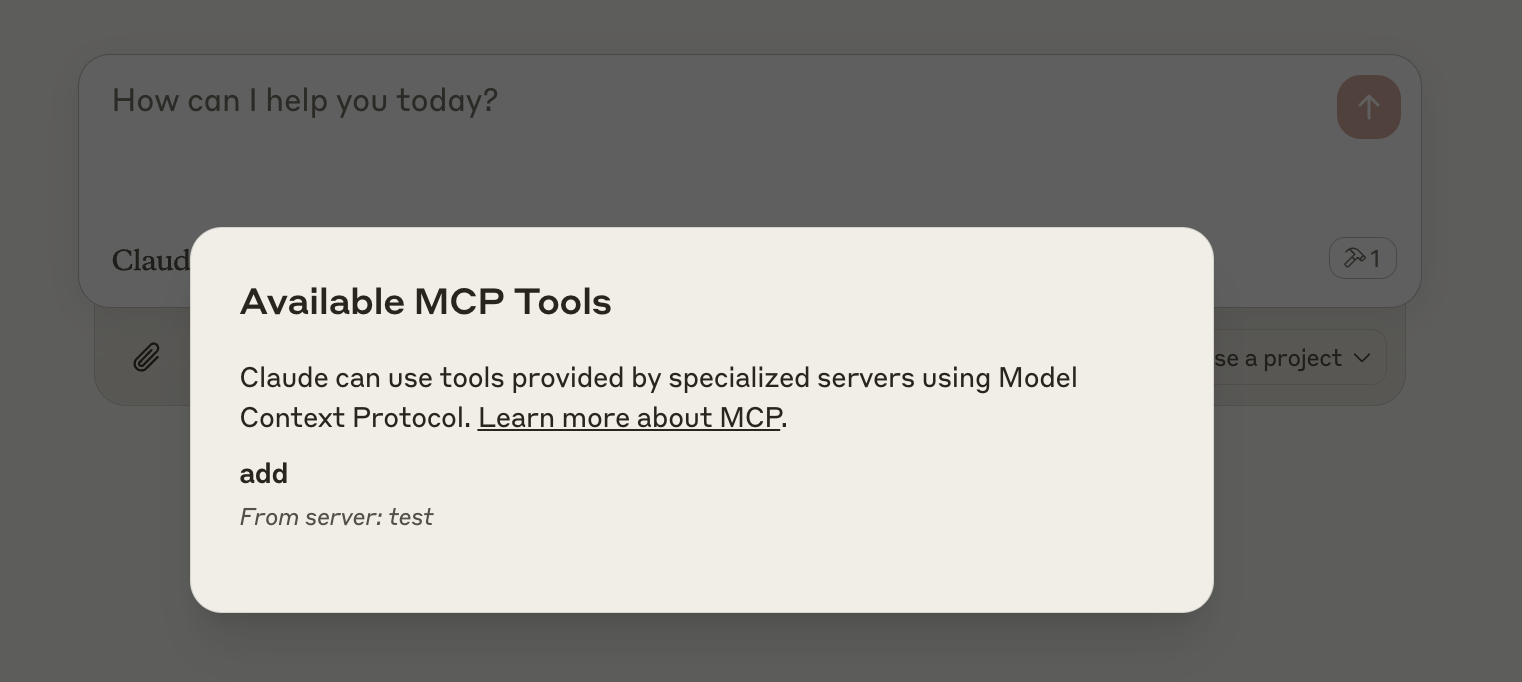
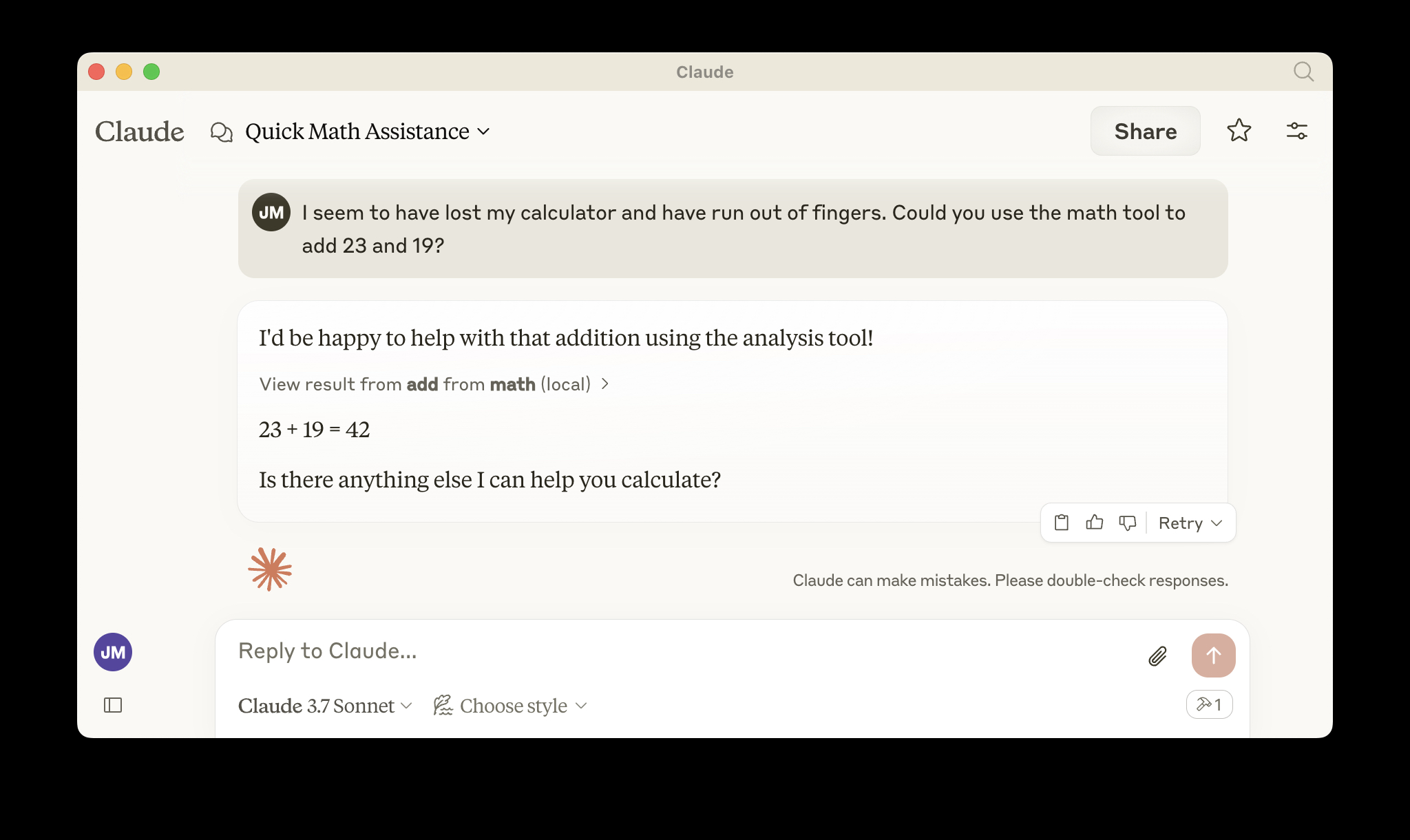
Deploy to Cloudflare
npx wrangler kv namespace create OAUTH_KV- Follow the guidance to add the kv namespace ID to
wrangler.jsonc npm run deploy
Call your newly deployed remote MCP server from a remote MCP client
Just like you did above in "Develop locally", run the MCP inspector:
npx @modelcontextprotocol/inspector@latest
Then enter the workers.dev URL (ex: worker-name.account-name.workers.dev/sse) of your Worker in the inspector as the URL of the MCP server to connect to, and click "Connect".
You've now connected to your MCP server from a remote MCP client.
Connect Claude Desktop to your remote MCP server
Update the Claude configuration file to point to your workers.dev URL (ex: worker-name.account-name.workers.dev/sse) and restart Claude
{
  "mcpServers": {
    "math": {
      "command": "npx",
      "args": [
        "mcp-remote",
        "https://worker-name.account-name.workers.dev/sse"
      ]
    }
  }
}
Debugging
Should anything go wrong it can be helpful to restart Claude, or to try connecting directly to your MCP server on the command line with the following command.
npx mcp-remote http://localhost:8787/sse
In some rare cases it may help to clear the files added to ~/.mcp-auth
rm -rf ~/.mcp-auth
Related Servers
Alpha Vantage MCP Server
sponsorAccess financial market data: realtime & historical stock, ETF, options, forex, crypto, commodities, fundamentals, technical indicators, & more
Clappia
A Python-based server for programmatically managing Clappia applications, forms, and submissions via its API.
Figma Context MCP
Provides Figma layout information to AI coding agents like Cursor.
OpenTelemetry Collector MCP Server
An MCP server for dynamically configuring OpenTelemetry Collectors, including receivers, processors, and exporters.
Honeybadger
Interact with the Honeybadger API for error monitoring and reporting using LLMs.
Whistle MCP Server
Manage local Whistle proxy servers through AI assistants, simplifying network debugging, API testing, and rule management.
Excalidraw MCP
Generate 25+ diagram types (flowchart, sequence, ER, mindmap, architecture, etc.) as Excalidraw files with natural language. CJK support, 30+ tech brand colors, Sugiyama auto-layout.
Roo Activity Logger
Automatically logs AI coding assistant activities, such as command executions and code generation, into searchable JSON files.
Quantum Code Validator
A server for validating quantum computing library code, with support for PennyLane.
Code Graph RAG MCP
Code Rag with Graph - local only installation
agent-godmode
A Python MCP package that gives your LLM agents complete file system and shell capabilities — production-ready, sandboxed, and wired to any LLM in minutes.