RenPy MCP
MCP-Server und visuelle Entwicklungswerkzeuge für die Ren'Py-Visual-Novel-Engine. 60 Werkzeuge, Story Map, Live-Dashboard, eigenständige CLI.
Dokumentation
RenPy MCP + DevTools
MCP server and visual development tools for Ren'Py visual novel engine.
60 tools in 10 categories — preview scenes, analyze story flow, manage translations, refactor characters, and control the running game through natural language or your browser.
Screenshots
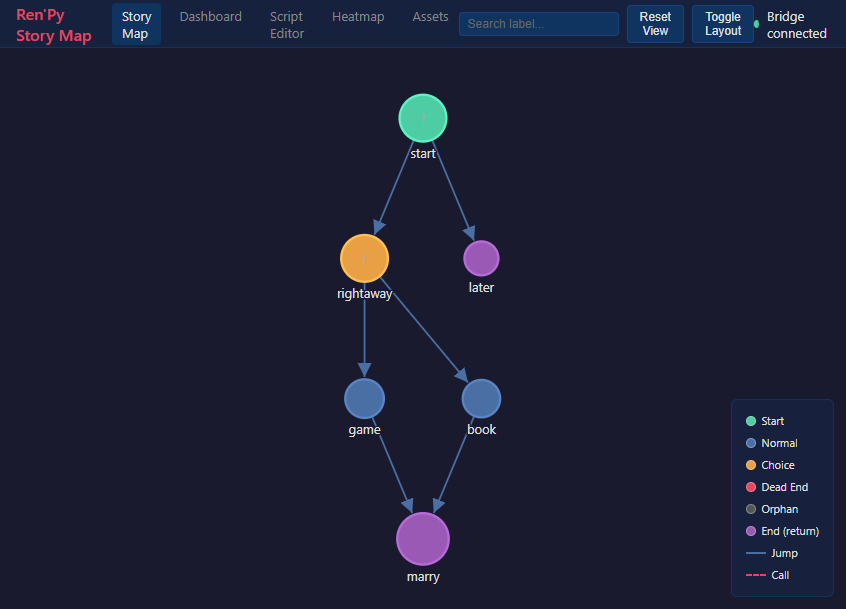
Story Map
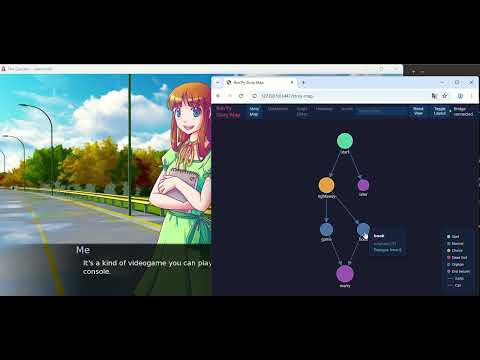
Interactive graph of all labels, jumps, and menus. Click a node to warp the running game there.
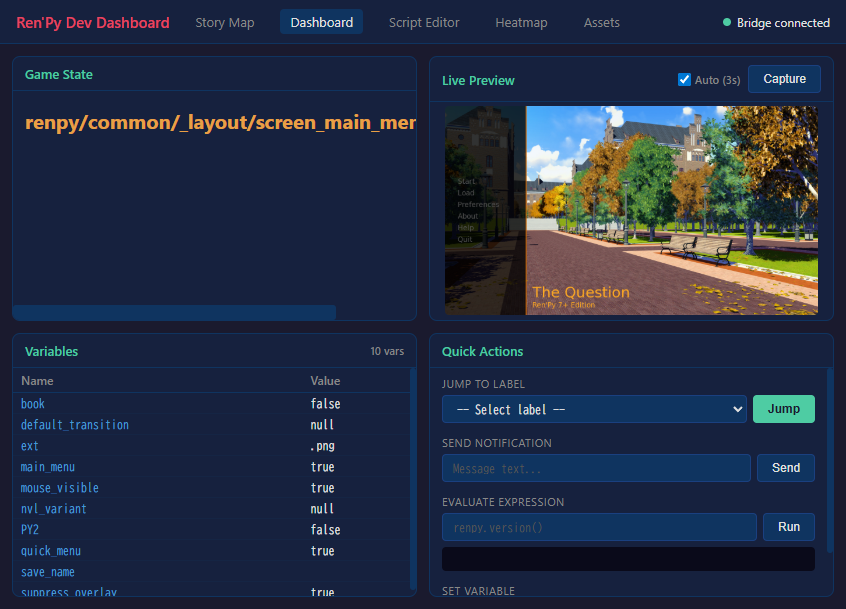
Dev Dashboard
Live preview, variable inspector with tree view, quick actions — all while the game runs.
Warp-on-Click Demo
https://github.com/user-attachments/assets/og6ZKTafSGk
Features
AI-Powered (MCP)
Connect Claude (or any MCP client) directly to your Ren'Py project:
- Project Management — lint, compile, build, inspect config
- Visual Preview — screenshot any scene by warping to it
- Automated Testing — run test cases, generate reports
- Story Analysis — flow graphs, dead ends, character maps, variable tracking
- Asset Management — list images/audio, find unused assets
- Refactoring — rename characters/labels, extract routes
- Translation — completion stats, find untranslated, auto-translate
- Live Debugging — eval, inspect, jump labels, set variables in a running game
- Documentation — search 89 official Ren'Py doc topics
Visual DevTools (no AI needed)
A standalone browser-based development dashboard:
- Story Map — interactive graph of all labels, jumps, and menus. Click a node to warp the running game there.
- Dev Dashboard — live preview, variable inspector with tree view for dicts/lists, quick actions
- Script Editor — browse and edit .rpy files with syntax highlighting
- Playtest Heatmap — visualize which parts of your game are most played
- Asset Manager — browse images and audio, find unused assets
renpy-webui --project /path/to/my-game
Installation
Prerequisites
- Ren'Py SDK 8.x — https://www.renpy.org/latest.html
- Python 3.11+ — https://www.python.org/downloads/
- uv (recommended) — https://docs.astral.sh/uv/getting-started/installation/
Setup
- Download from itch.io and extract to a permanent location
- Install dependencies:
cd renpy-mcp uv venv && uv pip install -e . - Configure your AI client (
.mcp.jsonin your project directory):{ "mcpServers": { "renpy-mcp": { "command": "uv", "args": ["run", "--directory", "/path/to/renpy-mcp", "renpy-mcp"], "env": { "RENPY_SDK_PATH": "/path/to/renpy-8.x-sdk" } } } }
Standalone DevTools (no AI client required)
cd renpy-mcp
uv run renpy-webui --project /path/to/my-game
See the full Installation Guide for details.
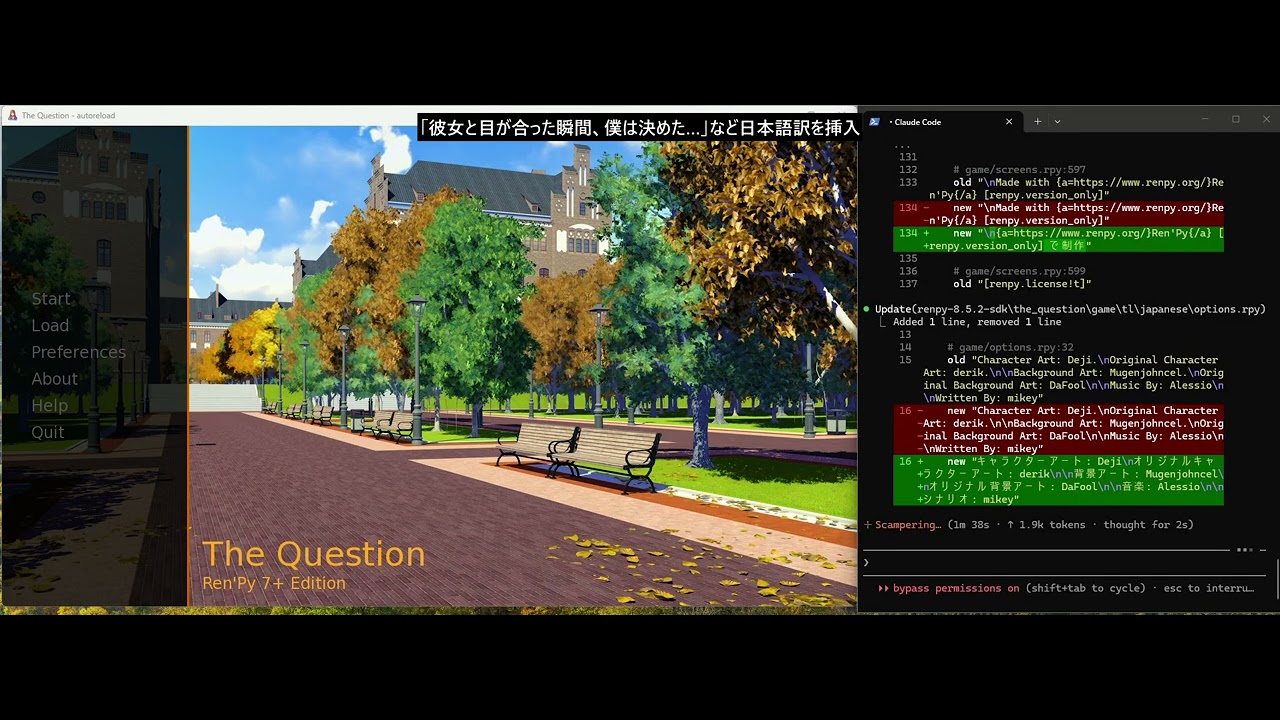
Demo
Links
- Website: https://renpy-mcp.abyo.net/
- itch.io: https://y1uda.itch.io/renpy-mcp ($15)
- Discord: https://discord.gg/N6sSHBGuYX
License
Commercial software. See itch.io for purchasing.