Finance MCP Server
Ein MCP-Server zum Abrufen von Finanzdaten mithilfe der financialdatasets API.
GitHubDieses MCP ausprobierenGesponsert
Dokumentation
Building a Finance agent with MCP
See Full Video:
Overview
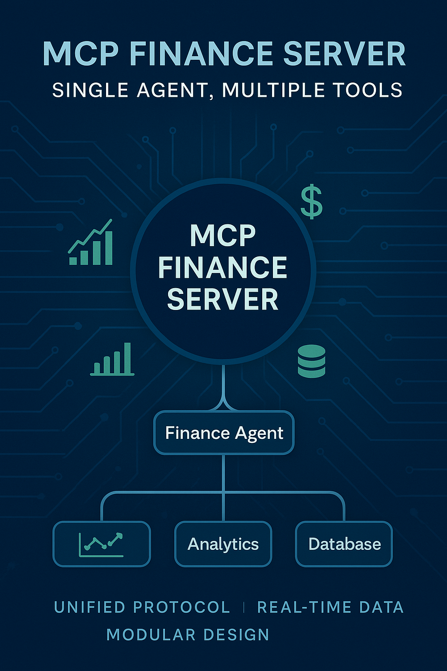
This project demonstrates the use of a Model Context Protocol (MCP) server for retrieving financial data. The MCP server is integrated with Agno and Smol Agent to showcase its versatility in handling multiple agentic frameworks in standardized way.
-
MCP Server (Finance):
- This server is created using
financialdatasets apifetch financial information of companies - Standardizes interactions with external financial data sources using MCP.
- This server is created using
-
Agentic Framework Integration
- Integrated mcp server with Agno and Smol Agent.
- MCP creates a universal standard for all agentic workflows.
Features
- MCP enables AI applications to access diverse data sources and tools using a consistent protocol, streamlining the development process.
- AI applications (clients) communicate with MCP servers that expose specific capabilities, such as data access or function execution
- MCP allows AI models to retrieve up-to-date information and perform actions based on real-time data, enhancing their responsiveness and accuracy .
Getting Started
- Clone the repository:
git clone https://github.com/Ihtishammehmood/Finance_MCP-Server.git
- Add Groq and Financial Datasets APi to .env:
GROQ_API_KEY = "Place your GROQ API key here"
FINANCIAL_DATASETS_API_KEY = "Place your Financial Datasets API key here"
- Install UV package Manager
pip install uv
- Create Virtual Environment
uv venv
- Activate virtual Environment:
.venv\Scripts\activate
- Install dependencies
uv add -r requirements.txt
- Start Agno and Smol Agent integrations:
uv run agno_agent.py
Initialize MCP Inspector
- Run
mcp dev server.pyin Terminal
Add MCP server in IDE
{
    "mcpServers": {
      "stockTools": {
        "command": "uv",
        "args": [
          "--directory",
          "Absolute path to server.py file directory",
          "run",
          "server.py"
        ]
      }
    }
  }
License
This project is licensed under the MIT License - see the LICENSE file for details.