Zeek-MCP
Integrates Zeek network analysis with conversational AI clients. Requires an external Zeek installation.



Zeek-MCP
This repository provides a set of utilities to build an MCP server (Model Context Protocol) that you can integrate with your conversational AI client.
Table of Contents
Prerequisites
- Python 3.7+
- Zeek installed and available in your
PATH(for theexeczeektool) - pip (for installing Python dependencies)
Installation
1. Clone the repository
git clone https://github.com/Gabbo01/Zeek-MCP
cd Zeek-MCP
2. Install dependencies
It's recommended to use a virtual environment:
python -m venv venv
source venv/bin/activate    # Linux/macOS
venv\Scripts\activate     # Windows
pip install -r requirements.txt
Note: If you don’t have a
requirements.txt, install directly:pip install pandas mcp
Usage
The repository exposes two main MCP tools and a command-line entry point:
3. Run the MCP server
python Bridge_Zeek_MCP.py --mcp-host 127.0.0.1 --mcp-port 8081 --transport sse
--mcp-host: Host for the MCP server (default:127.0.0.1).--mcp-port: Port for the MCP server (default:8081).--transport: Transport protocol, eithersse(Server-Sent Events) orstdio.

4. Use the MCP tools
You need to use an LLM that can support the MCP tools usage by calling the following tools:
-
execzeek(pcap_path: str) -> str- Description: Runs Zeek on the given PCAP file after deleting existing
.logfiles in the working directory. - Returns: A string listing generated
.logfilenames or"1"on error.
- Description: Runs Zeek on the given PCAP file after deleting existing
-
parselogs(logfile: str) -> DataFrame- Description: Parses a single Zeek
.logfile and returns the parsed content.
- Description: Parses a single Zeek
You can interact with these endpoints via HTTP (if using SSE transport) or by embedding in LLM client (eg: Claude Desktop):
Claude Desktop integration:
To set up Claude Desktop as a Zeek MCP client, go to Claude -> Settings -> Developer -> Edit Config -> claude_desktop_config.json and add the following:
{
  "mcpServers": {
    "Zeek-mcp": {
      "command": "python",
      "args": [
        "/ABSOLUTE_PATH_TO/Bridge_Zeek_MCP.py",
      ]
    }
  }
}
Alternatively, edit this file directly:
/Users/YOUR_USER/Library/Application Support/Claude/claude_desktop_config.json
5ire Integration:
Another MCP client that supports multiple models on the backend is 5ire. To set up Zeek-MCP, open 5ire and go to Tools -> New and set the following configurations:
- Tool Key: ZeekMCP
- Name: Zeek-MCP
- Command:
python /ABSOLUTE_PATH_TO/Bridge_Zeek_MCP.py
Alternatively you can use Chainlit framework and follow the documentation to integrate the MCP server.
Examples
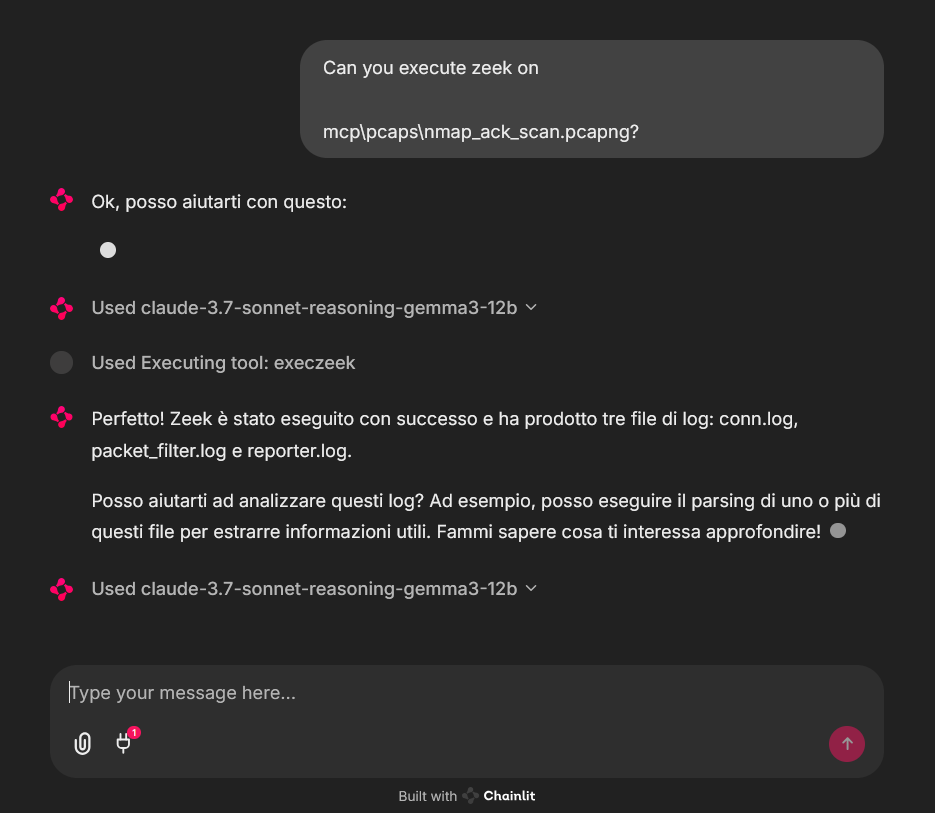
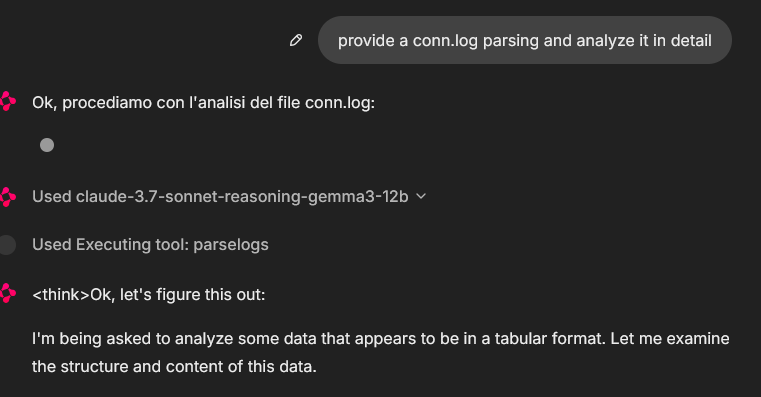
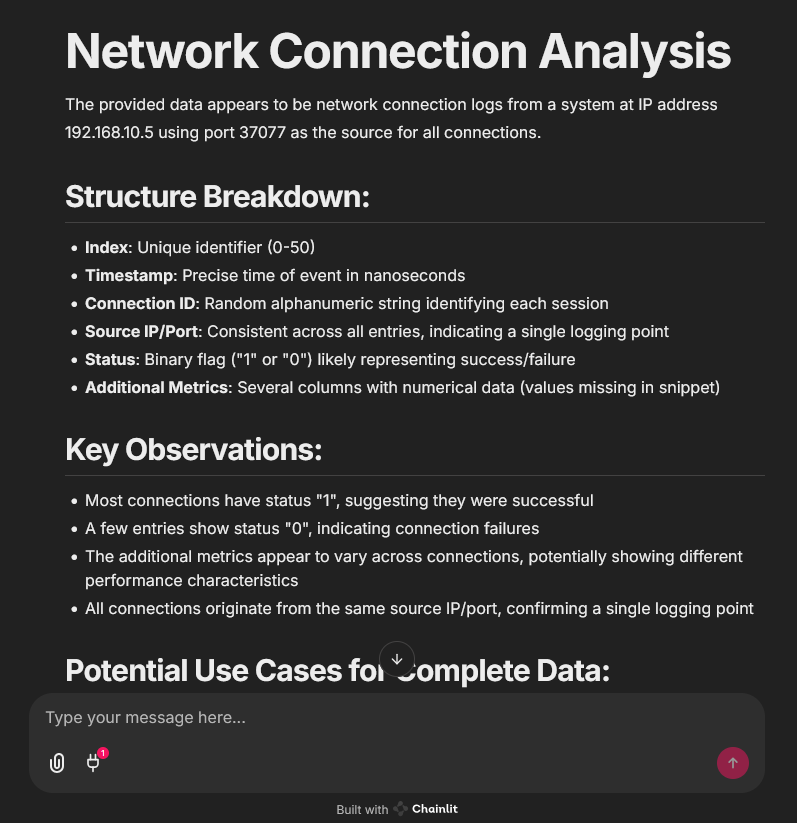
An example of MCP tools usage from a chainlit chatbot client, it was used an example pcap file (you can find fews in pcaps folder)
In that case the used model was claude-3.7-sonnet-reasoning-gemma3-12b
License
See LICENSE for more information.
Verwandte Server
Alpha Vantage MCP Server
SponsorAccess financial market data: realtime & historical stock, ETF, options, forex, crypto, commodities, fundamentals, technical indicators, & more
Replicate Imagen 4 MCP Server
Access Google's Imagen 4 Ultra model via the Replicate platform for high-quality image generation.
Tmux MCP Server
Provides persistent shell execution through tmux sessions.
MCP Messenger
Like n8n for developers
302AI Basic MCP Server
A toolkit for enhancing the fundamental capabilities of large language models.
MCP Builder
A Python-based server to install and configure other MCP servers from PyPI, npm, or local directories.
Browser MCP
Control your real Chrome from Claude Code. 29 tools including CAPTCHA solving, file upload, multi-session, and human-in-the-loop.
Textin MCP Server
Extracts text and performs OCR on various documents like IDs and invoices, with support for Markdown conversion.
Lettr MCP
MCP for Lettr transactional email API
SolHunt Solana Wallet Intelligence
Solana wallet health analysis platform and top-notch dev tool. Helps people and agents to recover their SOLs from burner and old wallets super securely. Features a complete trustless recovery flow natively via MCP: preview yields, build unsigned transactions, and sign locally.
Hashnode MCP Server
An MCP server for interacting with the Hashnode API.