llm-cost-watch
詢問 Claude 為什麼你的 LLM 帳單突然暴增。這是一個開源 FastMCP 伺服器,可分析功能層級的追蹤記錄、診斷多代理程式的 token 迴圈,並將簡單任務路由至 Haiku,最多可降低 94% 的 API 支出。
文件
llm-cost-watch
The Model Context Protocol (MCP) server for LLM spend & latency intelligence.
"Ask Claude why our LLM bill jumped."






📺 90-Second Explainer Video Walkthrough
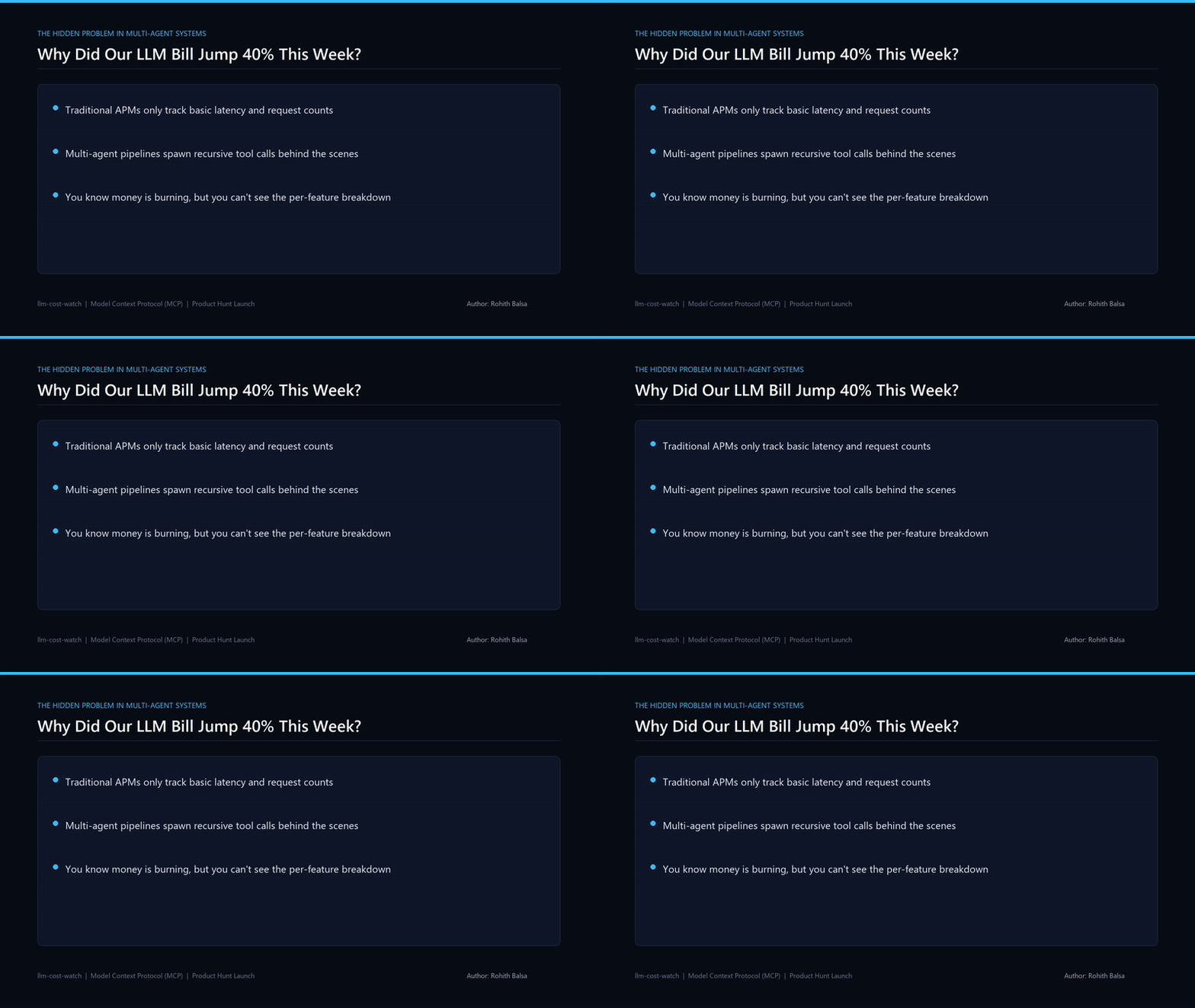
▶️ Click here to download / watch the full 1080p MP4 walkthrough (with voiceover)
Explaining why multi-agent swarms face compounding token spikes, how local-first MCP telemetry works, and how to cut LLM spend by 94% with automated micro-model routing.
What is llm-cost-watch?
Instead of clicking through complex web dashboards, llm-cost-watch lets you ask Claude directly inside Claude Desktop, Claude Code, or Antigravity:
You: "Claude, why did our LLM spend jump 40% this week, and where is our latency bottleneck?"

Claude: [Calls llm-cost-watch: cost_by_feature & slow_calls]
"Your 'knowledge_base_rag' pipeline accounts for 66.1% of total spend ($0.082 across 3 test runs)
and is driving your p95 latency up to 3,120ms due to uncompressed 7k token context windows.

Meanwhile, 'customer_intent_classifier' is currently routed through GPT-4o for 14-token classification.
Routing it to GPT-4o-mini will cut that feature's spend by 94% and reduce p95 latency to 320ms."
3 Core MCP Tools
cost_by_feature(timeframe="7d"): Identifies which feature or workflow consumes the largest share of your budget.slow_calls(limit=5, min_latency_ms=1200): Pinpoints high-latency outliers (p50, p95, p99) and diagnoses the bottleneck (unbounded prompt payload, recursive tool loops, reasoning stalls).routing_suggestions(savings_threshold_pct=20): Analyzes short structured prompts running on expensive frontier models and calculates exact dollar savings from moving to Claude 3.5 Haiku or GPT-4o-mini.
Quick Setup (Under 5 Minutes)
1. Install & Clone
git clone https://github.com/rohith0707/llm-cost-watch.git
cd llm-cost-watch
pip install -r requirements.txt
2. Connect to Claude Desktop
Add this to your claude_desktop_config.json:
{
  "mcpServers": {
    "llm-cost-watch": {
      "command": "python",
      "args": ["-m", "tools.llm-cost-watch.server"]
    }
  }
}
3. Log Calls in Your Code (One Line)
from logger import watch_llm

@watch_llm(feature="customer_intent_classifier", task_type="classification", model="gpt-4o")
def classify_intent(message: str) -> str:
    # Your normal OpenAI / Anthropic call
    return client.chat.completions.create(...)
Test Run
python test_server.py
Commercial Licensing & Architecture Audits
- Free Core: Open-source under MIT.
- Acquisition & IP Rights: Listed on TrustMRR: AgentControl & Decision Plane ($25,000 asking price).
- Self-Hosted Engine: Get the production LeadHunter & Concurrency Starter Kit on Gumroad (Flash Offer: $19).
- Enterprise SLA & 14-Day Concurrency / Cost Audit ($2,500): Contact Rohith Balsa (
balsarohith5@gmail.com| LinkedIn).