Jotdown
一個MCP伺服器,讓LLM能夠建立或更新Notion頁面,並生成Markdown書籍(mdbooks)。
文件
Jotdown - MCP Server for Notion Page Creation and mdBook Generation
Jotdown is a Model Context Protocol (MCP) server that allows large language models (LLMs) to interact with Notion and also generate Markdown Books. It provides two primary tools for LLMs:
- 👉 Notion Integration: Create or update pages in Notion with content generated by the LLM.
- 👉 Mdbook Generation: Generate a mdbook from content and manage the structure.
Jotdown enables LLMs to seamlessly integrate with these systems for various content management and publishing workflows.
Certified by MCPHub
- 👉 JotDown
Features
- 🌿 Notion Integration: Automatically create or update Notion pages with content generated by the LLM.
- 🌿 Mdbook Generation: Create and manage mdbooks directly from content, including generating necessary files like
SUMMARY.md,README.md, and individual chapter markdown files. - 🌿 MCP Support: Leverages the Model Context Protocol to maintain context over interactions, enabling more intelligent and consistent content creation and updates.
Tools Provided by Jotdown
1. Notion Page Tool
LLMs can use the Notion tool to create or update pages within Notion, allowing them to store structured content like articles or any other type of document directly in Notion.
Example:
- Create a new page in Notion with content that the LLM has generated.
- Update an existing Notion page with new information.
2. mdbook Tool
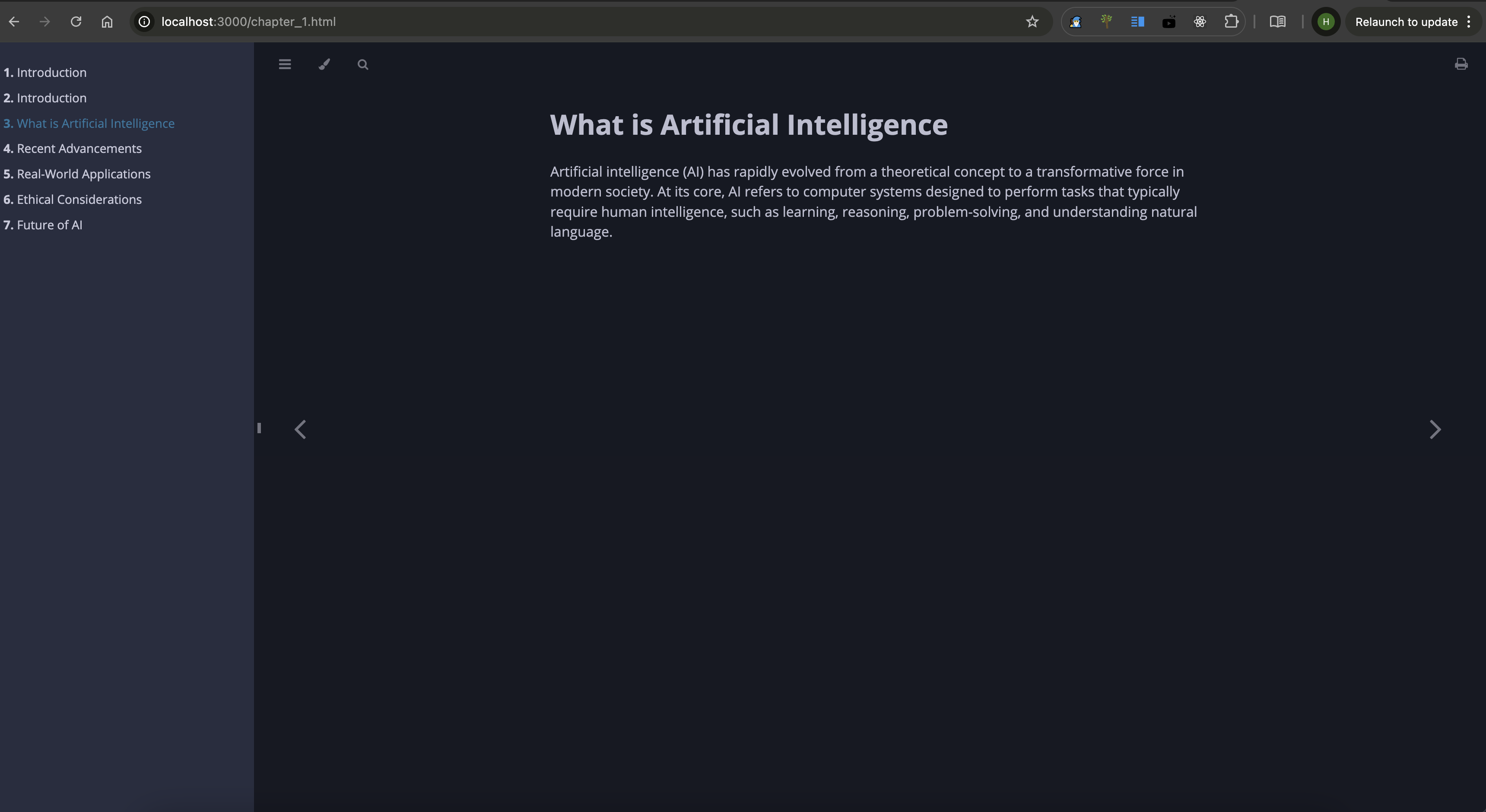
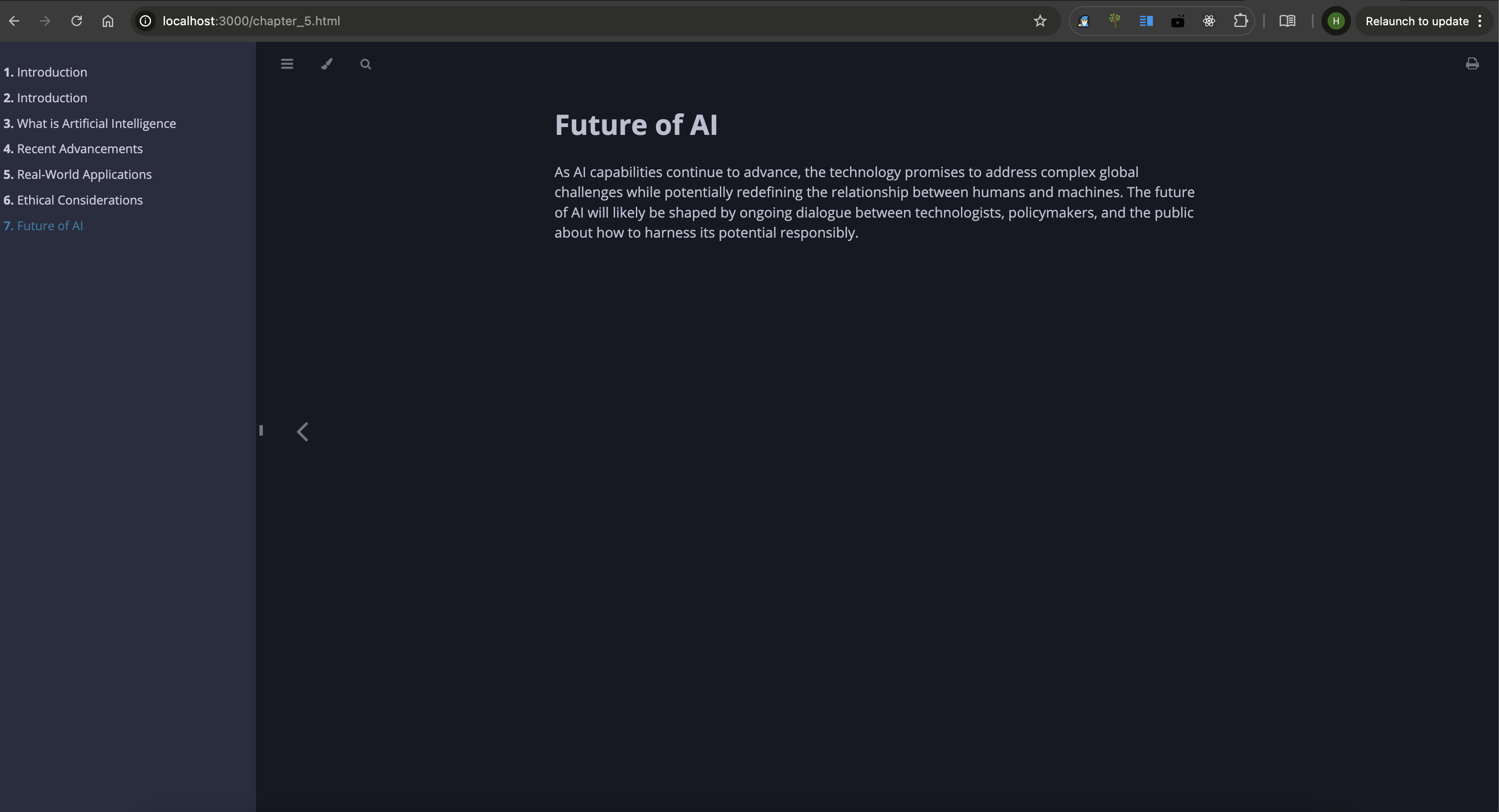
With the mdbook tool, LLMs can automatically generate markdown books, handling the creation of multiple chapters, managing the structure, and adding a SUMMARY.md file for navigation.
Example:
- Generate a new book based on LLM-generated content.
- Automatically generate chapters with proper links in
SUMMARY.md.
Installation
Prerequisites
- Rust: Make sure you have Rust installed. You can install it from rust-lang.org.
- Notion API Token: You will need a Notion API token (
internal integration secret) to integrate with Notion. - Claude Desktop: Make sure you have Claude desktop or any other MCP client (Cline, Continue etc) installed and configured with a Notion integration token.
Steps to Install
-
Clone the repository:
git clone https://github.com/Harry-027/JotDown cd jotdown -
Install dependencies:
cargo build --release -
Install mdbook cli (required for the book generation to work):
cargo install mdbook -
Notion setup:
- Setup Notion connection (internal intergation with access to Notion workspace) & copy the
internal intergration secretfor later use. - Setup a page with title
Jot It Downin your workspace and share it with your connection. This is required for the integration to work.
- Setup Notion connection (internal intergation with access to Notion workspace) & copy the
-
Set up Claude desktop (or any other MCP client) configuration file (for Notion integration):
"mcpServers": { "Jotdown": { "command": "/path_to_repo/Jotdown/target/release/Jotdown", "args": [], "env": { "NOTION_TOKEN": "your_notion_intergration_token" } } } -
Restart Claude desktop and try it out!
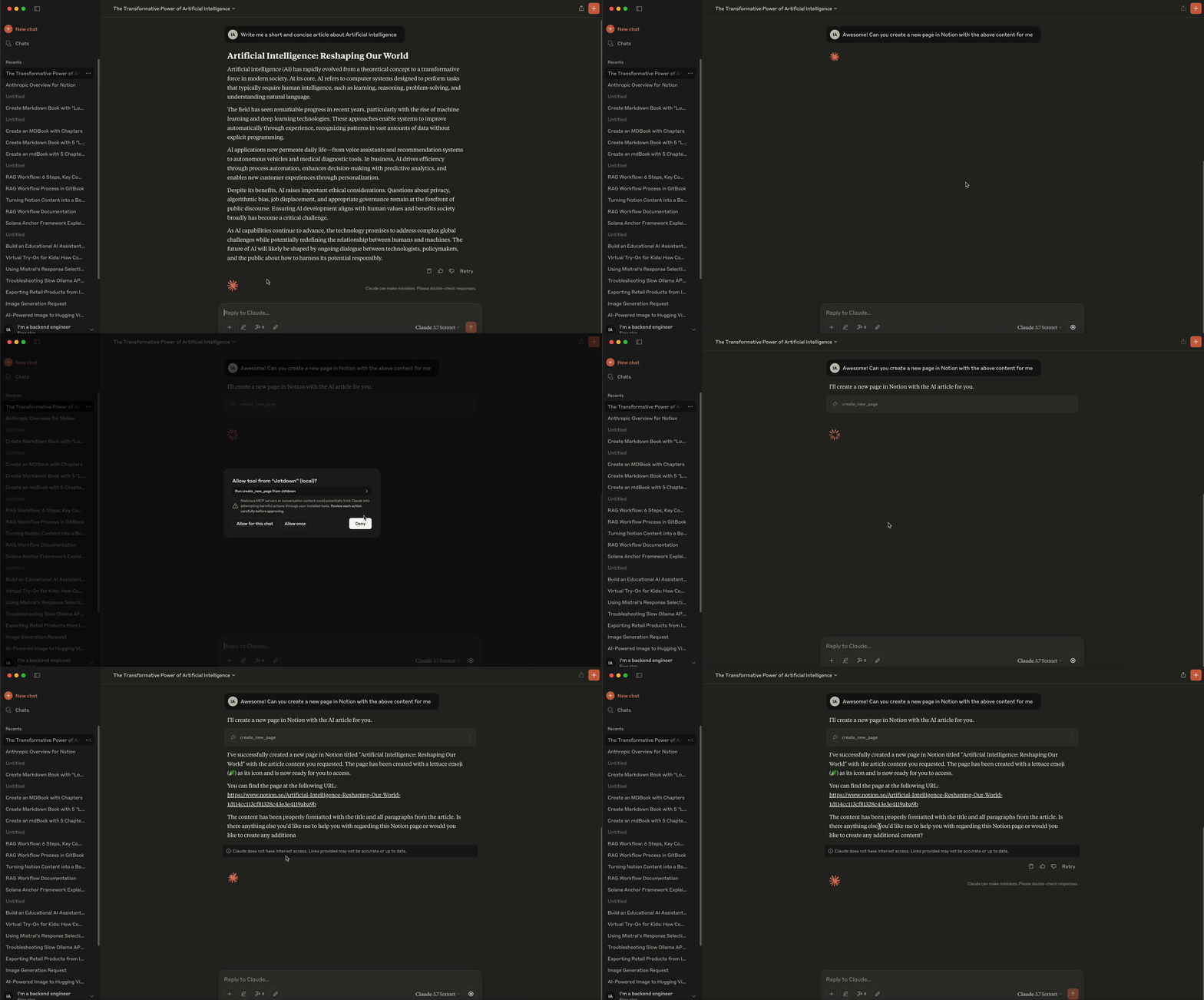
Notion Integration Example:
- To create or update a Notion page, the LLM sends a request to the server specifying the content and page details. The server then interacts with the Notion API to either create a new page or update an existing one.
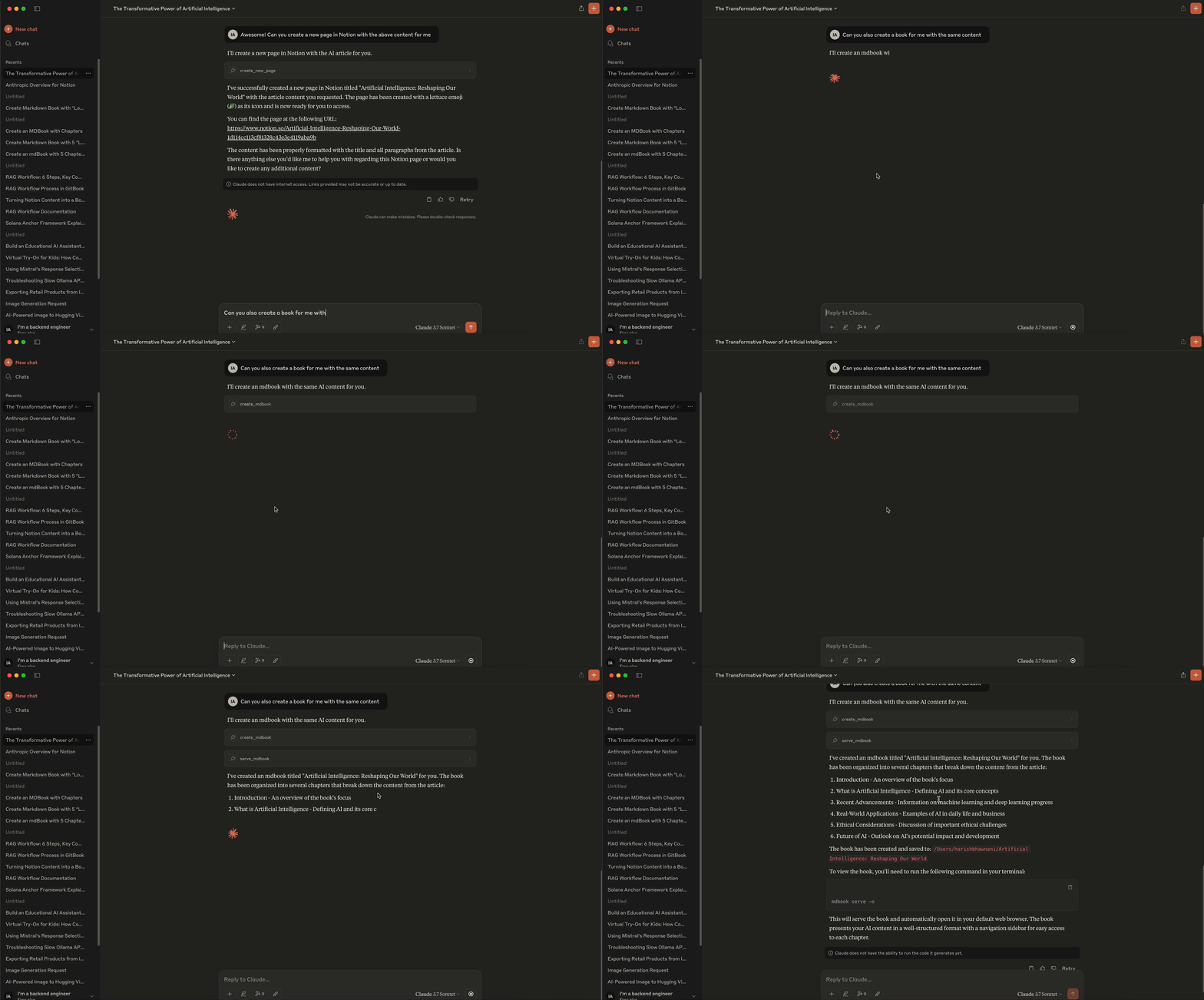
Mdbook Integration Example:
- LLMs can send structured content to the server to create an entire mdbook, including chapter creation,
README.md, andSUMMARY.mdmanagement. The server compiles the content into a complete book.
🧑💻 Demo
Notion Demo -
MdBook Demo -
MdBook Screenshots -
🧑💻 Contributing
Feel free to open issues or submit pull requests.
📜 License
Jotdown is licensed under the MIT License. See the LICENSE file for details.
📧 Contact
For support or inquiries, reach out at harishmmp@gmail.com.