Shootika
Chụp ảnh sản phẩm của cửa hàng bạn trên người mẫu thời trang AI từ trợ lý AI của bạn, sau đó xuất bản ảnh đã được phê duyệt lên Shopify hoặc tải chúng xuống
Máy chủ MCP được lưu trữ
npx add-mcp 'https://mcp.shootika.com'Cài vào Claude Code, Codex, Cursor và nhiều công cụ khác
Tài liệu
What comes back
A flat-lay in. A frame on a model out
Your assistant starts from the flat-lay you already have and brings the finished photo back to the chat, in the scene you ask for.
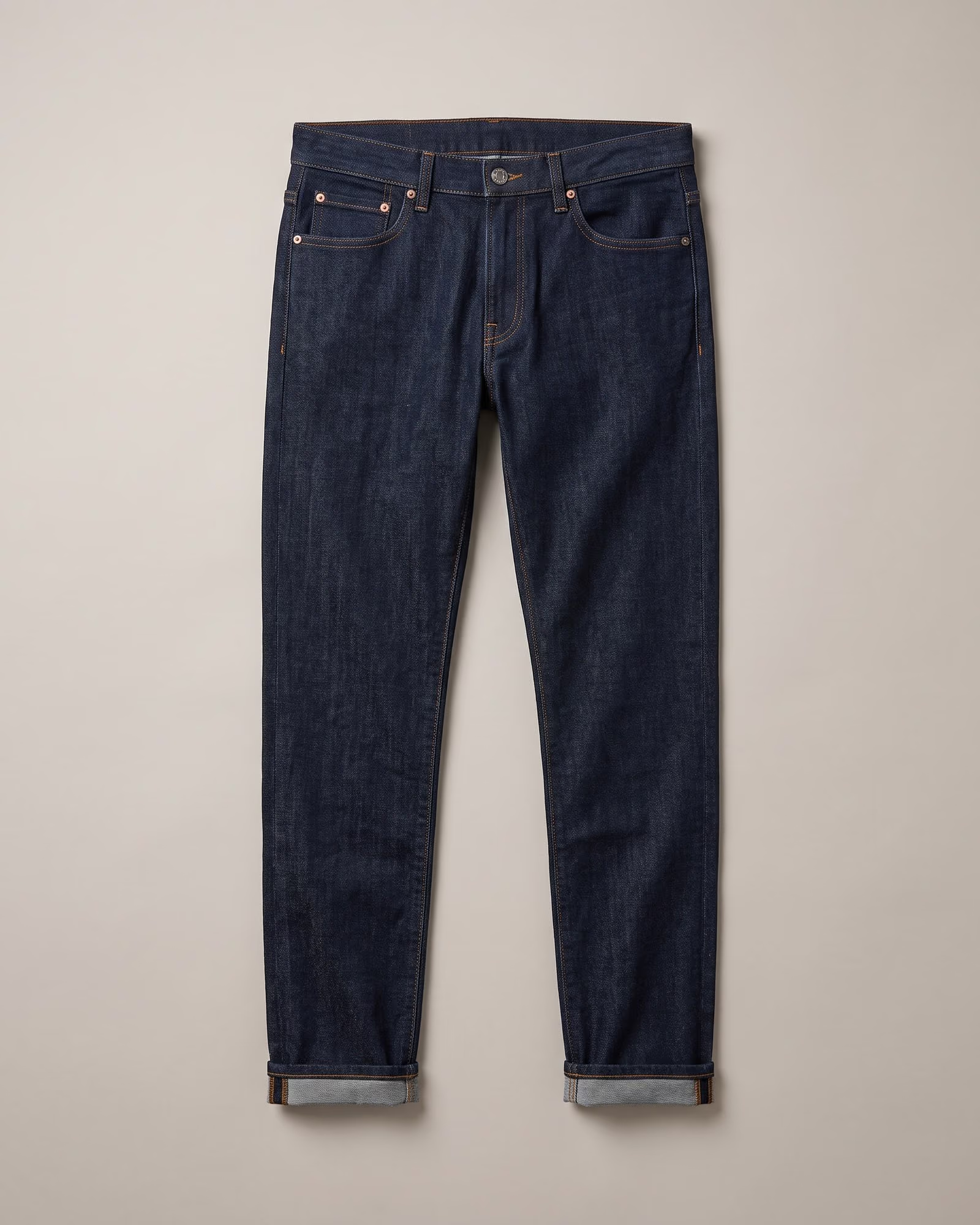
Rainy Street Dark indigo jeans, worn on a wet city street after rain.
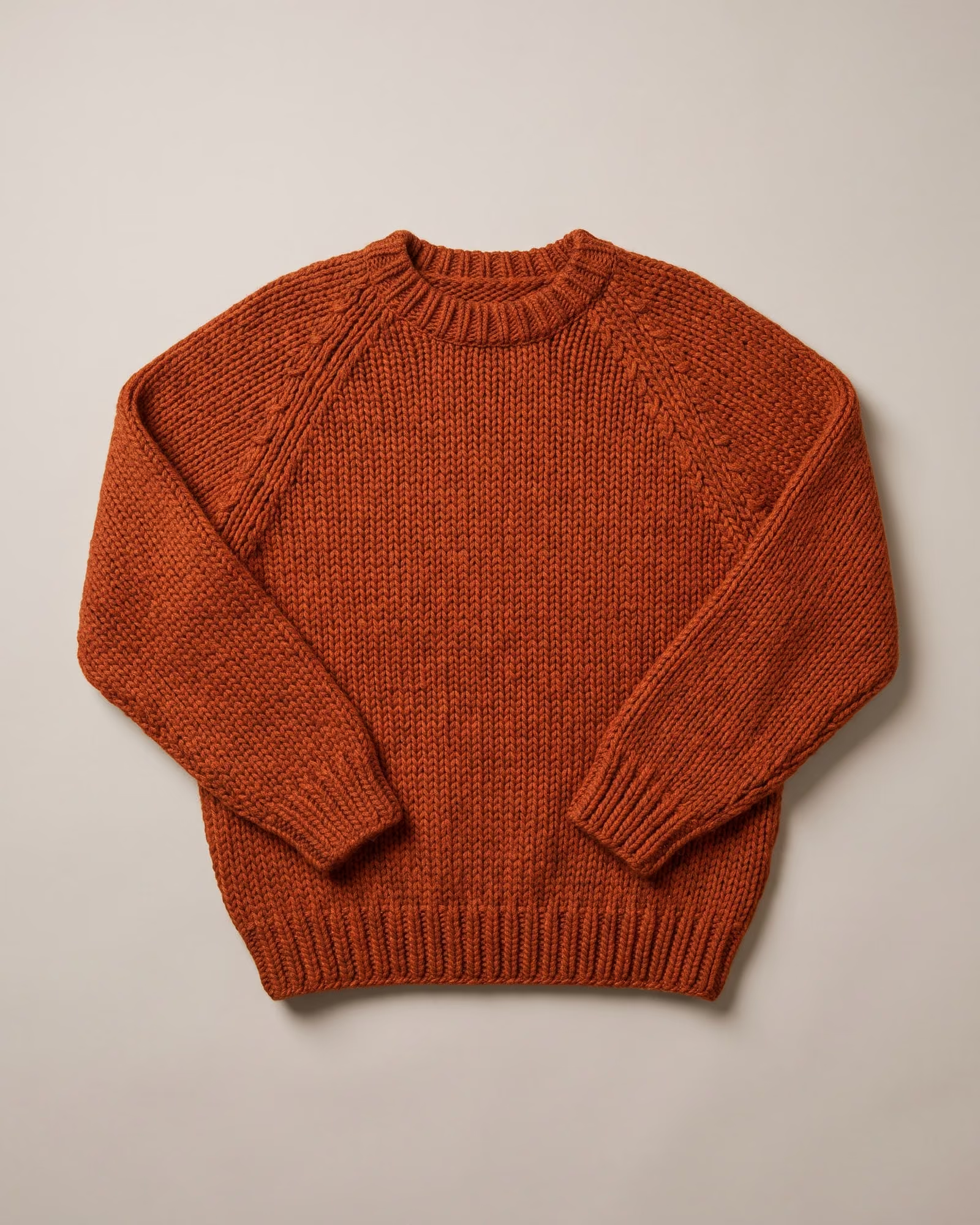
Autumn Home The rust hand-knit sweater, in a sunlit room in autumn.

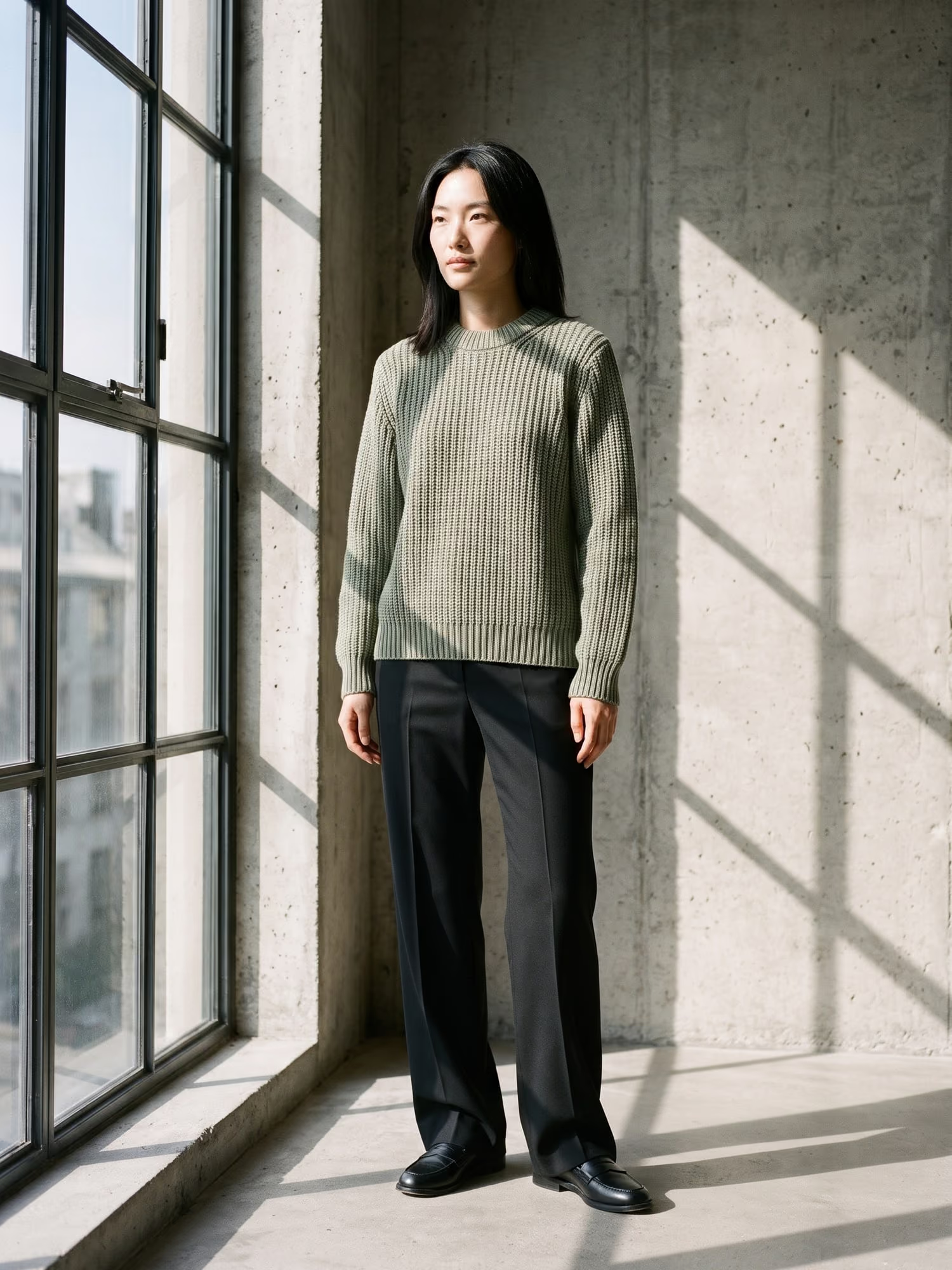
Studio Sage Stone drawstring trousers, on a pale sage studio backdrop.
Connect
Connect your assistant
01
Claude
- Click Connect to Claude, or add a custom connector in Claude settings.
- Name it Shootika and give it the URL https://mcp.shootika.com.
- Approve the connection on the Shootika page that opens.
- Ask: "How many frames do I have left this month?"
02
ChatGPT
- Turn on Developer mode in ChatGPT settings, where your plan offers it.
- Add a custom connector named Shootika with the URL https://mcp.shootika.com.
- Approve the connection on the Shootika page that opens.
- Ask: "Shoot my newest product on a model."
The Shootika app is in review for ChatGPT's app directory. Until it is listed, ChatGPT adds Shootika as a custom connector in Developer mode.
03
Claude Code and Codex
- Claude Code: /plugin install shootika --marketplace shootika-ai/plugin
- Codex: codex plugin marketplace add shootika-ai/plugin then codex plugin add shootika@shootika
- Authenticate when asked, and approve on the Shootika page.
The plugin adds four skills: shoot products, review frames, cast models, and connect.
Just ask
Talk to your catalog
- “Which of my products have no model photos yet?”
- “Shoot my newest product on a model and show me the frames.”
- “Show me the frames from today and publish the second one.”
- “How many frames do I have left this month?”

Checked before it reaches the chat
Shootika checks every photo against your product before your assistant shows it to you.
How Shootika checks every photo
Permissions
You choose what it can do
- One click to connect. You approve on a Shootika page and choose what the assistant may do. No API key to copy or paste.
- Publishing is your choice. An assistant can only put a frame on a product with the Publish permission. Shootika tells it to show you each frame and ask first.
- It never changes what you already have. It cannot change prices or other product details, and Shootika has no customer or order data.
- Disconnect any time. Every connected assistant is listed with what it can do. Disconnecting one stops it at once.
| Permission | Lets the assistant |
|---|---|
| Read | See your account, products, models, styles, scenes and shoots |
| Catalog | Add products and product photos (web app stores only) |
| Shoot | Request scenes and start shoots, which use frames from your plan |
| Publish | Approve frames onto your products, and take them back off |
Cost
The connector is free. Shoots use your plan
Every shoot uses one frame from your Shootika plan, the same as in the app. The Free plan starts you with 20 frames. Shopify stores publish straight to the product; any other store downloads the frames.
Extra frames past your plan are billed only on monthly plans, and only for a connection you allowed them on. That switch starts off.
FAQ
Questions
Does it work with Shopify?
Yes. Install the Shopify app, connect your assistant, and a frame you approve goes on the live product page. Stores on any other platform use the web app and download their frames.
Do I need a Shootika account?
Yes. If you do not have one, the connect page lets you sign up. The Free plan starts you with 20 frames.
Which assistants work?
Claude, ChatGPT, Claude Code, Codex, Cursor and any assistant that takes a remote MCP server by URL.
Can the assistant publish without asking?
Only if you gave it the Publish permission when you connected. Shootika tells it to show you each frame and ask before publishing, and you can leave the permission off.
What does it cost?
The connector is free. Each shoot uses one frame from your plan. Extra frames past your plan are billed only on monthly plans, and only for a connection you allowed them on. That switch starts off.