Remote MCP Server on Cloudflare
Một máy chủ MCP tự lưu trữ dành cho Cloudflare Workers với hỗ trợ đăng nhập OAuth, sử dụng Cloudflare KV để lưu trữ.
Tài liệu
Remote MCP Server on Cloudflare
Let's get a remote MCP server up-and-running on Cloudflare Workers complete with OAuth login!
Develop locally
# clone the repository
git clone https://github.com/cloudflare/ai.git
# Or if using ssh:
# git clone git@github.com:cloudflare/ai.git

# install dependencies
cd ai
# Note: using pnpm instead of just "npm"
pnpm install

# run locally
npx nx dev remote-mcp-server
You should be able to open http://localhost:8787/ in your browser
Connect the MCP inspector to your server
To explore your new MCP api, you can use the MCP Inspector.
- Start it with
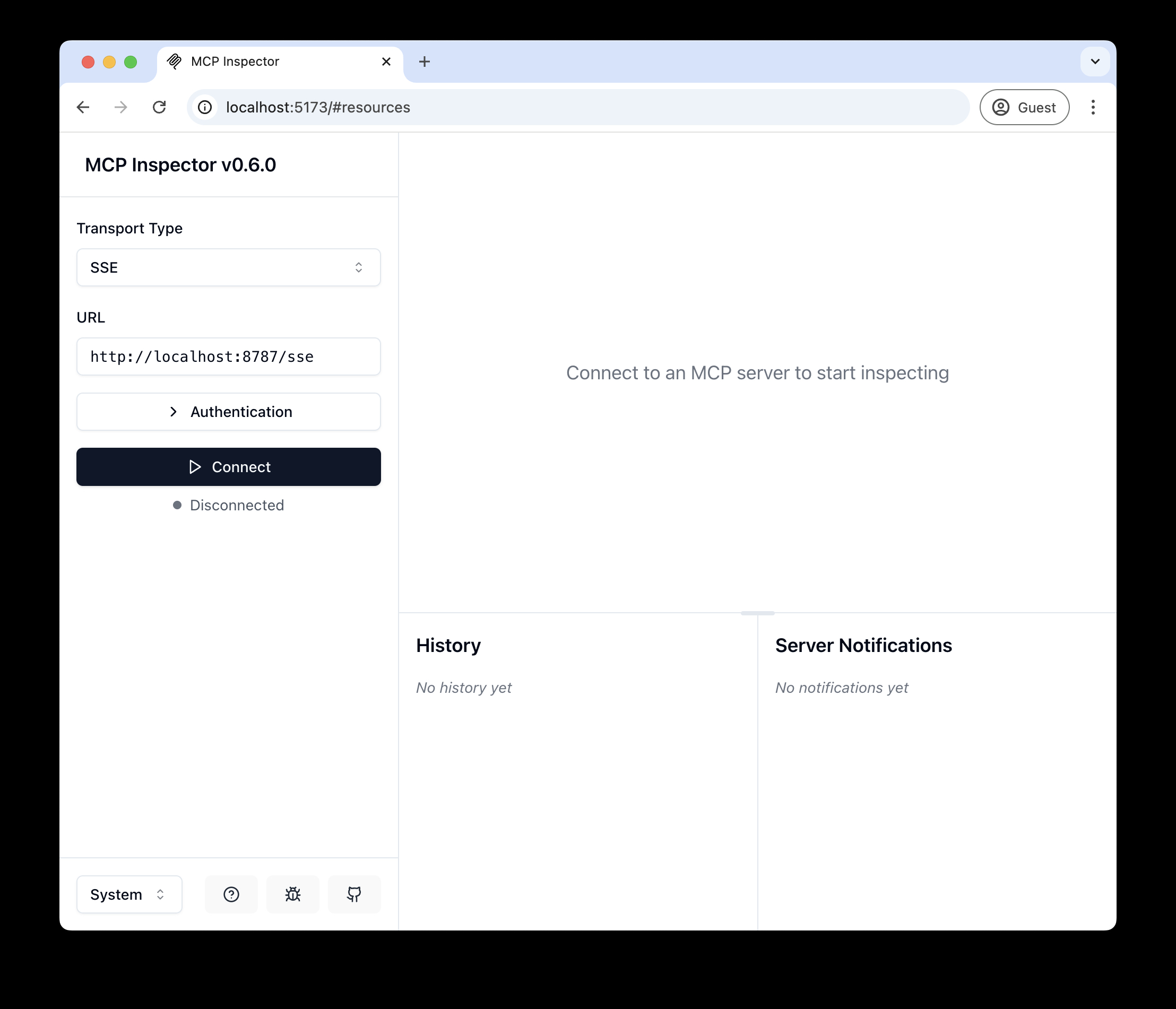
npx @modelcontextprotocol/inspector - Within the inspector, switch the Transport Type to
SSEand enterhttp://localhost:8787/sseas the URL of the MCP server to connect to, and click "Connect" - You will navigate to a (mock) user/password login screen. Input any email and pass to login.
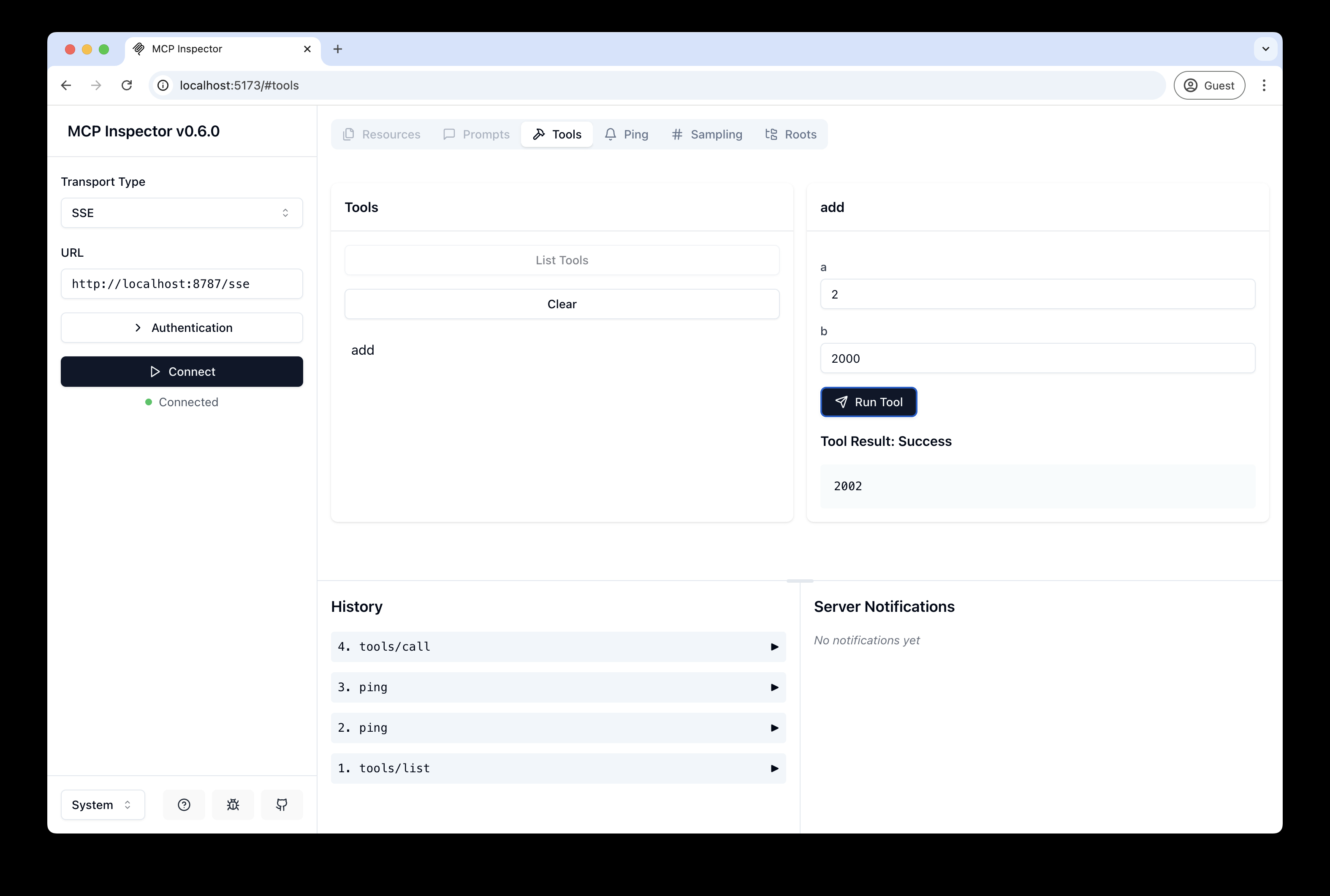
- You should be redirected back to the MCP Inspector and you can now list and call any defined tools!
Connect Claude Desktop to your local MCP server
The MCP inspector is great, but we really want to connect this to Claude! Follow Anthropic's Quickstart and within Claude Desktop go to Settings > Developer > Edit Config to find your configuration file.
Open the file in your text editor and replace it with this configuration:
{
  "mcpServers": {
    "math": {
      "command": "npx",
      "args": [
        "mcp-remote",
        "http://localhost:8787/sse"
      ]
    }
  }
}
This will run a local proxy and let Claude talk to your MCP server over HTTP
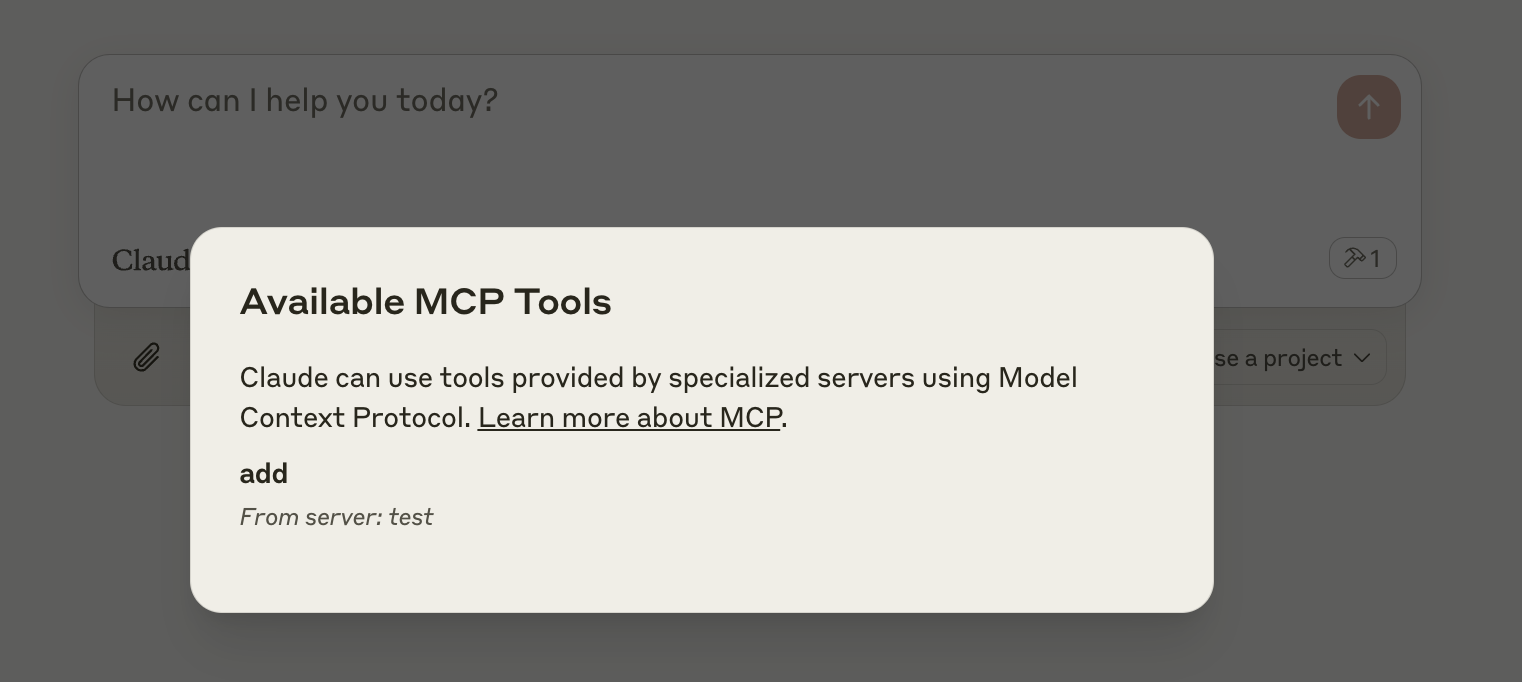
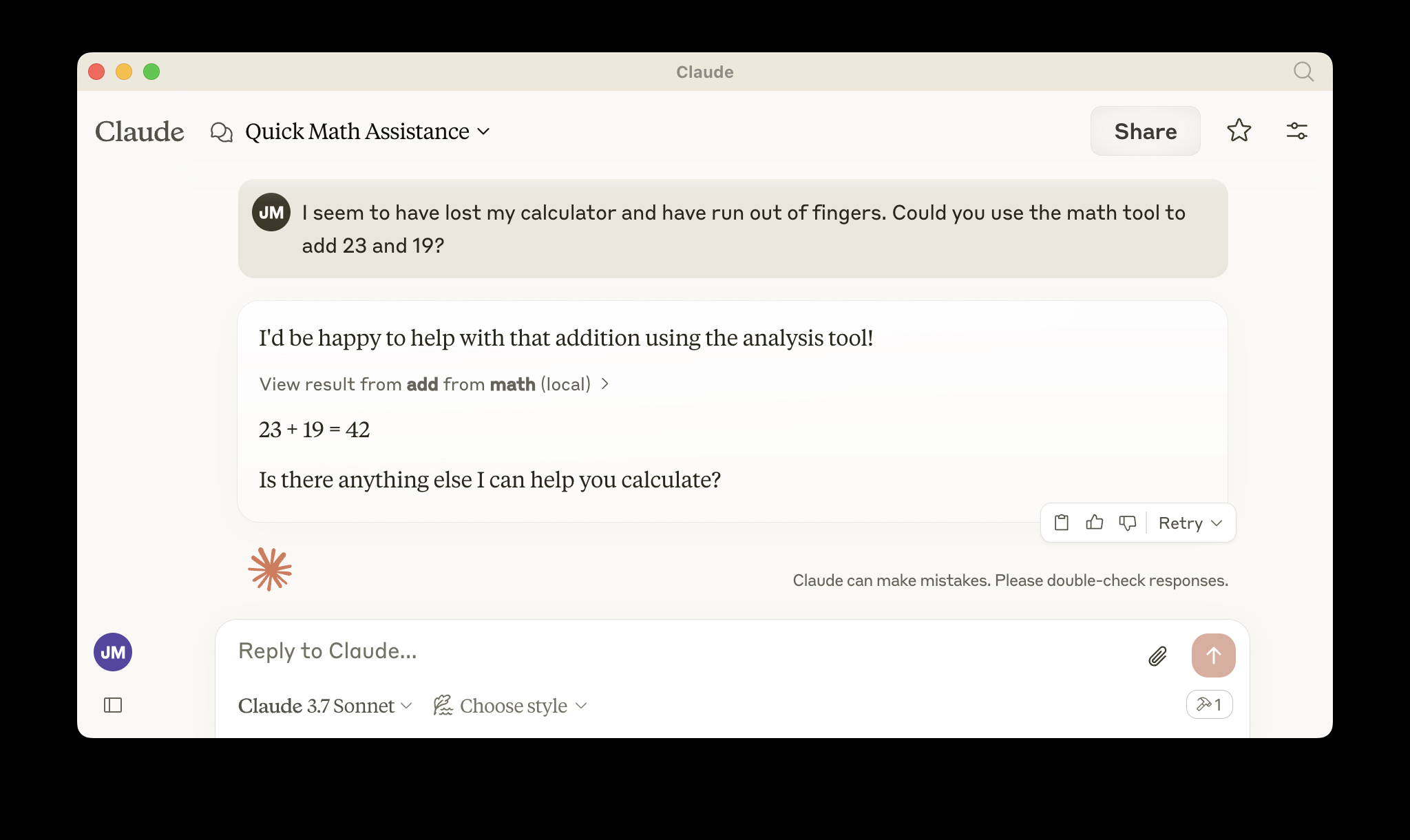
When you open Claude a browser window should open and allow you to login. You should see the tools available in the bottom right. Given the right prompt Claude should ask to call the tool.
Deploy to Cloudflare
npx wrangler kv namespace create OAUTH_KV- Follow the guidance to add the kv namespace ID to
wrangler.jsonc npm run deploy
Call your newly deployed remote MCP server from a remote MCP client
Just like you did above in "Develop locally", run the MCP inspector:
npx @modelcontextprotocol/inspector@latest
Then enter the workers.dev URL (ex: worker-name.account-name.workers.dev/sse) of your Worker in the inspector as the URL of the MCP server to connect to, and click "Connect".
You've now connected to your MCP server from a remote MCP client.
Connect Claude Desktop to your remote MCP server
Update the Claude configuration file to point to your workers.dev URL (ex: worker-name.account-name.workers.dev/sse) and restart Claude
{
  "mcpServers": {
    "math": {
      "command": "npx",
      "args": [
        "mcp-remote",
        "https://worker-name.account-name.workers.dev/sse"
      ]
    }
  }
}
Debugging
Should anything go wrong it can be helpful to restart Claude, or to try connecting directly to your MCP server on the command line with the following command.
npx mcp-remote http://localhost:8787/sse
In some rare cases it may help to clear the files added to ~/.mcp-auth
rm -rf ~/.mcp-auth