AIGUI
Cho phép các tác nhân lập trình vẽ: biểu đồ, mermaid, toán học, cảnh 3D, phân tử và cấu trúc hạ tầng với các bước phát dưới dạng PNG hoặc trang trình duyệt trực tiếp. Điền dữ liệu vào biểu đồ từ tệp CSV/JSON, kiểm tra bản vẽ để phát hiện nhãn chồng chéo hoặc bị cắt, và xuất PDF, HTML độc lập hoặc GIF. Chạy cục bộ; cũng là plugin cho Claude Code và Codex.
Tài liệu
AIGUI




Render a streaming LLM answer as live UI — markdown, charts, diagrams, maths, 3D, topologies and app-defined cards — in React, Vue or plain DOM.
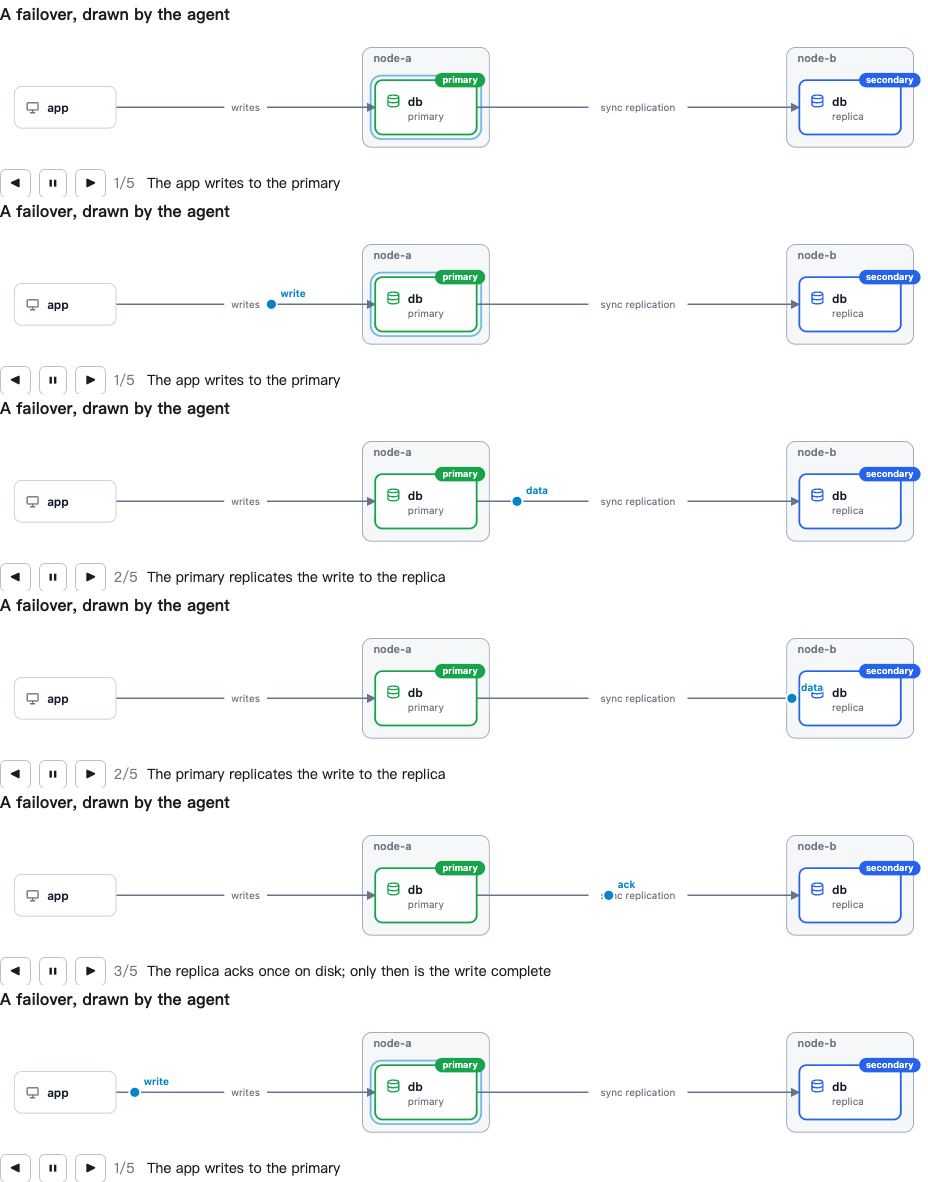
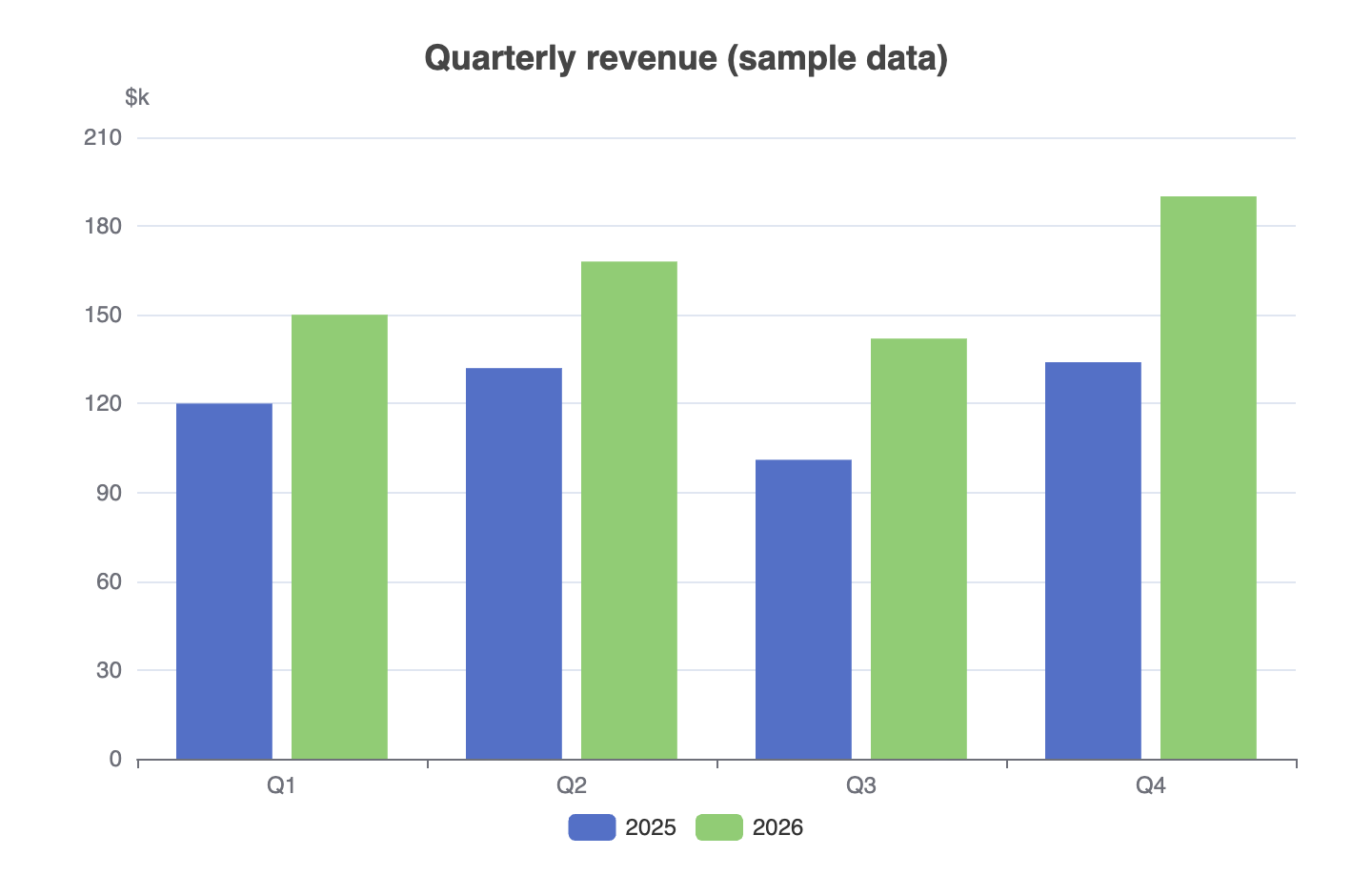
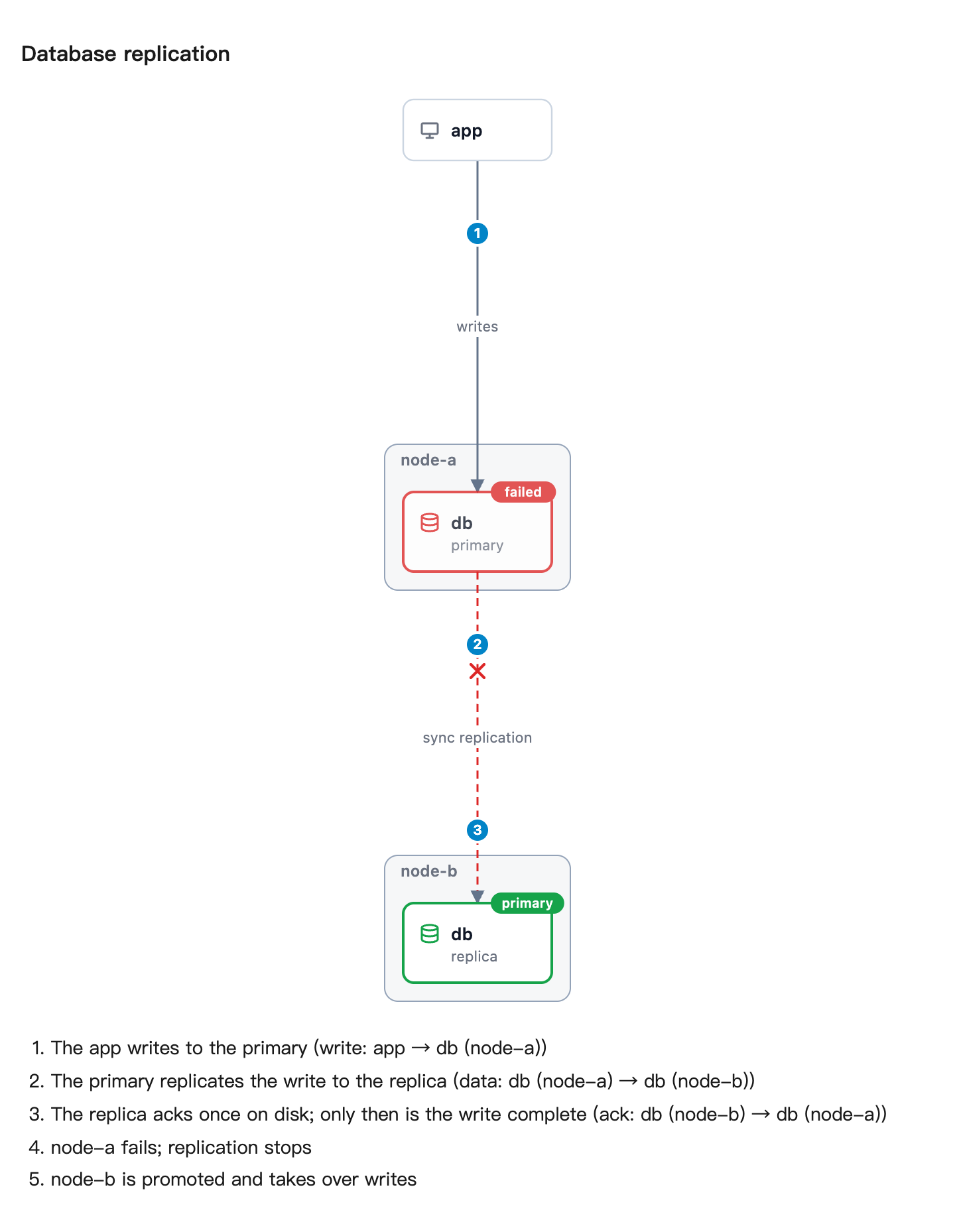
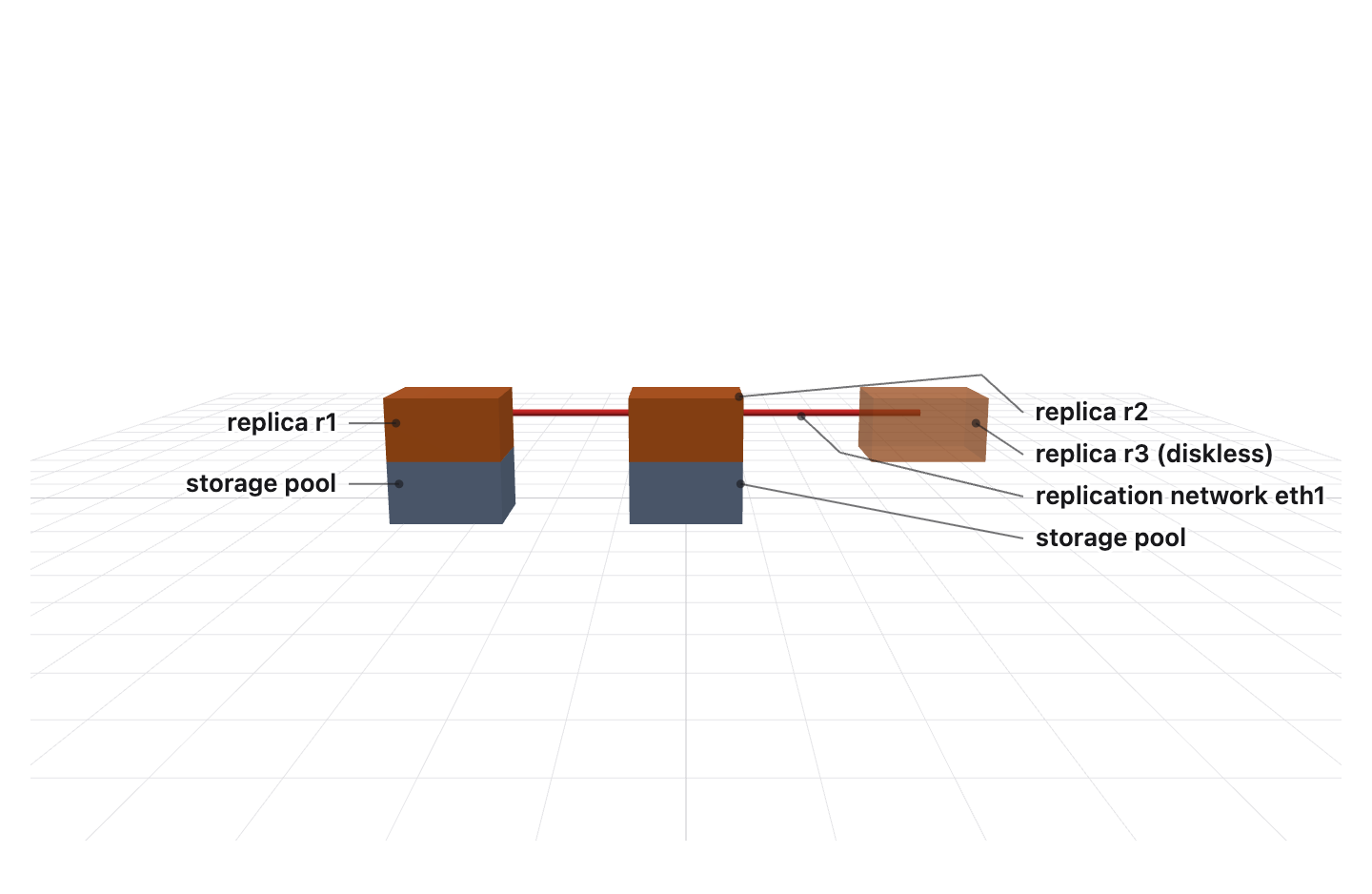
Live demos · Use it from Claude Code or Codex — the agent draws charts, diagrams, 3D and topologies for you, as pictures or a live page: install the plugin.
 |  |
 |  |
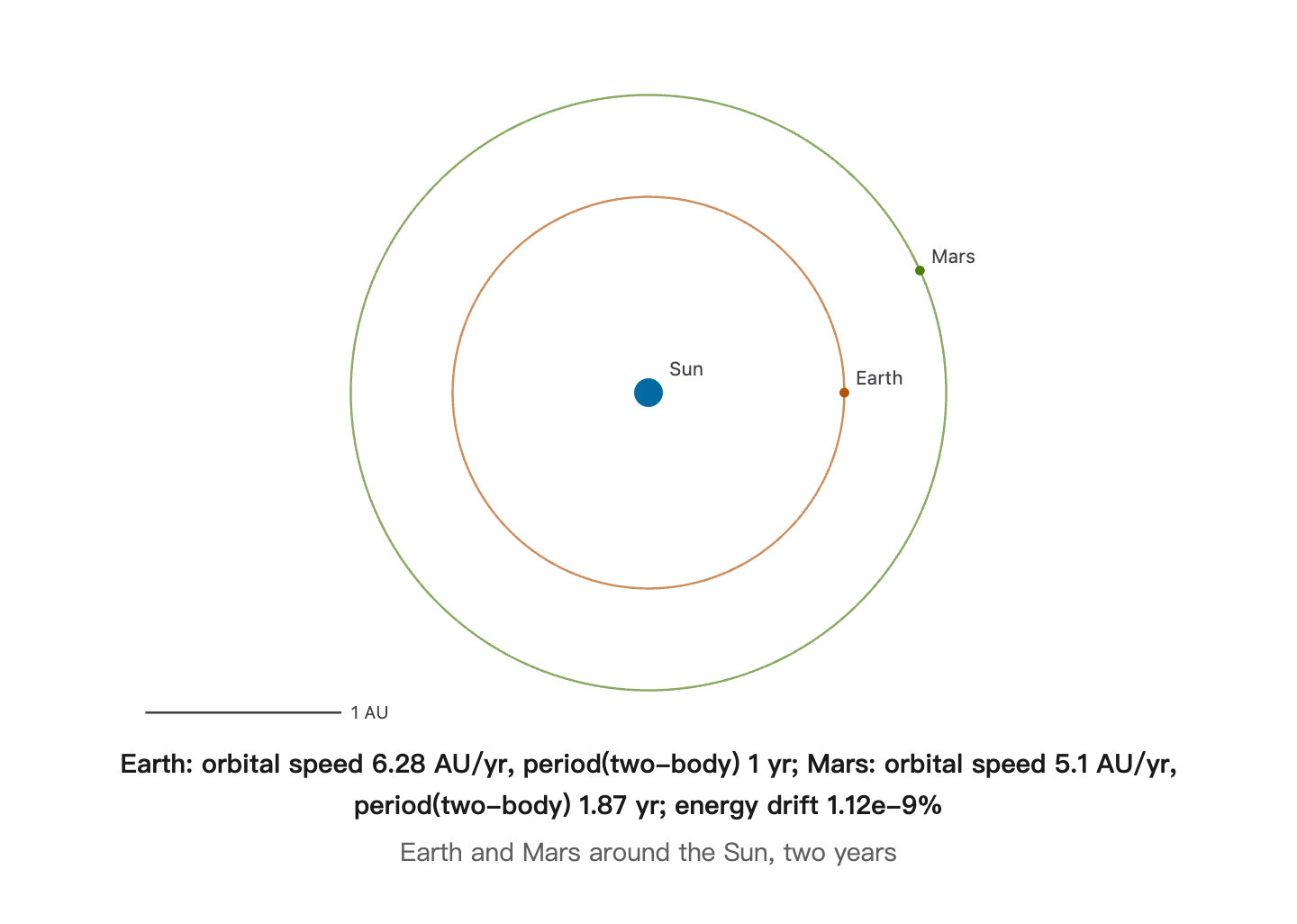 | 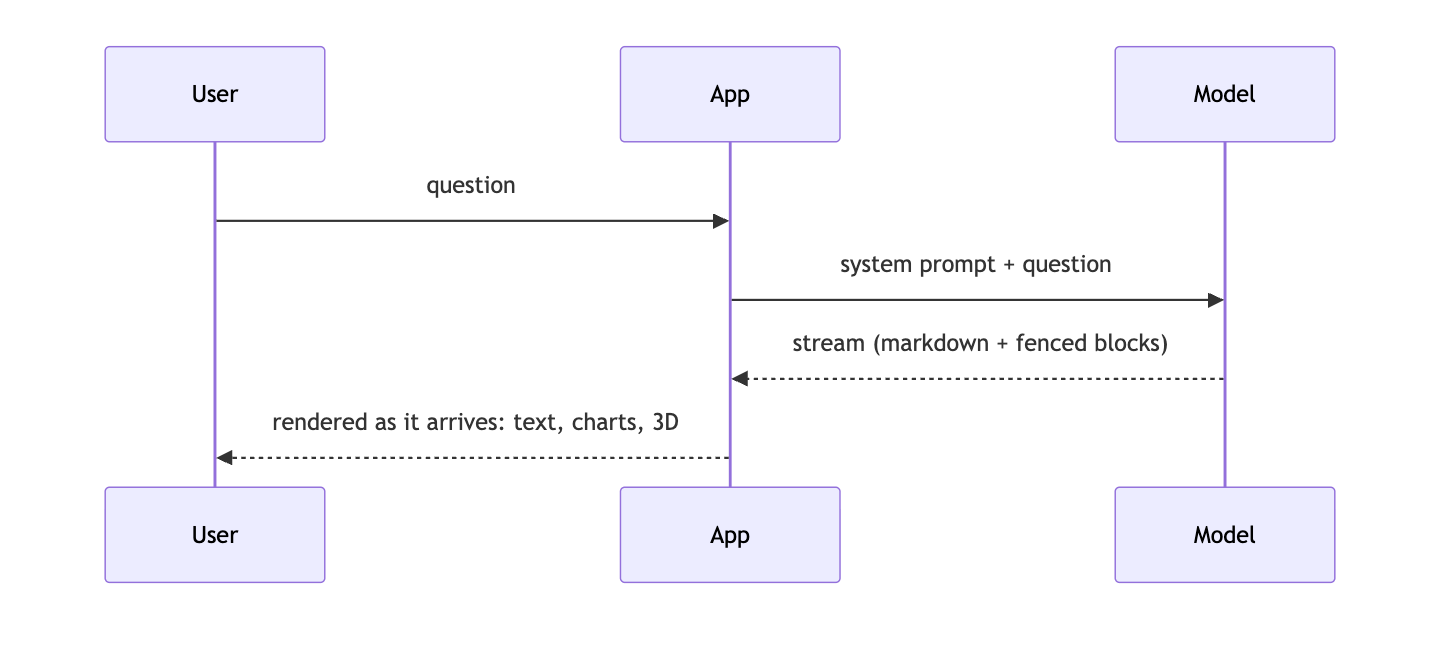 |
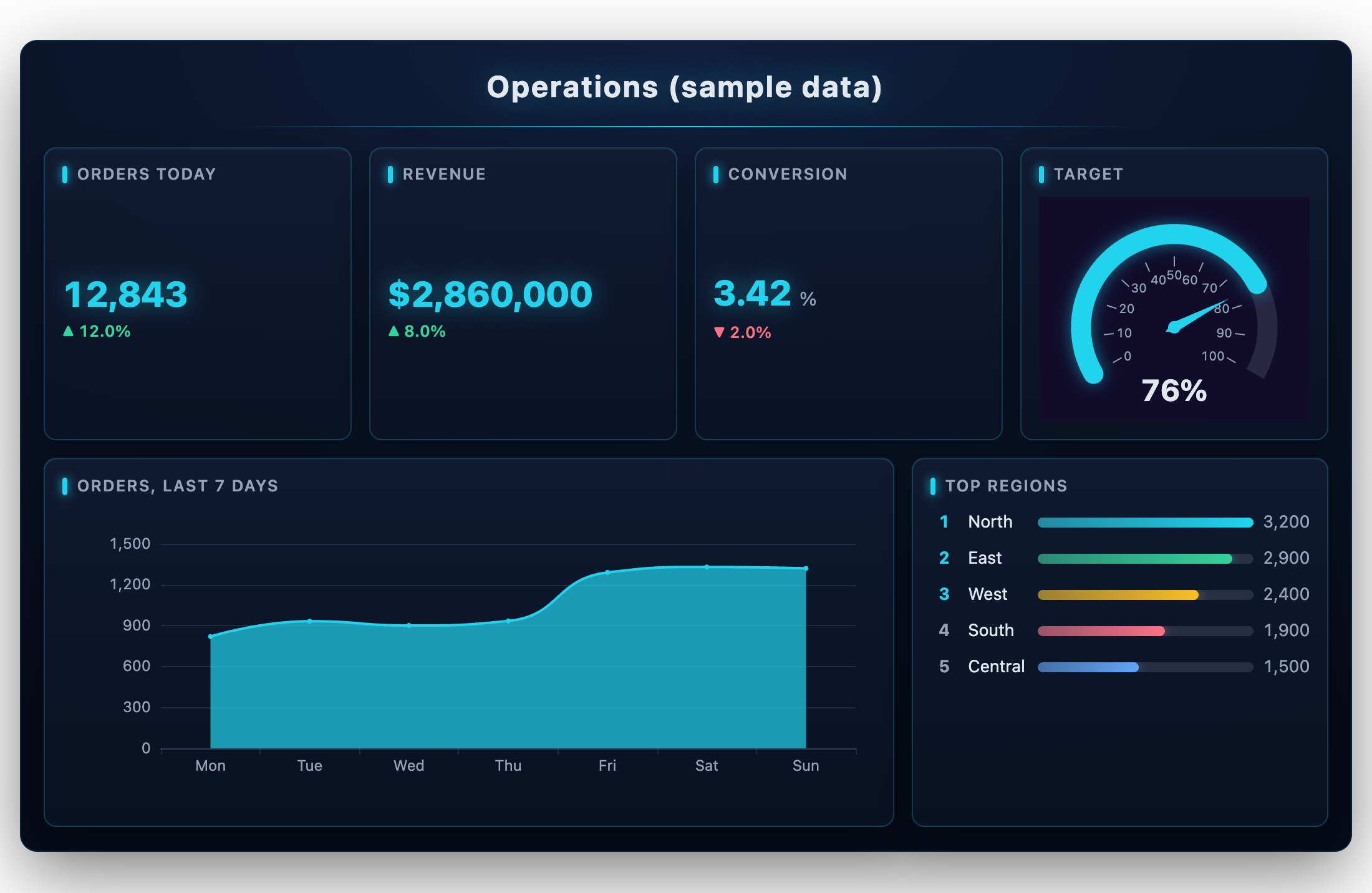
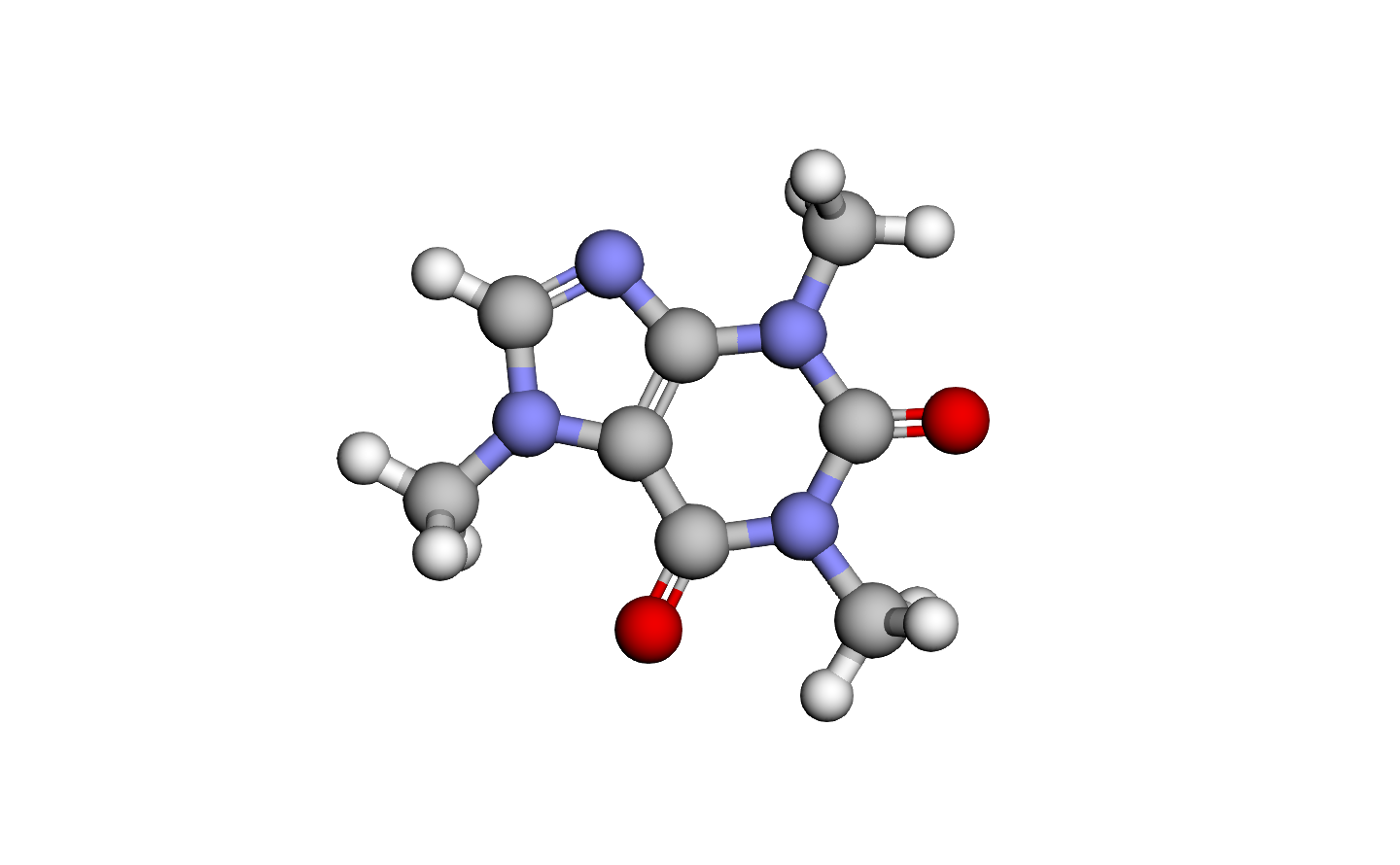
Every picture above was drawn by AIGUI from a fenced block a model wrote; the data is sample data.
Install
pnpm add @ai-gui/core @ai-gui/react      # or @ai-gui/vue, @ai-gui/vanilla
pnpm add @ai-gui/plugin-chart @ai-gui/plugin-mermaid @ai-gui/plugin-katex   # any plugins
Quick start
import { useRef } from "react"
import { buildSystemPrompt } from "@ai-gui/core"
import { AIRenderer } from "@ai-gui/react"
import { chart } from "@ai-gui/plugin-chart"
import { mermaid } from "@ai-gui/plugin-mermaid"

const plugins = [chart(), mermaid()]
const system = buildSystemPrompt({ base: "You are a helpful assistant.", plugins })

export function Answer() {
  const ref = useRef(null)
  async function ask(question: string) {
    const res = await fetch("/api/chat", { method: "POST", body: JSON.stringify({ system, question }) })
    ref.current.reset()
    await ref.current.feed(res.body) // renders as the tokens arrive
  }
  return <AIRenderer ref={ref} plugins={plugins} />
}
buildSystemPrompt tells the model which blocks it may write; pass locale: "zh-CN" for the rules in Chinese. The backend only streams text — any language works.
In Claude Code and Codex
# Claude Code
/plugin marketplace add liliang-cn/aigui
/plugin install aigui@aigui

# Codex
codex plugin marketplace add liliang-cn/aigui
codex plugin add aigui@aigui
The agent can then draw: aigui_render returns PNGs, aigui_open opens a live page in your browser, aigui_edit changes a page in place, aigui_export saves it as PNG, PDF, a self-contained HTML file or a GIF/WebM of it playing, and aigui_topology draws a system straight from its docker-compose or Kubernetes files. Page text is English unless you ask for another language. See @ai-gui/mcp.
To see the pictures inside Claude Code instead of an image viewer, add the img-view mod: /plugin install img-view@aigui. It shows each drawing in a pane beside the conversation, as real pixels in kitty, Ghostty, iTerm2 and WezTerm and as colour block art in any other terminal.
Docs
- All packages on npm: npmjs.com/org/ai-gui
- Full guide — cards, actions, channels, plugins in depth
- AGENTS.md — integrating the SDK, what the model may write, releasing
- Each package's README, under
packages/
License
MIT