CrossPaste
Trình quản lý clipboard đa thiết bị mã nguồn mở (macOS/Windows/Linux) với máy chủ MCP tích hợp: tìm kiếm và truy xuất lịch sử clipboard được đồng bộ trên tất cả thiết bị của bạn, đọc văn bản OCR từ hình ảnh đã sao chép, và thêm mục vào clipboard.
Tài liệu
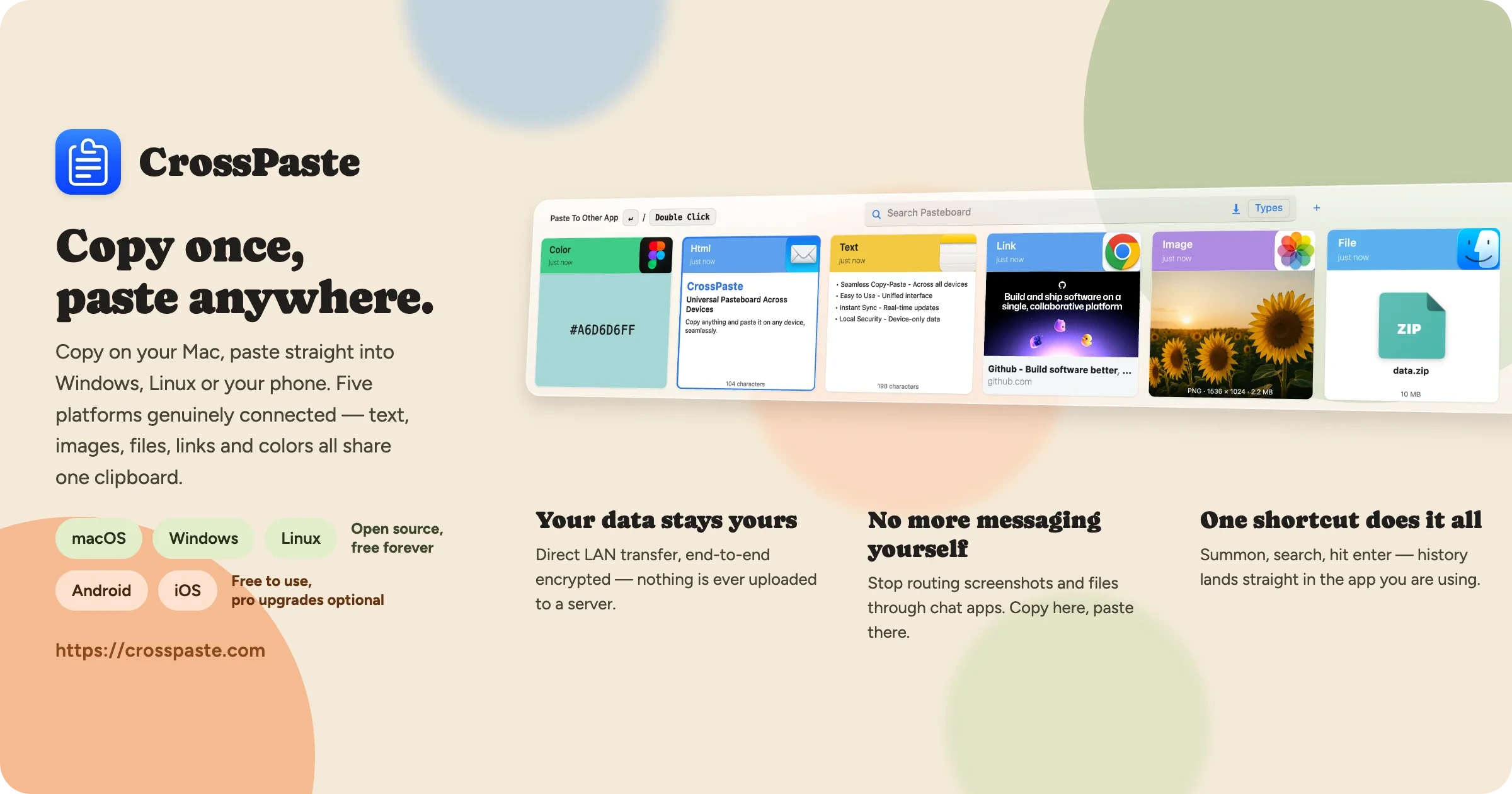
CrossPaste: Universal Pasteboard Across Devices
Copy anything and paste it on any device, seamlessly
简体中文
·
Official Website
·
Wiki
·
Download
·
Video












✨ Features
- 🔄 Real-time Sharing: Instantly share pasteboard content across devices, seamlessly.
- 🖥️ Unified Cross-platform: Consistent interface on Mac, Windows, and Linux. No need to change habits.
- 📋 Rich Type Support: Handle various pasteboard types: Text, Color, URL, HTML, RTF, Image, File.
- 🔒 End-to-End Encryption: Using asymmetric encryption to fully protect your data security.
- 🌐 LAN-only Serverless: Local storage, serverless architecture. Privacy protection, in your control.
- 🧹 Smart Space Management: Auto-cleanup options manage pasteboard storage without manual effort.
- 🔍 Built-in OCR: Extract text from images locally — no network calls, your screenshots never leave the device.
- 🤖 MCP Server: Expose your pasteboard history to AI assistants (Claude, etc.) via the Model Context Protocol.
- 🌍 Chrome Extension: Sync clipboard with the browser — copy on a web page, paste on any device.
- ⌨️ Command-Line: Copy, paste, and search your history from the terminal and scripts. See the CLI guide.
🏗 Getting Started with Development
-
clone the repository
git clone https://github.com/CrossPaste/crosspaste-desktop.git -
Compile and run the application
cd crosspaste-desktop
./gradlew app:run
First start will download JBR / gradle dependencies.
If you encounter the following error:
FAILURE: Build failed with an exception.

* What went wrong:
java.net.SocketException: Connection reset
> java.net.SocketException: Connection reset
you might need a VPN to download these dependencies.
To configure a proxy for gradle, add the following settings to gradle.properties, and adjust the parameters to match your proxy configuration:
systemProp.https.proxyHost=localhost
systemProp.https.proxyPort=8080
systemProp.https.proxyUser=userid
systemProp.https.proxyPassword=password
systemProp.http.nonProxyHosts=*.nonproxyrepos.com|localhost
Additionally, a series of technical blogs about CrossPaste is being published (approximately one article per week). If you're interested in developing cross-platform applications, you're welcome to read them.
🌍 Building the Chrome Extension
The Chrome extension lives in web/ and is built via Gradle. Node.js (>= 18) is required — the npmInstall task will fetch dependencies on first build.
-
Build the extension
./gradlew :web:buildThe unpacked extension is emitted to
web/dist/. -
Load it into Chrome
- Open
chrome://extensions/ - Enable Developer mode in the top-right corner
- Click Load unpacked and select the
web/dist/directory
- Open
The extension auto-discovers a CrossPaste desktop app running on the same machine and syncs clipboard content with it. To iterate on extension code, run npm run dev inside web/ for a fast Vite dev loop, then reload the extension in Chrome. The extension imports a Kotlin/JS core library produced by ./gradlew :core:jsBrowserProductionLibraryDistribution (also run as part of :web:build) — re-run that task whenever you change core/ sources.
🗺️ Roadmap
CrossPaste is continuously evolving! v2.2 brings a full command-line mode — copy, paste, and search your history straight from the terminal. Here's what we're working on next:
- Plugin system — let the community extend CrossPaste with custom paste types and integrations
This is just a small part of our plans. Want to learn more details and long-term plans? Check out our full roadmap.
🙋 FAQ
Here are some FAQs that have been collected. If you have other questions, please create an issue to let us know.
🤝 Support the project
- 🌟 Star this repository: This is the easiest way to support CrossPaste and costs nothing.
- 🪲 Report bugs: Report any bugs you find on the issue tracker.
- 📖 Translate: Help translate and polish CrossPaste into your language.
- 📝 Contribute: Code, comment on issues, and any contributions that can help the project are welcome.
- 💖 Sponsor: Support financially via GitHub Sponsors to help with ongoing development and maintenance.
📝 Contributors


💖 Sponsors

