altspark
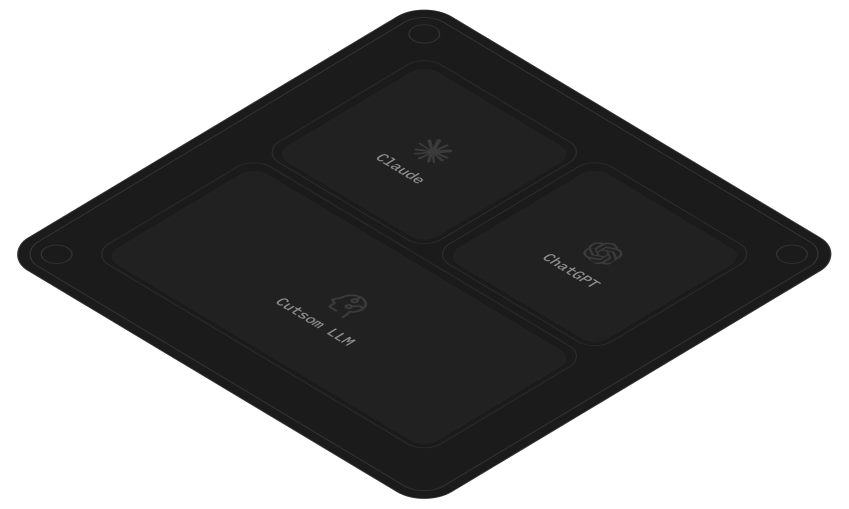
altspark connects scattered data and systems into one shared context for AI, so you get better answers, smarter workflows and deeper insights. It serves that context to Claude, ChatGPT or any AI tool through an MCP server it hosts.
Tài liệu
-
Waiting on IT or a quote
The request waits behind the roadmap or a reseller's quote, and the ERP stays out of your AI for months. -
Connectors that stop short
The office server's database isn't in any library, and the connector you found covers half the product. -
Paying for seats to ask
The ERP and help desk charge per user, so most of the team waits on the few with a login. -
Rebuilding numbers by hand
Every week someone exports, pastes and reconciles a spreadsheet that never refreshes and leaves with them.
-
Connect
Describe the system. The connection gets built.
- Connections built from a plain-English request.
- Private or undocumented tools.
- Databases on your own server.
- Files wherever they sit.
- An MCP server in every project.
-
Understand
Your data kept current, and understood as it comes in.
- Syncs on the schedule you set.
- Records linked across systems.
- A knowledge file and a Data Map.
- Documents, recordings and video as records.
-
Activate
Put it to work, with a person approving where it matters.
- Workflows and agents with approval steps.
- Saved questions that re-run on a schedule.
- Surfaces.
- Inboxes.
-
From unstructured to understood
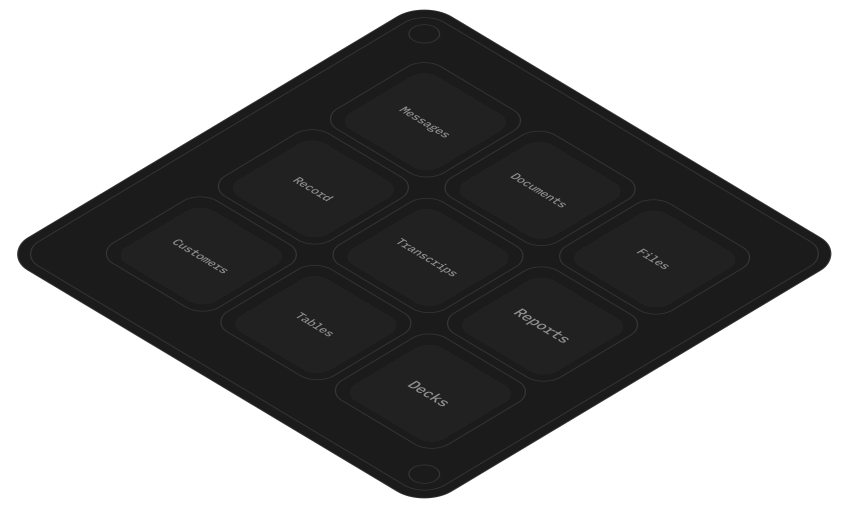
PDFs, scans, emails, recordings and spreadsheets arrive messy. altspark pulls typed fields out of them, reads structured files for what they mean, and links it all to the rest of your data.
-
Let everyone ask, not just seat holders
Unlimited seats on every plan. A client or your accountant signs in by email without taking one.
-
Keep data current without rebuilding it
Data syncs on your schedule. Nobody maintains a pipeline or rebuilds the weekly export.
-
Get the work prepared, then approve it
Workflows draft the renewal brief or the weekly report. A person approves before anything is sent.
-
Keep the keys with IT
Read-only by default, a tunnel opened from your side, and every call logged.
Build your context layer in 10 minutes.
Start with the system your team waits on most, and let everyone ask it from the AI they already use.
- Product
How to turn every sales and support call into product feedback
Before Call recordings sit in Gong or Fireflies, and nobody listens back. After Every call is transcribed, tagged by an AI column and written to Notion. - Engineering
How to ask what shipped and what's blocked
Before Status lives across GitHub, Linear and Figma, and someone compiles the update by hand. After Ask in Claude what shipped, what's blocked and which pull requests wait on review. - Marketing
How to report every campaign from one place
Before Ad platforms, HubSpot and analytics exported into a deck every month. After Spend and pipeline joined across systems, asked in Claude, with a live page for the team. - Sales & CS
How to brief every account before the call
Before Reps open the CRM, the billing tool and old email threads one tab at a time. After Ask in Claude for an account brief across Sales, Finance and Support. - Finance & ops
How to close the month from the source
Before ERP exports and bank statements reconciled by hand in spreadsheets. After Statements read from the PDFs and matched against the ledger, with the records behind every answer. - HR
How to answer people questions from policy and payroll
Before The handbook in Notion, payroll in Gusto, and the same questions in Slack every week. After Anyone asks in Claude and gets the answer with the policy passage cited.

Head of Finance Shamrock Chicago
-
Writes back only where you allow it.
-
Your own server, reached from your side.
-
Credentials encrypted, every action logged.
-
Role-based access control on every field.
-
SOC 2 Type 1 report.
-
Spark
$ 2 9 9 $299 / month For one team putting its first systems in front of its AI.
- 2 MCP servers
- 20 Surfaces
- $25 AI wallet a month
- 30-day run history
- Every feature, unlimited users
-
Ignite
$ 7 9 9 $799 / month For several teams asking every day, with Surfaces in regular use.
- 6 MCP servers
- 50 Surfaces
- $50 AI wallet a month
- 90-day run history
- Every feature, unlimited users
-
Surge
$ 2,7 9 9 $2,799 / month For heavy, constant use and a team building on altspark.
- 20 MCP servers
- 200 Surfaces
- $150 AI wallet a month
- 1-year run history
- Every feature, unlimited users
What if there's no connector for my tool?
altspark doesn't need one. Tell altspark which tool you use and what you need from it. altspark reads the tool's API docs, works out how to sign in, and builds the connection in your project. Any tool with an API, a database or files it can export can be connected.
What if my tool isn't in Claude's connector library?
Connect it to altspark, then connect altspark to Claude. altspark builds the connection to your tool from its API docs, keeps its data up to date, and serves it through your project's MCP server. Add that server to Claude once as a custom connector, and Claude can work with your tool's data alongside everything else in your project.
Claude or ChatGPT already has a connector for our tool, but it doesn't do what we need. Can altspark help?
Yes. A built-in connector covers what its maker chose, such as work items without the wiki or the builds. altspark builds the connection around your job, so every part you need comes in together, and it works in every AI tool you connect to altspark.
Can altspark connect a private tool, or one with no public docs?
Usually, yes. Paste what you have: an API description (OpenAPI or Swagger), a cURL command, a sample request, pages from private docs, or an email from the vendor, and altspark builds from that. Postman collections and WSDL files can be imported too. If altspark can't find a way in, it shows what it found and what to ask the vendor.
Is altspark just Claude with connectors?
No. A connector fetches one tool's data when you ask and keeps nothing. altspark pulls structured data out of your PDFs, emails and recordings, keeps each source up to date on a schedule, links the same customer across systems, and serves all of it to Claude, ChatGPT or any AI tool through your project's MCP server.
Why not build this on MCP ourselves?
You can. MCP is an open protocol. The hard part sits behind the server: keeping data current, joining records across systems, controlling who sees what, and running the server. altspark does that part.
How do I connect altspark to Claude, ChatGPT or Cursor?
Every altspark project comes with its own ready-made MCP server, and you can build more in Designer MCP, altspark's custom MCP server builder, up to your plan's limit. altspark shows the steps for each AI tool. In Claude, add it as a custom connector. In ChatGPT, add it as an MCP server under Settings > Plugins. In Cursor and VS Code, one click adds it. It also works with Microsoft Copilot, Claude Code, Codex CLI, Gemini CLI and any other tool that supports MCP.
Does altspark have role-based access control (RBAC)?
Yes. A role names people by altspark account, email address or whole domain. Each data store sets which roles can see it and how each field appears to each role: the real value, partly masked, hidden, or left out. Every MCP server and Surface lets in only the roles you pick, and the data rules follow automatically, so you set them once. Project members are also either Build, to change the project, or Use, to view and run what's been built.
What is Designer MCP?
Designer MCP is altspark's builder for custom MCP servers. Describe what you need and altspark's AI builds the server, build it tool by tool yourself, or start from a data source. Each server gets tools that read and act on your project's data, ready to add to Claude, ChatGPT or any other AI tool. Despite the name, it's for anyone who wants to give their AI custom tools.
Can each person see only their own data?
Yes. Roles control which data stores and fields each person sees, everywhere: in the app, in every MCP server and on every Surface. To go further and show each person only their own records, such as the accounts they own, add a Check Access step to an MCP tool built in Designer MCP, which filters by who is signed in.
Does altspark write to our systems?
Only where you build it to. altspark never writes to your databases: every database query is read-only. It writes to an app only through a step or tool someone builds for that, and you can put an approval step in front of any write. For a system of record like Sage 100, altspark builds the import file, a person approves it, altspark delivers it to a folder on your network, and Sage imports it.
Is altspark SOC 2 compliant?
altspark is completing its SOC 2 Type 1 audit. The controls, policies and monitoring are in place. Ask us for our security practices and subprocessor list.
Can altspark run in our private cloud?
No. altspark is a hosted service. To reach systems on your own network, you install altbot, a small agent that connects outward from your side, so nothing on your network has to accept incoming connections.
We already have a data warehouse and a catalog. Do we need altspark?
Yes, if you want to put that data to work. A warehouse stores your data, and altspark acts on it. Connect the warehouse like any other source, then build workflows that run on it, agents that work with it, Surfaces your team and clients use, and an MCP server so Claude or ChatGPT can answer questions from it. altspark also brings in what the warehouse misses: apps with no connector, the database on the office server, folders of PDFs.
Your AI couldn't see your business. Now it can.
Connect your first system and ask it a question.