WolframAlpha LLM
Trả lời các câu hỏi toán học và các truy vấn khác bằng cách sử dụng API WolframAlpha LLM.
Tài liệu
WolframAlpha LLM MCP Server
A Model Context Protocol (MCP) server that provides access to WolframAlpha's LLM API. https://products.wolframalpha.com/llm-api/documentation
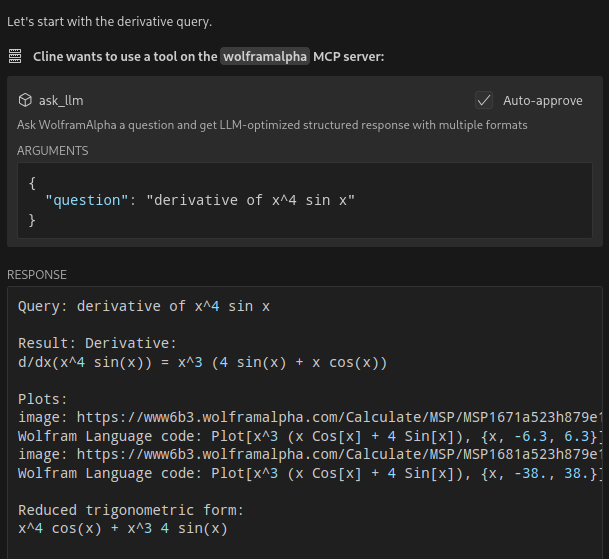
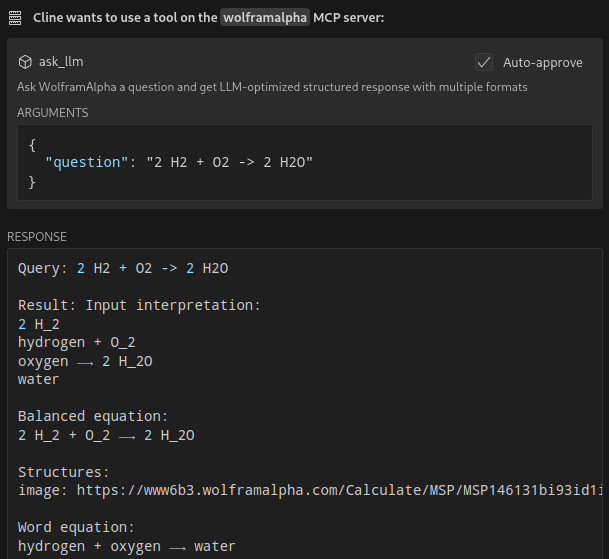
Features
- Query WolframAlpha's LLM API with natural language questions
- Answer complicated mathematical questions
- Query facts about science, physics, history, geography, and more
- Get structured responses optimized for LLM consumption
- Support for simplified answers and detailed responses with sections
Available Tools
ask_llm: Ask WolframAlpha a question and get a structured llm-friendly responseget_simple_answer: Get a simplified answervalidate_key: Validate the WolframAlpha API key
Installation
git clone https://github.com/Garoth/wolframalpha-llm-mcp.git
npm install
Configuration
-
Get your WolframAlpha API key from developer.wolframalpha.com
-
Add it to your Cline MCP settings file inside VSCode's settings (ex. ~/.config/Code/User/globalStorage/saoudrizwan.claude-dev/settings/cline_mcp_settings.json):
{
  "mcpServers": {
    "wolframalpha": {
      "command": "node",
      "args": ["/path/to/wolframalpha-mcp-server/build/index.js"],
      "env": {
        "WOLFRAM_LLM_APP_ID": "your-api-key-here"
      },
      "disabled": false,
      "autoApprove": [
        "ask_llm",
        "get_simple_answer",
        "validate_key"
      ]
    }
  }
}
Development
Setting Up Tests
The tests use real API calls to ensure accurate responses. To run the tests:
-
Copy the example environment file:
cp .env.example .env -
Edit
.envand add your WolframAlpha API key:WOLFRAM_LLM_APP_ID=your-api-key-hereNote: The
.envfile is gitignored to prevent committing sensitive information. -
Run the tests:
npm test
Building
npm run build
License
MIT