Notion
Tích hợp với API của Notion để quản lý danh sách việc cần làm cá nhân.
Tài liệu
notion-mcp

A simple Model Context Protocol (MCP) server that integrates with Notion's API to manage my personal todo list.
Demo
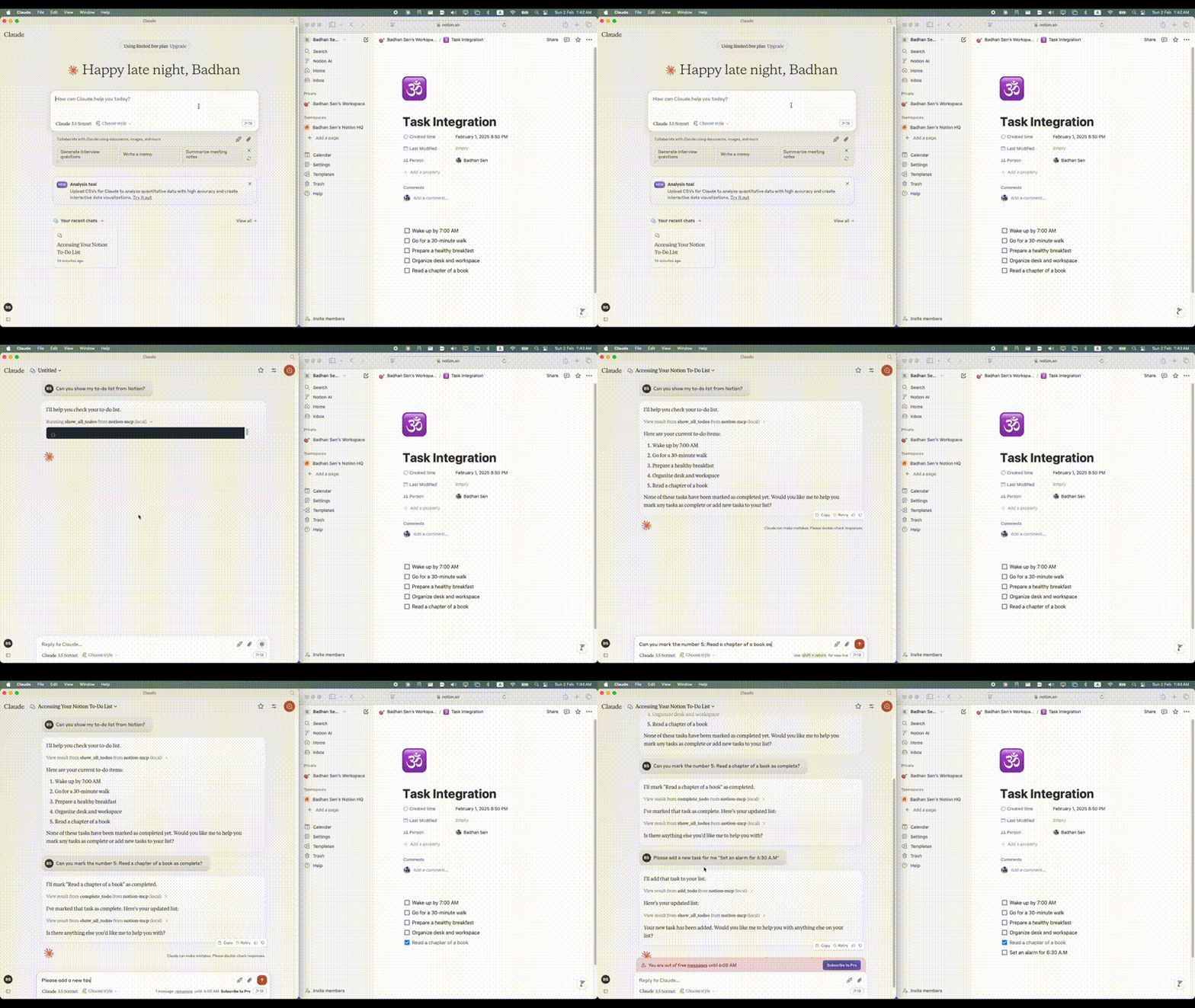
Visual Guide
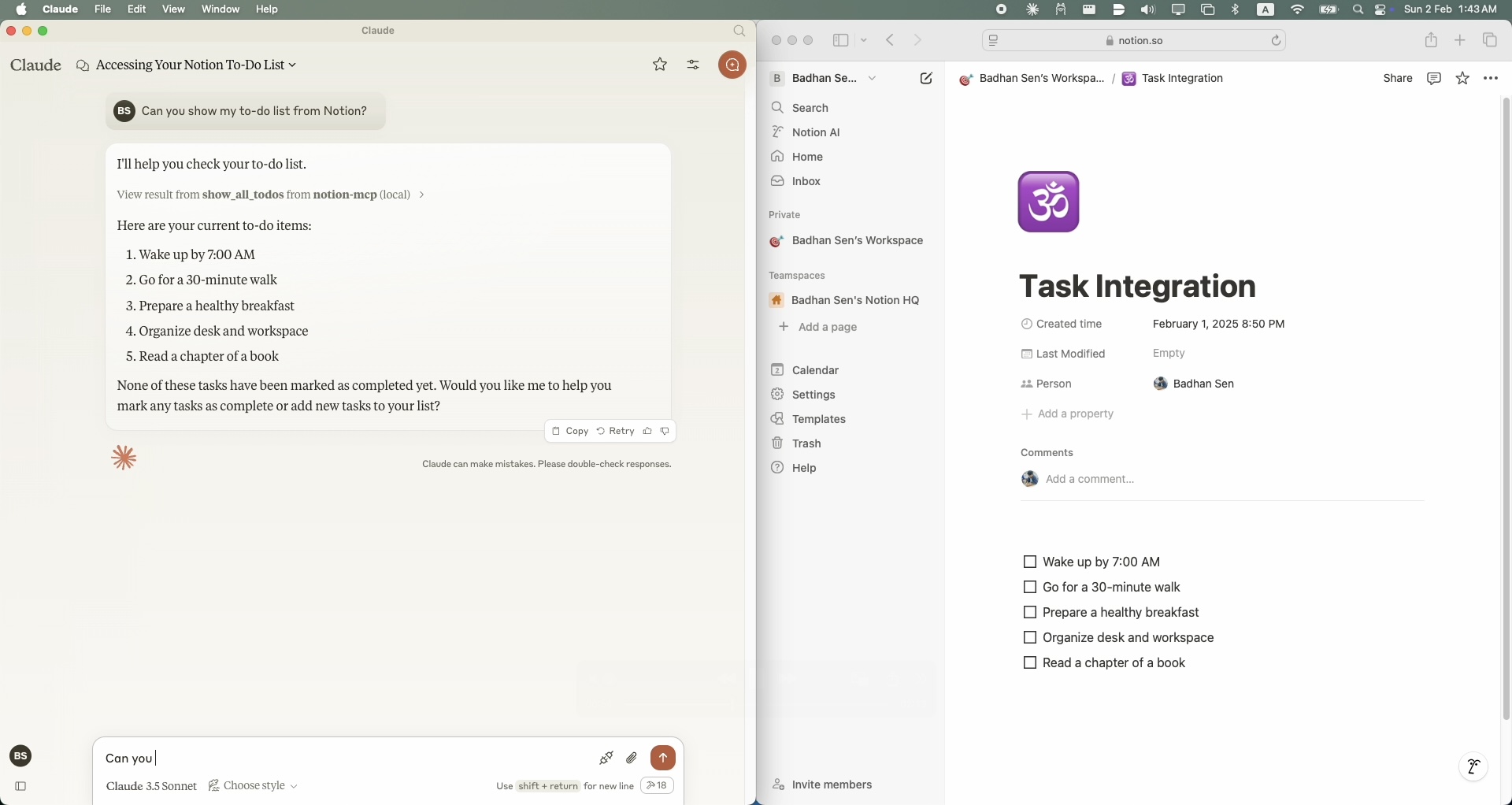
Notion MCP Query 1
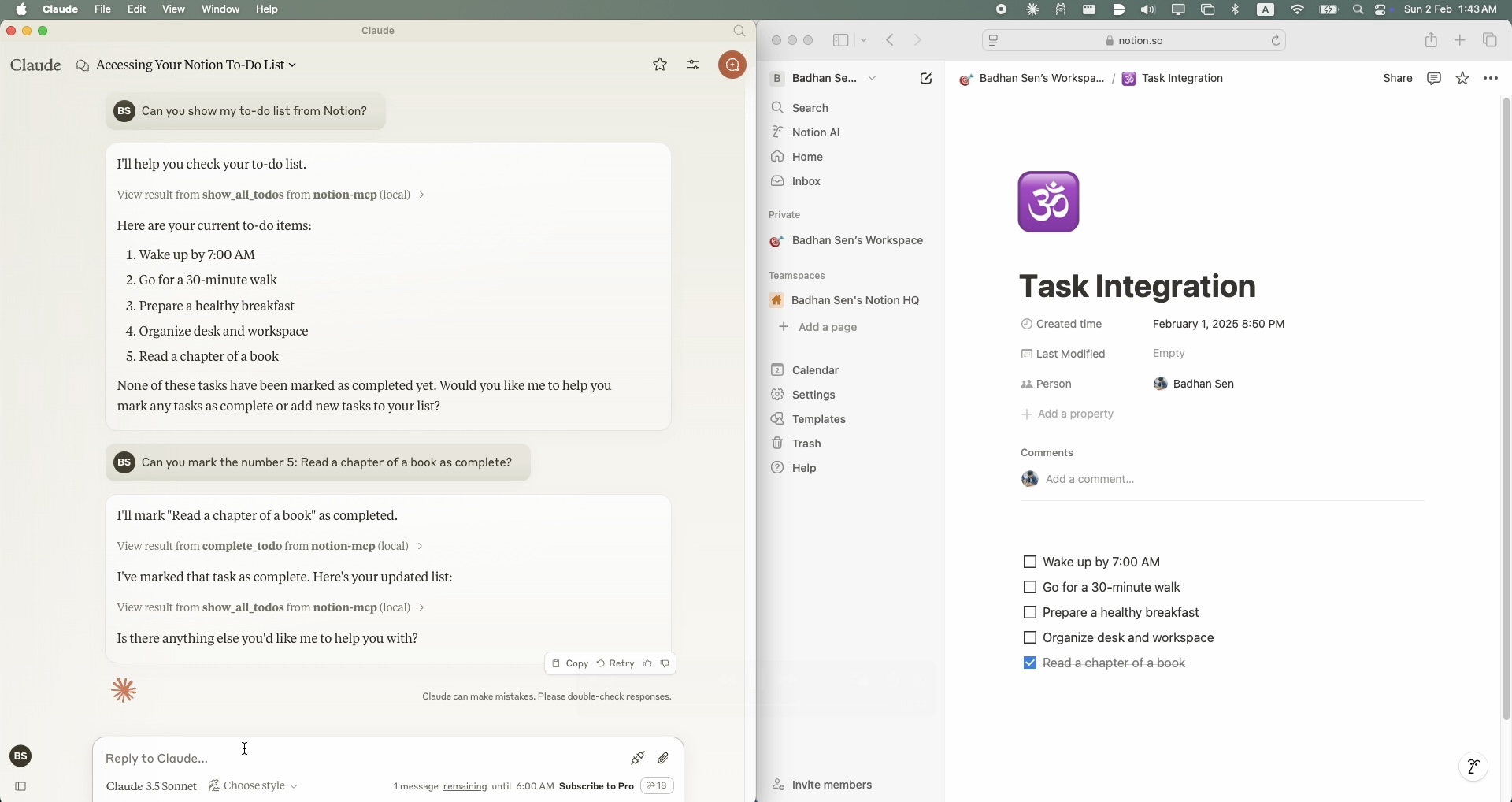
Notion MCP Query 2
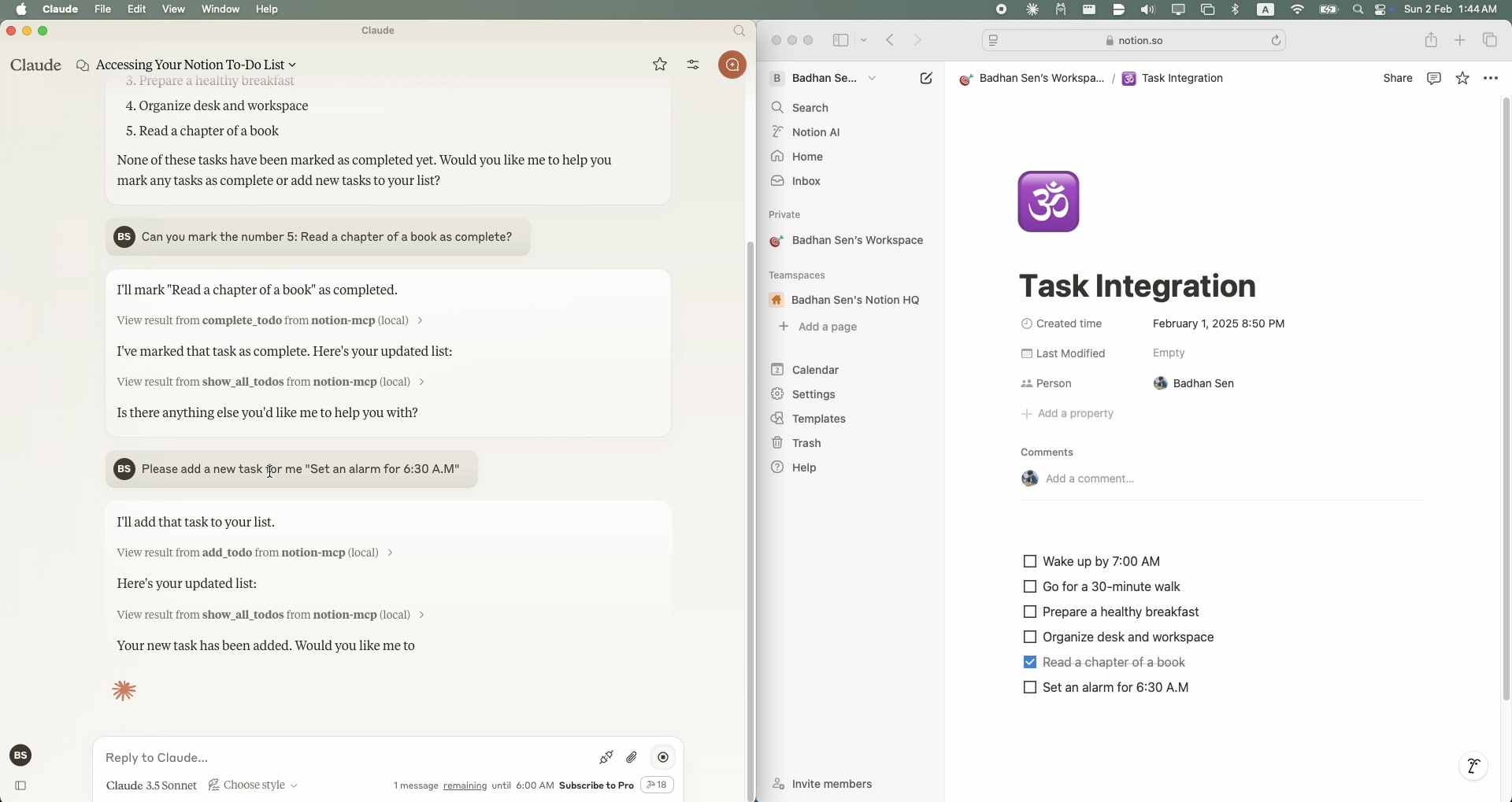
Notion MCP Query 3
Prerequisites
- Python 3.11 or higher
- A Notion account with API access
- A Notion integration token
- A Notion page where you want to manage your todo list
- Claude Desktop clint
Setup
Installing via Smithery
To install Notion MCP for Claude Desktop automatically via Smithery:
npx -y @smithery/cli install @Badhansen/notion-mcp --client claude
- Clone the repository:
git clone https://github.com/Badhansen/notion-mcp.git
cd notion-mcp
- Set up Python environment:
uv venv
source .venv/bin/activate
uv pip install -e .
- Create a Notion integration:
- Go to https://www.notion.so/my-integrations
- Create new integration
- Copy the API key
- Share your database/page with the integration:
- Open your notion workspace with a database/table present or a page.
- Click "..." menu → "Add connections"
- Select your integration (Search by name)
Configuration
- Create
.envfile:
cp .env.example .env
- Configure Notion credentials in
.env:
NOTION_TOKEN=<your-notion-api-token>
PAGE_ID=<your-notion-page-id>
NOTION_VERSION="2022-06-28"
NOTION_BASE_URL="https://api.notion.com/v1"
- To use it with Claude Desktop as intended you need to adjust your
claude_desktop_config.jsonfile. Go toClaude Desktop -> Settings -> Developer -> Edit Config. Now add theNotionserver configuration.
{
    "mcpServers": {
        "notion-mcp": {
            "command": "uv",
            "args": [
                "--directory",
                "/Users/username/Projects/Python/notion-mcp/src" /* Path to your project */,
                "run",
                "server.py"
            ]
        }
    }
}
Development
Project structure:
notion-mcp/
├── docs/
├── src/
│ └── server.py
├── .env
├── .python-version
├── README.md
├── pyproject.toml
└── uv.lock
Support Functions
Show Tasks
To show all tasks from your Notion workspace, use the show_all_todos function:
{
    "name": "show_all_todos",
    "arguments": {}
}
Add Task
To add a new task to your Notion workspace, use the add_todo function:
{
    "name": "add_todo",
    "arguments": {
        "task": "Your task description"
    }
}
Update Task
To update an existing task in your Notion workspace, use the complete_todo function:
{
    "name": "complete_todo",
    "arguments": {
        "task_id": "your-task-id"
    }
}
Contributing
- Fork the repository
- Create feature branch
- Submit pull request
License
MIT License. See LICENSE file for details.