Locate
Skip tracing for real estate. Search owners by list, ZIP code or city and get phones, emails and possible relatives. Works in Claude, ChatGPT, Claude Code, Codex and Cursor.
Hosted MCP Server
npx add-mcp 'https://app.locatenext.com/mcp'Installs into Claude Code, Codex, Cursor and more
Documentation
Works in
Everything you do in Locate. Right from Claude.
Your AI sees the count and a page of homeowners, not thousands of rows. Big lists stay in Locate, so you aren’t spending AI credits on reading them.
- Find homeowners in 44104 built before 1960 and make a listA list of 1,144 homeowners, saved in Locate
- How many homeowners are in Cleveland, OH? Show me tenThe count, then the first ten owners
- Here’s my list as a CSV. Clean it and tell me what you fixedMissing addresses filled in, and rows it can’t search set aside with the reason
- What would it cost to skip trace my newest list?The price first. Nothing runs until you say yes
- Export my newest list as a CSVA file ready for your CRM
Claude
On the web and the desktop app.
- Open Settings, then Connectors.
- Choose Add custom connector, name it Locate and paste:
https://app.locatenext.com/mcp - Choose Connect and sign in to Locate.
ChatGPT
On the web.
- Open Plugins, choose +, then Add custom MCP server.
- Name it Locate and, under Connection, paste:
https://app.locatenext.com/mcp - Confirm the warning, choose Create as a plugin and sign in to Locate.
Claude Code
Run this in your terminal:
claude mcp add --transport http locate https://app.locatenext.com/mcp
Then type /mcp in Claude Code, choose Locate and sign in.
Codex
Run these in your terminal:
codex mcp add locate --url https://app.locatenext.com/mcp codex mcp login locate
The second one opens your browser to sign in to Locate.
Cursor
Add this to ~/.cursor/mcp.json:
{"mcpServers": {"locate": {"url": "https://app.locatenext.com/mcp"}}}
Cursor asks you to sign in the first time you use it. Signed in to Locate, the AI page has a one-click Add to Cursor.
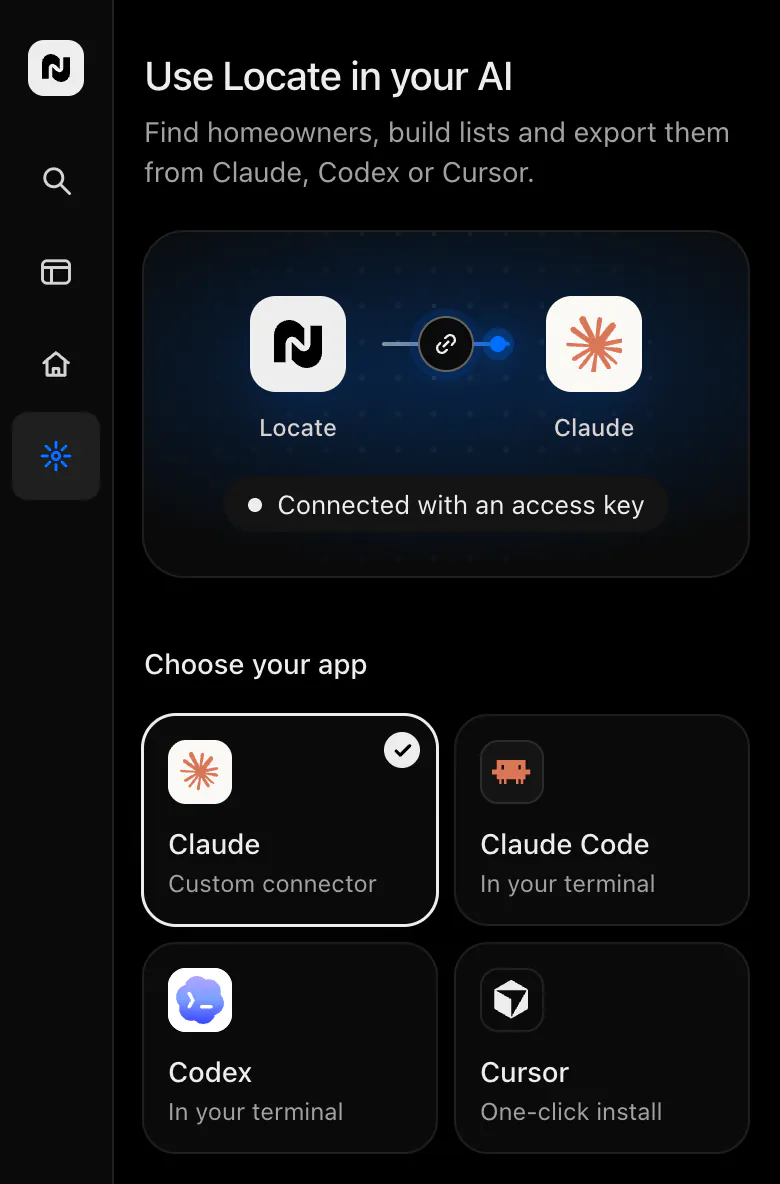
Locate’s AI page: the connection to Claude and a choice of Claude, Claude Code, Codex or Cursor.
You approve every app.
Your AI app asks Locate for access and you approve it, signed in to your own account. It works only in your workspaces.
Your lists stay in Locate.
Your AI gets the answers to what you ask: a count, a page of owners, a list’s name. Nothing more.
Take access back any time.
Locate’s AI page lists every connected app. Disconnect one there, or make an access key for an app that can’t sign in and revoke it later.
Does it use my AI credits?
Your AI app uses its own credits to talk with you. Searching, saving and cleaning happen on Locate’s servers, and a big list stays in Locate instead of filling your chat.
Which apps work?
Claude on the web and desktop, ChatGPT, Claude Code, Codex and Cursor. Other apps that connect to remote MCP servers can use the same address.
Is it the same data as the app?
Yes. Your AI uses the same homeowner search, lists and exports as Locate itself, with your account’s access.
What does it cost to use Locate in Claude or ChatGPT?
The same as in the app: $49 a month, plus $0.17 per search with results from your prepaid balance. No results, no charge. Finding homeowners and building lists add nothing per search, and connecting an AI app is free.
Do other skip tracing tools work in AI apps?
Some do. Other property data companies have published MCP servers and AI connections too, so compare what each one lets your AI do, what it charges for, and whether it asks before spending. Locate’s connection finds homeowners, builds and cleans lists, prices a skip trace and runs it after you say yes.
Can my AI start skip tracing on its own?
No. Your AI shows you the price first, and Locate tells it to start only after you say yes. Most AI apps also ask you before they use a tool that changes anything.