Deglaze
Deglaze's official remote MCP server. Search your saved recipes, save new ones from a link, plan meals and manage your grocery list from ChatGPT, Claude, Gemini or Muse. Sign in with your Deglaze account (OAuth); the connection comes with your Deglaze Pro subscription.
Hosted MCP Server
npx add-mcp 'https://mcp.deglaze.app/mcp'Installs into Claude Code, Codex, Cursor and more
Documentation
You Can Now Use Deglaze with ChatGPT, Claude, Gemini, and Muse
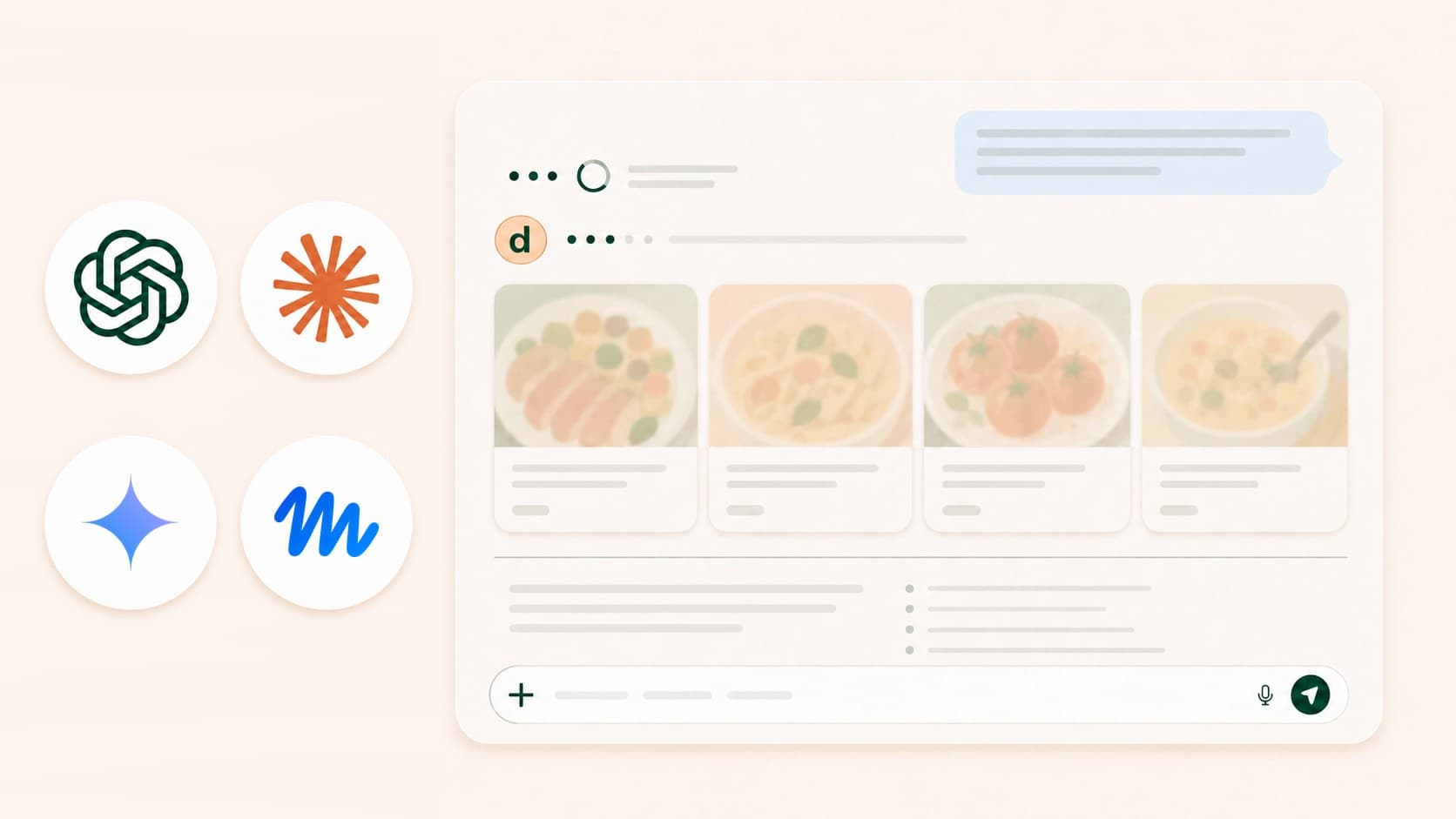
LLMs are good at recipes, but until now, you were stuck with whatever they generated. Are the recipes decent? Mostly. Are they the recipes you know and love? Nope.
The Deglaze connector — an MCP server — lets you apply the power of ChatGPT, Claude, Gemini, and Muse to your own recipe collection. As far as we know, we're the first recipe app to make this possible.
Your recipes, in the chat window
The connector gives your favorite AI assistant access to your recipe library, cooking history, grocery list, and meal plan.
Stuck on what to make for dinner? Ask. Want to get ahead of the week? Get a meal plan from recipes you've already saved, grocery list included. Need to swap an ingredient or find the perfect side dish? Easy.
When we started Deglaze, our mission was simple: help busy people cook more (starting with ourselves). We think being able to talk to an AI that knows what you like to cook gets us meaningfully closer.
Ready to try it?
Enable AI Assistants in Deglaze settings, then follow the quick setup steps to connect your recipes to ChatGPT, Claude, Gemini, or Muse.
Curious how other apps handle this? We compared the recipe apps that let ChatGPT, Claude, and Gemini use your own recipes.