Wishes MCP
Tell your AI what you love and it fills your wishlist with gift ideas
Hosted MCP Server
npx add-mcp 'https://api.wishes.app/mcp'Installs into Claude Code, Codex, Cursor and more
Documentation
Let your AI fillyour wishlist
Tell your AI what you love and it fills your wishlist with gift ideas
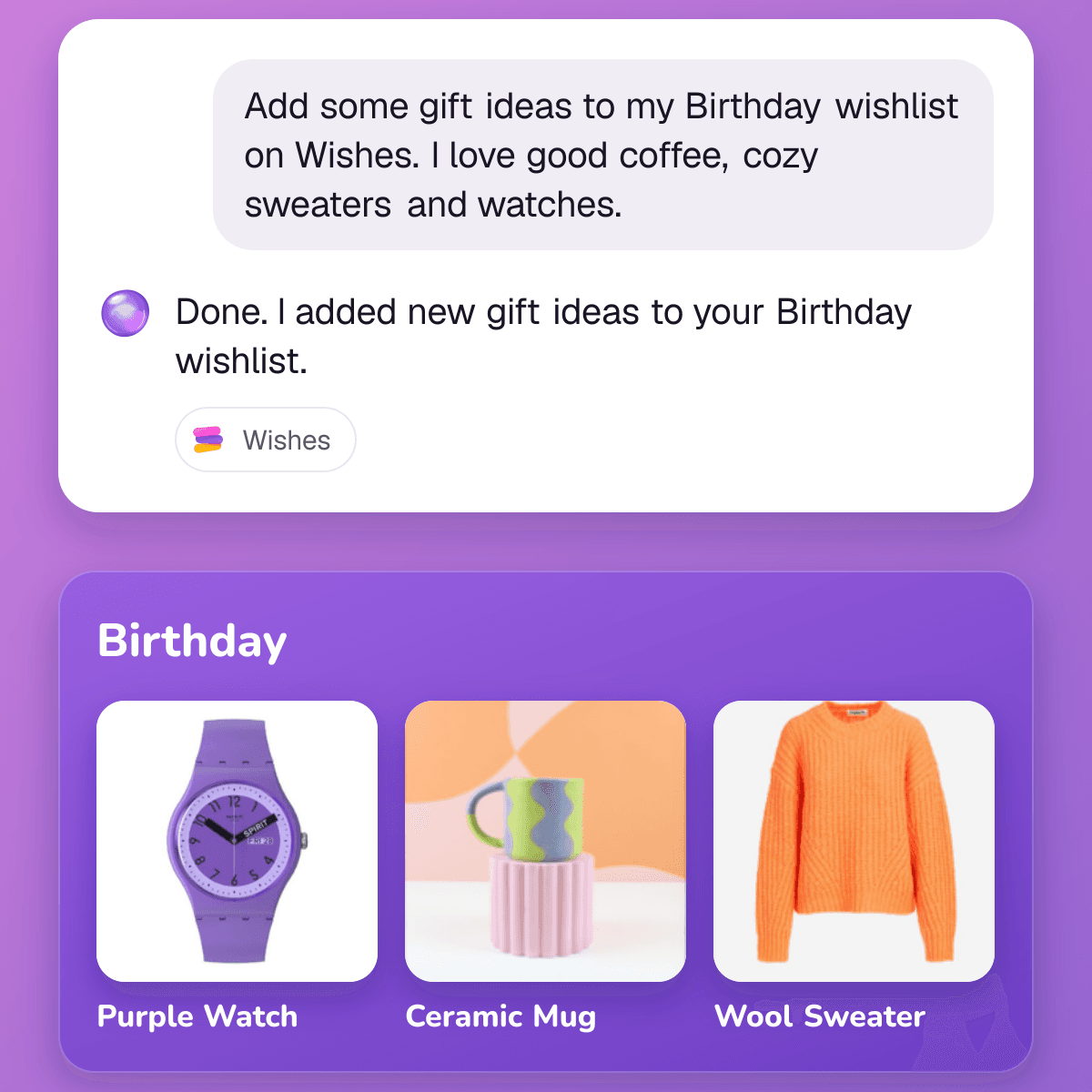
How it works
- 1
Connect your AI
Takes two minutes on a computer - 2
Ask for gift ideas
Your AI makes a wishlist on Wishes - 3
Connect your AI
Copy this address and pick your AI
Wishes address
https://api.wishes.app/mcp
Needs ChatGPT Plus or higher
- 1On chatgpt.com open Settings › Security and login and turn on Developer mode A warning shows up and that’s normal
- 2On chatgpt.com/plugins press +, name it Wishes, paste the address and press Create
- 3Sign in to Wishes and press Allow
- 4In a new chat press + › Developer mode › Wishes, then ask for ideas
Ideas to try
Copy one and send it to your AI
- Make a birthday wishlist on Wishes for my son. He is 7 and loves dinosaurs. Copy
- I love coffee, hiking and crime novels. Make me a Christmas wishlist on Wishes. Copy
- Make a housewarming wishlist on Wishes with 10 things for a first home. Copy
- Make a baby shower wishlist on Wishes with what new parents really use. Copy
Questions
Do I need to pay?
Wishes is free. Claude works on its free plan, which allows one custom connector. ChatGPT needs a paid Plus plan or higher.
What can my AI see?
Your name, your email, your own wishlists and the gifts you booked for others. It opens other wishlists when you give it the link.
Can it see who booked my gifts?
No. Who booked what stays a secret, just like in the app.
Can it buy things?
No. It makes wishlists and adds, changes and removes wishes on them. On a friend’s wishlist that allows booking it can book a gift for you.
How do I turn it off?
Open wishes.app/connected-ai and press Disconnect. Then remove Wishes in your AI’s connector settings. Your wishlists stay as they are.

Try it today
Free on your phone and on the web