UI Discovery
Hosted MCP server for UI Discovery. Search a curated library of real production interfaces and pull build briefs, prompts, and starter code into Cursor, Claude, or other MCP clients (Pro plan).
Hosted MCP Server
npx add-mcp 'https://uidiscovery.com/mcp'Installs into Claude Code, Codex, Cursor and more
Documentation
[
111,083+ curated screens & patterns
·Explore all ↓](#types)
Real-world UI references ready for your AI workflow
Explore 6,545 production references, inspect the palette and type, then copy an original build prompt into Cursor, Claude Code or your preferred AI tool.
Try:
Browse by type
Pick a curated collection to start browsing real production references.
Browse screens
Explore thousands of real-world product screens. Filter by platform, industry, and style.
Gallery Recognition
Award-winning websites & landing pages
Hand-picked marketing websites recognized for craft, typography, layout rhythm, and interactive polish.
Modular Atoms
Real page sections side by side
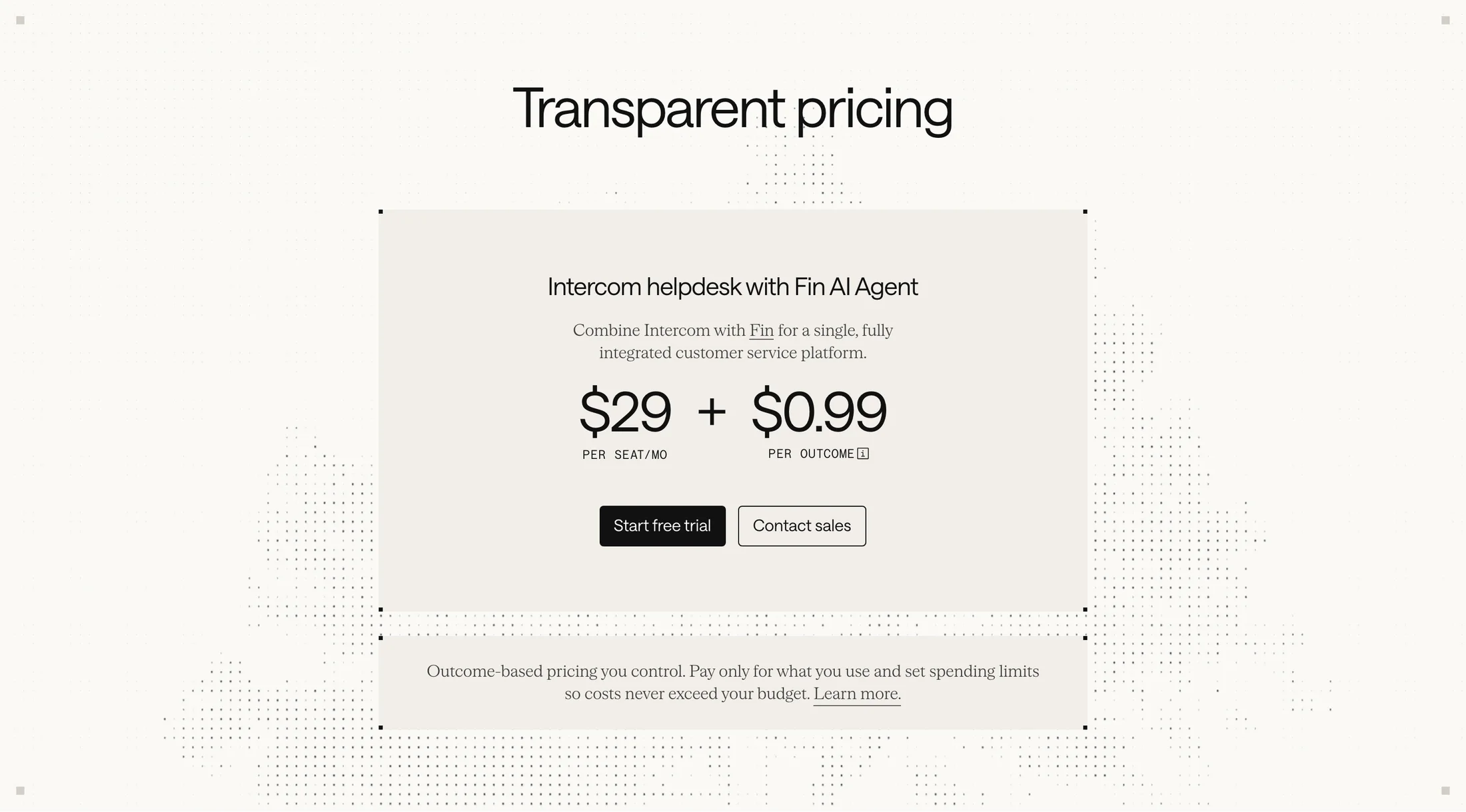
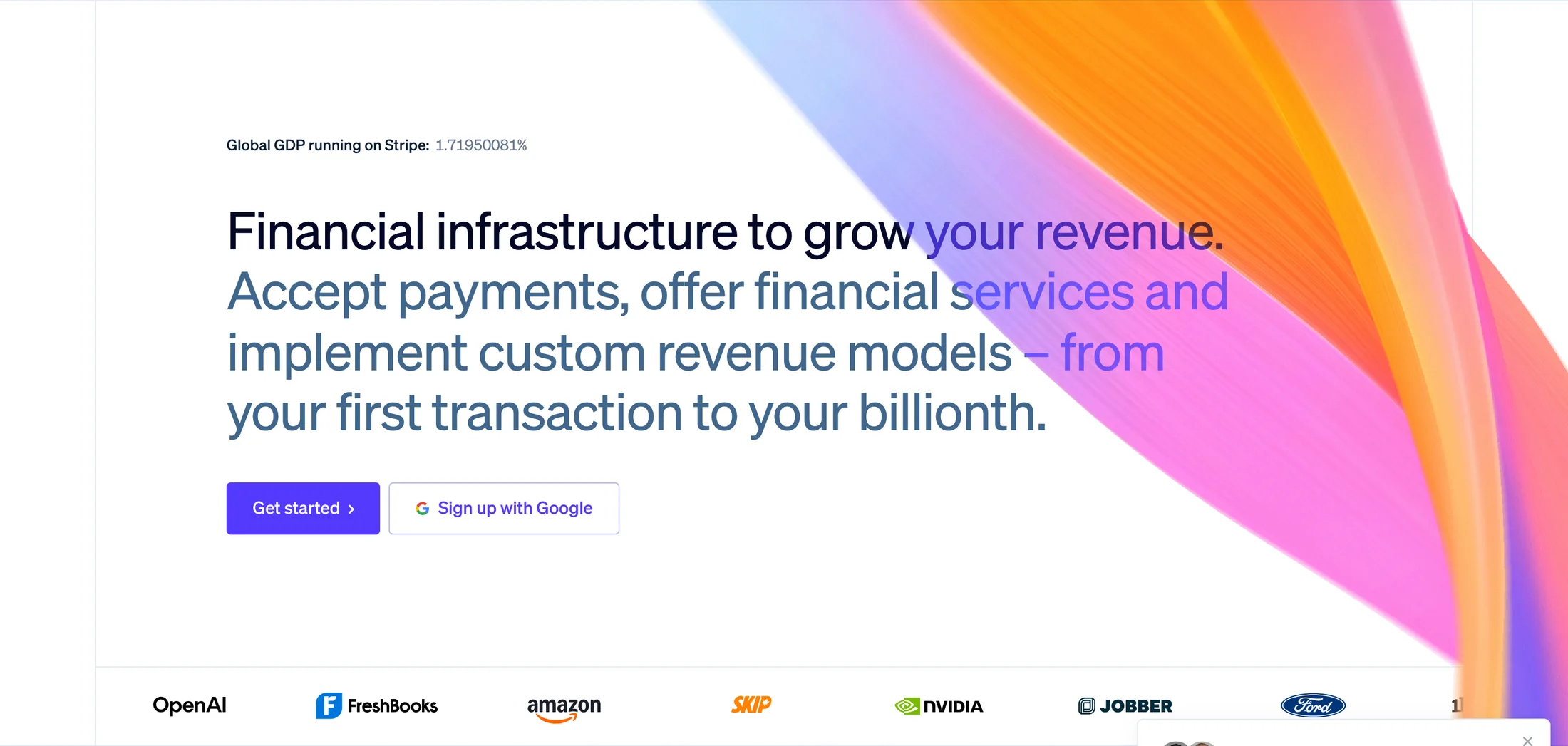
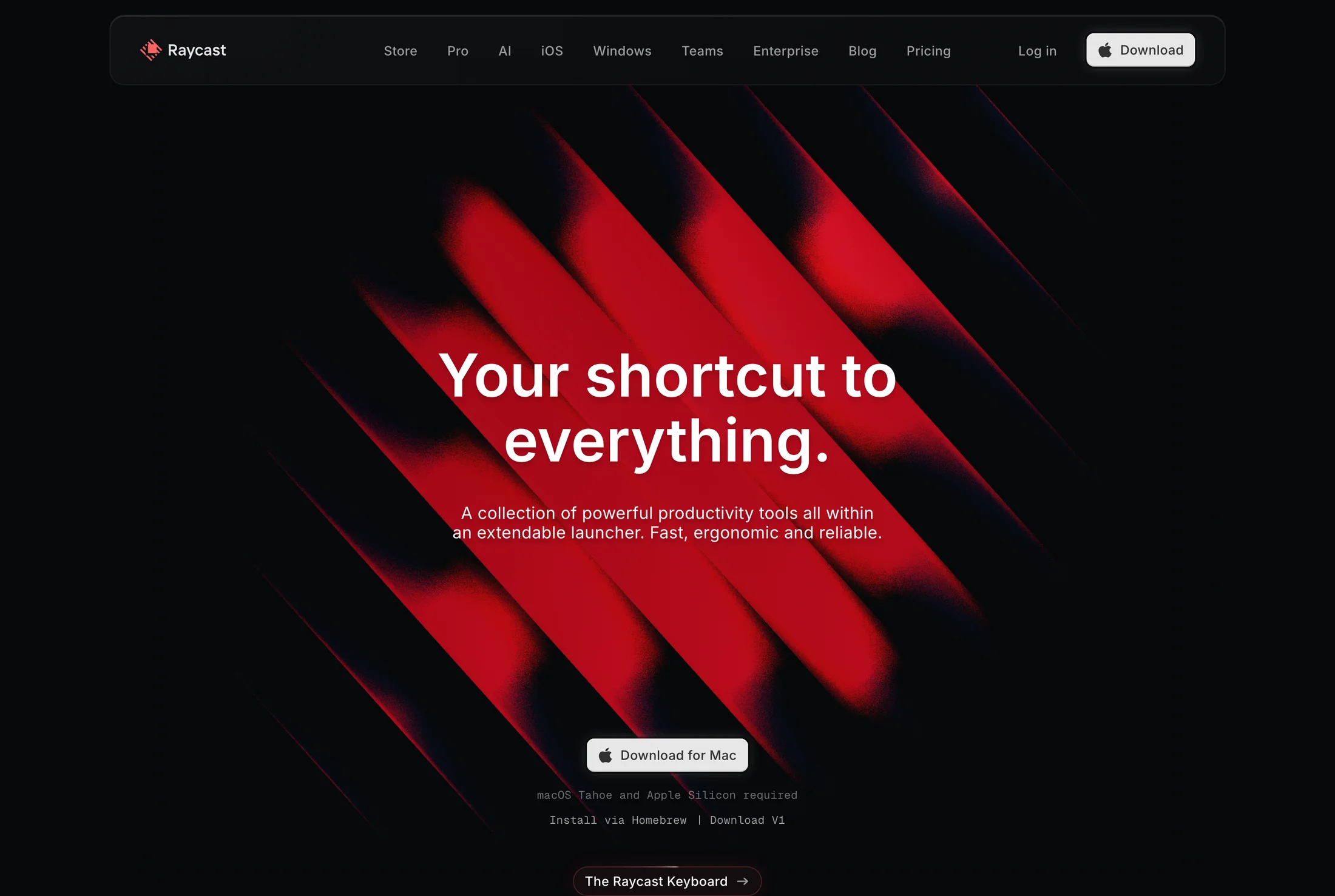
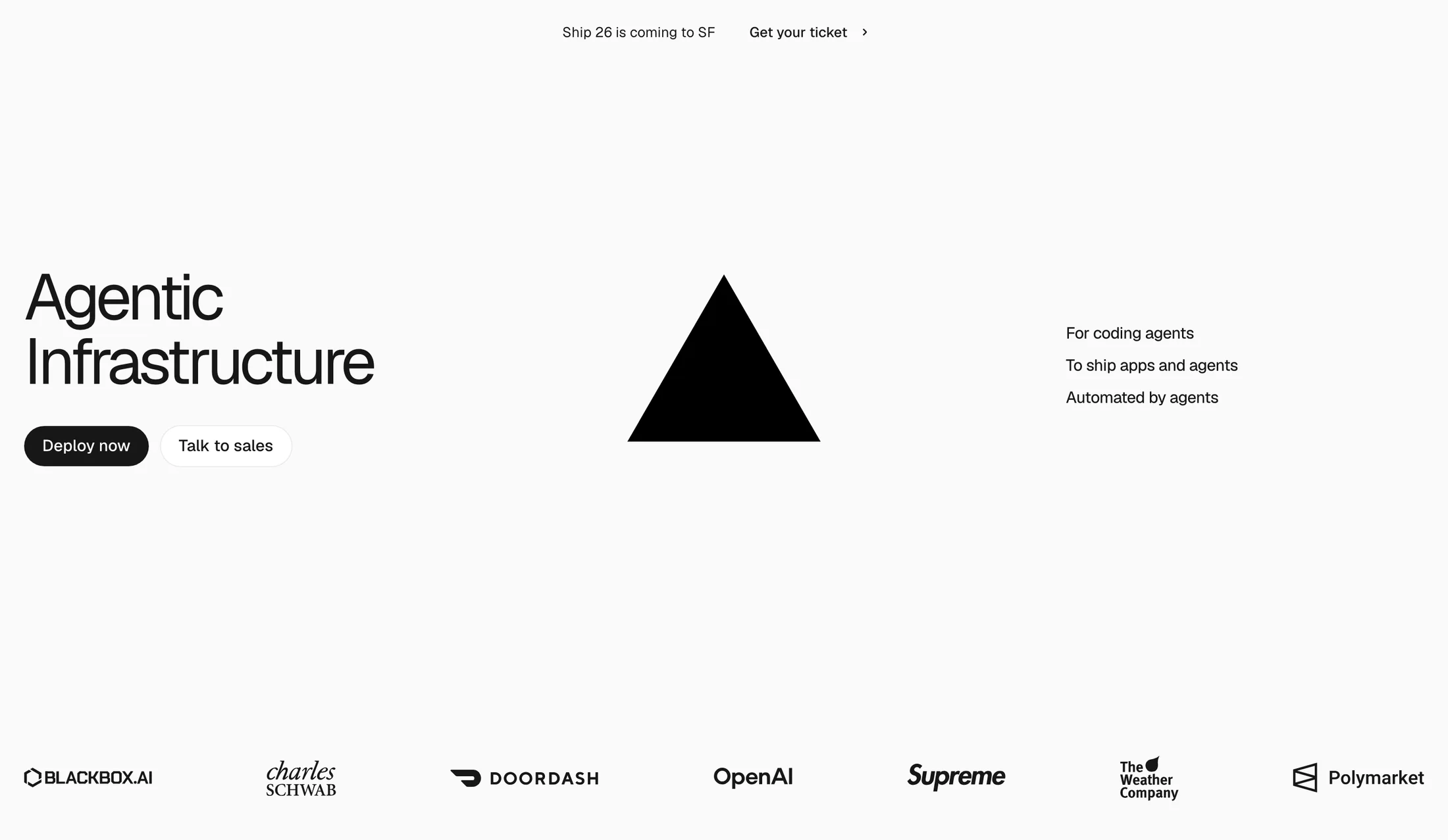
Compare hero sections, transparent pricing tables, and feature breakdowns from live products, then copy the prompt or palette.
Browse all 2,300+ page sections →

Frequently Asked Questions
Questions, answered.
The reference library, AI build prompts, MCP server tools, and how to plug UI Discovery into your design & engineering workflow.
Setting up MCP or the API?
One-click config for Claude Code & Cursor.
01
What is UI Discovery?
A curated library of real-world product design — full websites, iOS apps, web apps and the individual sections inside them — captured at retina quality and organized so you can find the right reference in seconds.
02
What comes with each reference?
Website and web-app references include captured screenshots and available extracted palettes, fonts and text. Original website build prompts use your signed-in design allowance. iOS entries vary: some contain App Store listing images, others reviewed in-app screens or recordings; machine-read text is not a verified screen name.
03
How do the AI build prompts work with Claude, Cursor, and v0?
Use an original brief to describe the layout, available palette and typography, your own content, and required interface states. Website prompts use the signed-in design allowance; API/MCP build tools require Pro. Your coding tool generates the implementation, which you must review and test. The Claude Code guide includes one recorded React fixture; other editorial prompts are not guaranteed model outputs.
04
How do I connect it to ChatGPT, Claude, Cursor or Codex?
Follow the MCP connection guide for your client, add the hosted server URL, and sign in to authorize your account. Reference search is available within your plan allowance; API/MCP build briefs, image plans, prompts and starter code require Pro. Supported clients expose the available tools after connection. Your AI tool has separate subscriptions and usage limits.
05
Is there an API?
Yes. The JSON REST API supports metered reference search and visual metadata. Use the API documentation for authentication and current plan allowances. Build briefs, image plans, prompts and starter code are paid API content; public catalogue browsing is not unlimited API access.
06
What about Graphics, Templates, Motion and Flow Kits?
They're built right into the Studio workspace alongside Websites, Web Apps, Dashboards, Sections and Mobile. Browse festival and campaign graphics, customize live page and signature templates, inspect animated motion references, step through multi-screen flow kits, or generate structured build plans in the Brief Planner.
07
Can I use the screenshots in my own work?
The captured designs belong to their respective owners and are provided as reference and inspiration. The build prompts are original and yours to use — they describe structure, palette and type, and ask for original copy and placeholder brand assets.
08
How often is new content added?
Regularly. New sites, apps and sections are captured and added to the library as they're reviewed.
09
How do I submit my site or portfolio to be featured?
Visit the Submit page to share your live website, portfolio, or UI project. Our editorial team reviews every submission for craft, interaction polish, and typography before featuring it in the Maker Showcase and indexing it into the reference library.