TrendTemplate
Read-only catalog of TikTok AI video meme templates: names, lengths, prices and links.
Hosted MCP Server
npx add-mcp 'https://trendtemplate.com/mcp'Installs into Claude Code, Codex, Cursor and more
Documentation
Made for TikTok, Reels and Shorts
TemplateDrag to compare
Same choreographySame framingYou as the lead
Drake Hotline Bling Dance · Reference clip: Drake, "Hotline Bling" official music video (2015) · original sound. Sample faces are AI-generated. Trend templates use the original clip and its sound; our own templates were made with AI. We are not affiliated with the artists or creators.
What are AI trend templates? How to make a Rooftop Groove AI video
Viral AI video templates
Pick a trend, upload one photo and get your video in minutes. Your credits work on every template.
Guides and tips
- How to Make the Huss Huss Huss AI Video From One Photo Huss Huss Huss
- Huss Huss Huss Meme: Roblox Origin, Sound and Dance Huss Huss Huss
- How to Make the Waiting On My Fries AI Video (1–2 Photos) Waiting On My Fries
- Waiting On My Fries Trend: Original Video, AI Cats, Sound Waiting On My Fries
- How to Make a Vlogmas Intro From One Photo (No App) Vlogmas Intro
- Vlogmas Intro Trend: Where It Came From and the Song Vlogmas Intro All guides
One photo in, one video out
Each card shows the photo that went in and the video that came out. Tap a card to try that template.
One photo, a different video for each template
The same photo went into every template. The face stays the same; the moves, the outfit and the scene come from each template.
What each length gets you
The same photo at every length. The price shows next to each length.
Which photos work best
The AI copies the face it can see. These are the photos that give the closest result, and the ones that usually go wrong.
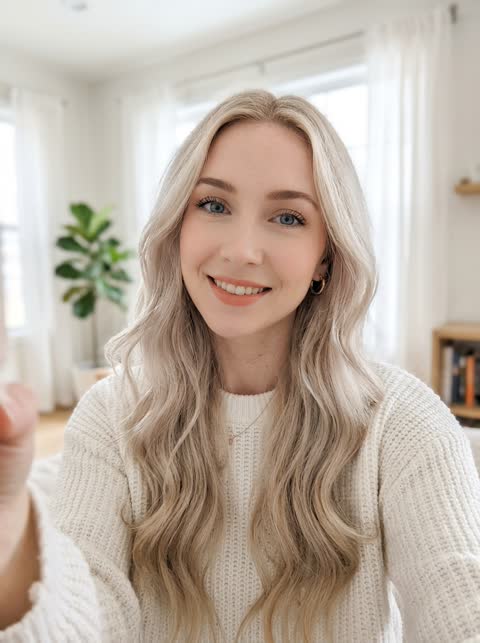 Works well
One person, facing the camera, even light
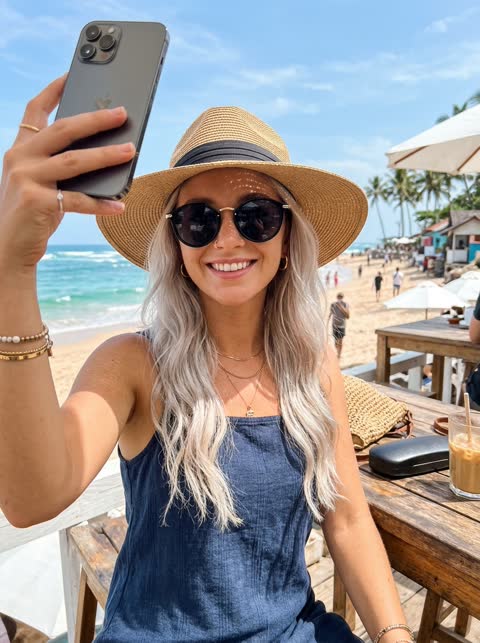 Avoid
Sunglasses or a hat hide the face
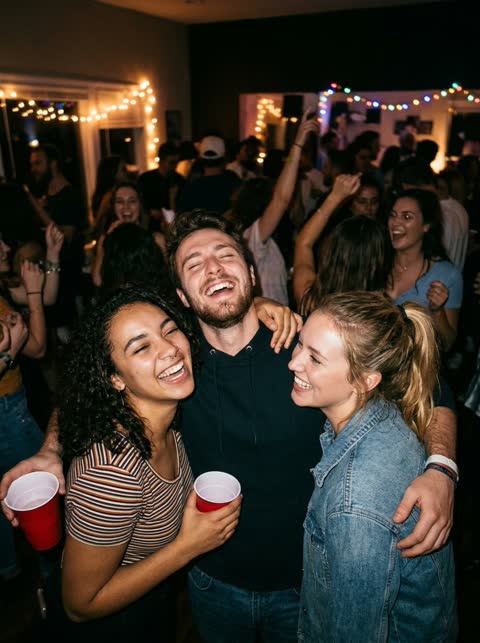 Avoid
Group photos: it cannot tell which face to use
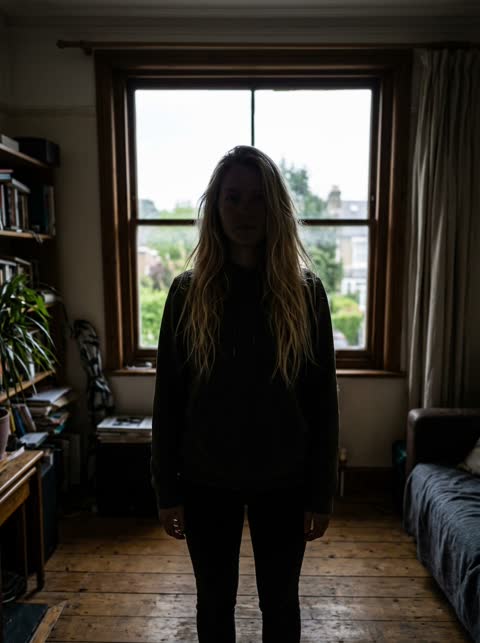 Avoid
Backlit or dark: the face is hard to read
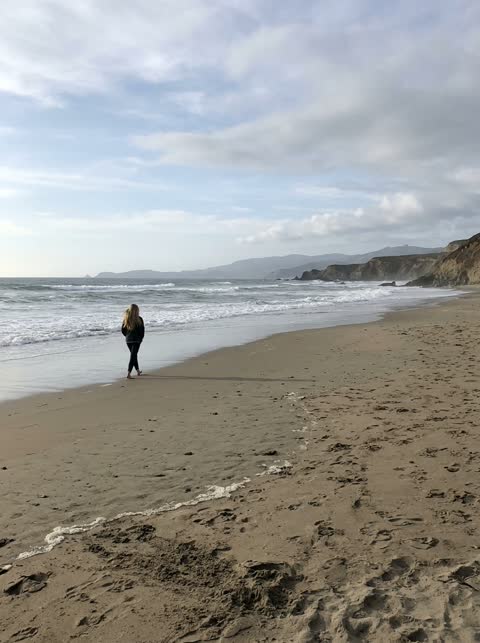 Avoid
Too far away: the face is too small
Joining a trend is harder than it looks
You have to learn the routine
Getting every move right takes real practice, and nerves still show once the camera is rolling.
Someone has to film it
You need a friend or a tripod, plus a background that matches the framing of the original.
The timing is unforgiving
Half a beat late looks obvious next to the original, so it turns into take after take.
Filming it yourself vs. using TrendTemplate
| Filming it yourself | With TrendTemplate |
|---|---|
| Learn the choreography first | No dancing needed, one photo is enough |
| Find a friend or set up a tripod | No camera setup |
| Retake until the timing lines up | Timing follows the original clip |
| Edit and export on your phone | Download a finished MP4 |
How to make an AI trend video in 3 steps
- 1
Upload one clear photo
One person, facing the camera, in even light. JPG, PNG or WebP up to 10 MB. - 2
Choose a length
Take a short hook or the full clip. The price shows next to each length, mostly 5 to 15 credits. - 3
Generate and download
The render finishes in a few minutes. Download the MP4 without a watermark and post it anywhere.
One photo in, one finished clip out
No editing timeline, no green screen. Upload a clear photo, choose a length and the render keeps every beat of the original routine.
What is an AI trend template?
A trend template is a short vertical clip people already recognise: a viral meme like Make It Cap, Tiny Desk, Hotel Lobby or Bulin 47, or a dance we made ourselves. The moves, timing and camera are fixed, so every new version instantly reads as part of the trend.
TrendTemplate puts you in that clip. Instead of learning the steps and filming, you upload a single photo and the model renders you in the original moment with the same timing and framing.
TrendTemplate specs
Input
One clear photo per person (up to 3 on duo and band templates); dog and cat photos work on templates marked "pets". JPG, PNG, WebP
Photo rules
Short side at least 300 px; long side at most 2.5× the short side (no long screenshots). Big phone photos are shrunk automatically
Templates
46 trend templates
Video length
5–30 seconds, depending on the template
Output
720p MP4 with the template's sound, no watermark
Price
Most videos cost 5 to 15 credits; packs from $4.99 for 5 credits
Credits
Packs are one-off purchases, not a subscription: nothing renews or charges you again. Credits never expire
Render time
About 8 minutes for short versions, 12–20 for full ones (720p takes longer)
Failed renders
Credits refunded automatically
Everything you need for a trend clip
One photo is enough
A single clear selfie is all the model needs to rebuild you inside the routine.
Faithful motion
Every step, pause and camera move follows the reference clip frame by frame.
Vertical and ready to post
Exports in 9:16 so it drops straight into Reels, Shorts or TikTok.
Pick your length
Grab a short hook or the full routine. You only pay for the seconds you render.
Private by default
Uploads are stored privately, used only for your render and deleted automatically 7 days after upload.
Fair billing
Credits never expire. If a render fails, the credits go straight back to your balance.
What people make with it
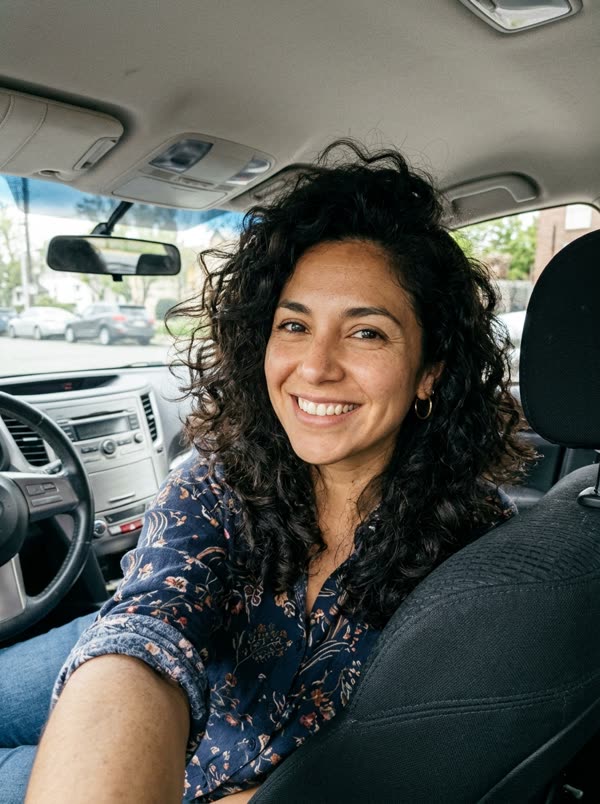
01
Surprise the group chat
Drop yourself into the routine and send it before anyone else jumps on the trend.
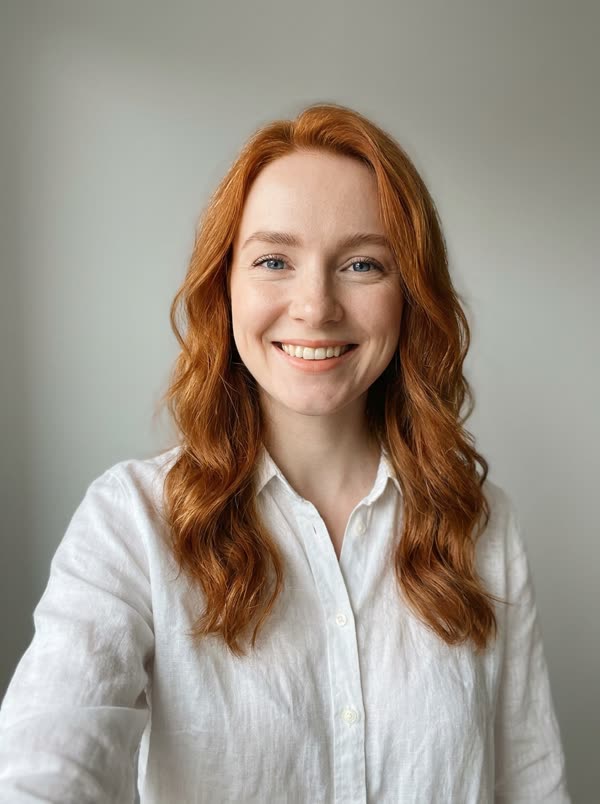
02
Birthday shout-outs
Use a friend’s photo (with their OK) and turn it into a dance-floor greeting card.
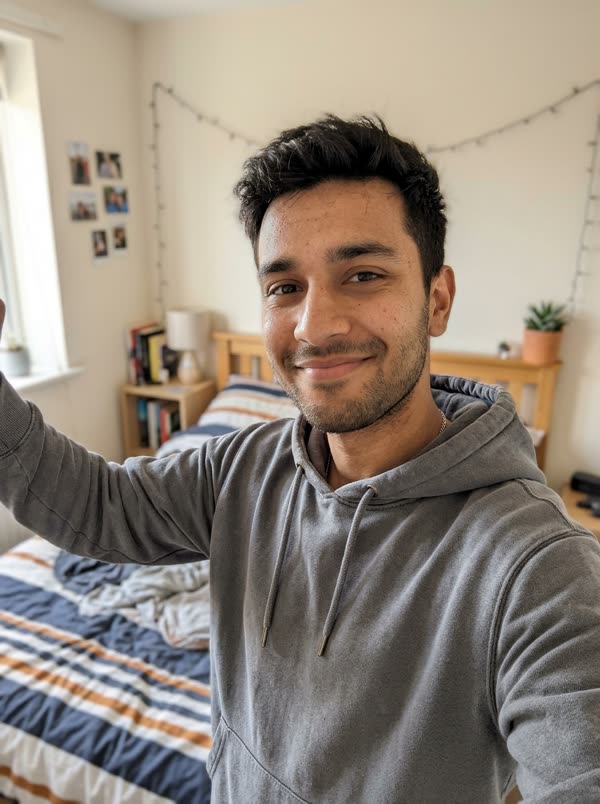
03
Creator content in minutes
Ride the trend on your channel without filming, lighting or learning the steps.
Pay once, use whenever
Most videos cost 5 to 15 credits. No subscription, no expiry.
Try
One short clip to test it
$4.99
5 credits
≈ 1 video of 5 s
- Credits never expire
- All video lengths
- HD 720p MP4 download, no watermark
- Automatic refund on failed renders
Single
One full-length video
$9.99
15 credits
≈ 3 videos of 5 s
- Credits never expire
- All video lengths
- HD 720p MP4 download, no watermark
- Automatic refund on failed renders
Most popular
Party
For you and your friends
$19.99
45 credits
≈ 9 videos of 5 s
- Credits never expire
- All video lengths
- HD 720p MP4 download, no watermark
- Automatic refund on failed renders
Squad
For creators and teams
$49.99
150 credits
≈ 30 videos of 5 s
- Credits never expire
- All video lengths
- HD 720p MP4 download, no watermark
- Automatic refund on failed renders
Next: our payment partner’s secure checkout. Confirm your email, then pay by card, Apple Pay or Google Pay.
Prices in USD. Taxes are calculated at checkout by our payment partner.
Questions, answered
Still unsure? Our team replies within one business day.
What is TrendTemplate?
TrendTemplate is an online tool that puts you in trending videos as the performer, using just one photo.
How AI trend templates work Is TrendTemplate legit and safe to use?
Yes, it's a real paid tool, live since October 2026 and run by one person, Jianwei Li (see the About page). Payments go through Waffo Hong Kong Limited or Dodo Payments, Inc. (depending on which checkout you pay with) as merchant of record, so your card details never reach us. If a render fails, the credits come back to your balance automatically. Photos are deleted automatically 7 days after upload, finished videos are kept for 30 days after they finish, and photos are never used to train models. It's a new site with few public reviews so far, so the easiest way to check it is the smallest pack: one short video for $4.99.
Is this an AI video face swap?
Kind of. A face swap app pastes your face onto a video. Here the AI recasts the person in the trend clip as you, and keeps their outfit, moves, the camera and the original sound. It works from one photo, and it only swaps people in our templates, not in videos you upload.
Which AI model makes the videos?
ByteDance Seedance 2.0 and 2.5 and Alibaba Wan 3.0, called through the Nova API (nova.shanhaix.com). It keeps the moves, timing and camera of the template and swaps in the person from your photo.
Which photo works best?
A recent photo of one person facing the camera, with even light and the head and shoulders in frame. Group shots, sunglasses and strong filters lower the quality.
Photo tips for a better AI trend video How long does a render take?
Short versions take about 8 minutes and full versions 12 to 20 minutes. Every video is rendered in 720p, which takes about twice as long as 480p but comes out much sharper. You can close the page; we email you when it is ready, and it waits in My videos.
How do credits work?
Each length shows its price: most short cuts cost 5 credits and most full clips 15. Credits are bought in packs, never expire and are refunded automatically if a render fails.
Can I use someone else’s photo?
Only with their permission, and never photos of minors, celebrities or public figures. Accounts that break this rule are closed.
What happens to my photos?
Uploads are private, used only to make your video and deleted automatically 7 days after upload. Finished videos are kept for 30 days after they finish. Deleting your account removes everything right away.