TestDriver MCP
TestDriver automatically runs every pull request in a real desktop sandbox, finds bugs, and builds regression tests.
Hosted MCP Server
npx add-mcp 'https://mcp.testdriver.ai/mcp'Installs into Claude Code, Codex, Cursor and more
Documentation
Find & fix bugs in flows other tools miss
Go beyond the limitations of traditional automation to find bugs in the end-to-end processes that other tools can't test.
-
No Selectors Required
Canvas, video, and controls tools can't target. -
Cross-App Workflows
Across browsers, windows, popups, and apps. -
Third-Party Integrations
OAuth, payments, and software you don't control. -
AI Apps & MCP Servers
MCP tools inside Claude, ChatGPT, and more. -
Desktop Applications
Windows and Linux apps, not just websites. -
Plugins & Extensions
Chrome and VS Code extensions, in the real app.
See what you can automate
Real tests running against real apps. Pick one to see how it was built.
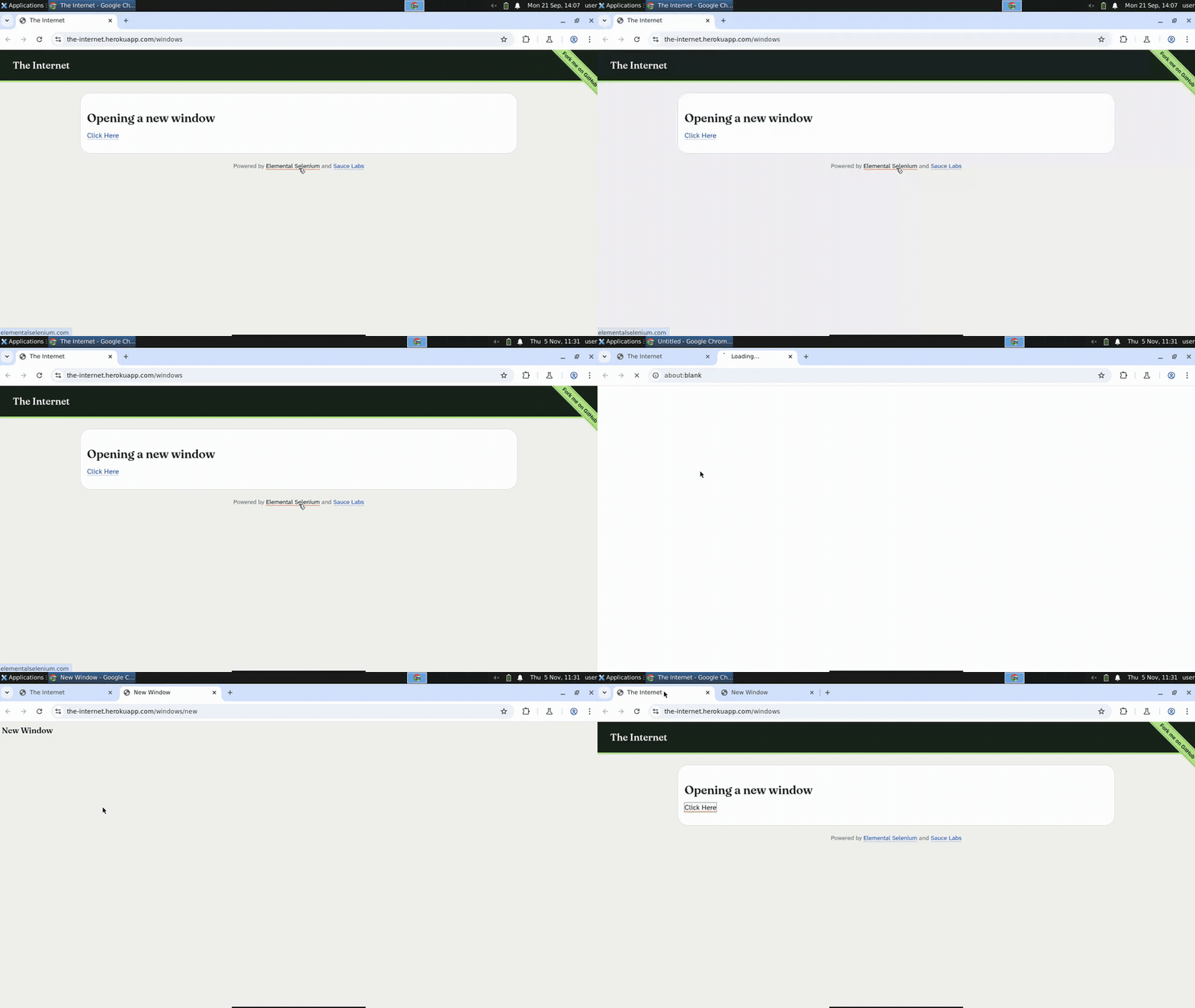 A Cypress Alternative for Tests That Open New Tabs
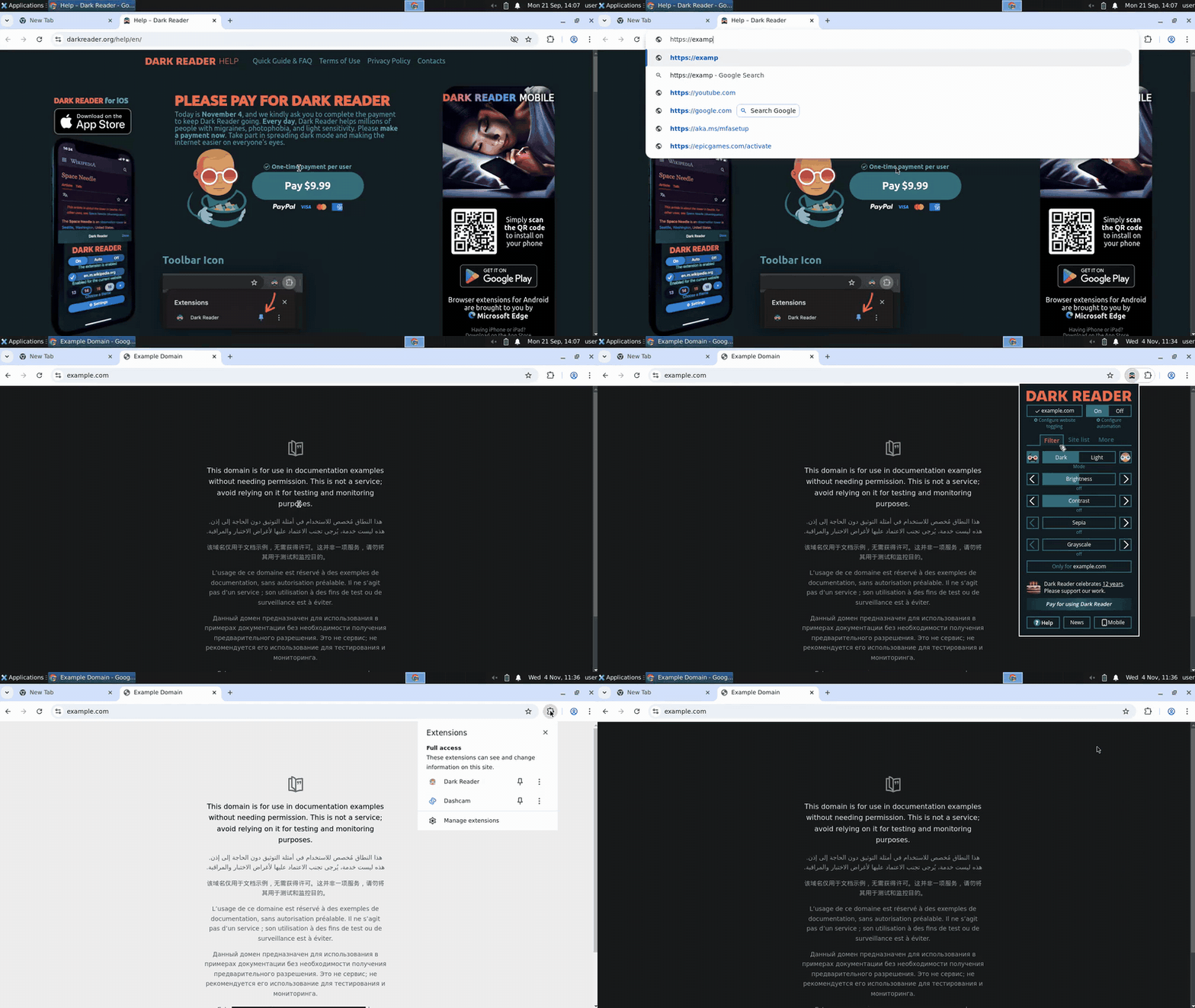 How to Test a Chrome Extension End-to-End
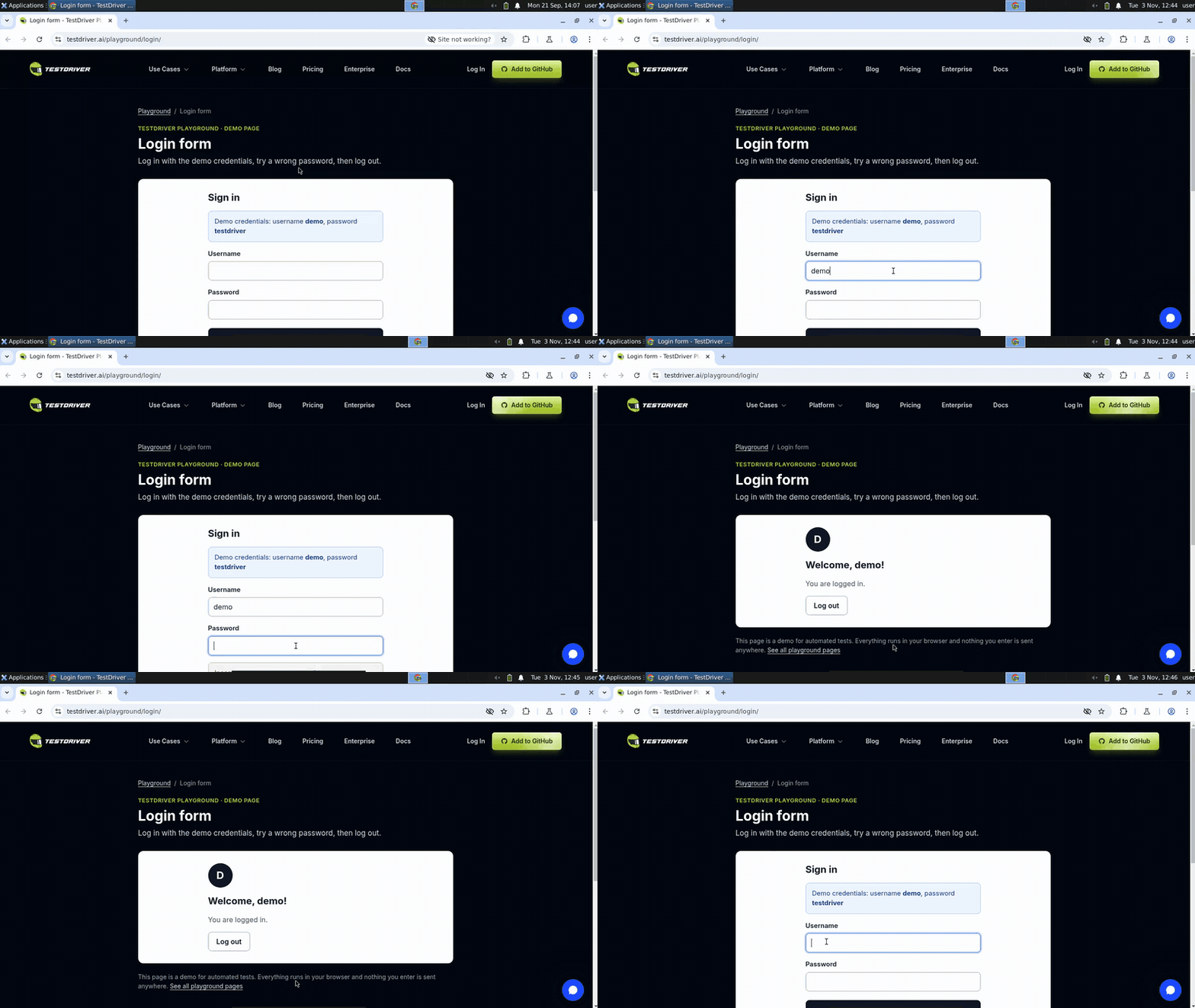 How to Test a Login Form End-to-End
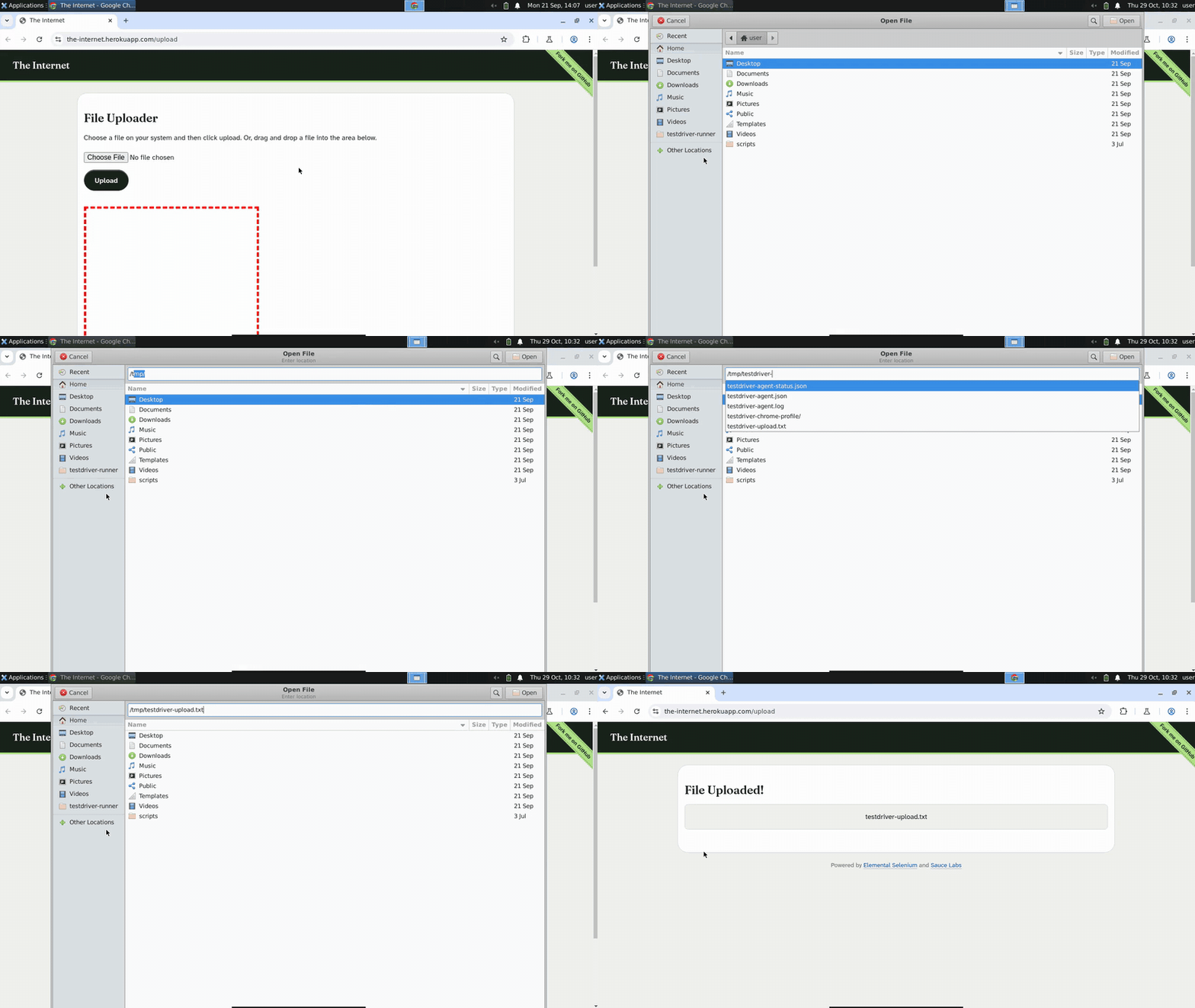 A Playwright Alternative for Tests That Leave the Page
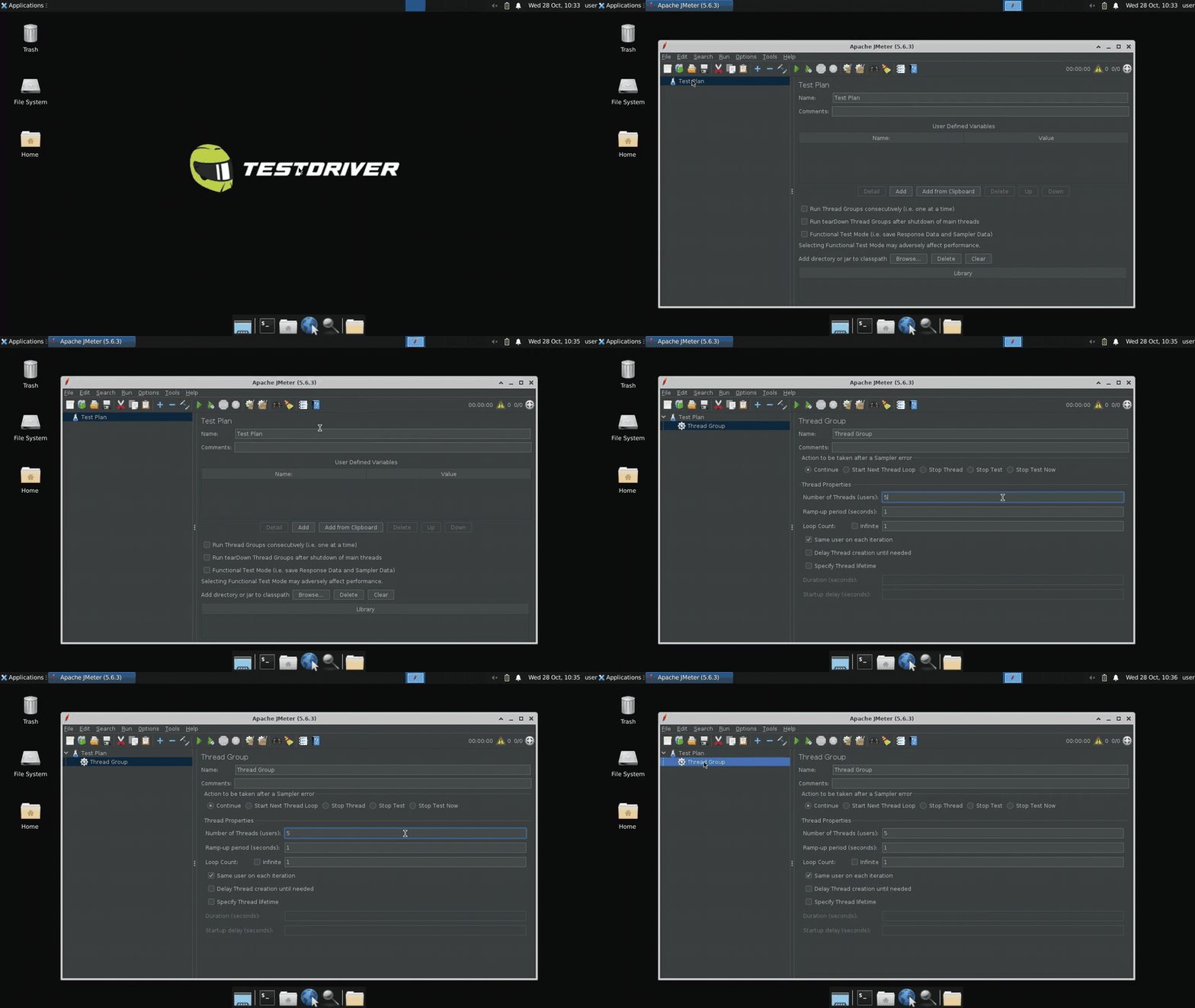 How to Automate Testing of a Java Swing Application
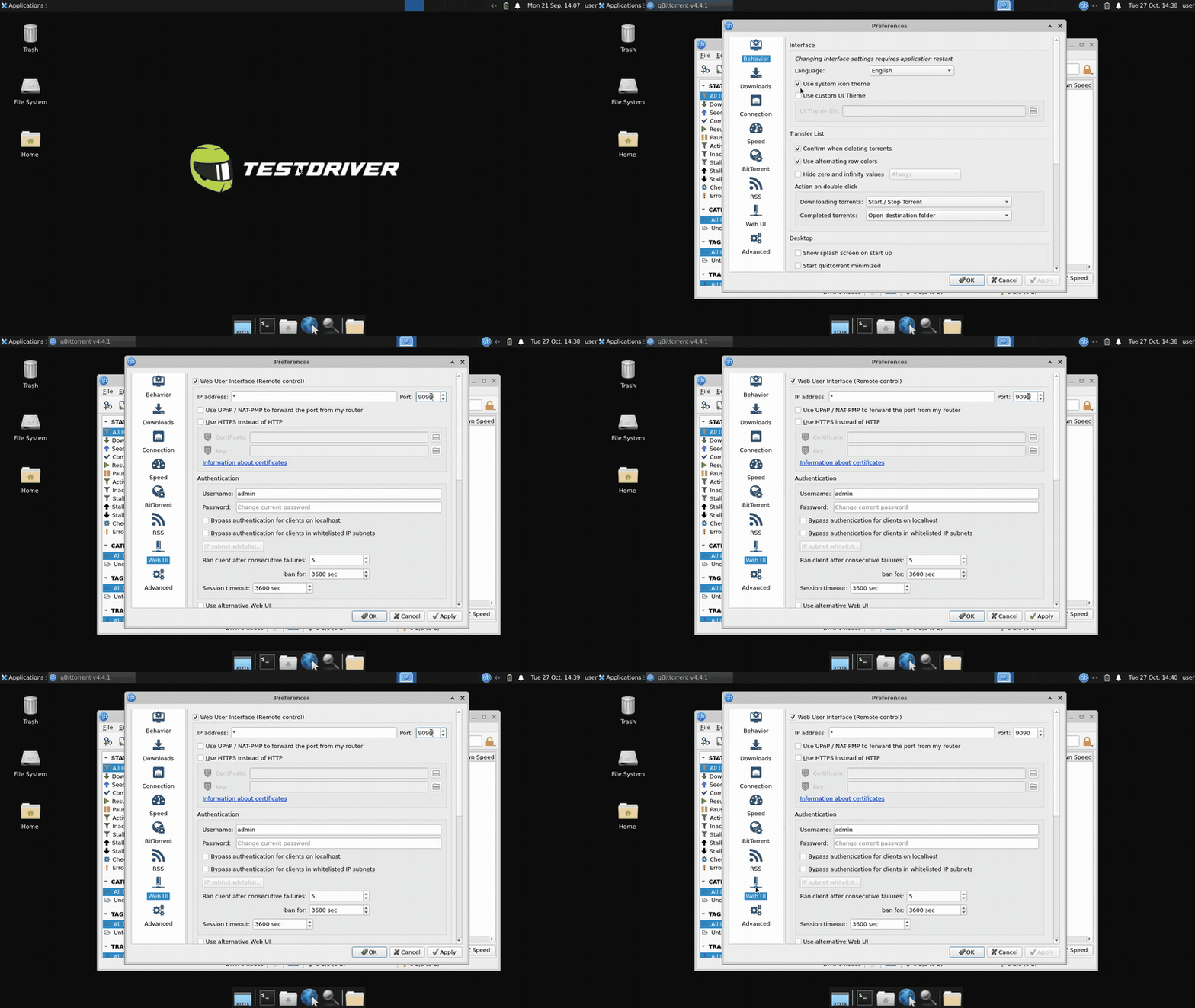 How to Test a Qt Application (No Object Names Required)
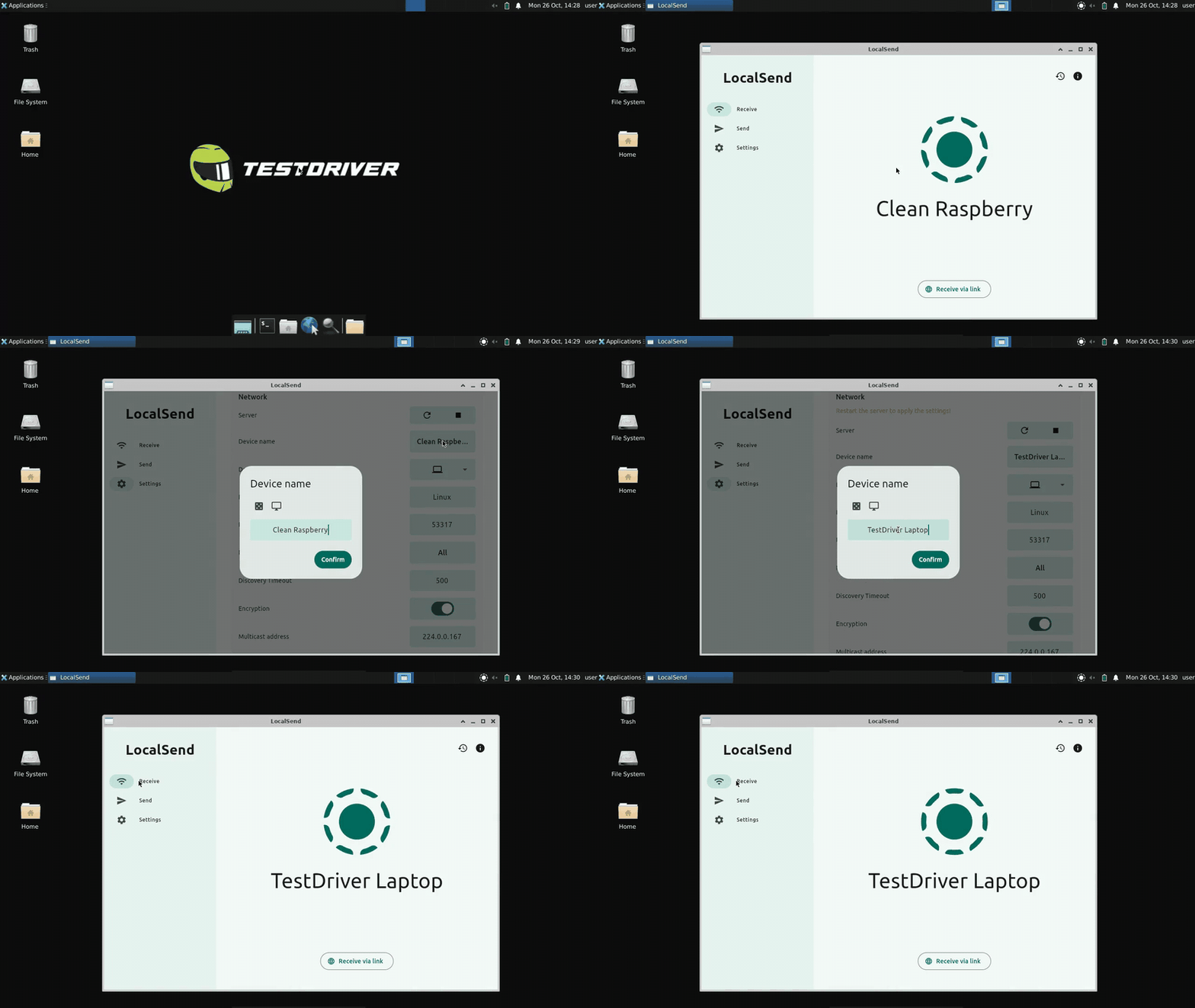 How to Test a Flutter Desktop App Without Appium
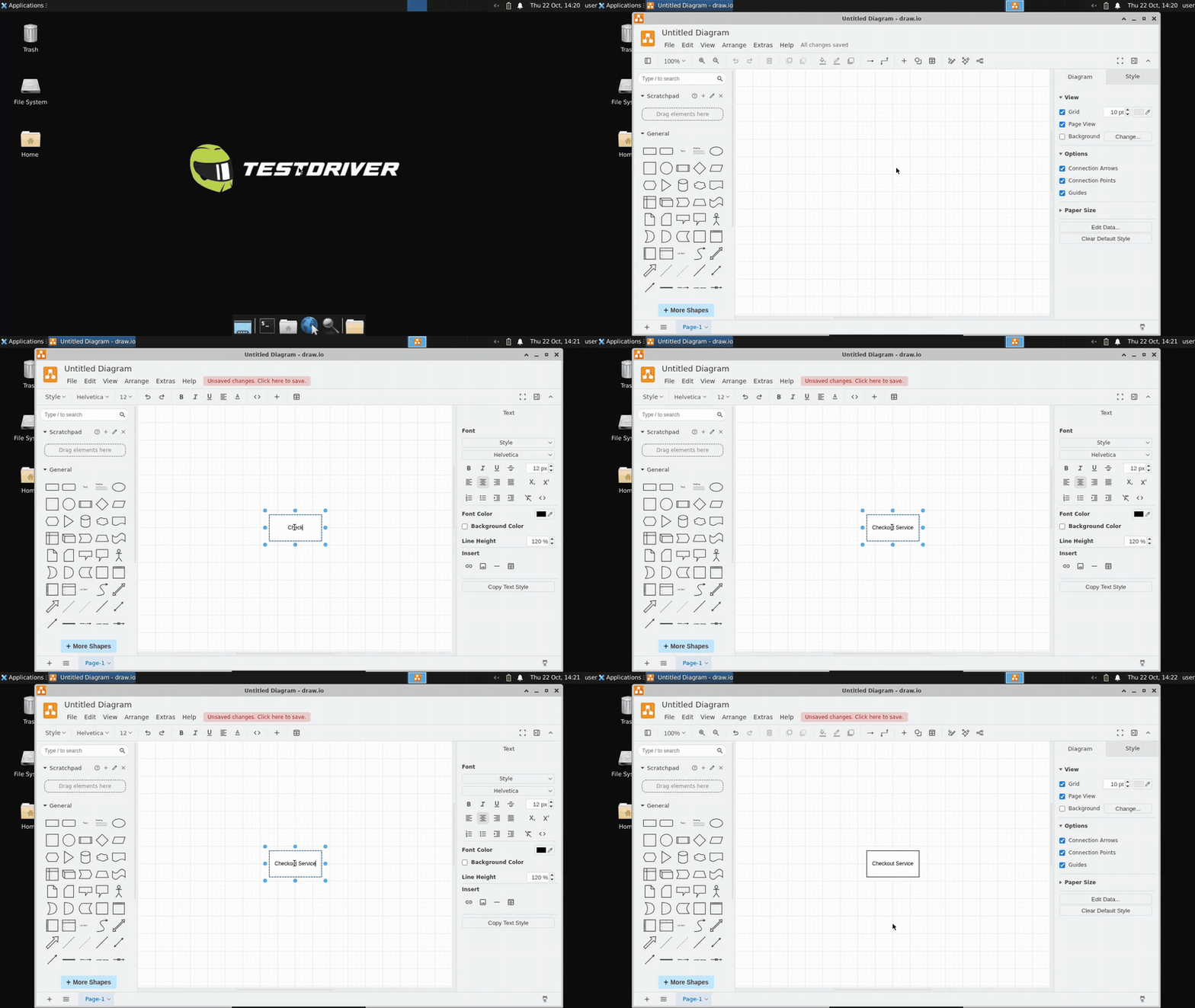 How to Test an Electron App End-to-End
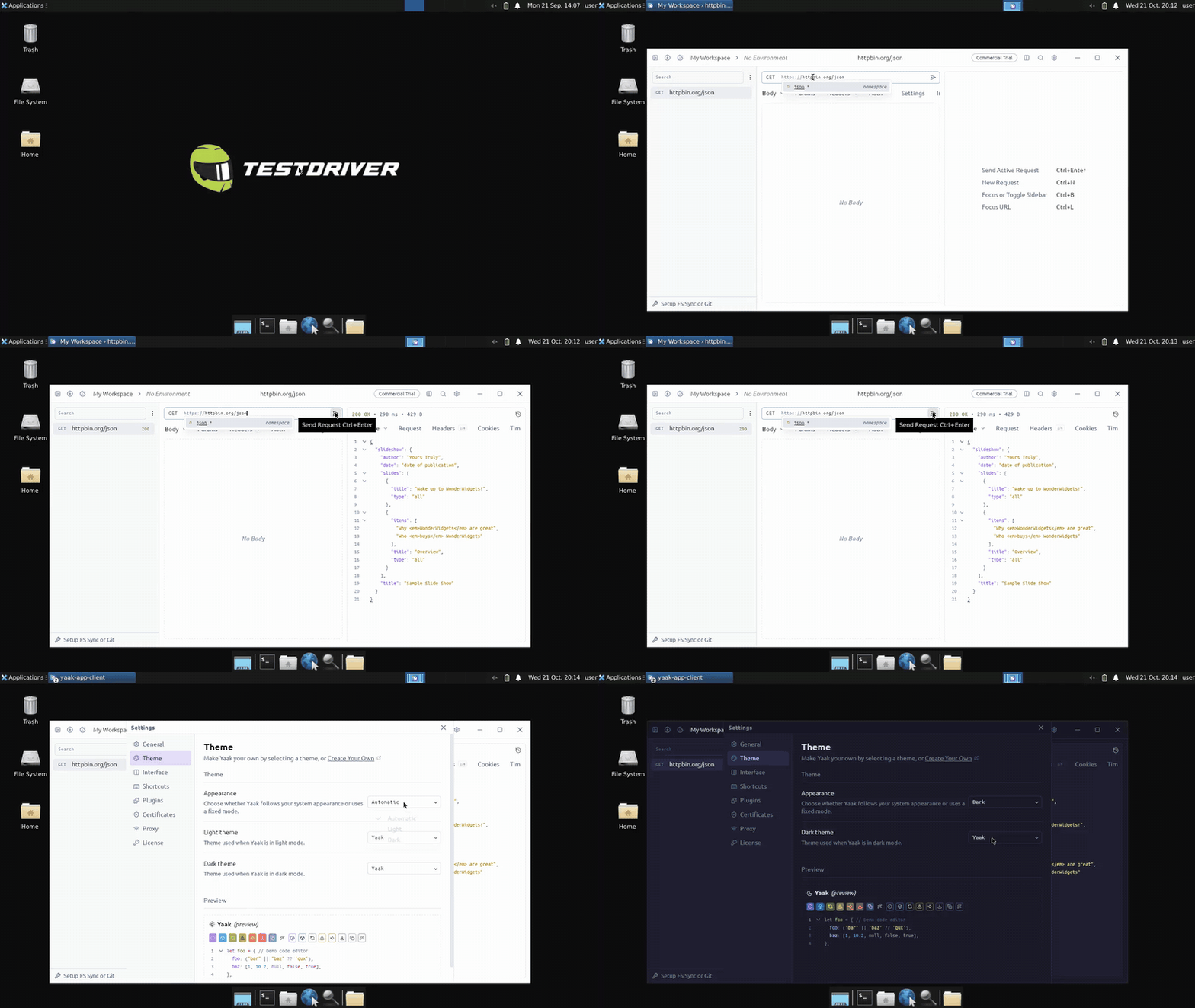 Can You Use Playwright with Tauri? What Works Instead
How it works
Tests your app the way a person uses it
TestDriver looks at the screen, finds elements from plain-language descriptions, and controls a real machine with the mouse and keyboard. No selectors.
Step 1 · Provision
Provisions the infrastructure
Every test starts on a fresh cloud sandbox. One provision call launches the app under test on a real machine: Chrome at a URL, a Chrome extension, VS Code, an Electron app, or a downloaded installer. There are no browsers to manage and no test rigs to maintain.
Step 2 · Find
Finds elements with AI vision
Describe an element the way you'd describe it to a person, like 'Sign in button'. TestDriver looks at the screen, locates it, then clicks, types, and scrolls with the real mouse and keyboard. Nothing depends on CSS or XPath selectors, so it reaches what the DOM can't describe.
Step 3 · Assert
Asserts that things work, and finds the bugs
Write a plain-language statement about the screen, such as 'the cart shows one item'. The AI checks it against what is actually rendered and fails the test when it isn't true. That covers charts, layout, spelling, and media that never show up in the DOM.
Upload
Learn More
Assert
“the popup modal shows”
Step 4 · Learn
Learns your app as it runs
After a test passes, TestDriver remembers where it found each element. When the screen looks the same on a later run, it reuses that location instead of asking the AI, so repeat runs are faster, cheaper, and consistent. When the UI changes, it falls back to the AI and learns the new location.
Upload
Learn More
Element cache
Nav
Heading
Image
Button
Footer
Step 5 · Run in CI/CD
Runs in CI/CD to detect regressions
Tests are ordinary Vitest files, so any CI provider can run them with npx vitest run. Run them on every push and pull request, and a regression fails the check before it merges.
Console
Know what broke, why, and whether it’s fixed
Every run lands in one console, with the history, replays, and trends you need to fix failures fast and keep them from coming back.


Platform overview
The whole platform in two minutes
A guided tour of TestDriver showing how tests are written, run on real desktops, and reported on. No selectors, no flaky scripts.
Pricing
Less than the cost of one missed bug.
Starting at $24 per seat per month with 360 testing minutes included.
Pro
Cloud
$24/ month / seat Seats are automatically billed for every GitHub user that gets a PR review or runs a test.
Plus $0.08 Per Testing Minute Testing minutes are billed for the duration the sandbox is running. This happens automatically on PR generation and test runs.
Review every PR with our AI QA Engineer.
Enterprise
Self-Hosted
Let's Talk
Unlimited testing with licenses shared across your team.